In this photo and video editing app, you can enhance images and create trendy AI scenes using features like object removal and background replacement. Includes AI tools, templates, filters, and high-resolution exports.
AppRecs review analysis
AppRecs rating 4.2. Trustworthiness 73 out of 100. Review manipulation risk 26 out of 100. Based on a review sample analyzed.
★★★★☆
4.2
AppRecs Rating
Ratings breakdown
5 star
84%
4 star
5%
3 star
2%
2 star
1%
1 star
7%
What to know
✓
Low review manipulation risk
26% review manipulation risk
⚠
Ad complaints
Many low ratings mention excessive ads
⚠
Pricing complaints
Many low ratings mention paywalls or pricing
About Edit Up: AI Photo Video Editor
Edit Up is an all-in-one photo and video editor for Instagram that lets you create any design with ease. Premium editing and elegant design tools for creating standout Instagram carousels, stories, collages, and Reels covers.
MAGIC EXPAND:
• Expand your image to fit any aspect ratio without cropping.
• Extend your pictures while maintaining natural quality and composition.
RESIZE & CROP:
• Resize and crop your photos or videos to fit perfectly on any social platform, including Instagram, Snapchat, Youtube, Pinterest, Twitter, and more.
• Optimize images for E-commerce. Resize for Amazon, Shopify, Etsy, Depop, Poshmark, and more.
• Post full size photos and videos to Instagram without cropping. Move, rotate, scale and flip your photos and videos with ease for social media.
• Adjust placement, ratio, and framing with precision. Perfect for creating uncropped content for reels, posts, or stories.
• Compress photos and save space by reducing photos file size. Optimized for best image quality possible.
OBJECT REMOVAL:
• Remove unwanted objects, people, watermarks from photos.
• AI-powered detection automatically identifies people and objects for effortless removal.
REMOVE BACKGROUND:
• One-tap background removal. Remove or replace backgrounds for polished, professional images.
• Add Realistic Shadows – Adjustable color, blur, 3D shadows to add depth.
• Make your cutouts pop with stylish outlines.
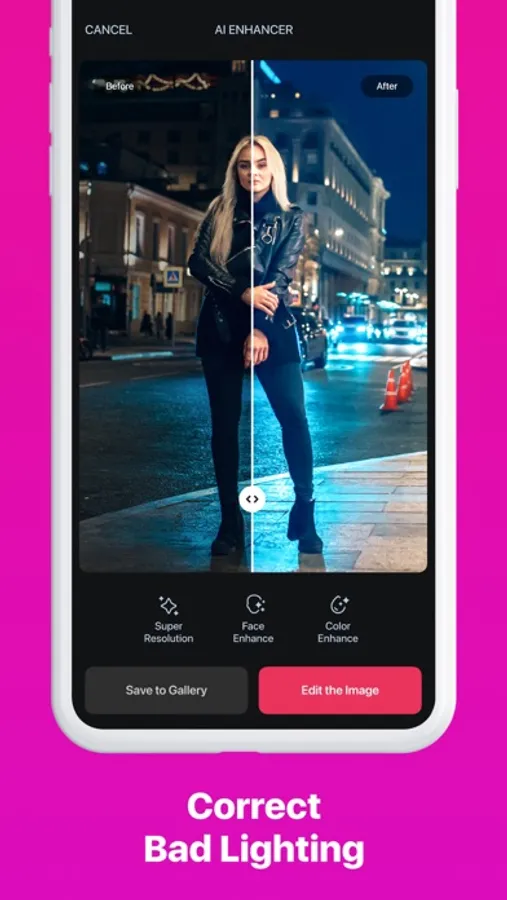
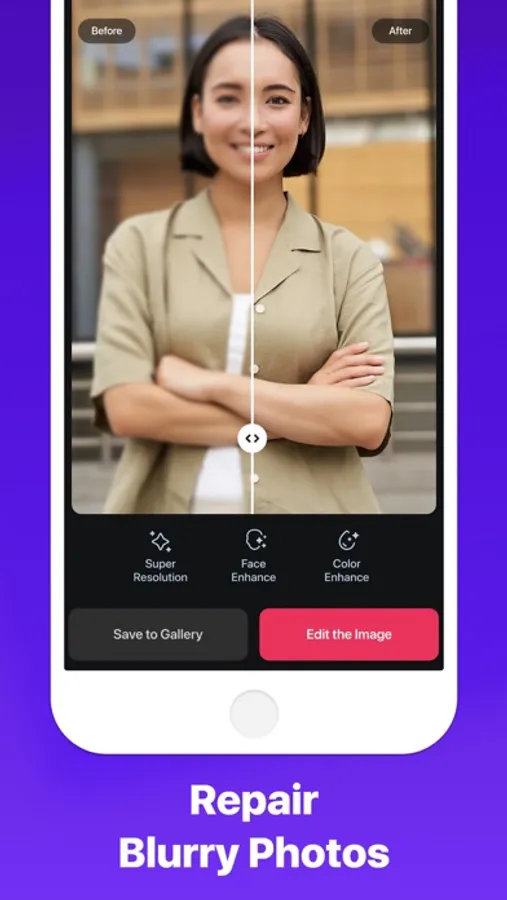
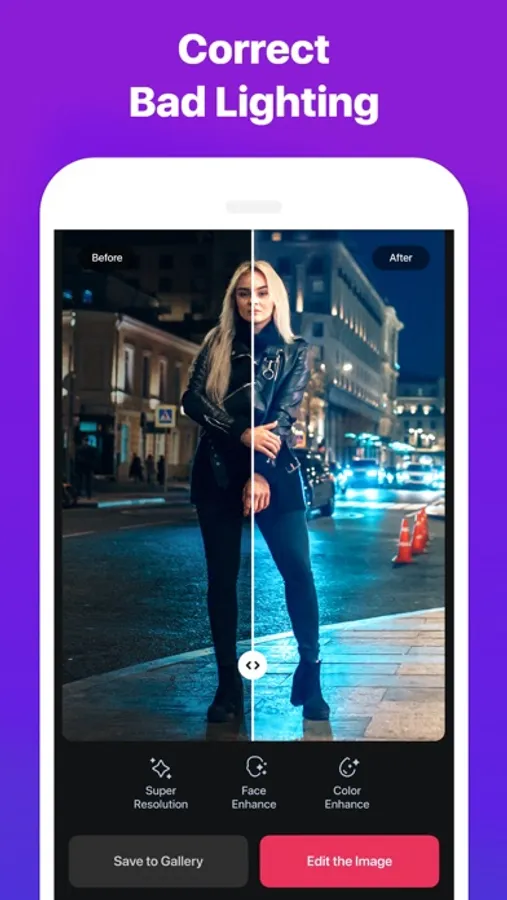
PHOTO ENHANCER:
• Turn your old, blurry, grainy, pixelated, damaged, low-resolution photos into crystal clear HD in just ONE TAP.
• Enhance everyday portraits and selfies to stunning, influencer-style output.
• Repair Old Photos: colorize and restore old/blurry/scratched pictures, making them feel new again.
PHOTO COLLAGE:
• Create a beautiful photo collage in seconds.
• Ready-to-use layouts, grids & templates.
• Hundreds of awesome text effects, stickers, frames, backgrounds.
• Explore ideas for life’s photo collage moments, captivating Insta aesthetics or scrapbooking inspiration.
PROFILE PICTURE:
• Design stunning, professional-quality profile pictures for social media. 200+ ready to use templates.
POWERFUL PHOTO & VIDEO EDITOR:
• It features premium photo and video filters, professional presets, precise cropping, cutout and retouch tools, and advanced color editing.
• Personalize your content with stylish fonts, stickers, doodles, and hundreds of high-quality text effects, frames, and backgrounds.
AI ART GENERATOR:
• AI Logo Maker
• AI Sticker Maker
• AI Tattoo Maker
• AI T-Shirt Design
• AI Avatar Maker
• AI Image Generation
Premium Access includes:
• Unlimited AI tools
• All templates & effects
• Regular new content
• High-resolution exporting
• Includes 250 Bonus Credits for advanced AI-generation features, added cumulatively each month. More details about Credits can be found here: https://debotoshdey.com/apps/i/no-crop/additional-purchase-system/
Subscription options:
– Free 3-day trial, then $11.99/month
– $59.99/year
* Prices may differ depending on your country and taxes.
Subscriptions renew automatically unless canceled at least 24 hours before the end of the period. Payment is charged to your iTunes account. Manage your subscription in Account Settings.
Privacy Policy: https://debotoshdey.com/apps/i/no-crop/privacy-policy/
Terms of Service: https://debotoshdey.com/apps/i/no-crop/terms/
Edit Up: AI Photo Video Editor Screenshots


Tap to Rate:
Reviews for Edit Up: AI Photo Video Editor
Erfan Ali
All-in-One Photo & Video Tool with Powerful AI Features!
This app goes way beyond just resizing photos and videos—it’s packed with powerful AI tools that make editing super easy and fun. I love the background remover and object remover, they work surprisingly well! The AI photo expand feature is a game-changer, and the text-to-image and image-to-image generators are awesome for creating unique visuals. It’s perfect for anyone who creates content for social media. Clean interface, quick processing, and the results look great. This has become my go-to app for editing both photos and videos (specially photos). Highly recommended!
rositalinda
New update bug
Can save my photo enhancement it won’t let me. Please fix it. Thanks