
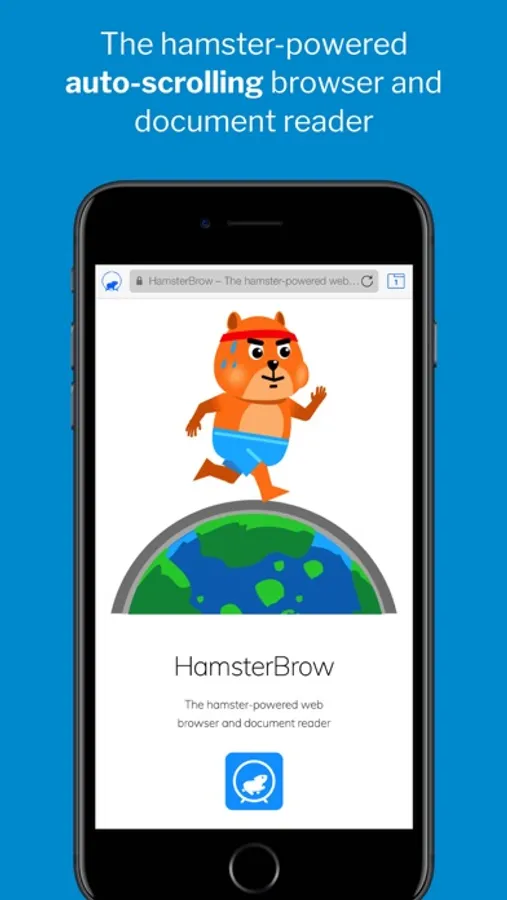
In this web browser, users can control scrolling using hamster-assisted tilt and swipe modes for hands-free navigation. Includes customizable hamster controls, scrolling options, offline saving, and cloud sync features.
AppRecs review analysis
AppRecs rating 3.7. Trustworthiness 76 out of 100. Review manipulation risk 23 out of 100. Based on a review sample analyzed.
★★★☆☆
3.7
AppRecs Rating
Ratings breakdown
5 star
49%
4 star
19%
3 star
12%
2 star
0%
1 star
21%
What to know
✓
Low review manipulation risk
23% review manipulation risk
✓
Credible reviews
76% trustworthiness score from analyzed reviews
✓
Good user ratings
67% positive sampled reviews
About HamsterBrow
Particularly useful when you’re…
… unable to swipe due to sticky fingers or wet hands.
… wearing gloves.
… holding on to public transport.
… eating or drinking.
… holding or feeding a baby.
… reading and taking notes.
… skimming through long documents or webpages.
… using a device with a cracked screen that won’t swipe.
… unable to touch the screen after having a manicure.
… hugging your partner.
Or you’re just feeling too lazy to swipe!
FEATURES
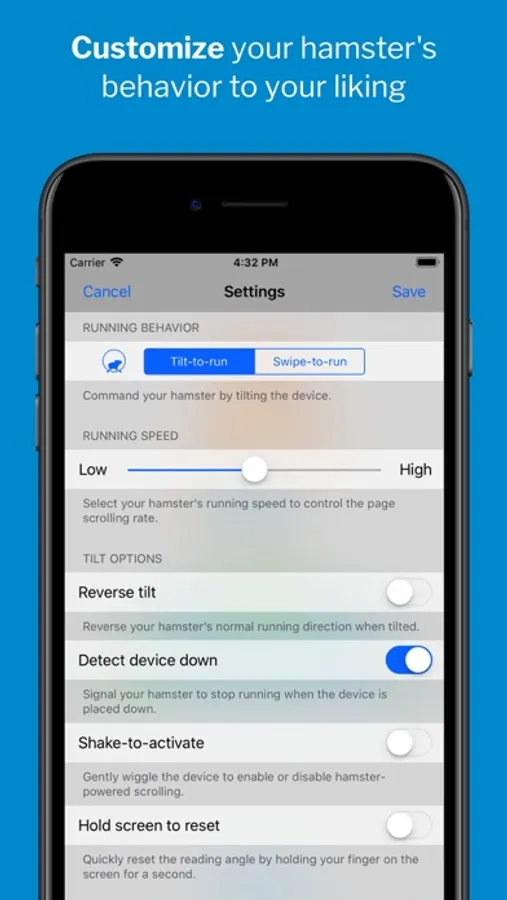
***** Tilt-to-run mode *****
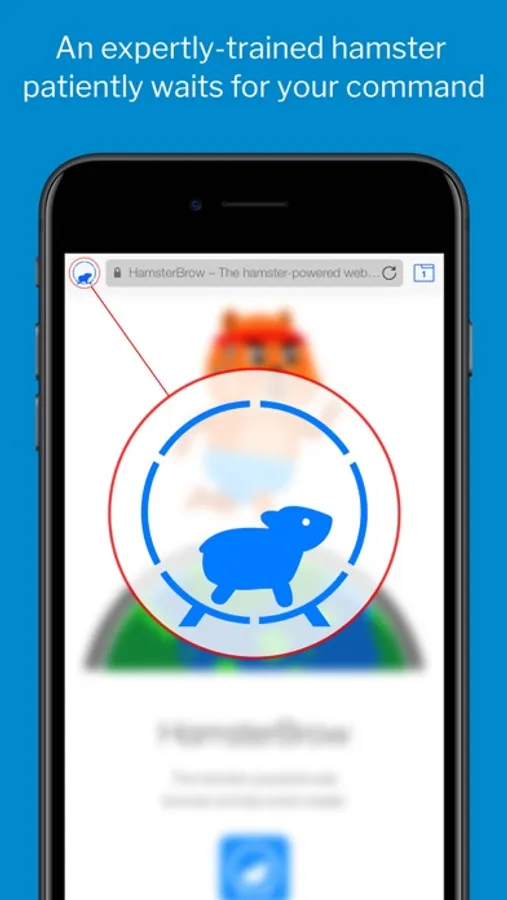
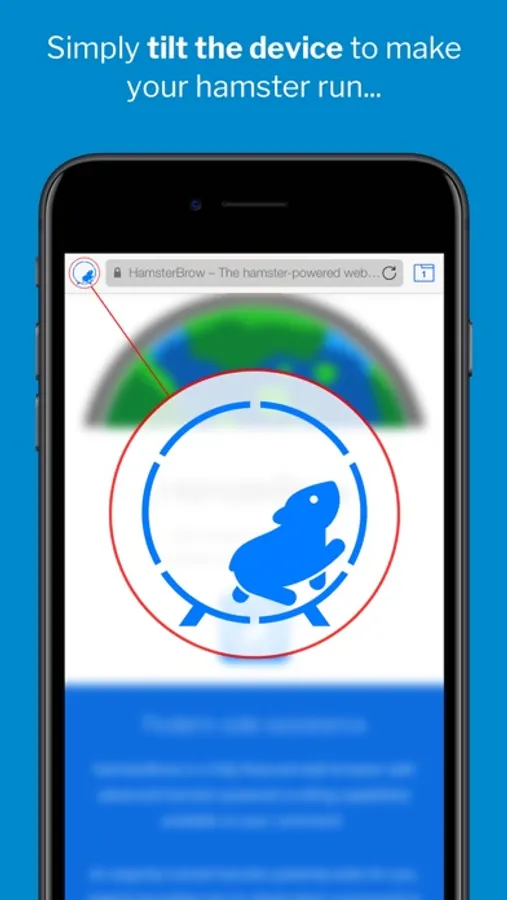
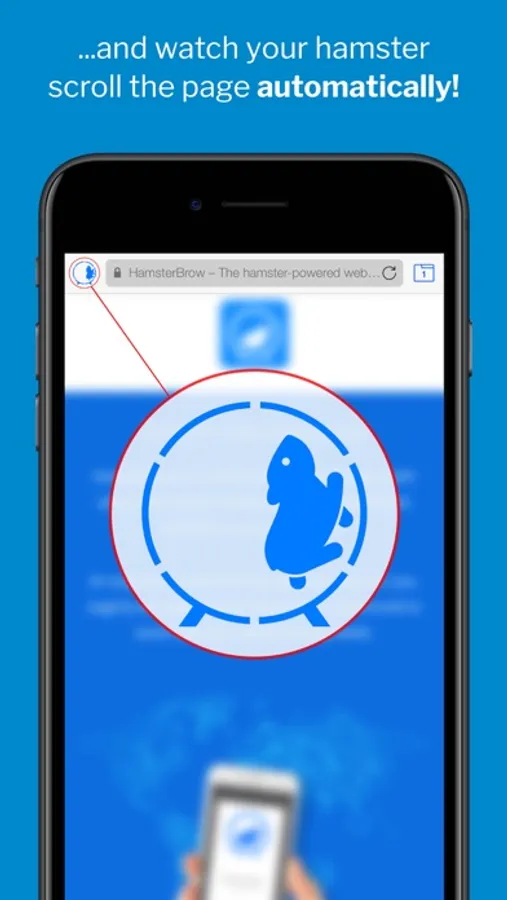
• The hamster responds to the device angle and orientation to scroll the page in the direction and speed you require.
• Browse in any position: Continue to read lying down or upside down!
• Great for reading webpages and documents while resting your fingers.
***** Swipe-to-run mode *****
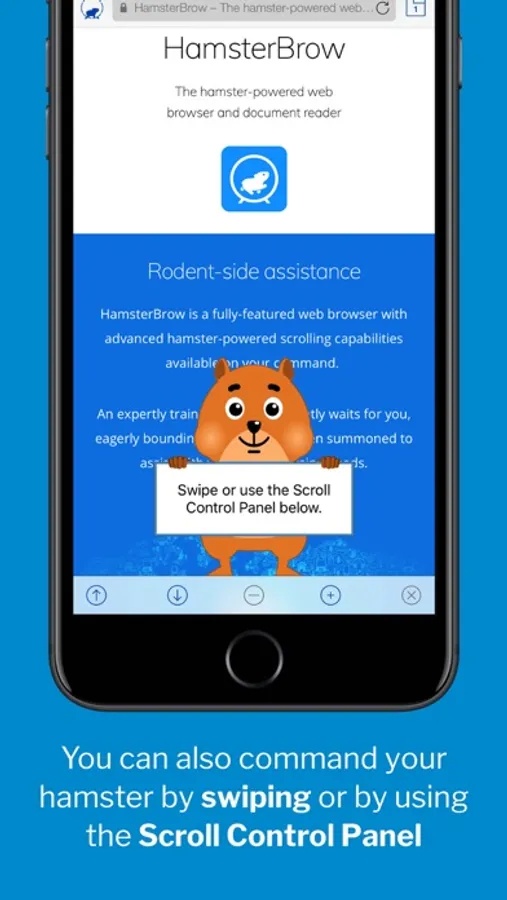
• Use screen swipes and the on-screen control panel to command your hamster.
• Easily stop and start, change the scroll direction and speed or page through websites automatically.
• Great for relaxing, hands-free reading and for taking notes.
***** Super-smooth scrolling *****
• Experience finely-tuned, beautifully fluid and responsive 60fps hamster-powered scrolling. (120fps on supported devices)
***** Fully customizable *****
• Enable the hamster cursor, sound and haptic feedback (on supported devices) for a complete hamster-powered experience.
• De-hamstify the browser if you have an unusual aversion to hamsters or for a more professional feel.
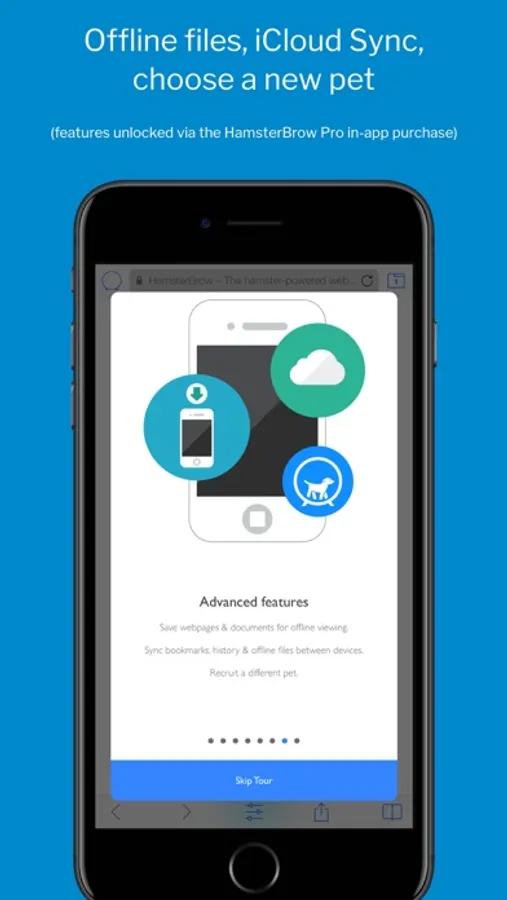
***** Unlock Advanced Features *****
Purchase the HamsterBrow Pro upgrade for more advanced features:
• Offline Files: Save webpage snapshots and documents for offline hamster-powered viewing.
• iCloud Sync: Sync bookmarks, history and offline files between your devices.
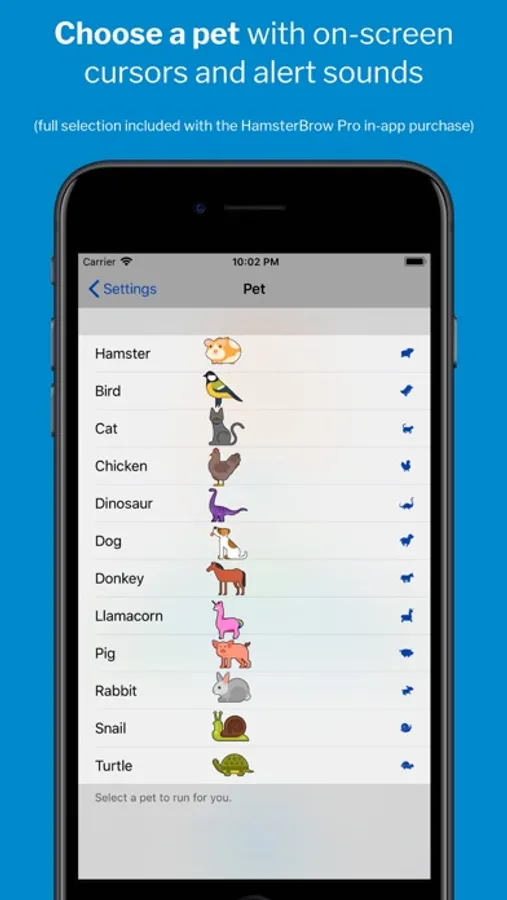
• Choose a pet: Power the browser with a cat, dog, chicken, dinosaur, llamacorn and more!
***** Accessibility Integration *****
• Enable the iOS Switch Control accessibility feature with the scroll control panel to allow fully-accessible switch-controlled scrolling of websites.
Download for all your devices, relax and enjoy the unique HamsterBrowsing experience today!
HamsterBrow Screenshots
Tap to Rate:
Reviews for HamsterBrow
Anthony G-__-
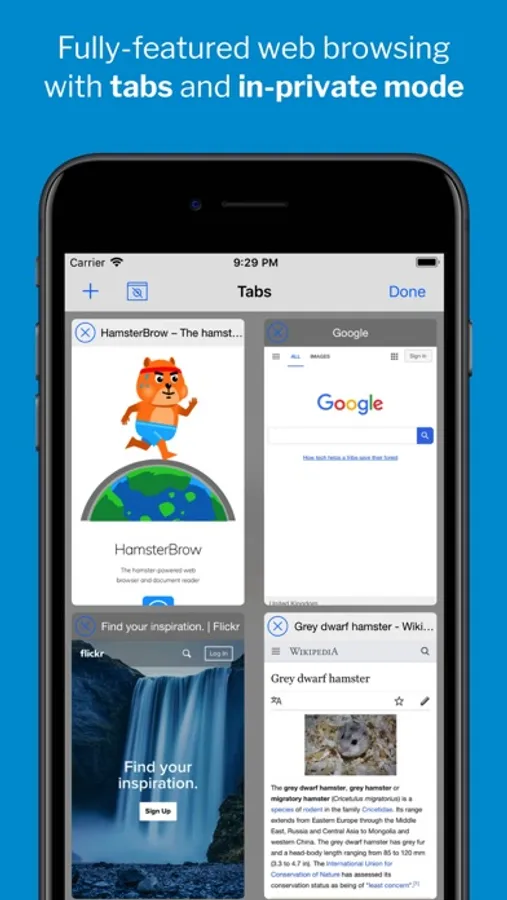
Lose open tabs
App is great for hands free scrolling, works perfect. However, open tabs always get banished to the shadow realm with the exception of the last one you were on. Woulda gave 5 star if not for that. Still great app just keep in mind tabs mind poof.
VeridianBlue
Wish we can pay to remove ads.
There are ads very often that pop up. I see no option to get rid of them permanently. These ads don’t appear on my other browsers.