
AppRecs review analysis
AppRecs rating 4.4. Trustworthiness 65 out of 100. Review manipulation risk 31 out of 100. Based on a review sample analyzed.
★★★★☆
4.4
AppRecs Rating
Ratings breakdown
5 star
88%
4 star
5%
3 star
2%
2 star
0%
1 star
5%
What to know
✓
High user satisfaction
88% of sampled ratings are 5 stars
About The 180 Timer - LSAT Proctor
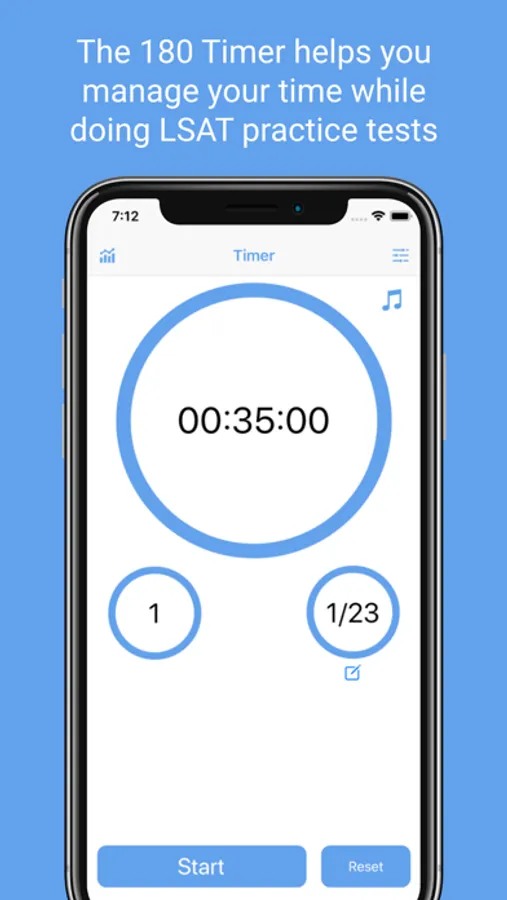
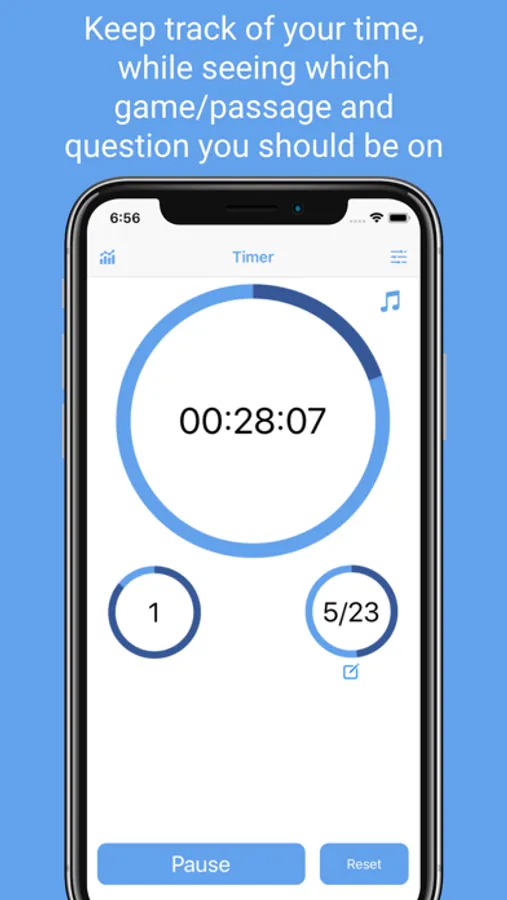
With the 180 Timer, all the information you need is readily available:
- See the overall time remaining
- See which passage, or game you should be on
- See what question number you should be on
All of this data is presented with both a digital time, and a progress circle, to help you visualize how much time you have left on each section, game, or question.
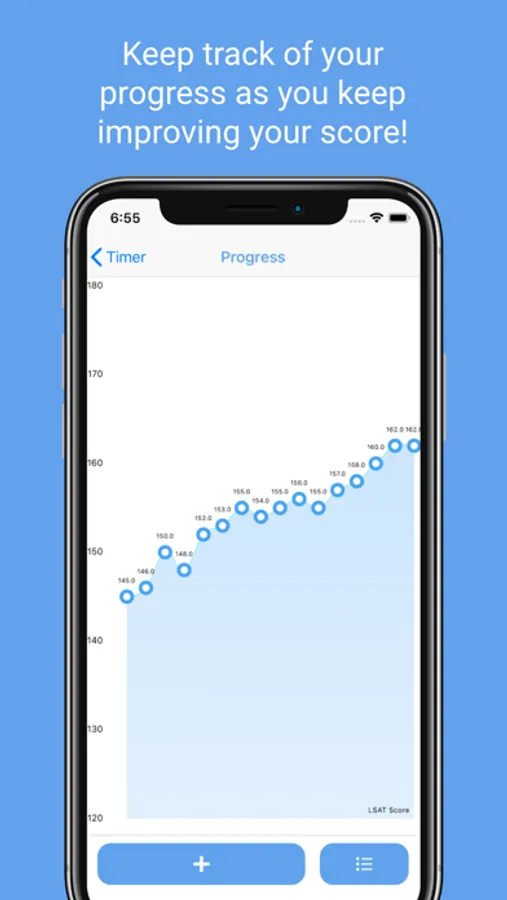
After you finish a practice test, you can keep track of your progress by uploading your score within the app. This will help you see your results over time.
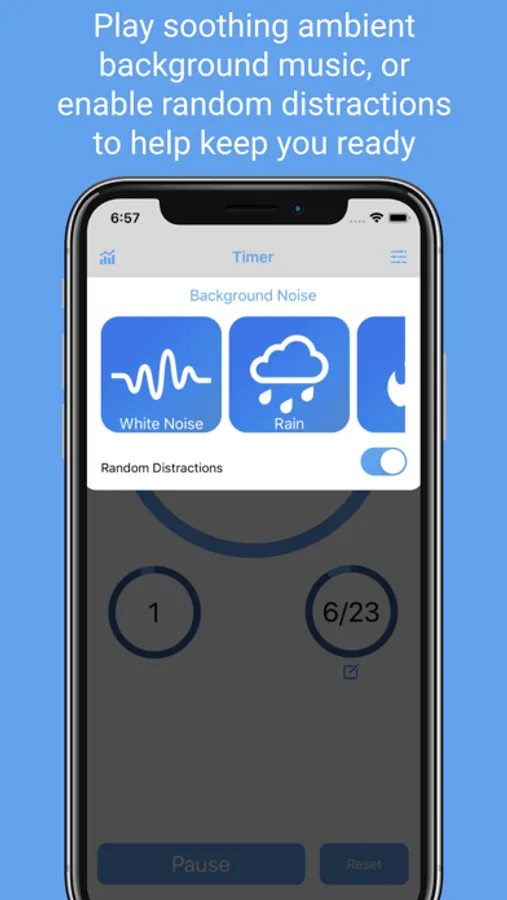
Stay focused by playing ambient music while writing your test. Choose from white noise, rain, fire, or waves. Challenge yourself by toggling on random distractions which will simulate real life testing conditions.
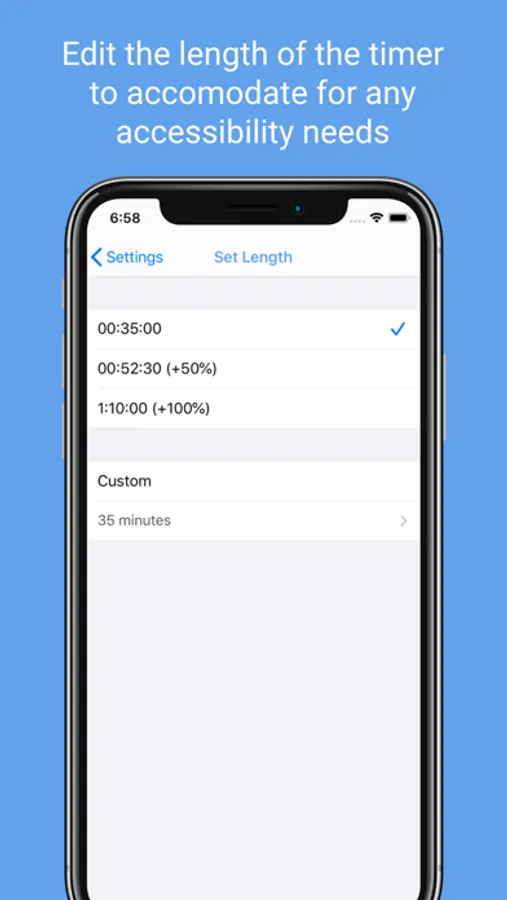
Accessibility: Easily change the timer length to accommodate for any accessibility needs.
There is no better tool to help you manage your time while writing the LSAT. Good luck studying!
The 180 Timer - LSAT Proctor Screenshots
Tap to Rate:
Reviews for The 180 Timer - LSAT Proctor
Sdsdanielle1233
Does not have the ability to change the timing
This app does not allow you to change the section time for those who have accommodations. They need to add the ability to take the test with 1.5x and 2x time.
Dr.Livingston
Messed up a full practice test
This app has some serious problems. First off, you can’t shut your phone screen off and have this still run. Are you kidding? It’s distracting to have the numbers ticking down while you’re working, especially if you’re on Logic Games and the questions don’t track well with a really rigid timing structure. I started this, closed my phone, and started. Tried to check back after one section and it was at 34:57. Super frustrating. I started the timer again for the next section, and left it open this time. Little did I know you need to TURN ON the alarm to have it notify. So I still mistimed myself. Don’t bother with this app.