AppRecs review analysis
AppRecs rating 4.5. Trustworthiness 69 out of 100. Review manipulation risk 21 out of 100. Based on a review sample analyzed.
★★★★☆
4.5
AppRecs Rating
Ratings breakdown
5 star
76%
4 star
5%
3 star
10%
2 star
0%
1 star
10%
What to know
✓
Low review manipulation risk
21% review manipulation risk
✓
High user satisfaction
81% of sampled ratings are 4+ stars (4.4★ average)
About Optika – Pro Manual Camera
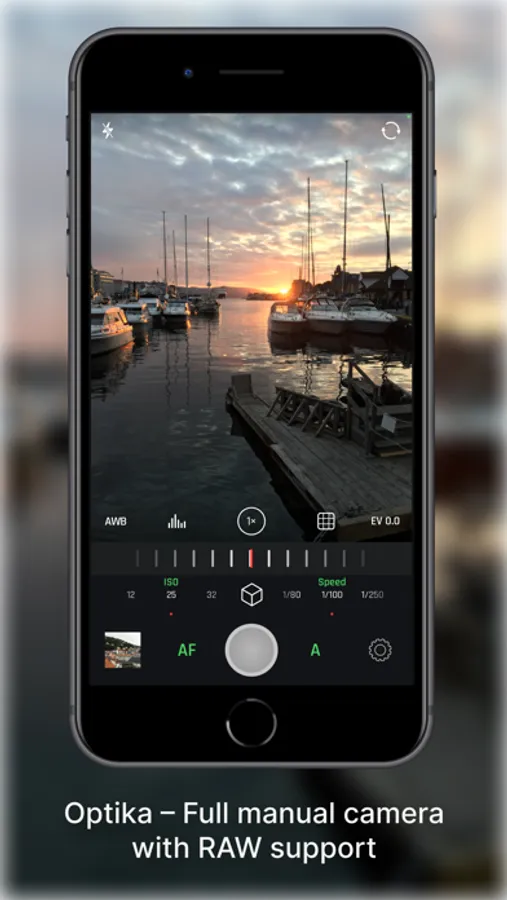
Take back control of your photography. Optika combines a streamlined, intuitive interface with pro-grade manual tools, designed specifically to bypass the over-processed look of modern smartphones.
Featuring Natural (NTR) Mode, Optika allows you to capture life as it actually looks – delivering realistic colors and textures with minimal post-processing for a truly authentic aesthetic.
Total Manual Mastery
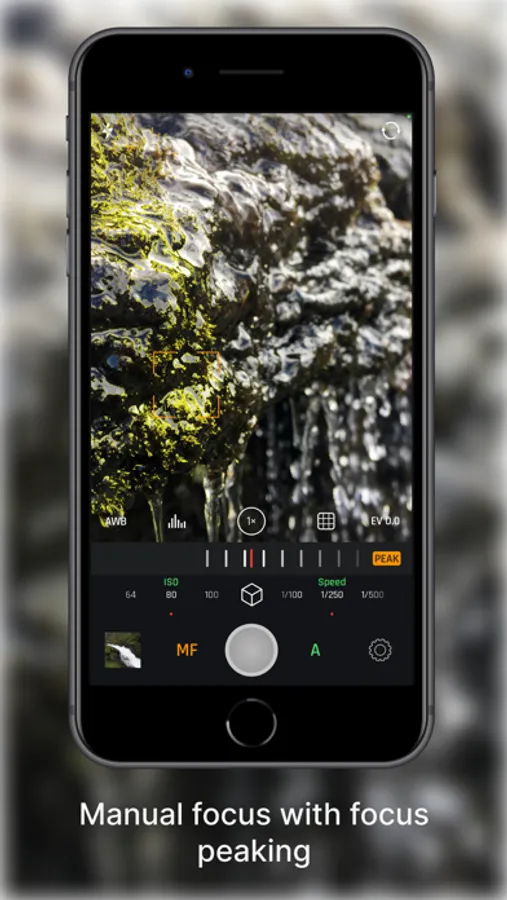
- Manual Focus: Includes Focus Peaking and Loupe for razor-sharp accuracy.
- Shutter Speed & ISO: Command your exposure for motion blur or low-light clarity.
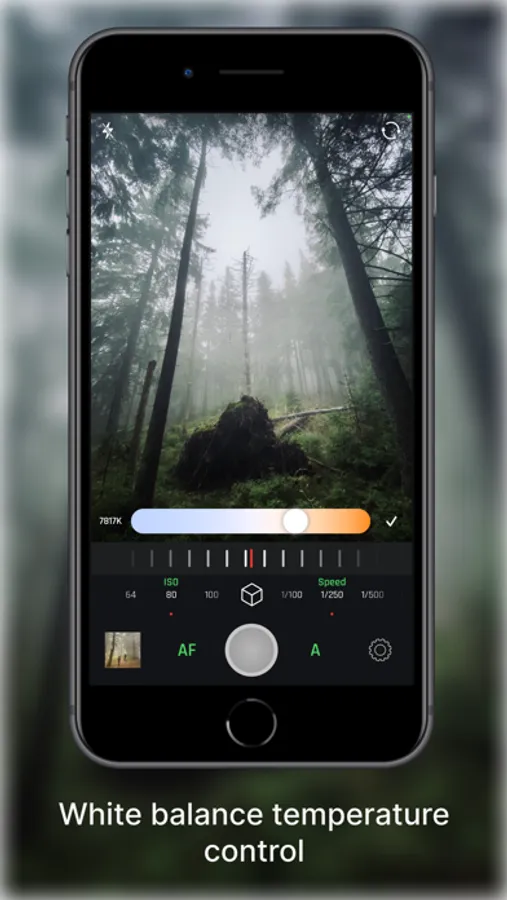
- White Balance: Custom presets and Kelvin adjustment for perfect tones.
- True Lens Switching: Unlike the default camera app, Optika stays on the lens you choose. No more unexpected switching to the main lens in low light—just pure optical performance.
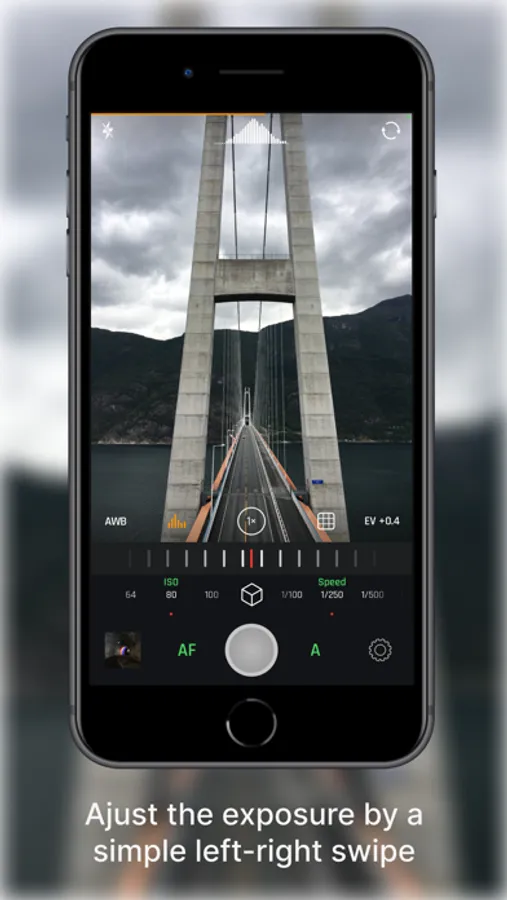
- Exposure Compensation (EV): Quickly dial in your brightness on the fly.
Features for Every Workflow
- Advanced Formats: Shoot in JPEG, HEIC, RAW, and ProRAW.
- Focus & Exposure Separation: Tap to set focus and exposure points independently.
- Live Analytics: Monitor your shot with luminance and RGB Histograms.
- Composition Tools: Stay level and centered with built-in grids and horizon levels.
- Seamless Integration: Quick-access Lock Screen/Home Screen widgets and full Camera Control support.
- Privacy First: Your data and photos stay yours. No tracking, no hidden uploads.
And all of this in just ≈6MB.
*Note: On non-Pro devices, Natural Mode results may vary from Pro models due to system limitations.
Terms of Use: https://www.apple.com/legal/internet-services/itunes/dev/stdeula/
Featuring Natural (NTR) Mode, Optika allows you to capture life as it actually looks – delivering realistic colors and textures with minimal post-processing for a truly authentic aesthetic.
Total Manual Mastery
- Manual Focus: Includes Focus Peaking and Loupe for razor-sharp accuracy.
- Shutter Speed & ISO: Command your exposure for motion blur or low-light clarity.
- White Balance: Custom presets and Kelvin adjustment for perfect tones.
- True Lens Switching: Unlike the default camera app, Optika stays on the lens you choose. No more unexpected switching to the main lens in low light—just pure optical performance.
- Exposure Compensation (EV): Quickly dial in your brightness on the fly.
Features for Every Workflow
- Advanced Formats: Shoot in JPEG, HEIC, RAW, and ProRAW.
- Focus & Exposure Separation: Tap to set focus and exposure points independently.
- Live Analytics: Monitor your shot with luminance and RGB Histograms.
- Composition Tools: Stay level and centered with built-in grids and horizon levels.
- Seamless Integration: Quick-access Lock Screen/Home Screen widgets and full Camera Control support.
- Privacy First: Your data and photos stay yours. No tracking, no hidden uploads.
And all of this in just ≈6MB.
*Note: On non-Pro devices, Natural Mode results may vary from Pro models due to system limitations.
Terms of Use: https://www.apple.com/legal/internet-services/itunes/dev/stdeula/
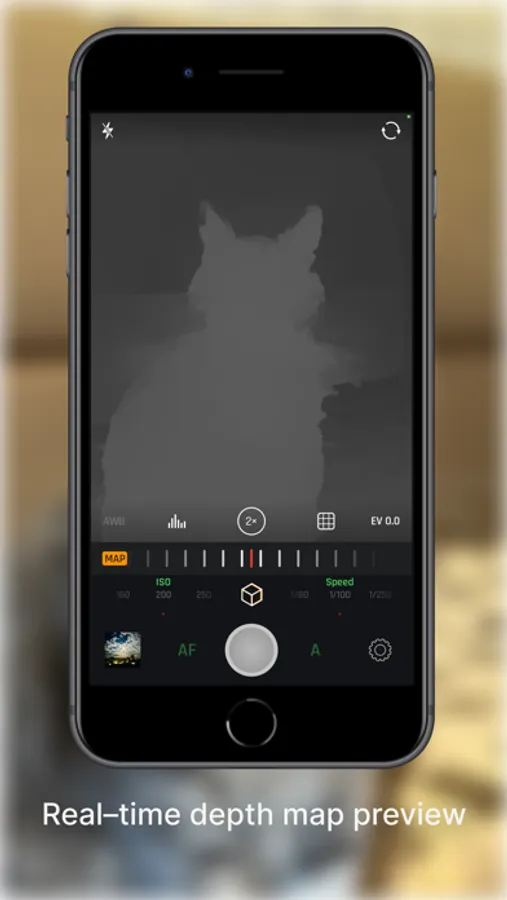
Optika – Pro Manual Camera Screenshots
Tap to Rate:
Reviews for Optika – Pro Manual Camera
Travis wins
Doesn’t work from lockscreen
Doesn’t work from lockscreen shortcut. Used to replace my camera app. But now every time I try to take a photo it tries to say I need to purchase it. I already have. Works fine when I unlock my phone and open the app.
@Bxlarry176
The simplicity is so elegant
Let’s me manuallly control my camera like a pro.