
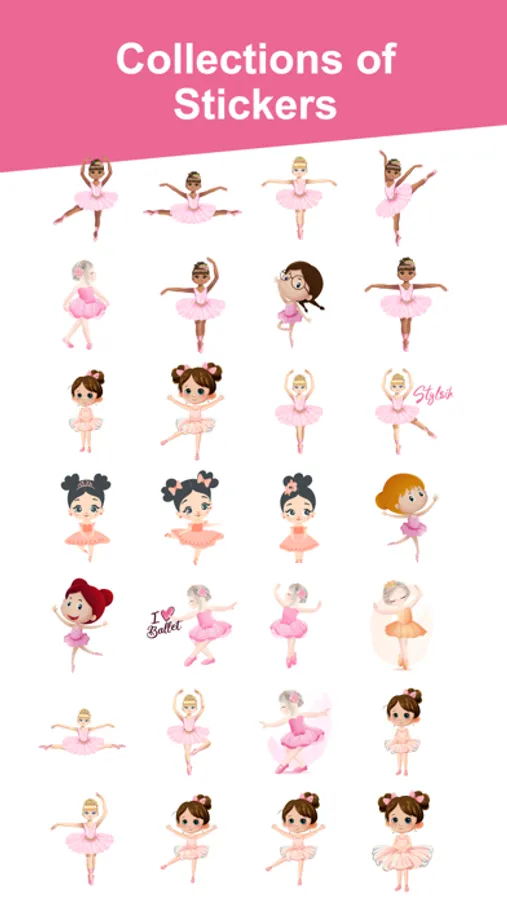
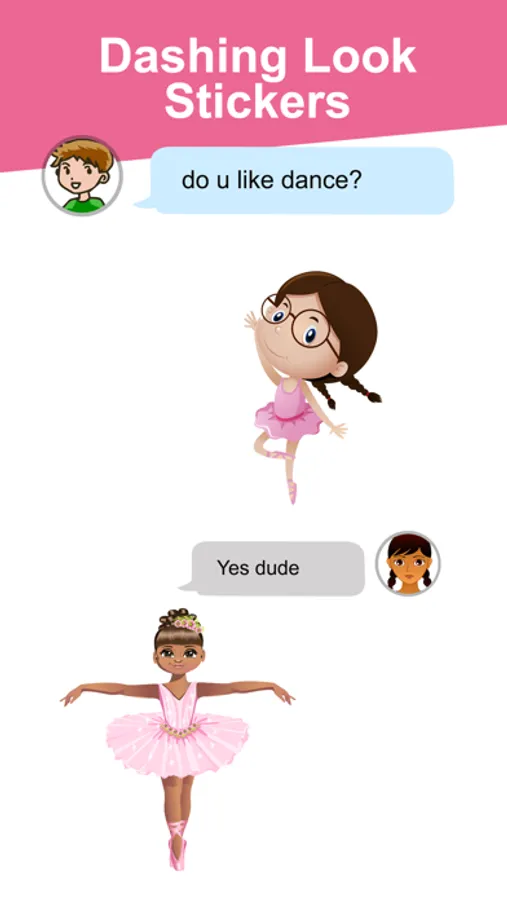
About Balletmoji Stickers
Downloads Balletmoji Stickers Pack for iMessage.
How to Access Stickers in iMessage:
1. Open messages app
2. Compose a new message to anyone
2. Tap App Store icon in top left corner
3. Tap four circles icon in bottom left corner
4. Sticker Pack icon should appear in your iMessage App Drawer
5. If Stickers don��t appear, tap “Store" icon and then tap “Manage" tab to add sticker pack to iMessage Sticker Drawer.
How to Access Stickers in iMessage:
1. Open messages app
2. Compose a new message to anyone
2. Tap App Store icon in top left corner
3. Tap four circles icon in bottom left corner
4. Sticker Pack icon should appear in your iMessage App Drawer
5. If Stickers don��t appear, tap “Store" icon and then tap “Manage" tab to add sticker pack to iMessage Sticker Drawer.
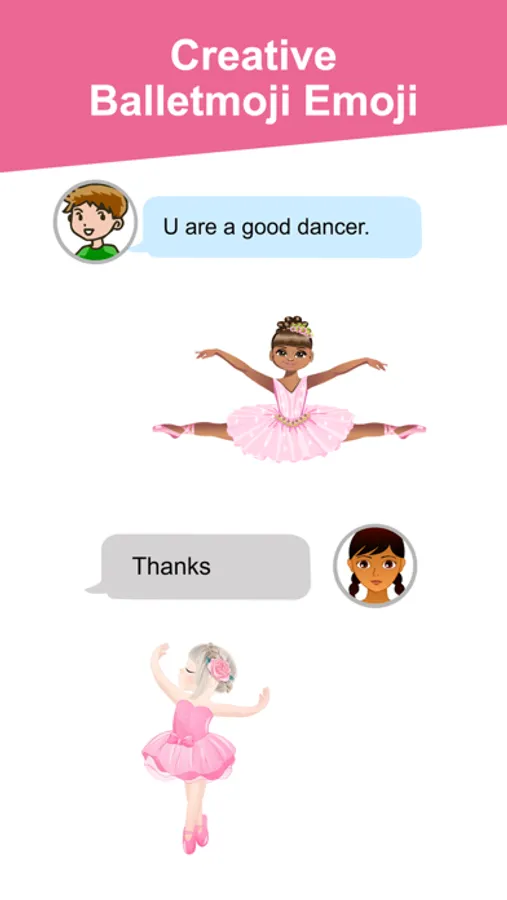
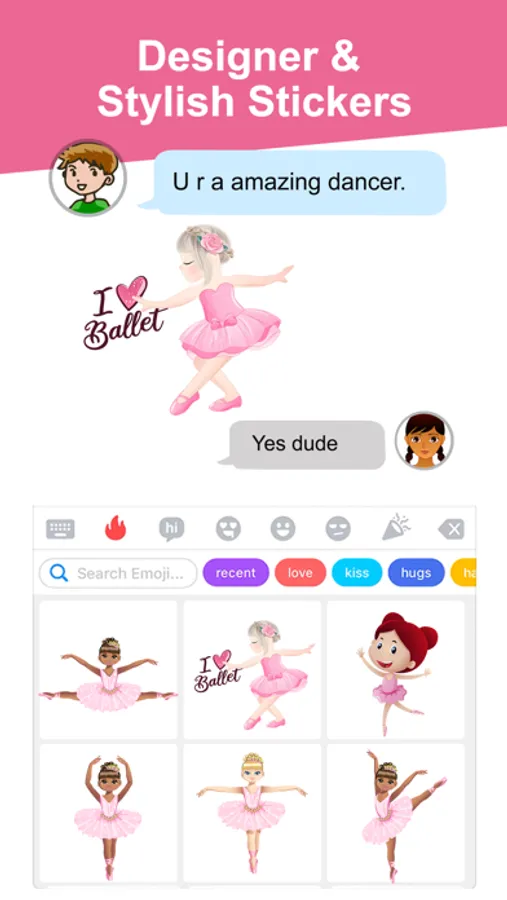
Balletmoji Stickers Screenshots
Tap to Rate: