
Add Text To Photos And Videos
Big Blue Clip, LLC
4.7 ★
198 ratings
Free
With this photo and video editor, you can add and customize titles, text effects, and transitions. Includes font selection, color options, timing controls, and sharing features.
AppRecs review analysis
AppRecs rating 4.7. Trustworthiness 83 out of 100. Review manipulation risk 25 out of 100. Based on a review sample analyzed.
★★★★☆
4.7
AppRecs Rating
Ratings breakdown
5 star
85%
4 star
8%
3 star
3%
2 star
2%
1 star
3%
What to know
✓
Low review manipulation risk
25% review manipulation risk
✓
Credible reviews
83% trustworthiness score from analyzed reviews
✓
High user satisfaction
85% of sampled ratings are 5 stars
About Add Text To Photos And Videos
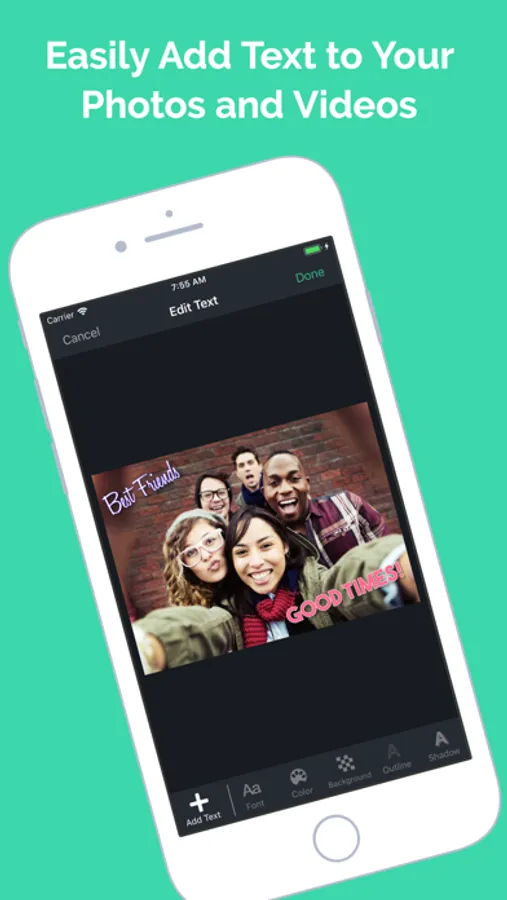
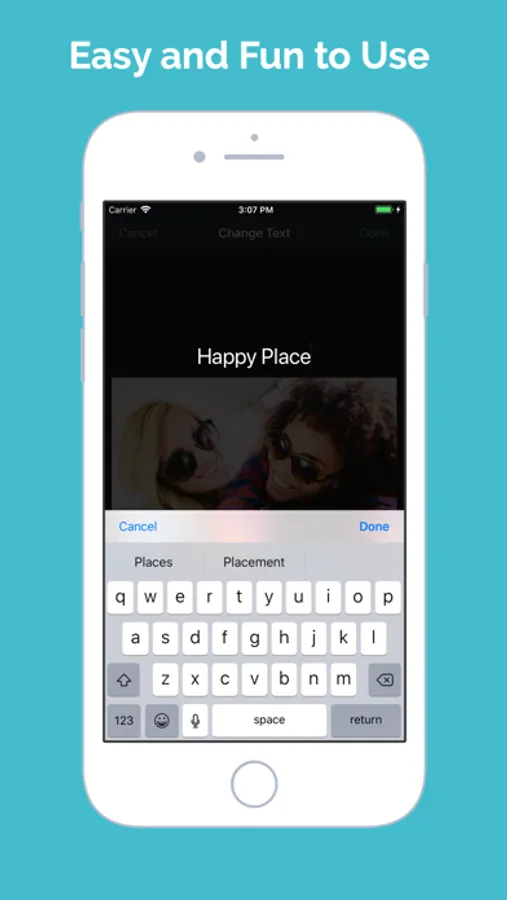
• Add Text - Add any number of titles and text to your videos and images
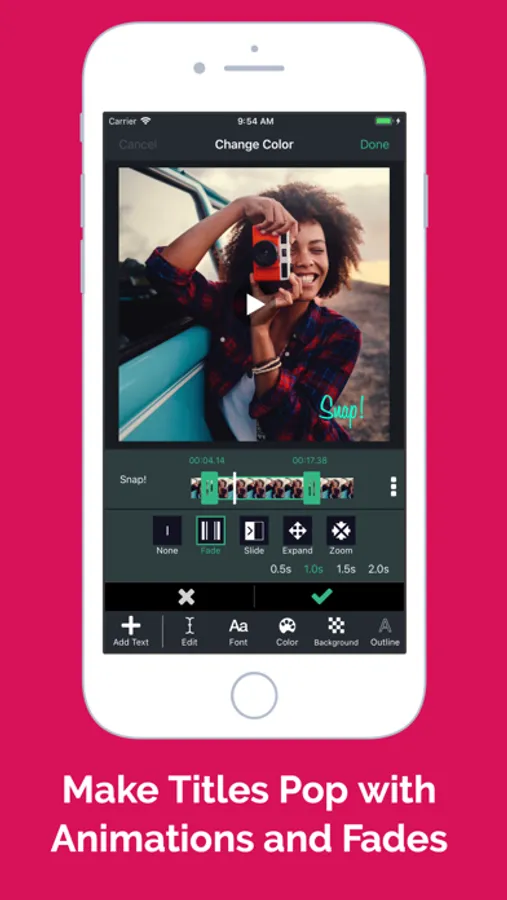
• Timing - Take complete control over when each title appears and disappears in your video
• Transitions - Make your titles pop with dazzling transitions, including fades, slide in/out, expand, and zoom effects.
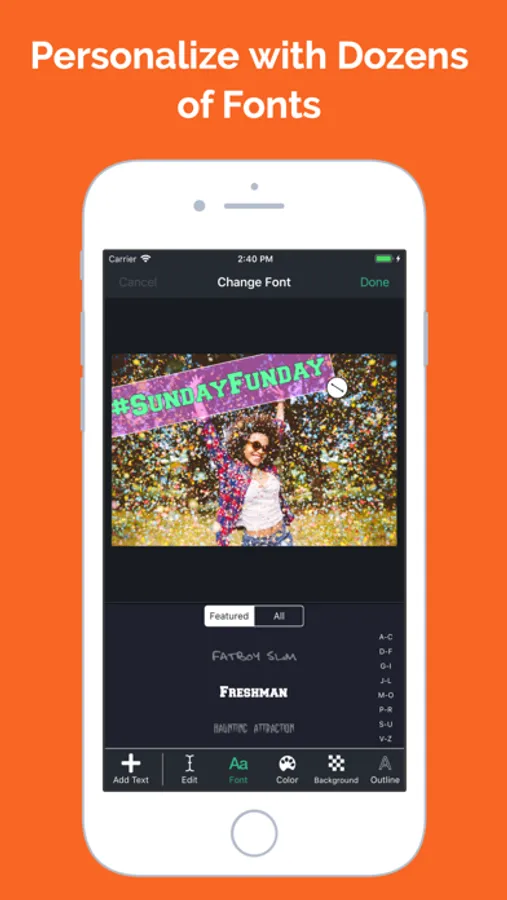
• Fonts - Choose from a large collection of beautiful fonts.
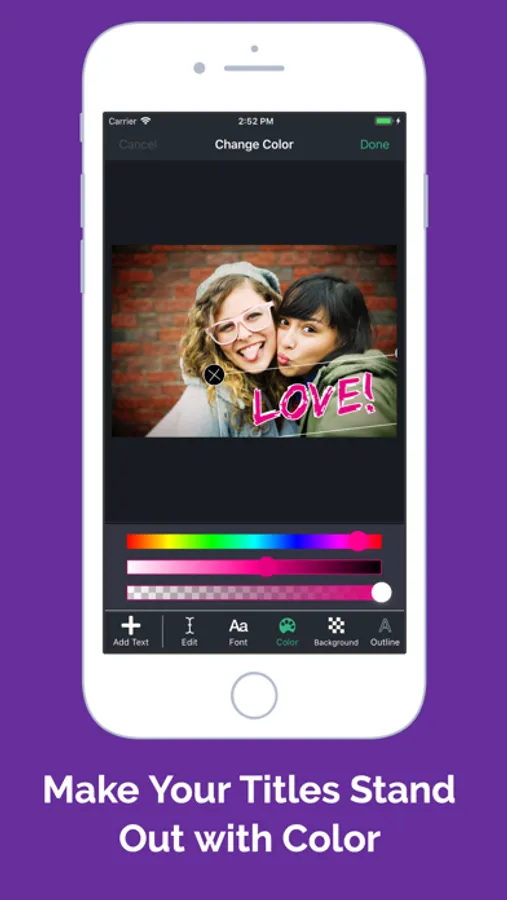
• Color - Select any color for your title to make it look brilliant.
• Position - Simply drag the title to anywhere on the video.
• Size - Easily adjust the title size to fit your story.
• Rotate - Add a little twist by rotating your title at an angle.
• Shadow - Add a drop shadow to make your text stand out.
• Background - Change the background color behind your text.
• Outline - Add an outline color to your text.
• Align - Align your text left, right or center.
• Share - Upload your edited videos to your favorite social networks, including Youtube, Facebook, Instagram, Twitter, Tumblr, and more.
Add Text To Photos And Videos Screenshots
Tap to Rate:
Reviews for Add Text To Photos And Videos
sllaya3
No longer works
I’ve used this app for years, easily & successfully. Now it no longer works - it doesn’t save to the camera roll and it freezes up. Sad
Wolfe with an e
Absolutely great. And absolutely frustrating.
I wish I could give this 5 stars because I love what it does, but am frustrated with how it does it. My chief gripes: 1. There's a DONE button on the top right (iPad) that's always present. If you inadvertently tap it early, it export and deletes the working copy of your video project. It should be an EXPORT button that pops up a warning that says "You're about to export the video and delete your work. Are you sure?" Before I start a project I cover the button on the screen with a post-it to keep from tapping it when I meant to tap the hard-to-see check mark icon. 2. Tapping the video cursor often doesn't work and instead moves the position of your text around the timelines. If these weren't issues the app would be so simple to use. I bring up the frustration since I find it pretty much indispensable for social video. And there's nothing else like it for the price.