In this app, users can remotely check vehicle status, locate their vehicle, and control security settings. Includes vehicle location, security status, and climate control features.
AppRecs review analysis
AppRecs rating 4.2. Trustworthiness 76 out of 100. Review manipulation risk 25 out of 100. Based on a review sample analyzed.
★★★★☆
4.2
AppRecs Rating
Ratings breakdown
5 star
89%
4 star
5%
3 star
2%
2 star
1%
1 star
3%
What to know
✓
Low review manipulation risk
25% review manipulation risk
✓
Credible reviews
76% trustworthiness score from analyzed reviews
⚠
Pricing complaints
Many low ratings mention paywalls or pricing
About Land Rover Remote
The App's enhanced features, improved functionality and intuitive interface affords peace of mind, more efficient journey planning and greater well-being for you and your passengers.
Use the App to remotely:
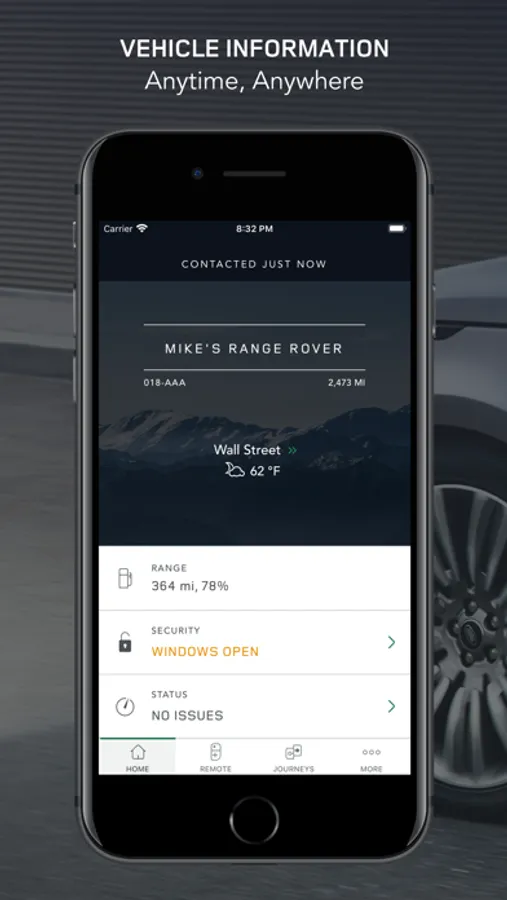
- Prepare for a trip by checking fuel range and dashboard alerts
- Locate your vehicle on a map and get walking directions to it
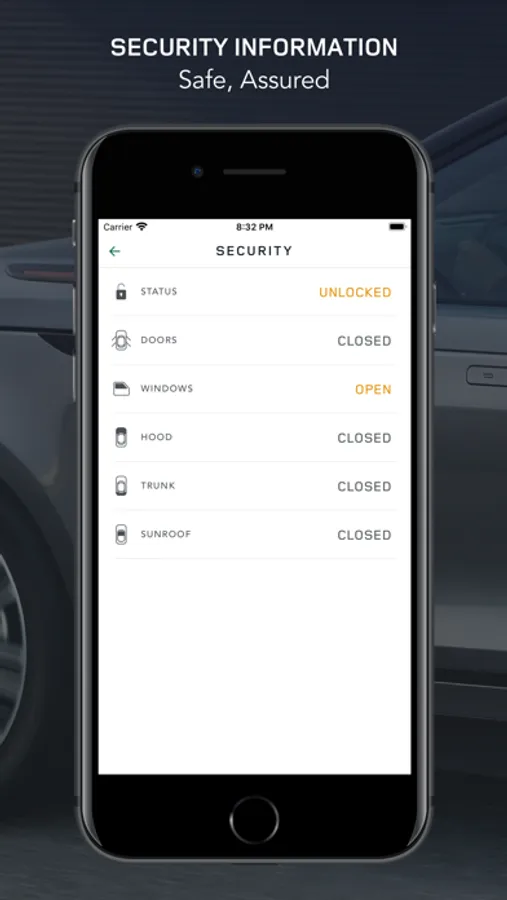
- Check if doors or windows are open
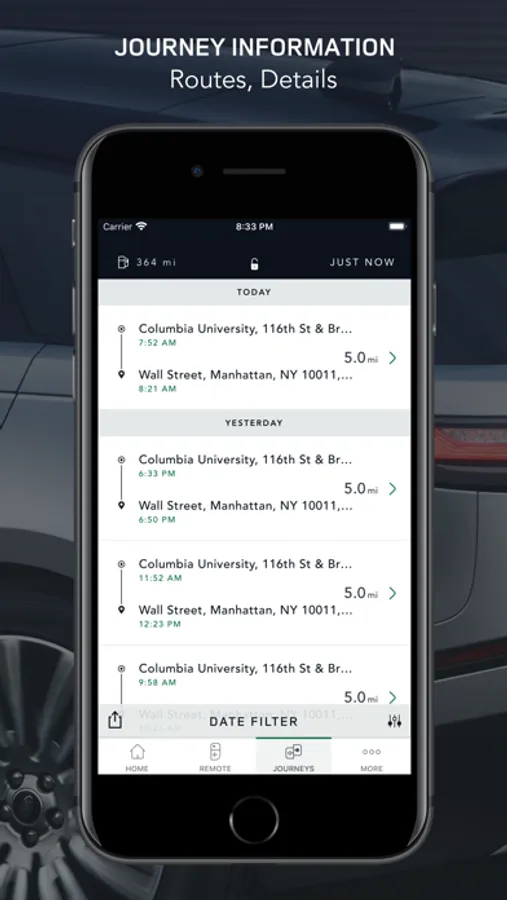
- View journey information
- In the event of a breakdown, request Optimized Land Rover Assistance
- Plan future journeys and sync with your vehicle*
- Connect your favorite music and lifestyle applications to your InControl account for use in vehicle.*
For vehicles with InControl Remote Premium, the following additional features are available:
- Check on your vehicle security status and lock/unlock your vehicle if required
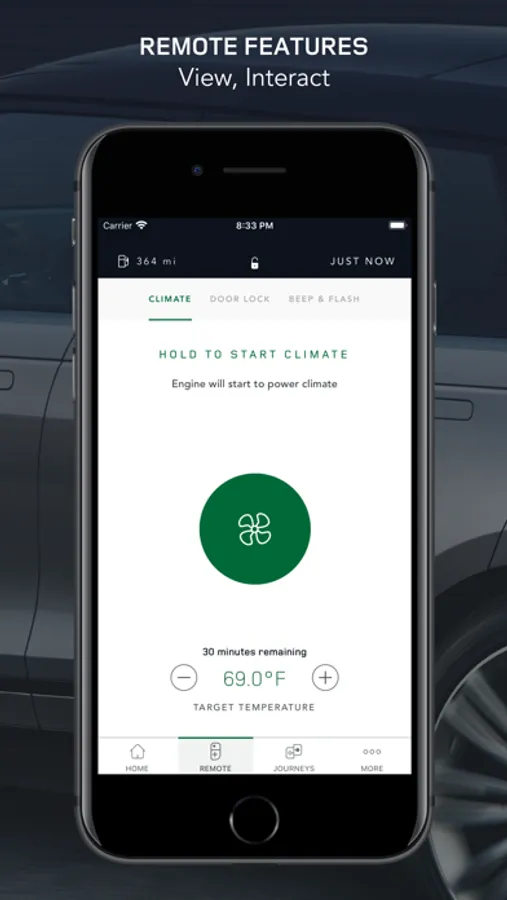
- Cool or heat your vehicle to the desired temperature prior to your journey*
- Locate your vehicle in a crowded car park with 'beep and flash' functionality.
*Availability and function depending on vehicle capability, software and market.
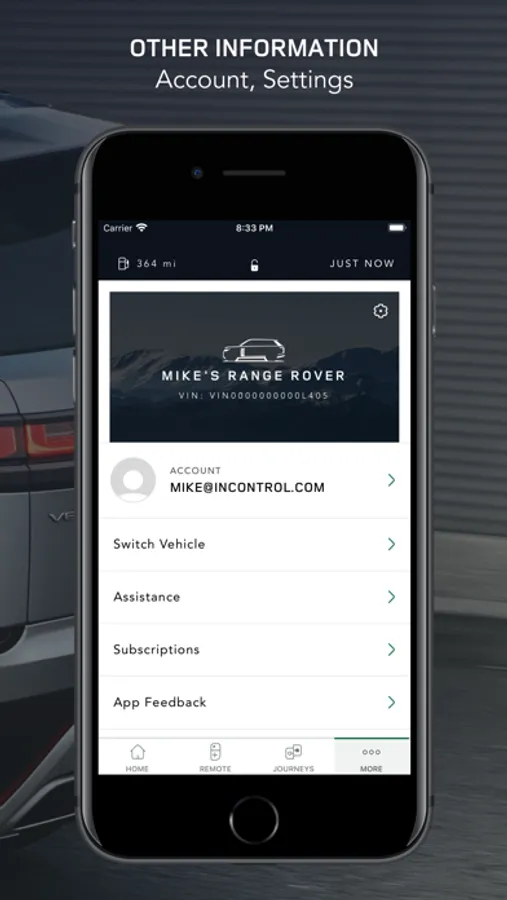
Download the Land Rover InControl Remote App and then log in using your Land Rover InControl username and password to connect to your vehicle. This App requires subscription to one of the following packages fitted to the vehicle:
- InControl Protect
- InControl Remote
- InControl Remote Premium.
For further information, including which models Land Rover InControl is available on, visit www.landroverincontrol.com
For technical assistance, visit the owner's section of www.landrover.com.
IMPORTANT: ONLY JAGUAR/LAND ROVER OFFICIAL APPS MAY BE USED TO ACCESS YOUR VEHICLE OR ITS FUNCTIONS. Official Apps are recognizable as originating from "Jaguar Limited" or "Land Rover" or "JLR-Land Rover" or "JLR-Land Rover" or "Jaguar Land Rover Limited." Unofficial apps are not endorsed in any way by Jaguar Land Rover Limited. We have no control or responsibility over them. Use of unofficial apps may cause security risks or other harm to the vehicle and its functions. JLR will not be responsible under vehicle warranty or in any manner for any loss or damage you suffer resulting from the use of unofficial apps.
Note:
Continued use of GPS running in the background can dramatically decrease battery life.
Land Rover Remote Screenshots
Tap to Rate:
Reviews for Land Rover Remote
im watchn
App trash
The worst! App never works correcting. Location,mileage and fuel always incorrect! Sleep mode while driving!
-M-W-S-
Mediocre
This app is only partially valuable, missing many valuable features. In other cars I currently own, with lower MSRP‘s, the apps have functionality to include being able to adjust climate control, turning on heated/cooled seats, etc. It requires a four digit code every time I open the app, this is annoying. It’s only useful to start the climate control at whatever temperature it was left at, without the ability to control the seats or other features. You can lock and unlock the car as well. While this is helpful, in 2026, it should do more.