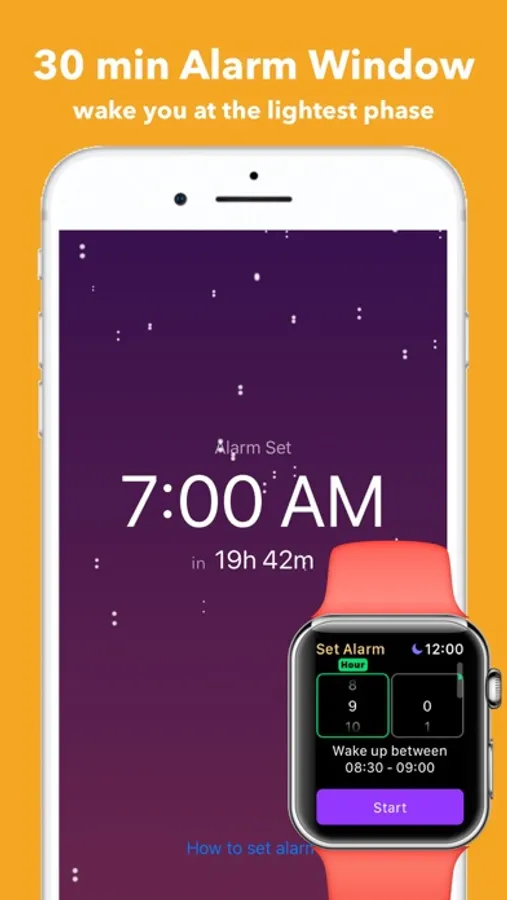
In this app, you can set a smart alarm that wakes you during your lightest sleep cycle using Apple Watch sensors and haptic feedback. Includes sleep cycle analysis, bedtime reminders, and customization options such as voice alarms.
AppRecs review analysis
AppRecs rating 4.1. Trustworthiness 76 out of 100. Review manipulation risk 26 out of 100. Based on a review sample analyzed.
★★★★☆
4.1
AppRecs Rating
Ratings breakdown
5 star
74%
4 star
7%
3 star
1%
2 star
2%
1 star
16%
What to know
✓
Low review manipulation risk
26% review manipulation risk
✓
Credible reviews
76% trustworthiness score from analyzed reviews
✓
High user satisfaction
80% of sampled ratings are 4+ stars (4.2★ average)
About Smart Alarm Clock for Watch
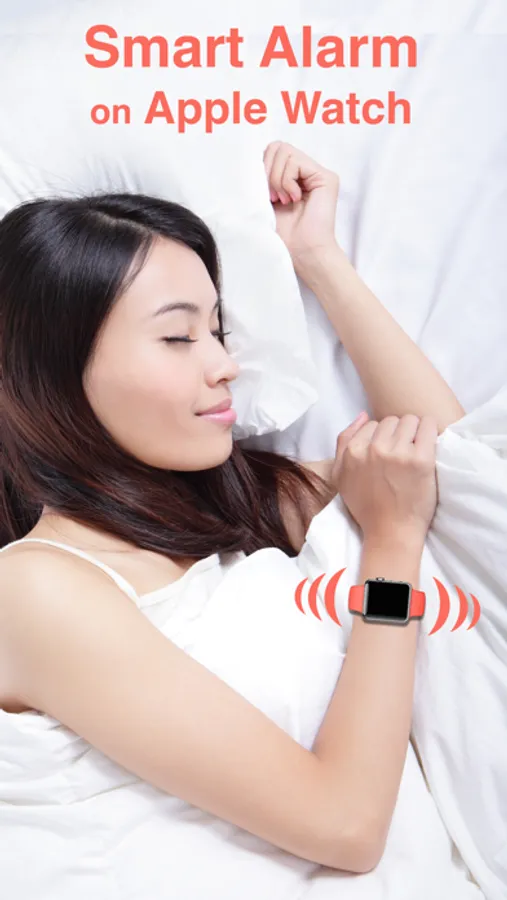
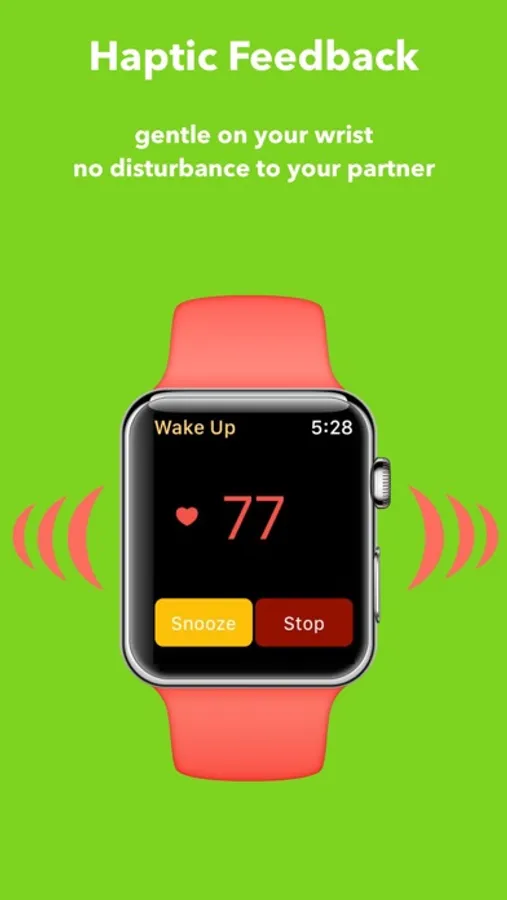
Smart alarm clock + Bedtime reminder that wakes you in the lightest sleep cycle using Apple Watch. Using Haptics to wake you so that it is gentle on you and it does not disturb your partner. Developed by the same developer for the top-ranking SleepMatic Sleep Tracker app.
Going to bed and waking up at the same time every day are keys to healthy sleep. Smart Alarm wakes you in the lightest sleep cycle so you feel rested and relaxed. Smart Alarm uses Apple Watch's motion and heart rate to analyze your sleep cycle.
- Tap your wrist on Apple watch when the alarm goes off, no disturbance to your partner.
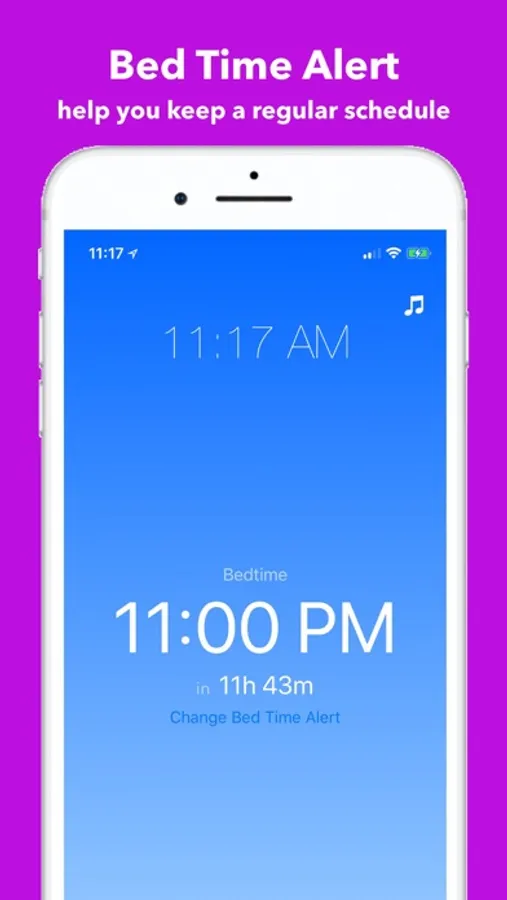
- Bedtime reminder
- Work independent without iPhone or even Airplane Mode
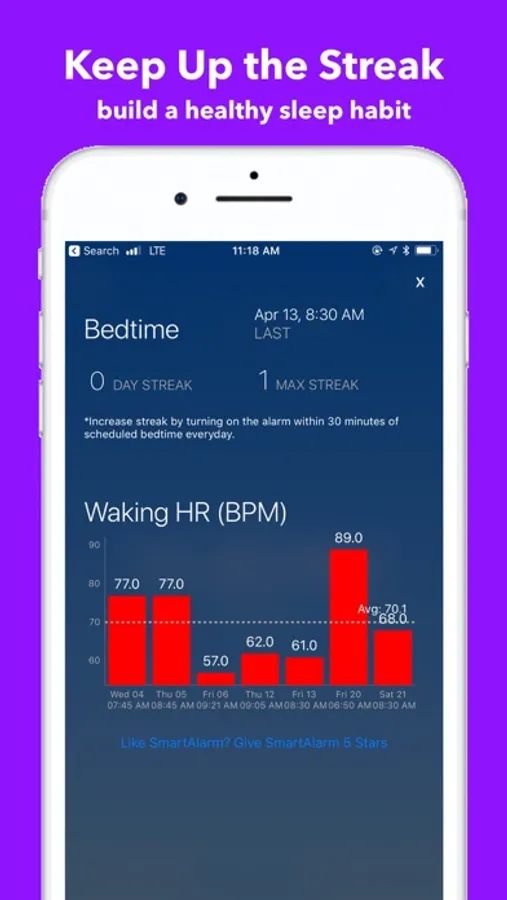
- Automatically measure your waking pulse
- Record your own voice as an alarm
- No need to have complication on watch face like the other app
- Haptic and sound work even in "Do Not Disturb" mode
- Wake up/ Bedtime timer on phone and Apple Watch complication to remind you the time left to wake up and bedtime
This app integrates with the Apple Health app to monitor your heart rate and movement during sleep in order to wake you up at the appropriate time.
How to use:
1. Remember to set the alarm every night, alarm is NOT recurring. (you can one-click set alarm from the Bedtime reminder).
2. Make sure your Apple Watch is unlocked when going to bed
3. Also, make sure the background app refresh for Smart Alarm is on.
For support, force touch on Apple Watch screen, and click "Send Log". More help docs are at https://support.vimo.co/portal/kb/mobile-apps/smartalarm.
Going to bed and waking up at the same time every day are keys to healthy sleep. Smart Alarm wakes you in the lightest sleep cycle so you feel rested and relaxed. Smart Alarm uses Apple Watch's motion and heart rate to analyze your sleep cycle.
- Tap your wrist on Apple watch when the alarm goes off, no disturbance to your partner.
- Bedtime reminder
- Work independent without iPhone or even Airplane Mode
- Automatically measure your waking pulse
- Record your own voice as an alarm
- No need to have complication on watch face like the other app
- Haptic and sound work even in "Do Not Disturb" mode
- Wake up/ Bedtime timer on phone and Apple Watch complication to remind you the time left to wake up and bedtime
This app integrates with the Apple Health app to monitor your heart rate and movement during sleep in order to wake you up at the appropriate time.
How to use:
1. Remember to set the alarm every night, alarm is NOT recurring. (you can one-click set alarm from the Bedtime reminder).
2. Make sure your Apple Watch is unlocked when going to bed
3. Also, make sure the background app refresh for Smart Alarm is on.
For support, force touch on Apple Watch screen, and click "Send Log". More help docs are at https://support.vimo.co/portal/kb/mobile-apps/smartalarm.
Smart Alarm Clock for Watch Screenshots

Tap to Rate:
Reviews for Smart Alarm Clock for Watch
Dog back in km bcc
Does not work.
I tried a few times and each time the alarm went on after I was already up and out of bed for 10 or more minutes
sun*flowers*
Rip off!
It doesn’t work on my Apple Watch. Don’t waste your money. I couldn’t get a refund.