
AppRecs review analysis
AppRecs rating 3.7. Trustworthiness 65 out of 100. Review manipulation risk 21 out of 100. Based on a review sample analyzed.
★★★☆☆
3.7
AppRecs Rating
Ratings breakdown
5 star
67%
4 star
0%
3 star
0%
2 star
0%
1 star
33%
What to know
✓
Low review manipulation risk
21% review manipulation risk
✓
Good user ratings
67% positive sampled reviews
About Time Matters Go
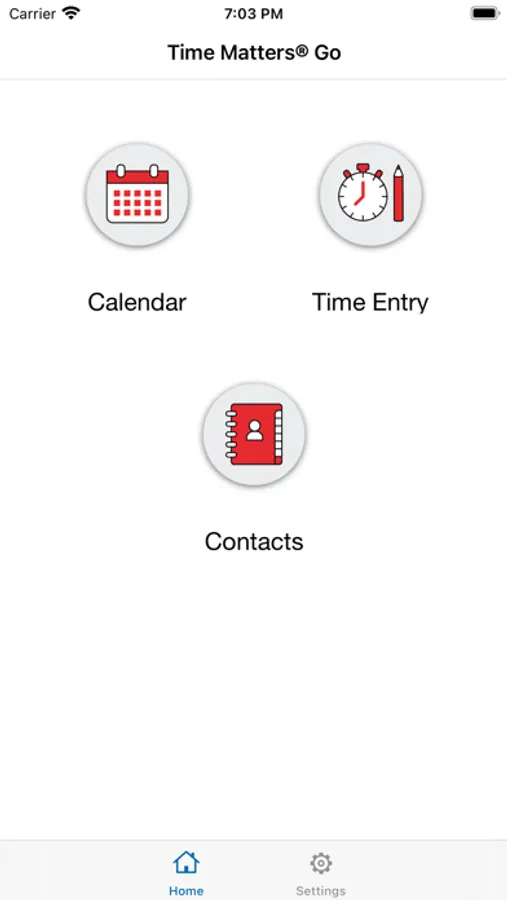
Time Matters® Go includes the ability to:
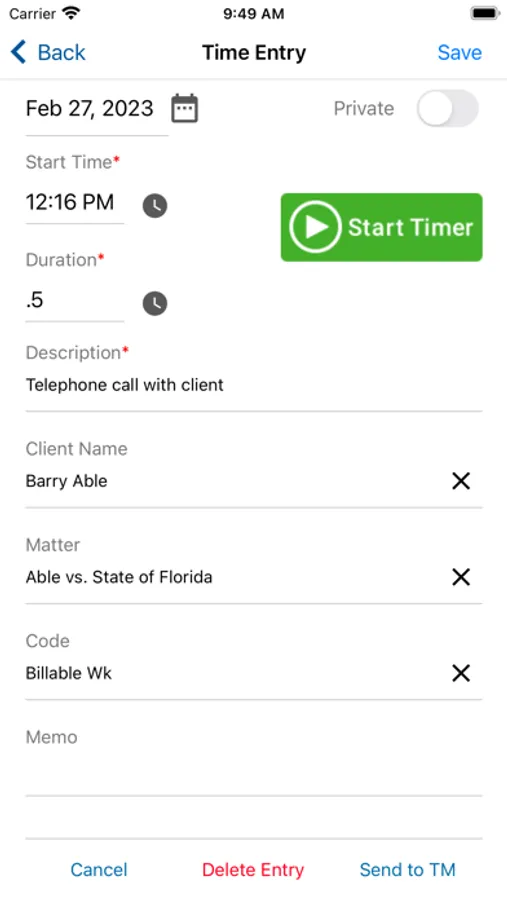
• Record billable activities from your iOS device
• Pre-populate Client and Matter lookups to reduce time spent locating and selecting information
• Use a timer to precisely measure time spent on billable activities
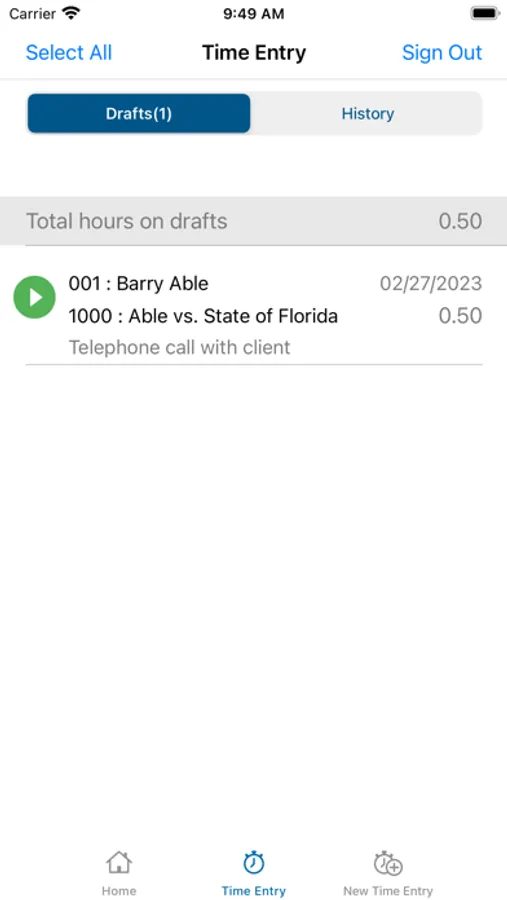
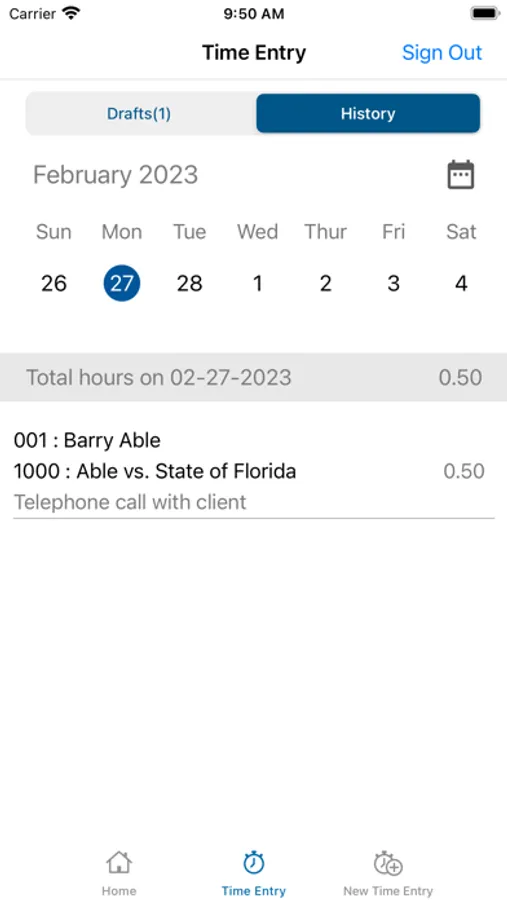
• View a history of time entries
• Set daily reminders to enter your time
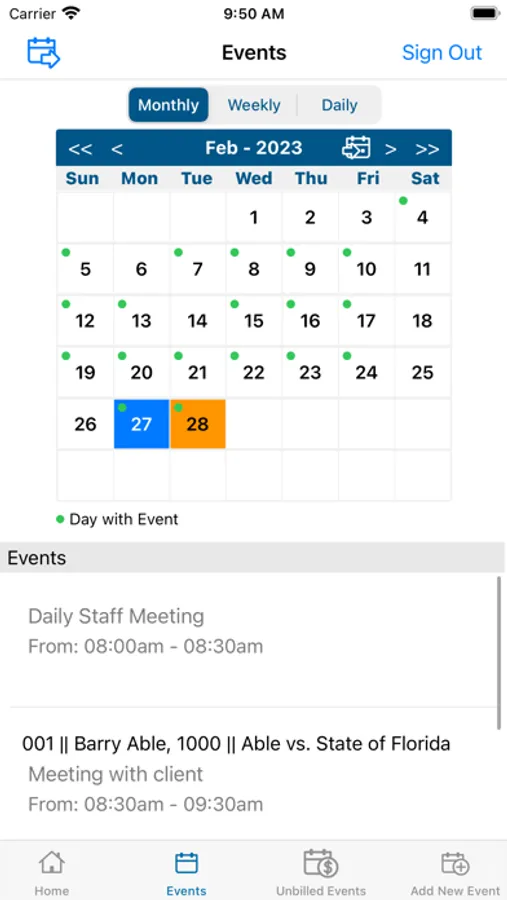
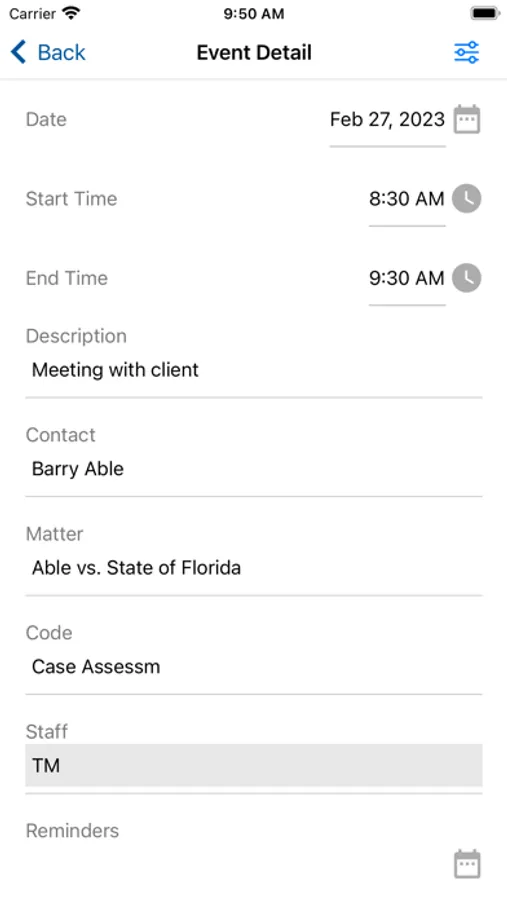
• View, add and edit events on your calendar
• Send completed calendar events to Time Matters as billable time entries
• Sign in with devices that provide Face ID, Touch ID, or fingerprint authentication
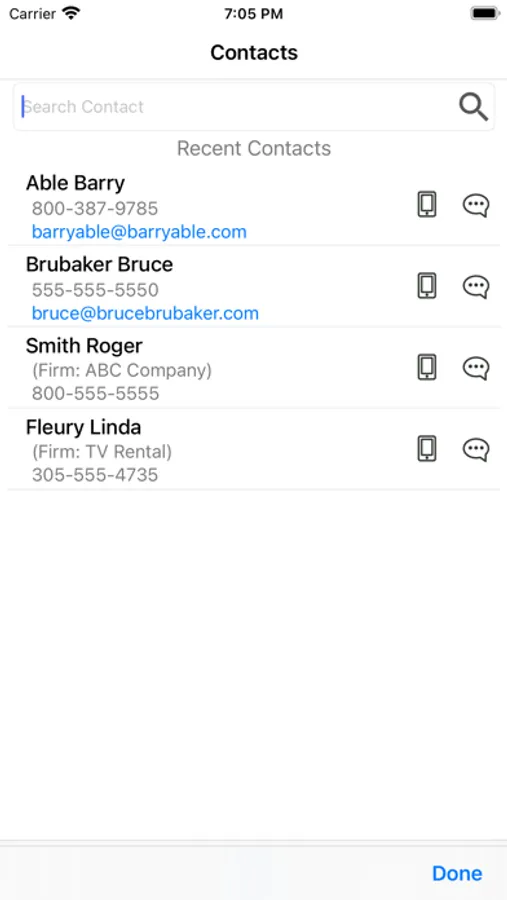
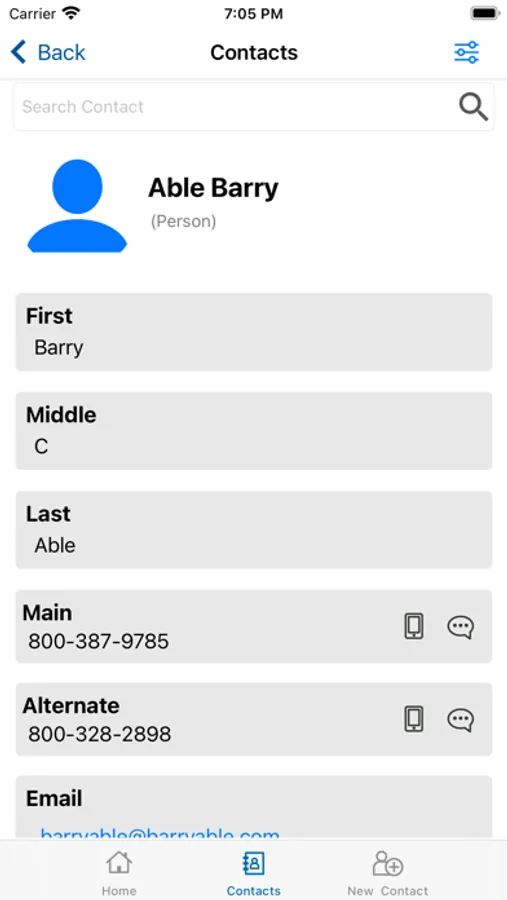
• View, Add and Edit Contacts
• Call, text or email a contact directly from the App
• Get driving directions to a client’s location with the Map address feature
Time Matters Go Screenshots
Tap to Rate:
Reviews for Time Matters Go
Captzag
App not working and support of no help
The Time Matters Go app is currently useless. Cannot log in - get a message that the service is unavailable and to contact our TM Go administrator. The issue is with PCLaw/Time Matters. Our independent consultant for Time Matters has made every effort to fix the issue without success. He has reached out to support multiple times and can’t get a response. So much time has been wasted trying to get this to work. In theory, it’s a decent app. In practice, it’s awful.
MWM Key West
Issues
Over 6 months to get a response from this site. ? What is going on with this company? When was the app last updated? When was the program last upgraded. i did see a very scant tutorial explaining how to use the app - nothing i couldn’t figure out myself. Why do we have to continually change our passwords? Why can’t we enter expenses on the app along with time entries? Why are entries entered on the app mysteriously put on an automatic hold - and why does your “tutorial” not warn your clients of this glitch. My staff had to waste valuable time calling support. trying to figure out why time entered on the app wasn’t showing on the bill. Why does the entered time often disappear in the process. of saving the case and why are there empty lines where the case should appear. Why can’t you help us increase the font size on prebills so we can avoid headaches when reviewing the tiny 8 point font. Your links on this page to support are dead ends. Many of the links on your website allso don’t operate. Why is there such tiny space on the billing item screen to enter what information will appear the important information description on the billing item and a huge area for memo - totally useless? And why does one practically need an engineering degree and hours of time to figure out a bill layout. Can’t you provide us with some easy to use and easy to revise templates. I also don’t understand why we are charged twice- both for time matters and billing matters per user. Is it possible to bill just using time matters? Why would anyone enter time on one program and billing in another program. Can you do anything to speed up the operation of the program and stop it from crashing so often? Has Lexis Nexis sold TM ? Who is the new owner? Is the new owner committed to upgrade the program? As a small firm we pay a small fortune for your annual maintenance fees - but it doesn’t seem that anyone on your end bothers to communicate with customers. The 6 month wait to get a reply from my initial comments speaks volumes.