
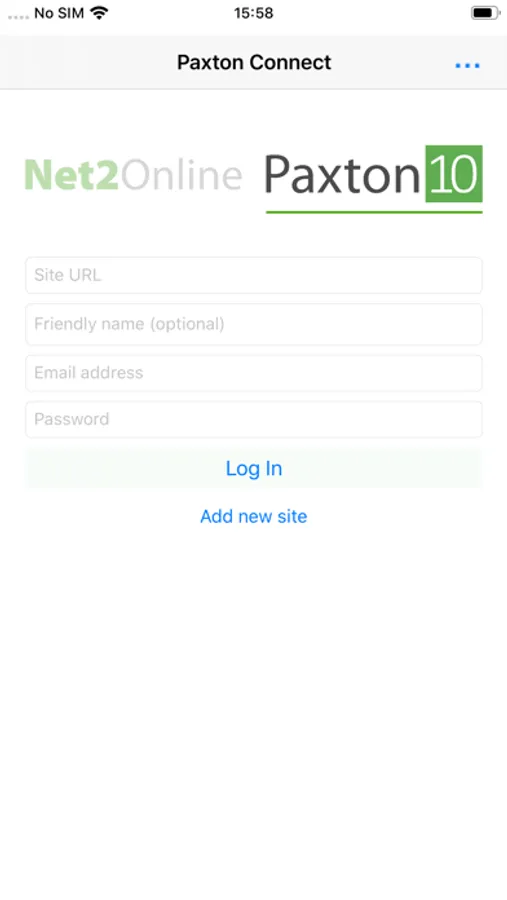
With this security management app, you can access and manage Net2 or Paxton10 systems remotely using a smartphone or tablet. Includes biometric login, multiple site switching, and permission-based feature access.
AppRecs review analysis
AppRecs rating 4.5. Trustworthiness 75 out of 100. Review manipulation risk 20 out of 100. Based on a review sample analyzed.
★★★★☆
4.5
AppRecs Rating
Ratings breakdown
5 star
78%
4 star
8%
3 star
4%
2 star
3%
1 star
6%
What to know
✓
Low review manipulation risk
20% review manipulation risk
✓
Credible reviews
75% trustworthiness score from analyzed reviews
✓
High user satisfaction
86% of sampled ratings are 4+ stars (4.5★ average)
About Paxton Connect
Paxton systems currently supported
Net2 Pro
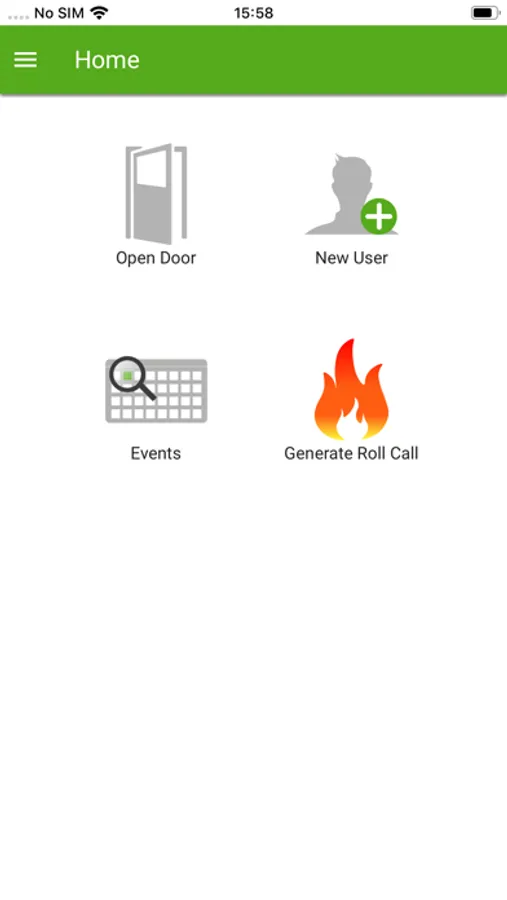
Log into your Net2 system and access:
• User creation and administration
• Token enrolment
• Live events and filtering
• Reports (read only)
• Roll call report generation
• Online and offline muster control
• Open door
Net2 Pro v6.00 or above is required. For full system administration, the Net2 desktop software is required.
Paxton10
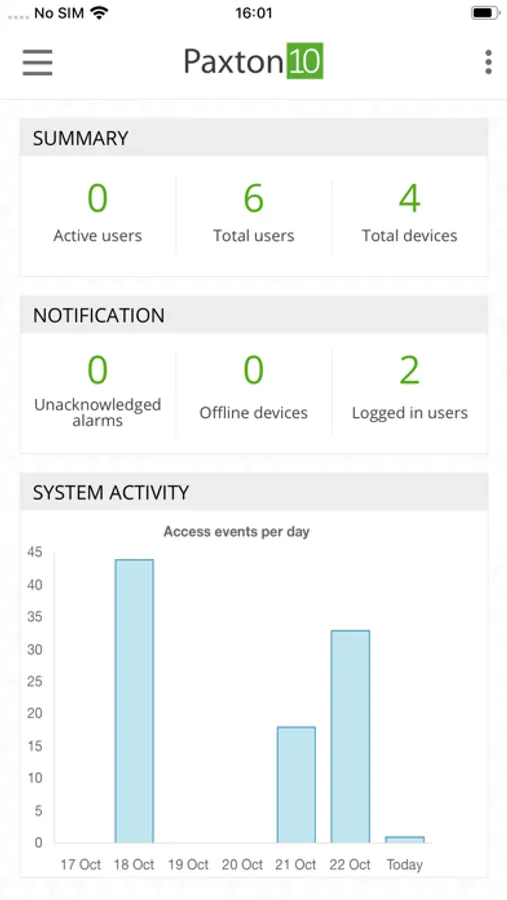
Log into your Paxton10 system and access:
• User creation and administration
• Live events and filtering
• Reports
• Buildings and devices (read only)
• Roll call report generation
• Online muster control
• Control device
For full system administration, a desktop computer running the Chrome web browser should be used.
Paxton Connect Screenshots
Tap to Rate:
Reviews for Paxton Connect
Arman Davtyan
Slow and missing important feature
First of all, we really enjoy installing Paxton systems, and it’s the only brand we offer to our clients. That said, both the desktop software and the mobile app are missing two major features we’ve been waiting on for a long time. 1. Remote login—especially through the app—is very slow and often laggy. 2. The most important missing feature is a Dark Mode option. The bright interface is hard on the eyes and makes programming or servicing the system uncomfortable, especially during extended use. I truly hope this feedback will finally be taken seriously and addressed in a future update.
It’s been 3 months
Users section
This app needs a serious update. It’s absolute trash. Continuously logs you out. The Users section is worthless. Do better.