
AppRecs review analysis
AppRecs rating 3.2. Trustworthiness 81 out of 100. Review manipulation risk 22 out of 100. Based on a review sample analyzed.
★★★☆☆
3.2
AppRecs Rating
Ratings breakdown
5 star
55%
4 star
0%
3 star
0%
2 star
5%
1 star
41%
What to know
✓
Low review manipulation risk
22% review manipulation risk
✓
Credible reviews
81% trustworthiness score from analyzed reviews
About VeridiumID
Protect your personal, school, or work online accounts with Veridium MFA using biometrics.
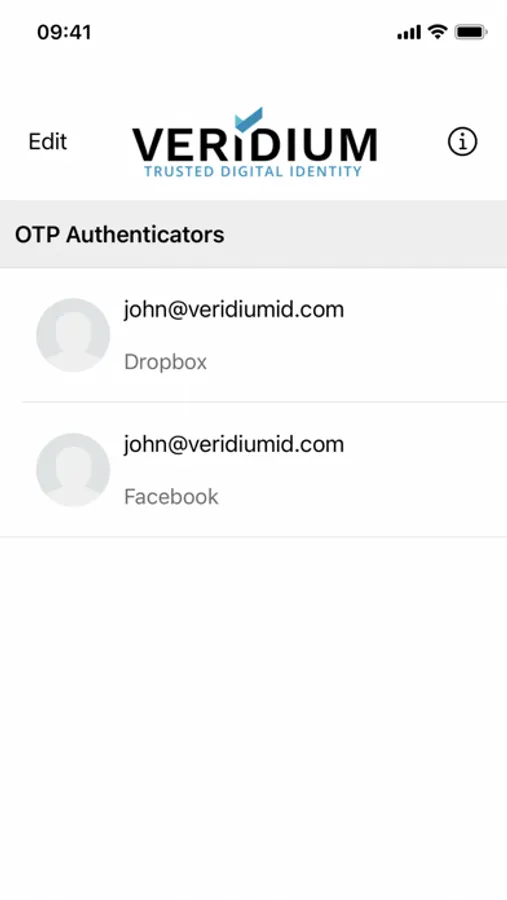
Use VeridiumID Authenticator multi-factor authentication (MFA) to protect your online accounts. You can use VeridiumID Authenticator to manage access across multiple apps for your personal or professional use. Add biometrics and One-Time Passcodes (OTP) to secure your accounts with at least two factors.
It’s simple:
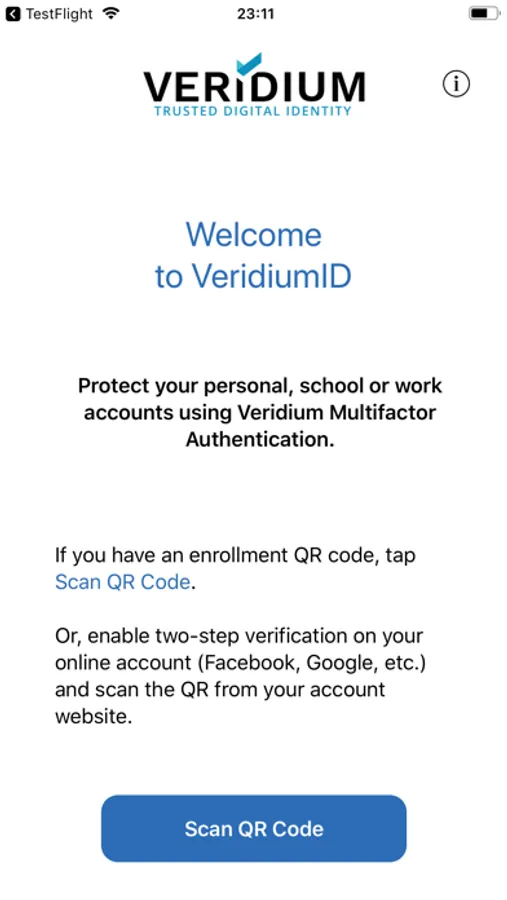
* If you have an enrollment QR code, tap Scan QR Code,
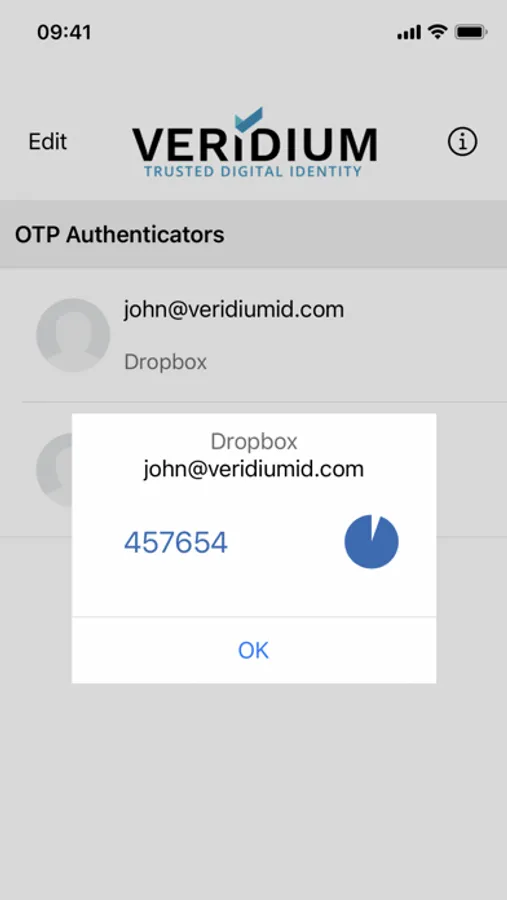
* Or, enable two-step verification on your online account (Dropbox, Facebook, Google, etc.). Scan the QR code from your account. Activate using an OTP generated by the VeridiumID Authenticator app.
Use biometrics for additional protection:
The power of biometrics is now accessible to everyone for protecting online accounts.
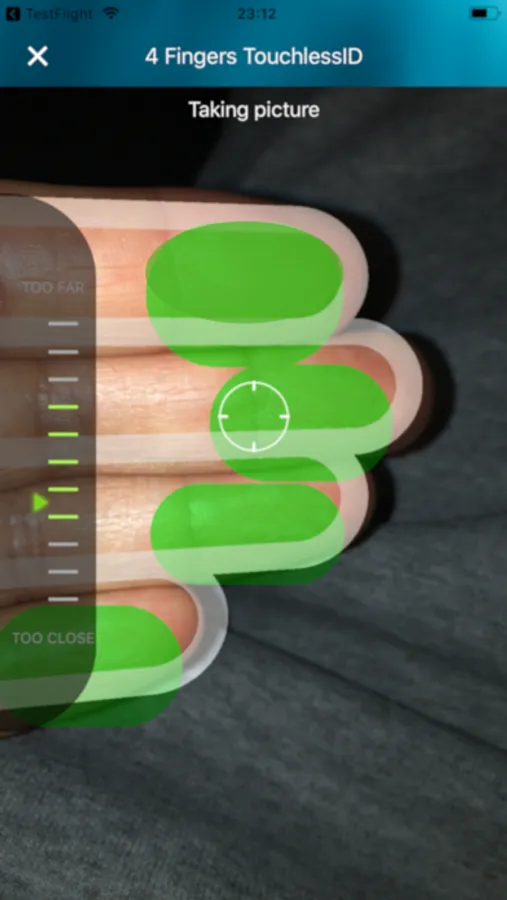
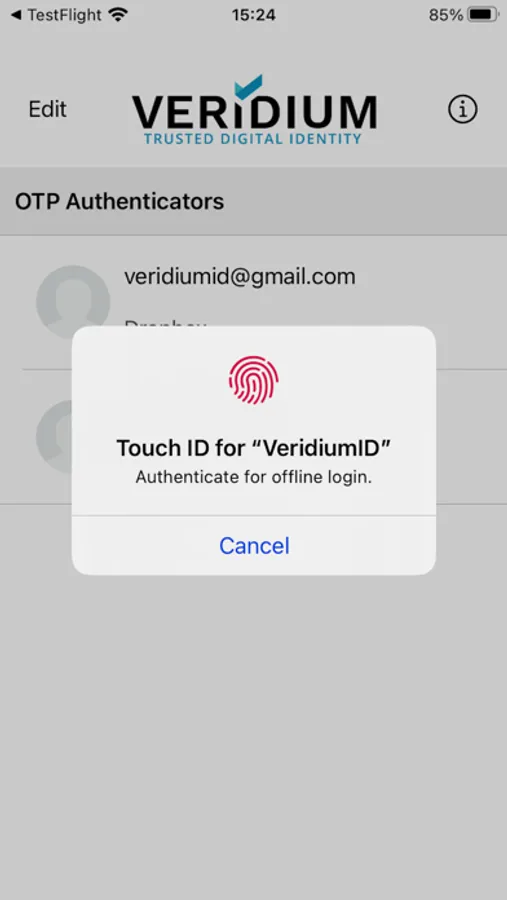
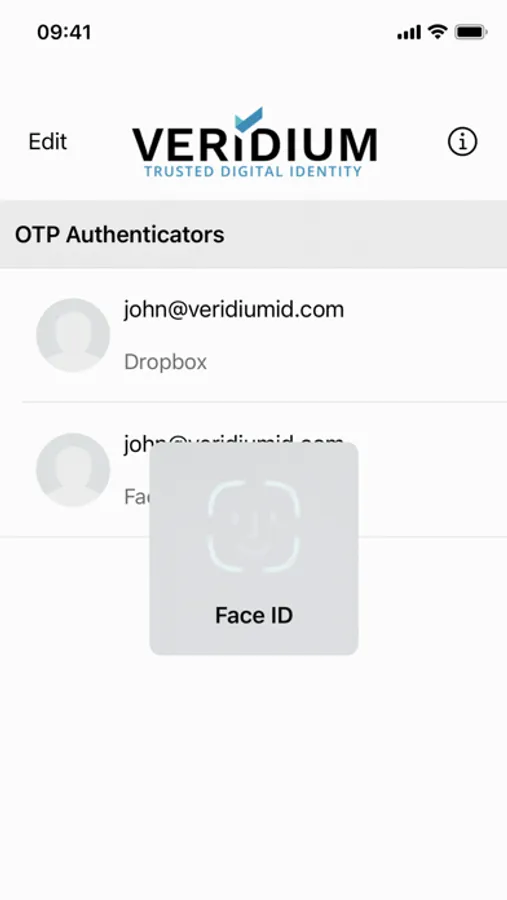
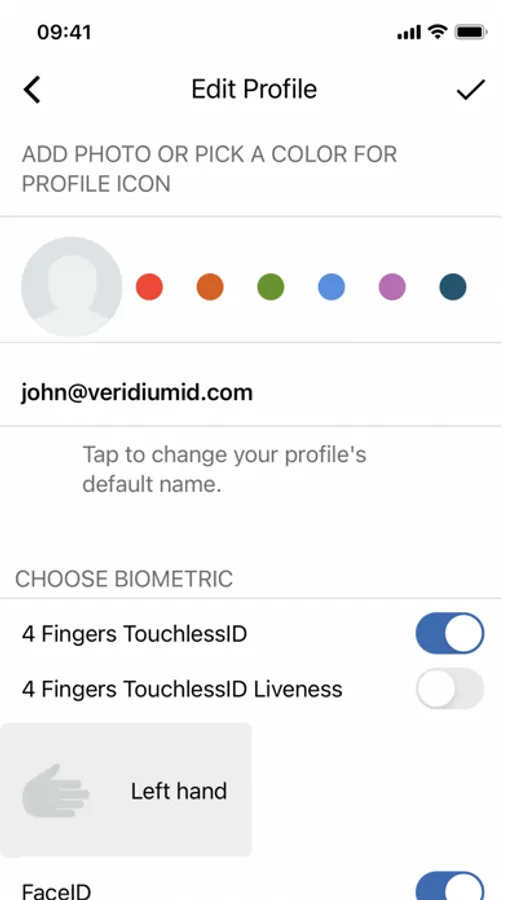
Turn on Touch ID, Face ID or Veridium’s 4 Fingers TouchlessID to use biometric authentication to further protect your accounts. Your OTP is displayed only after successful biometric authentication.
Factor in security to your online accounts today.
Use VeridiumID Authenticator multi-factor authentication (MFA) to protect your online accounts. You can use VeridiumID Authenticator to manage access across multiple apps for your personal or professional use. Add biometrics and One-Time Passcodes (OTP) to secure your accounts with at least two factors.
It’s simple:
* If you have an enrollment QR code, tap Scan QR Code,
* Or, enable two-step verification on your online account (Dropbox, Facebook, Google, etc.). Scan the QR code from your account. Activate using an OTP generated by the VeridiumID Authenticator app.
Use biometrics for additional protection:
The power of biometrics is now accessible to everyone for protecting online accounts.
Turn on Touch ID, Face ID or Veridium’s 4 Fingers TouchlessID to use biometric authentication to further protect your accounts. Your OTP is displayed only after successful biometric authentication.
Factor in security to your online accounts today.
VeridiumID Screenshots
Tap to Rate:
Reviews for VeridiumID
RoyalMemorial
Great UX/UI
This app is fast and reliable. So great to go passwordless.
Todd Shollenbarger
At last!
At last - an app that makes it easy for me to login without having to use a password (and without simply replaying a password, so it’s safer, not only more convenient). I use it everyday, multiple times per day. Highly recommended!! KES in NYC