In this app, you can scan QR codes, barcodes, and recognize printed text using the camera or NFC tags, and automatically fill text fields. Includes support for batch scanning, post-processing filters, and NFC data types.
AppRecs review analysis
AppRecs rating 4.1. Trustworthiness 80 out of 100. Review manipulation risk 21 out of 100. Based on a review sample analyzed.
★★★★☆
4.1
AppRecs Rating
Ratings breakdown
5 star
57%
4 star
17%
3 star
7%
2 star
5%
1 star
15%
What to know
✓
Low review manipulation risk
21% review manipulation risk
✓
Credible reviews
80% trustworthiness score from analyzed reviews
✓
Good user ratings
73% positive sampled reviews
About ScanKey - QR OCR NFC Keyboard
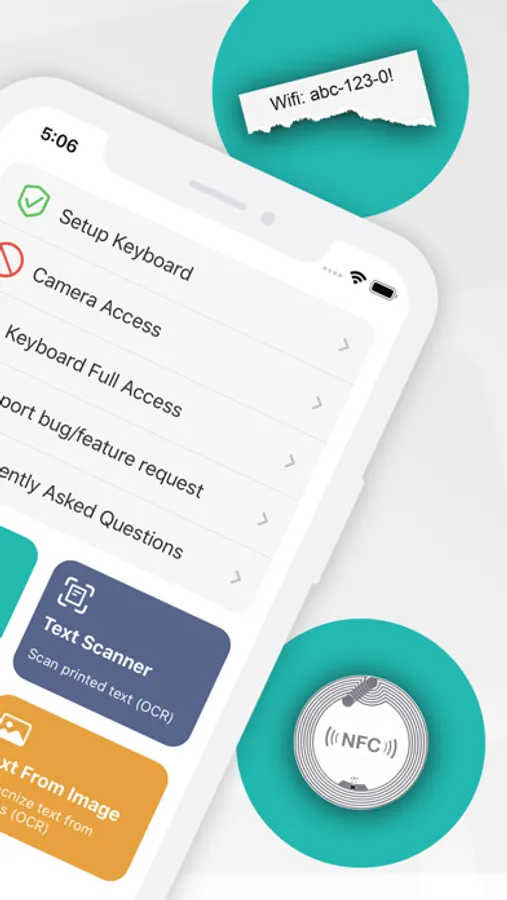
ScanKey is an additional keyboard for iOS devices, which integrates a scanner for QR-/bar codes and an OCR scanner (Optical Character Recognition) to recognize printed alpha numeric text and words with the camera. With iPhone 7 and iPhone Plus 7 or higher you can read NFC tags from app and directly from keyboard.
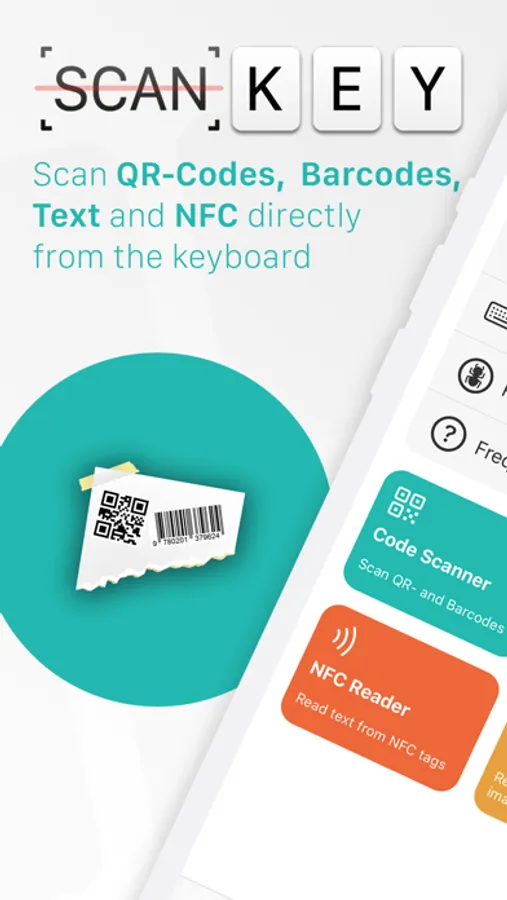
This makes work easier e.g. for filling out forms, which require to enter complex codes or IDs by hand (Example: EAN product codes). With ScanKey keyboard simply scan the codes or text and it will be filled automatically in the active text field.
In QR-/barcode scanner you can either scan single codes or use batch mode to scan multiple codes which will be merged together with a configurable separator.
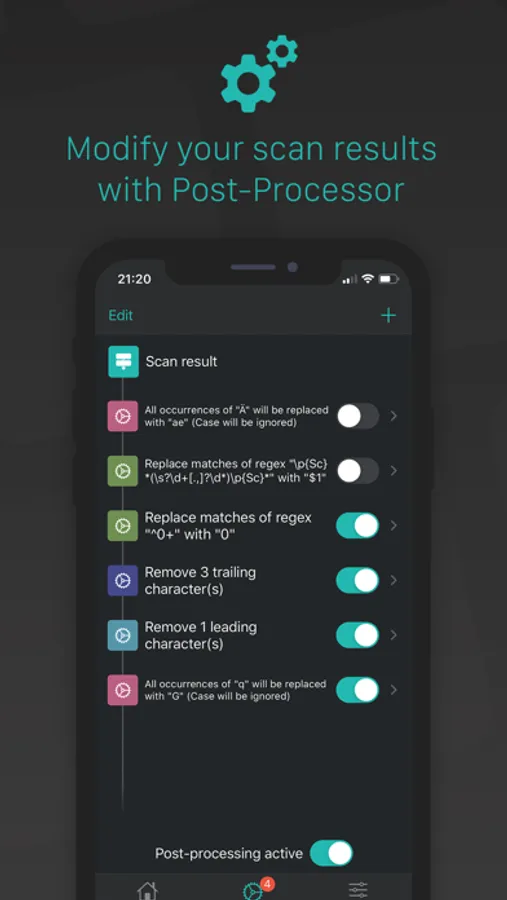
With the Post-Processor Engine, it's really easy to modify the scan result with various filters which can be configured in any specific order.
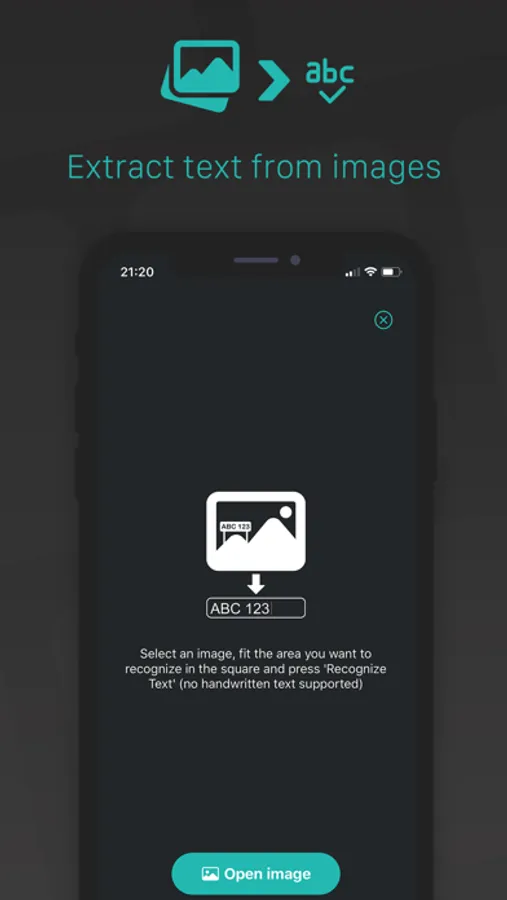
The in-app Image-To-Text function extracts non-handwritten text from images.
Quick actions allows you to trigger in-app scans very fast from your home screen.
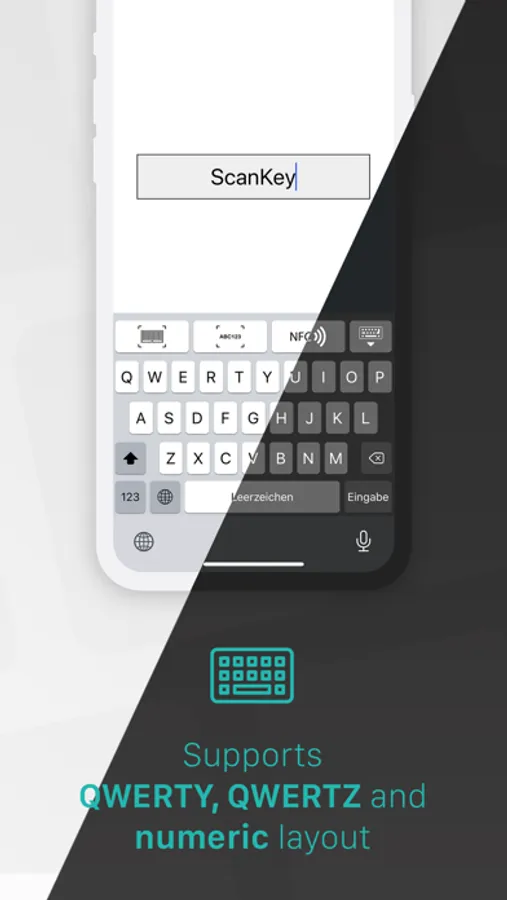
QWERTZ and QWERTY and NUMERIC layout is supported.
Supported codes:
• UPCECode
• Code39Code
• Code39Mod43
• Code93
• Code128
• EAN8
• EAN13,
• Aztec
• PDF417
• QRCode
• DataMatrix
• Code-2of5 Interleaved
• ITF14
Supported text:
• hundreds of serif and sans-serif fonts
• alpha numeric text (e.g. ABC1337)
• Words and sentences
• Multi-line
• HAND-WRITTEN TEXT NOT SUPPORTED!
Supported NFC tags:
• Text (UTF-8 and UTF-16)
• Uniform Resource Identifier (URI)
• Smart poster
• TextXVCard
• Wifi configurations
Supported post-processors:
• Add character(s) at start/end
• Remove leading/trailing character(s)
• Regex string replacement (Regular Expression)
• Text replacement (case-sensitive or case-insensitive)
Additional features:
• Automatically copy scan result to clipboard
• Automatically return after scan finished
• Automatically remove checksum of EAN/-UPC-Codes
This makes work easier e.g. for filling out forms, which require to enter complex codes or IDs by hand (Example: EAN product codes). With ScanKey keyboard simply scan the codes or text and it will be filled automatically in the active text field.
In QR-/barcode scanner you can either scan single codes or use batch mode to scan multiple codes which will be merged together with a configurable separator.
With the Post-Processor Engine, it's really easy to modify the scan result with various filters which can be configured in any specific order.
The in-app Image-To-Text function extracts non-handwritten text from images.
Quick actions allows you to trigger in-app scans very fast from your home screen.
QWERTZ and QWERTY and NUMERIC layout is supported.
Supported codes:
• UPCECode
• Code39Code
• Code39Mod43
• Code93
• Code128
• EAN8
• EAN13,
• Aztec
• PDF417
• QRCode
• DataMatrix
• Code-2of5 Interleaved
• ITF14
Supported text:
• hundreds of serif and sans-serif fonts
• alpha numeric text (e.g. ABC1337)
• Words and sentences
• Multi-line
• HAND-WRITTEN TEXT NOT SUPPORTED!
Supported NFC tags:
• Text (UTF-8 and UTF-16)
• Uniform Resource Identifier (URI)
• Smart poster
• TextXVCard
• Wifi configurations
Supported post-processors:
• Add character(s) at start/end
• Remove leading/trailing character(s)
• Regex string replacement (Regular Expression)
• Text replacement (case-sensitive or case-insensitive)
Additional features:
• Automatically copy scan result to clipboard
• Automatically return after scan finished
• Automatically remove checksum of EAN/-UPC-Codes
ScanKey - QR OCR NFC Keyboard Screenshots
Tap to Rate:
Reviews for ScanKey - QR OCR NFC Keyboard
华南仙猫
这个软件帮了大忙
现在ios26使用它,有动画卡顿,有时不反回数据,是否可以优化使用,我愿意付费
DavJaCW
Black Screen
Returns to a black screen after scanning a barcode wiTh 'Scankey' in the top left corner with an arrow - which takes you back to the scankey app and not the app i was previously on. is there a fix for this?