AppRecs review analysis
AppRecs rating 1.0. Trustworthiness 55 out of 100. Review manipulation risk 30 out of 100. Based on a review sample analyzed.
★☆☆☆☆
1.0
AppRecs Rating
Ratings breakdown
5 star
0%
4 star
0%
3 star
0%
2 star
0%
1 star
100%
What to know
⚠
Mixed user feedback
Average 1.0★ rating suggests room for improvement
About Optoma - SmartProjection
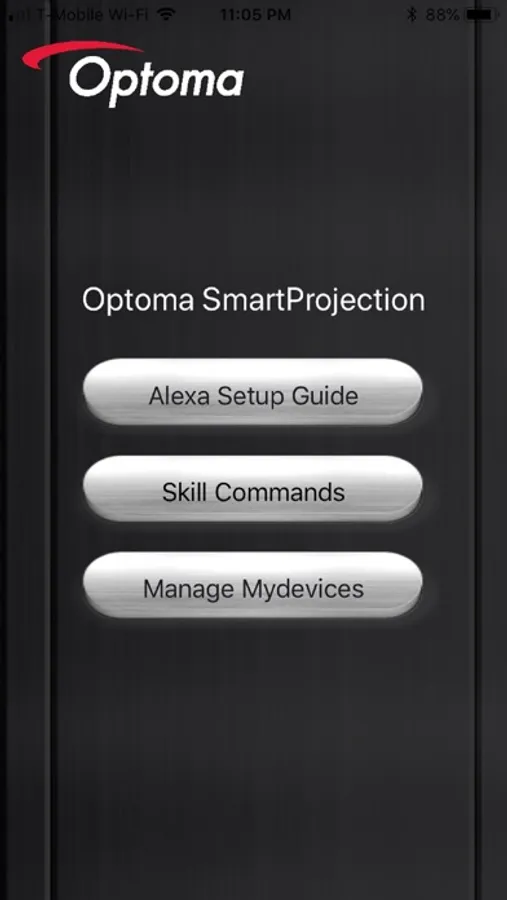
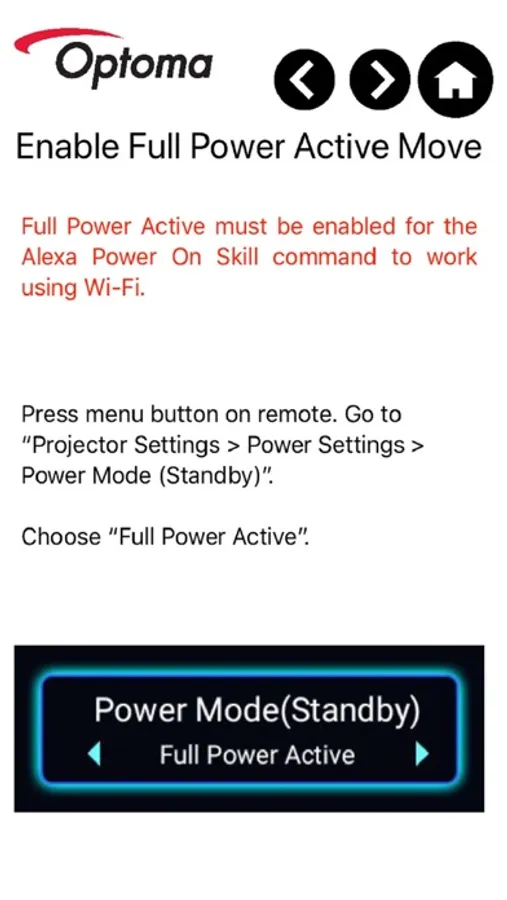
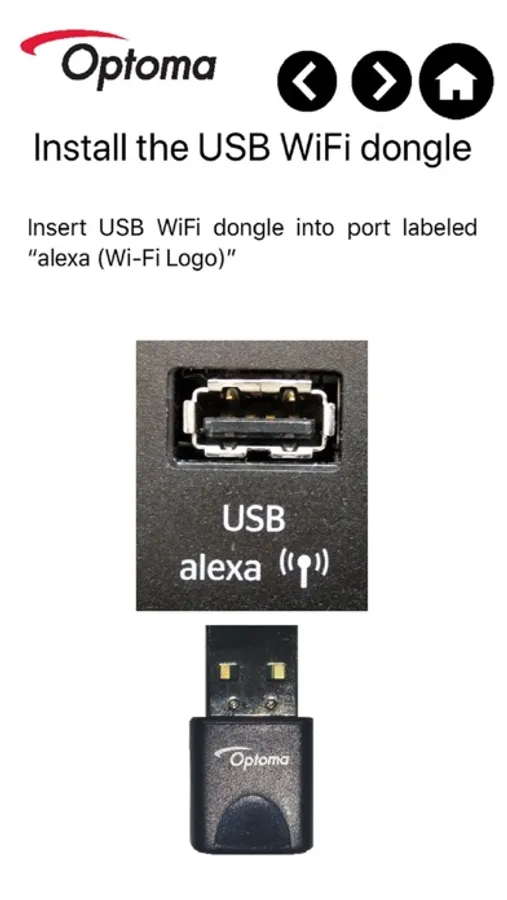
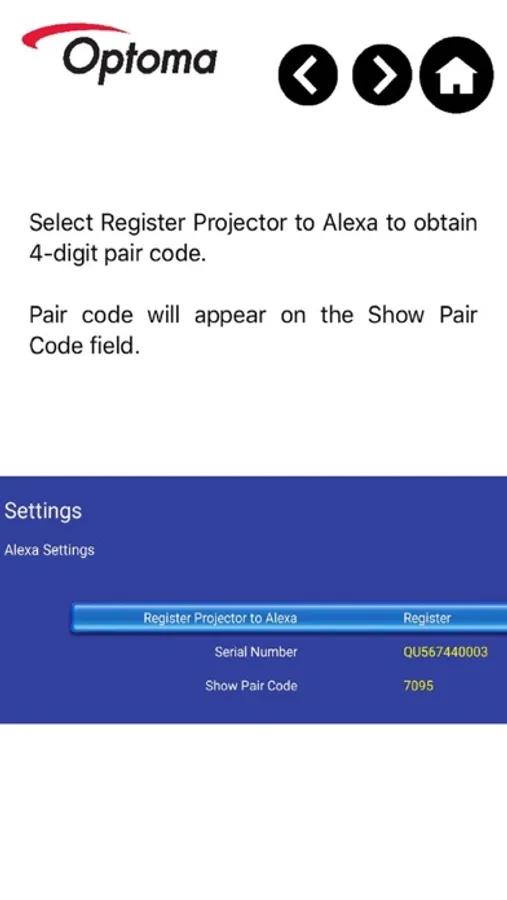
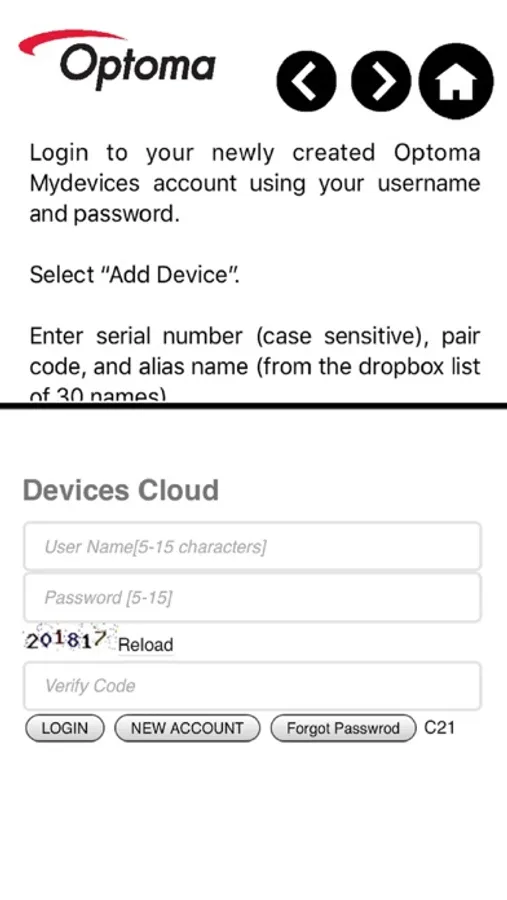
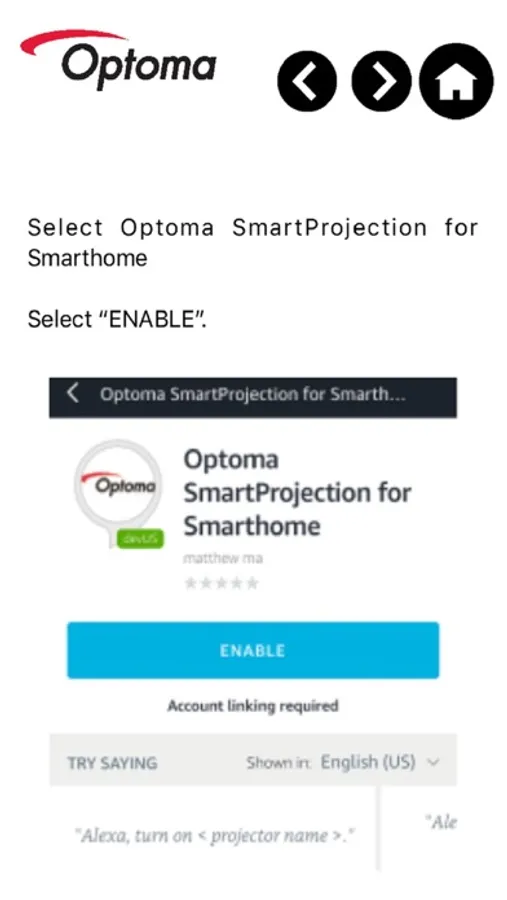
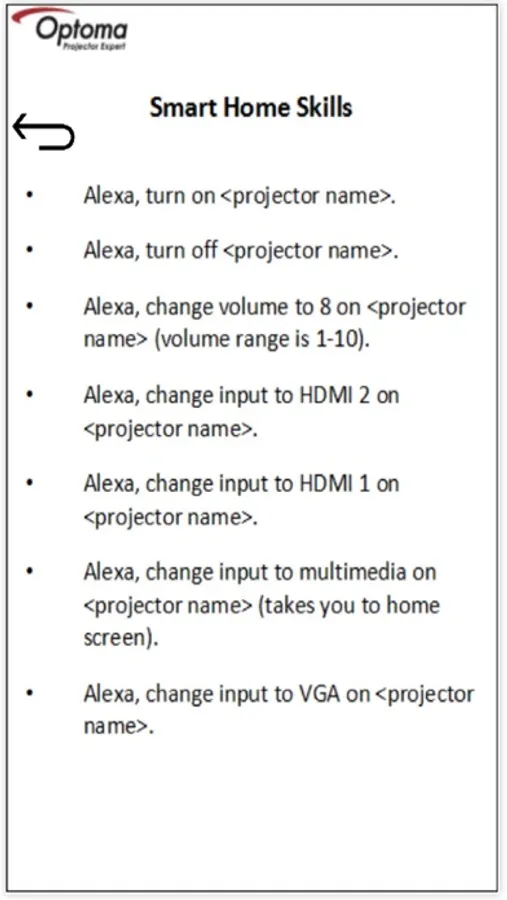
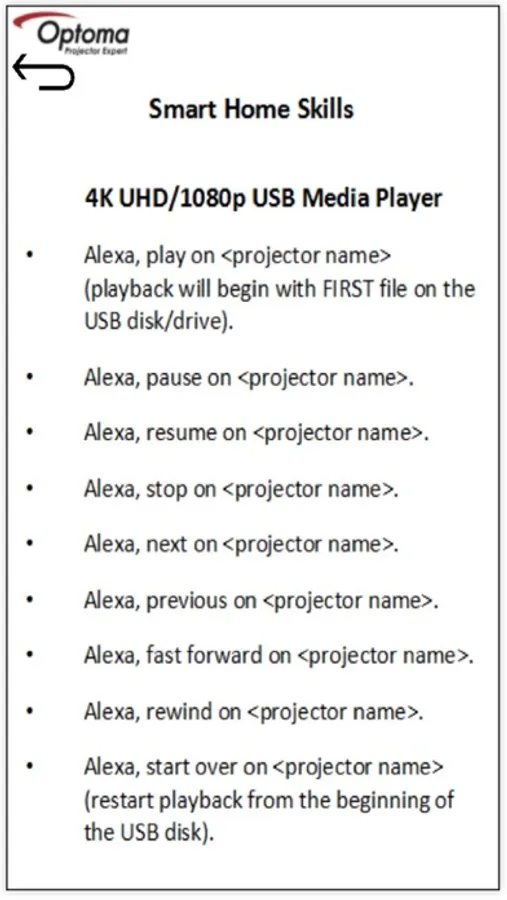
The Optoma SmartProjection app features a step-by-step Alexa Setup Guide, SmartProjection for Smart Home command list and direct access to the Mydevices Cloud for registration and management of Optoma Alexa Enabled Projectors.
Note: You must own an Optoma Alexa Enabled Projector and have an internet connection to use this App. Projector registration is "required" to link and use the Optoma SmartProjection for Smart Home Skill with Amazon's Alexa Digital Assistant.
To view the PDF version of the complete Optoma Alexa Setup Guide please visit: https://www.optoma.com/support/download/
Supported Projectors:
- UHD51A
- UHD400X
- SUHD66A
- UHC556A
Features
- Alexa Setup Guide
- SmartProjection for Smart Home command list
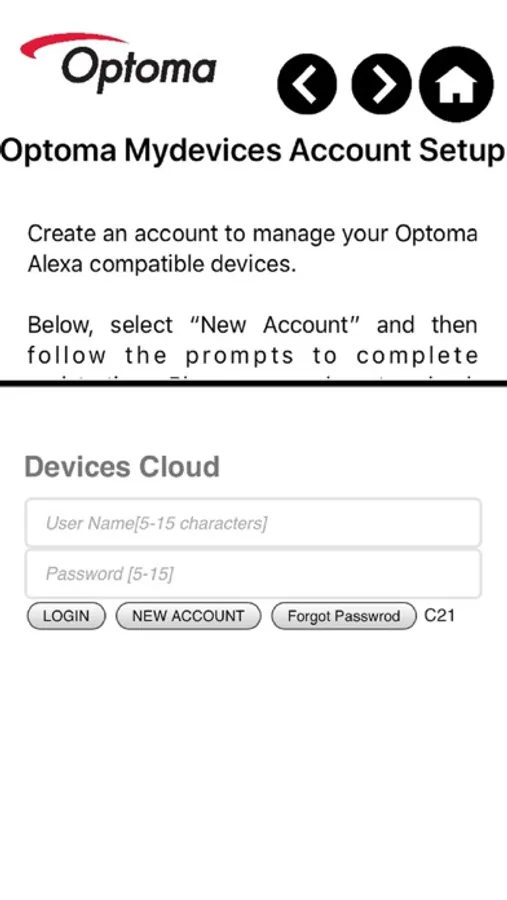
- Account creation (necessary to manage Optoma Alexa enabled projectors)
- Projector Management such as add/remove projector
- Alias (device name) assignment.
For assistance with or questions regarding this app, please contact us below.
Americas: https://www.optomausa.com/us/tech-support/contact-us-americas.aspx
EMEA: https://www.optoma.co.uk/support
http://www.optoma.com.cn/contact-us/
Note: You must own an Optoma Alexa Enabled Projector and have an internet connection to use this App. Projector registration is "required" to link and use the Optoma SmartProjection for Smart Home Skill with Amazon's Alexa Digital Assistant.
To view the PDF version of the complete Optoma Alexa Setup Guide please visit: https://www.optoma.com/support/download/
Supported Projectors:
- UHD51A
- UHD400X
- SUHD66A
- UHC556A
Features
- Alexa Setup Guide
- SmartProjection for Smart Home command list
- Account creation (necessary to manage Optoma Alexa enabled projectors)
- Projector Management such as add/remove projector
- Alias (device name) assignment.
For assistance with or questions regarding this app, please contact us below.
Americas: https://www.optomausa.com/us/tech-support/contact-us-americas.aspx
EMEA: https://www.optoma.co.uk/support
http://www.optoma.com.cn/contact-us/
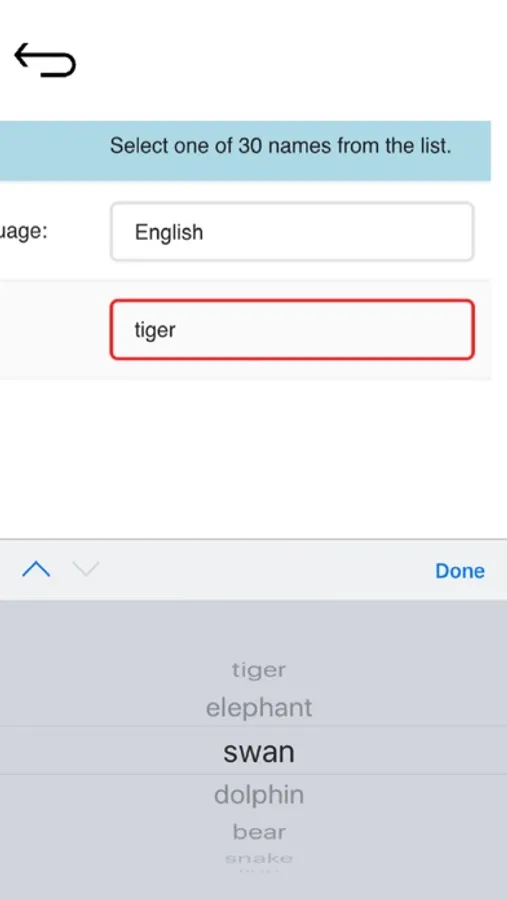
Optoma - SmartProjection Screenshots
Tap to Rate:
Reviews for Optoma - SmartProjection
Baba Adura
Account linking
Account linking didn’t work in Alexa
Mr.EdnaMode
New Acct Email Format Error
Keep getting this error. App adds <x> in the middle of the email address after the 20th character and even after correction adds it back in and throws the error. Can’t register a new account. And 6-digit Captcha codes twice? Really?