AppRecs review analysis
AppRecs rating 1.2. Trustworthiness 60 out of 100. Review manipulation risk 38 out of 100. Based on a review sample analyzed.
★☆☆☆☆
1.2
AppRecs Rating
Ratings breakdown
5 star
0%
4 star
0%
3 star
0%
2 star
21%
1 star
79%
What to know
⚠
Mixed user feedback
Average 1.2★ rating suggests room for improvement
About TraceableGO
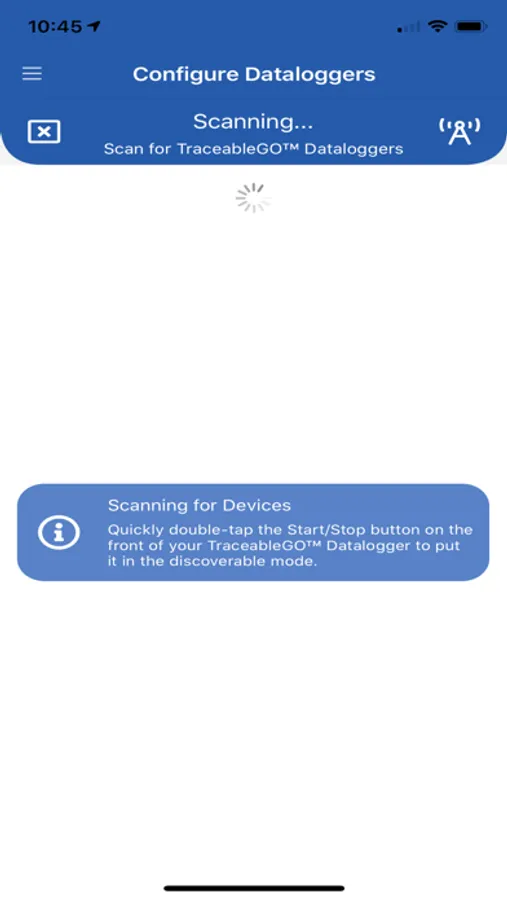
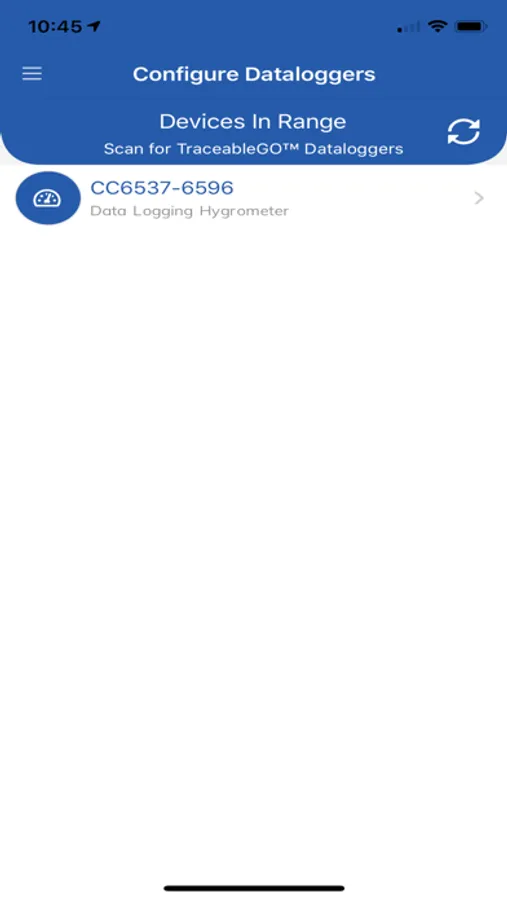
The TraceableGO™ app, combined with a TraceableGO™ Bluetooth Datalogger device, is ideal transit partner for monitoring materials between destinations. Safely transport reagents, clinical samples, vaccines, pharmaceuticals and food items to any location.
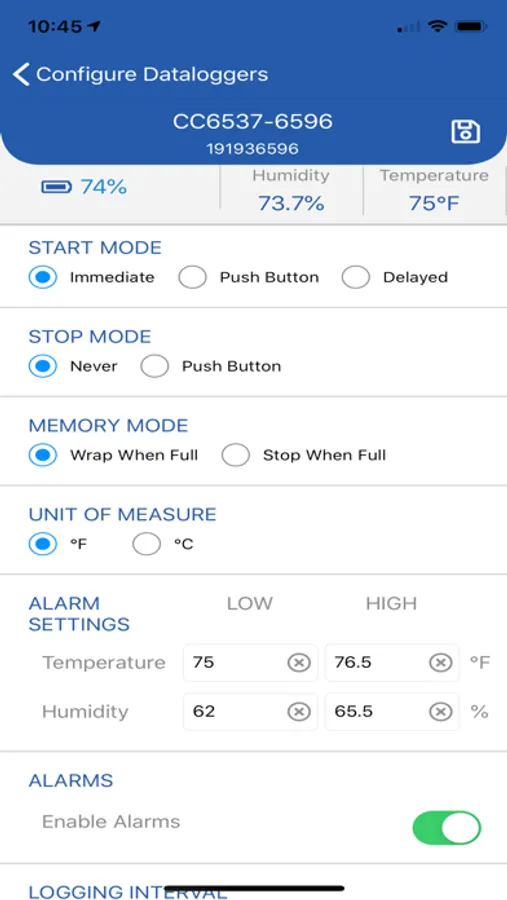
Before a trip starts, use the TraceableGO™ app to configure your TraceableGO™ Bluetooth Datalogger device by setting properties such as: Start, Stop & Memory Modes, Unit of Measure, High & Low Alarm Values and Logging Interval.
Next, include your TraceableGO™ Bluetooth Datalogger device with your product packaging and ship it to its final destination.
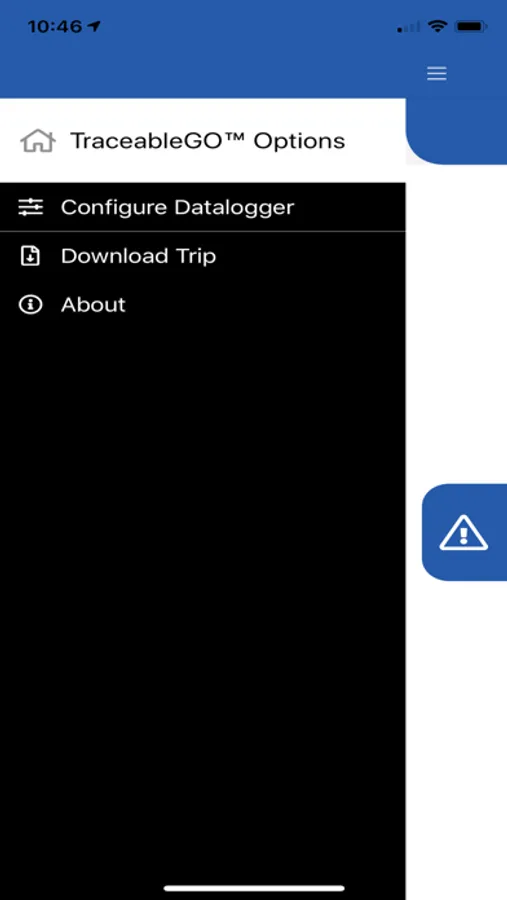
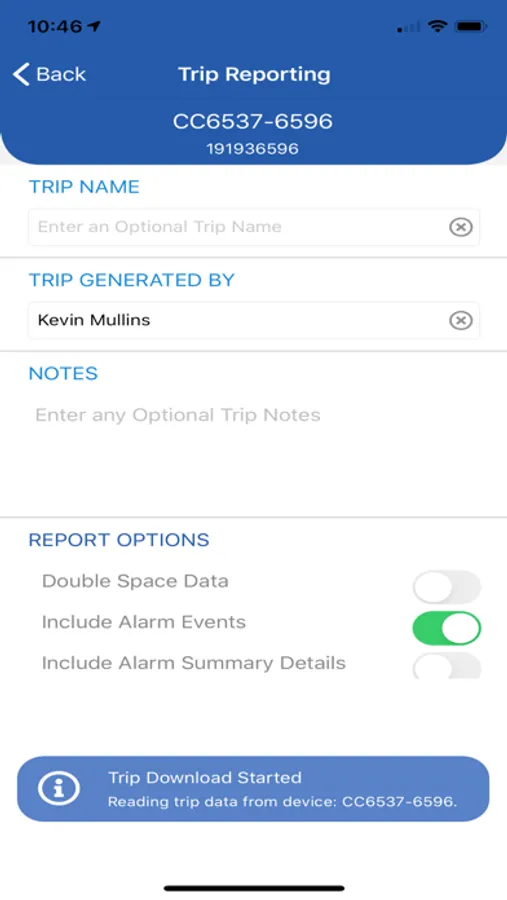
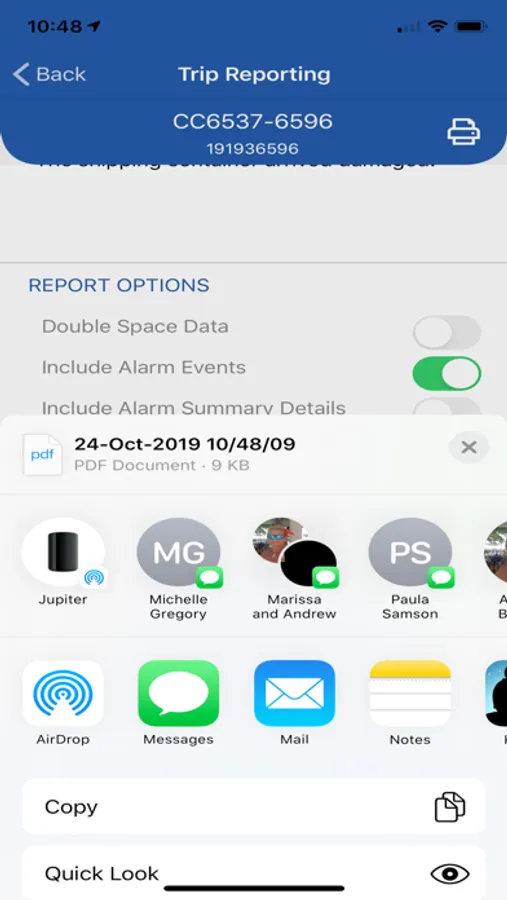
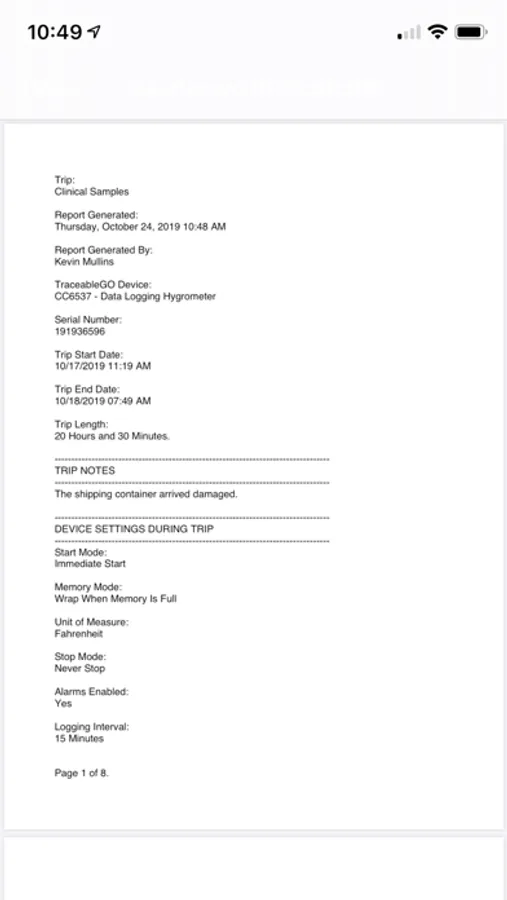
Once the trip has completed, use the TraceableGO™ app to download the trip data from your TraceableGO™ Bluetooth Datalogger device where it will be formatted into a PDF report that can be shared with other users via a variety of methods, such as: Email, Messaging or AirDrop.
The TraceableGO™ app has several options for providing audit trail information and formatting the PDF Trip Report:
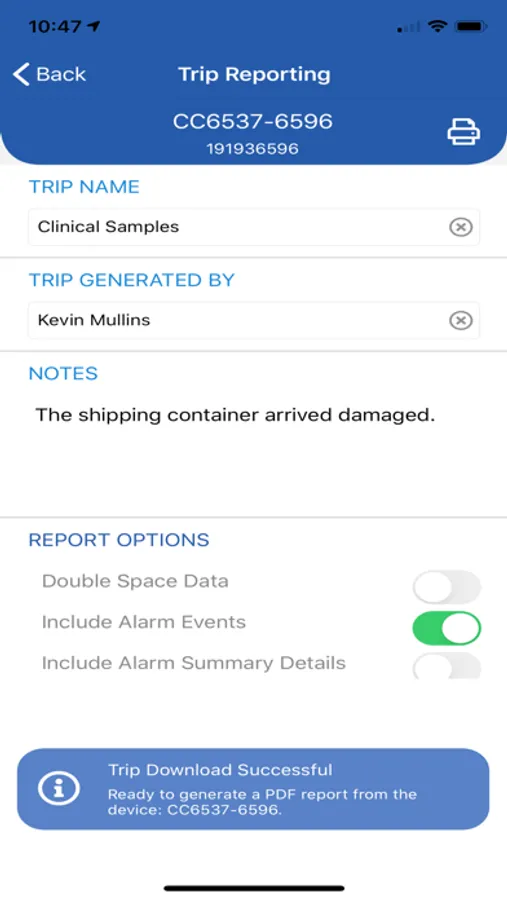
* Optionally include a Trip Name, the name of the person that downloaded and generated the PDF report and any important Notes, such as "The shipping container arriving damaged."
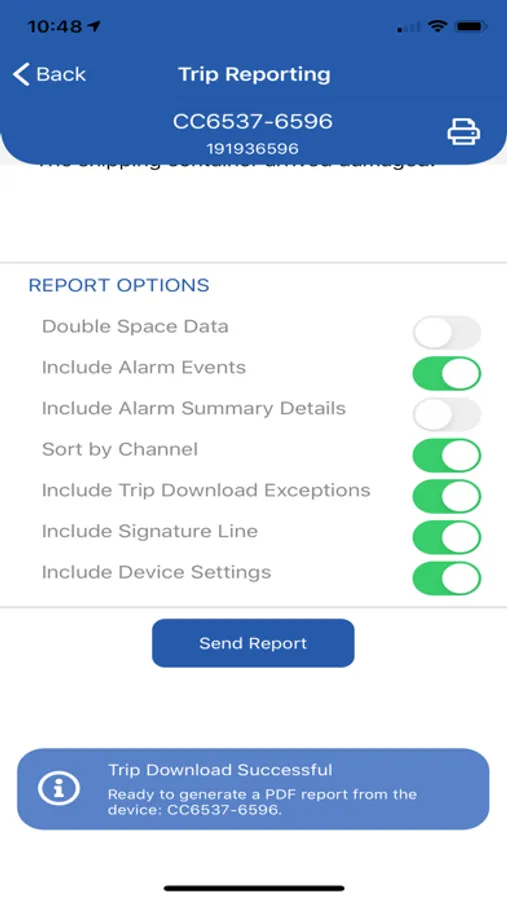
* Optionally include the TraceableGO™ Bluetooth Datalogger’s device settings that were in use during the trip.
* Optionally sort the reported reading values by channel and reading type.
* Optionally include a list of alarm events with a summary including: Total Time in Alarm, Time Exceeded Minimum Alarm and Time Exceeded Maximum Alarm.
* For trips where the chain of custody is critical, nothing beats a physical signature and date. That’s why the new PDF Trip Report now has the option of including a signature and date line at the end of the report.
Additionally, all PDF Trip Reports feature the date the report was generated and a summary of your trip’s readings by channel including: the Minimum, Maximum and Average reading for the entire trip.
PLEASE NOTE: This app requires a TraceableGO™ Bluetooth Datalogger device (sold separately) to function. Learn more at https://www.traceable.com/traceablego.
TraceableGO Screenshots
Tap to Rate:
Reviews for TraceableGO
JRProcessEngineer
Sudden Bugs
Well I *wasn’t* having any issues with connecting and downloading and reconfiguring for several months. But I am now. Deleted the app and re-downloaded and everything. Keeps crashing now.
KimKH1789
Temperature Summary not Accurate
When downloading a trip, there is something glitchy going on with the temperature alarm summary and alarm details. The temperature alarm summary tells me the amount of time exceeded and does not reflect the “Reading Data” which shows no values outside of the range. The temperature alarm details section seems to reference the %RH limits and not the correct Temperature limits. This forces me to review all of the data points collected over the trip instead of relying on the summary. Hopefully this is a simple fix and will be pushed through.