
AppRecs review analysis
AppRecs rating 3.1. Trustworthiness 80 out of 100. Review manipulation risk 24 out of 100. Based on a review sample analyzed.
★★★☆☆
3.1
AppRecs Rating
Ratings breakdown
5 star
40%
4 star
7%
3 star
13%
2 star
0%
1 star
40%
What to know
✓
Low review manipulation risk
24% review manipulation risk
✓
Credible reviews
80% trustworthiness score from analyzed reviews
About IPEVO Visualizer
Key Features Overview:
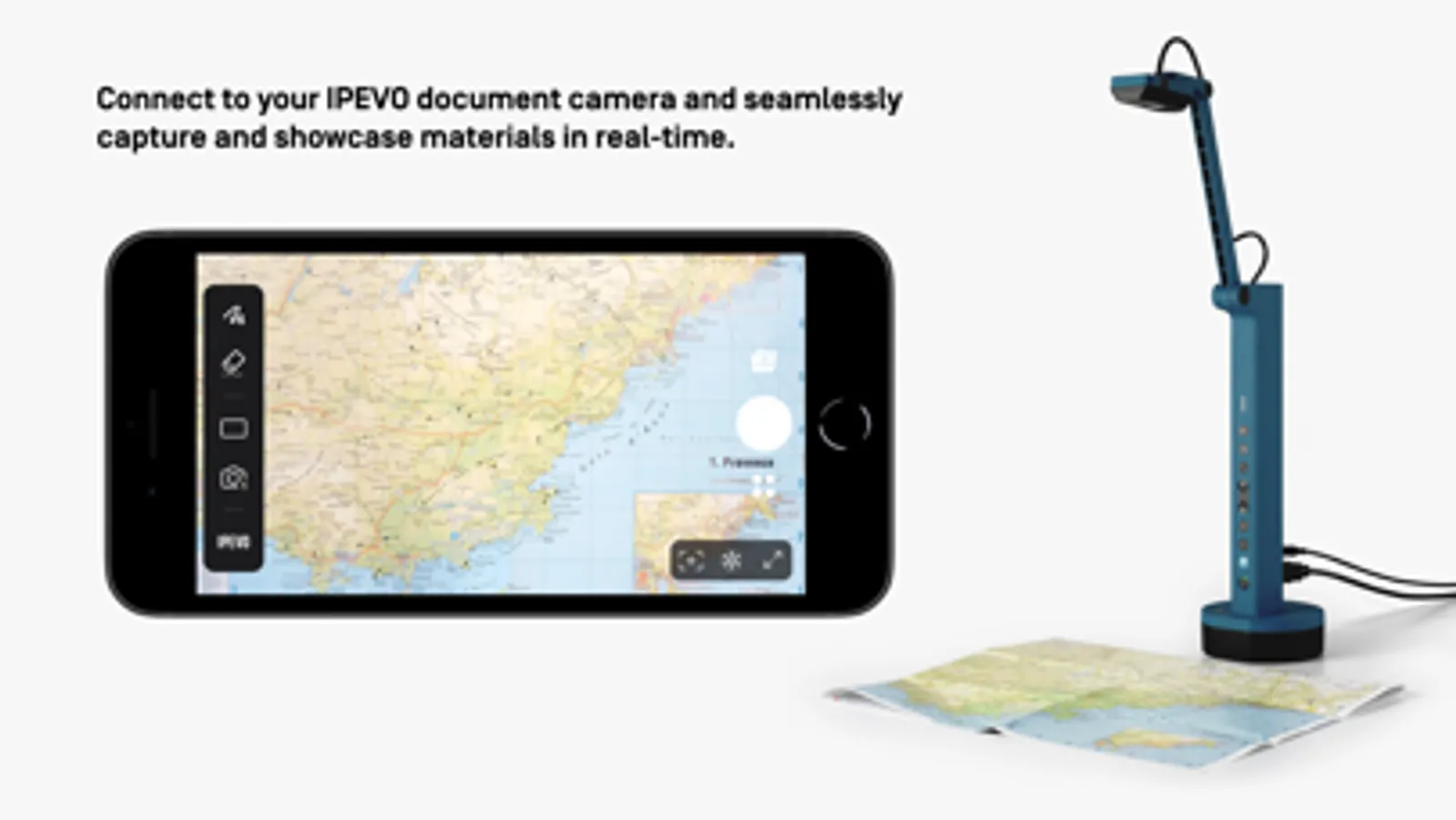
• Effortlessly connect to your IPEVO educational camera via Wi-Fi or a wired connection, enabling image display on your mobile device. Compatible with both front and rear camera
options to meet diverse needs.
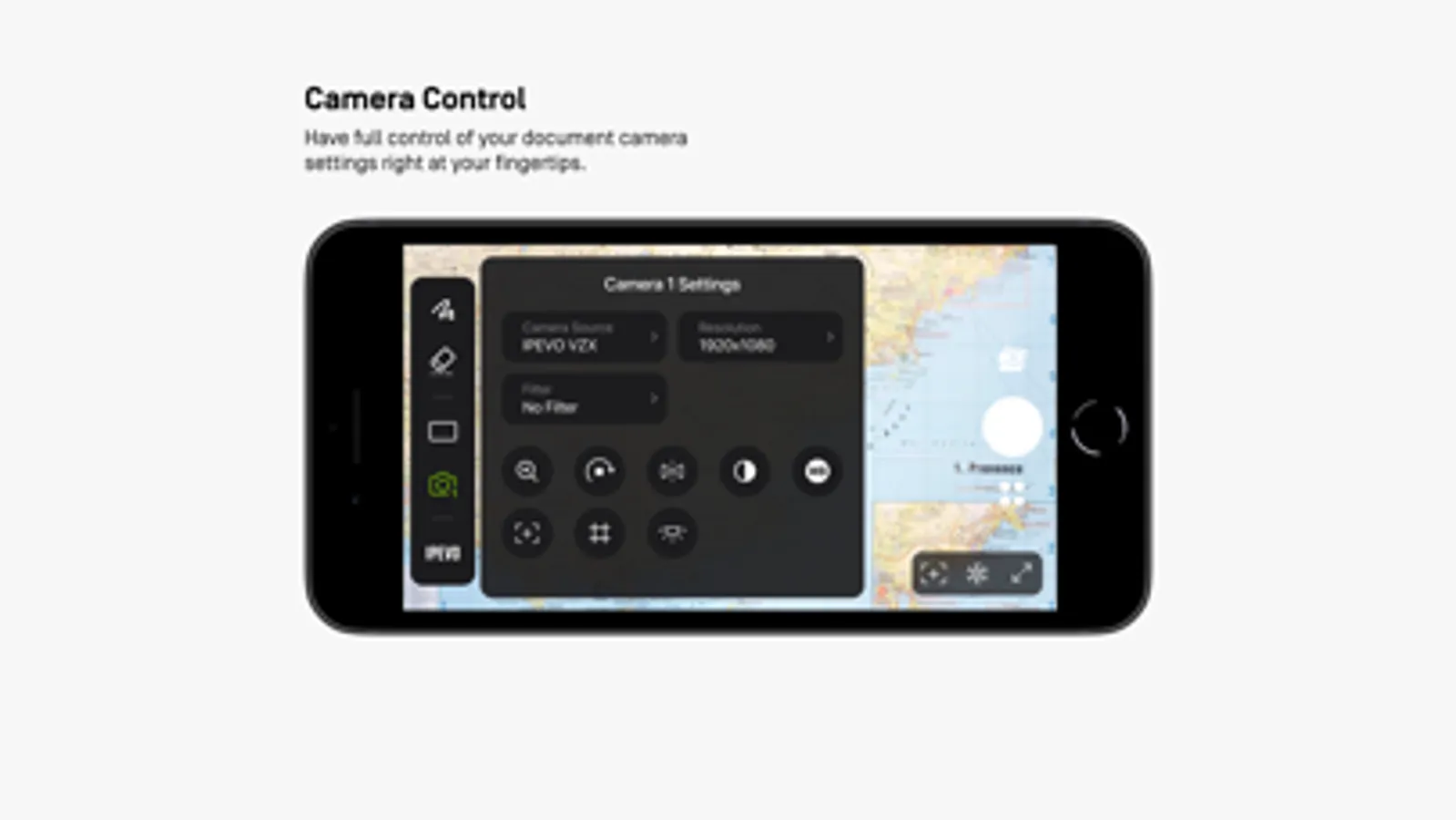
• Total camera control: Adjust screen size, rotate images, fine-tune resolution, and manage exposure settings, all at your fingertips.
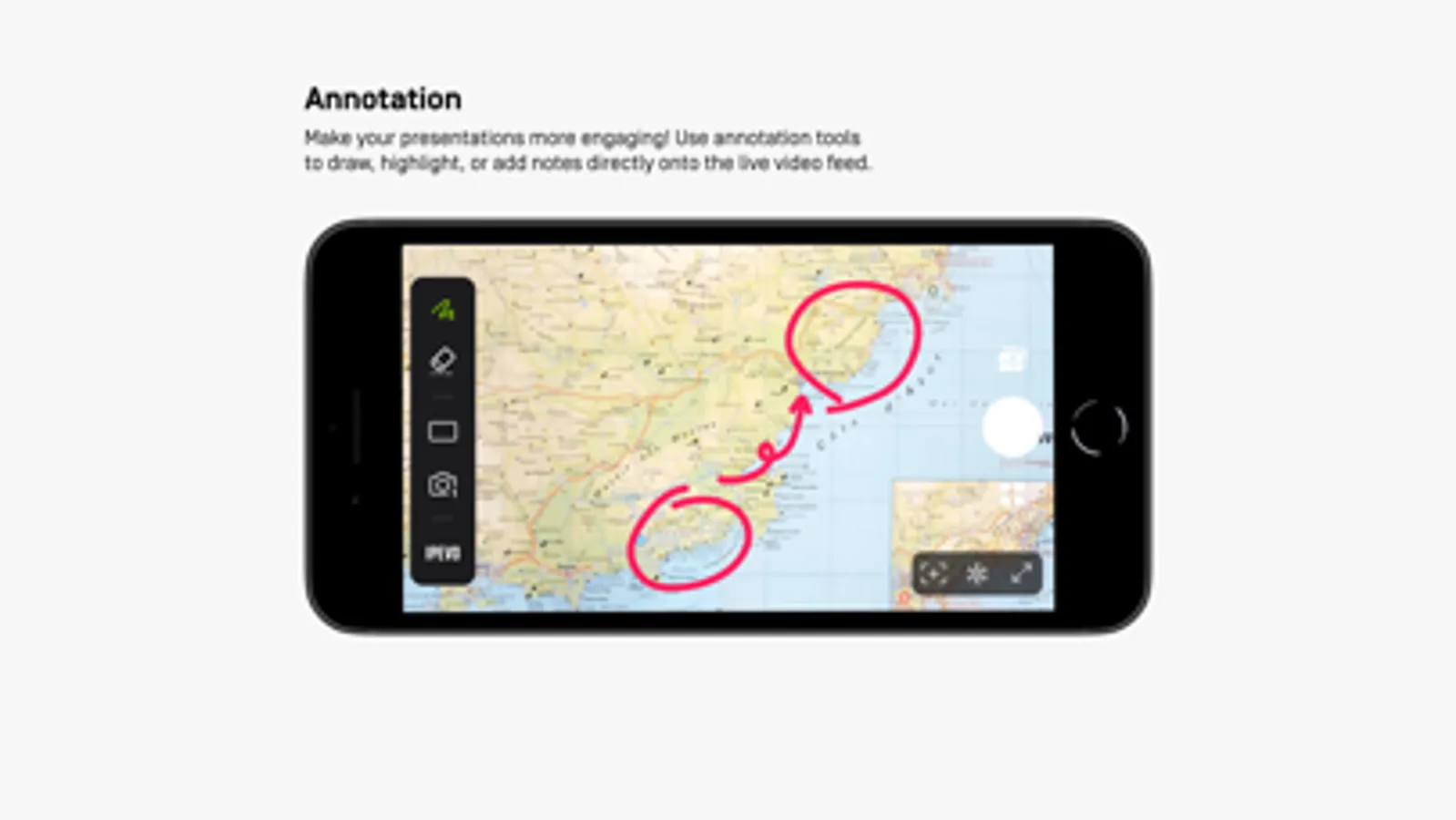
• Captivating on-screen annotations: Elevate your presentations with our annotation tools, allowing you to draw, mark, and add comments directly on live images, adding more
engagement to your content.
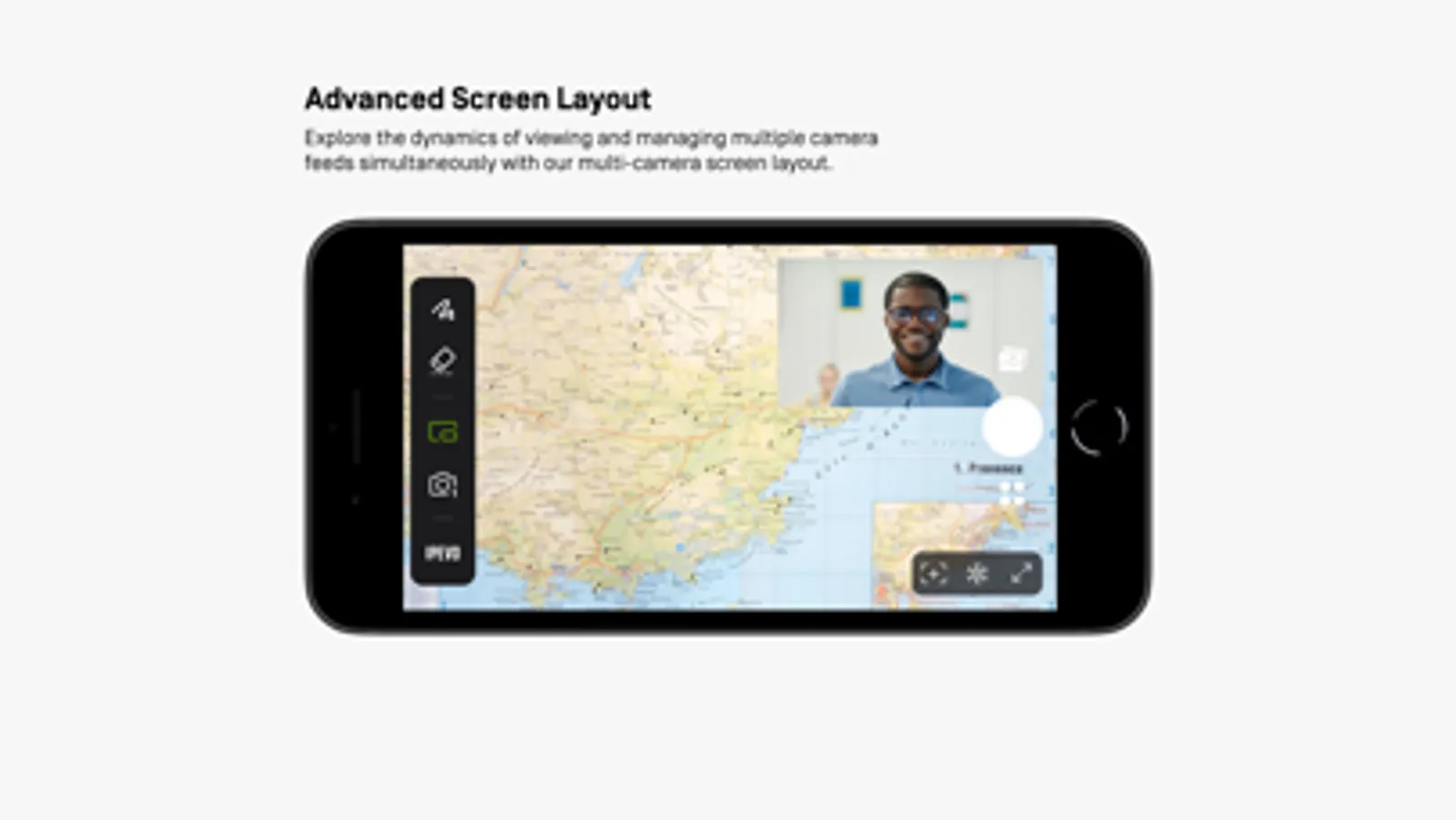
• Advanced screen layouts: Showcase real-time content from two cameras simultaneously using split-screen and picture-in-picture functionality. Furthermore, utilize the floating
window mode to interactively display content alongside your desktop or other software, offering endless presentation possibilities.
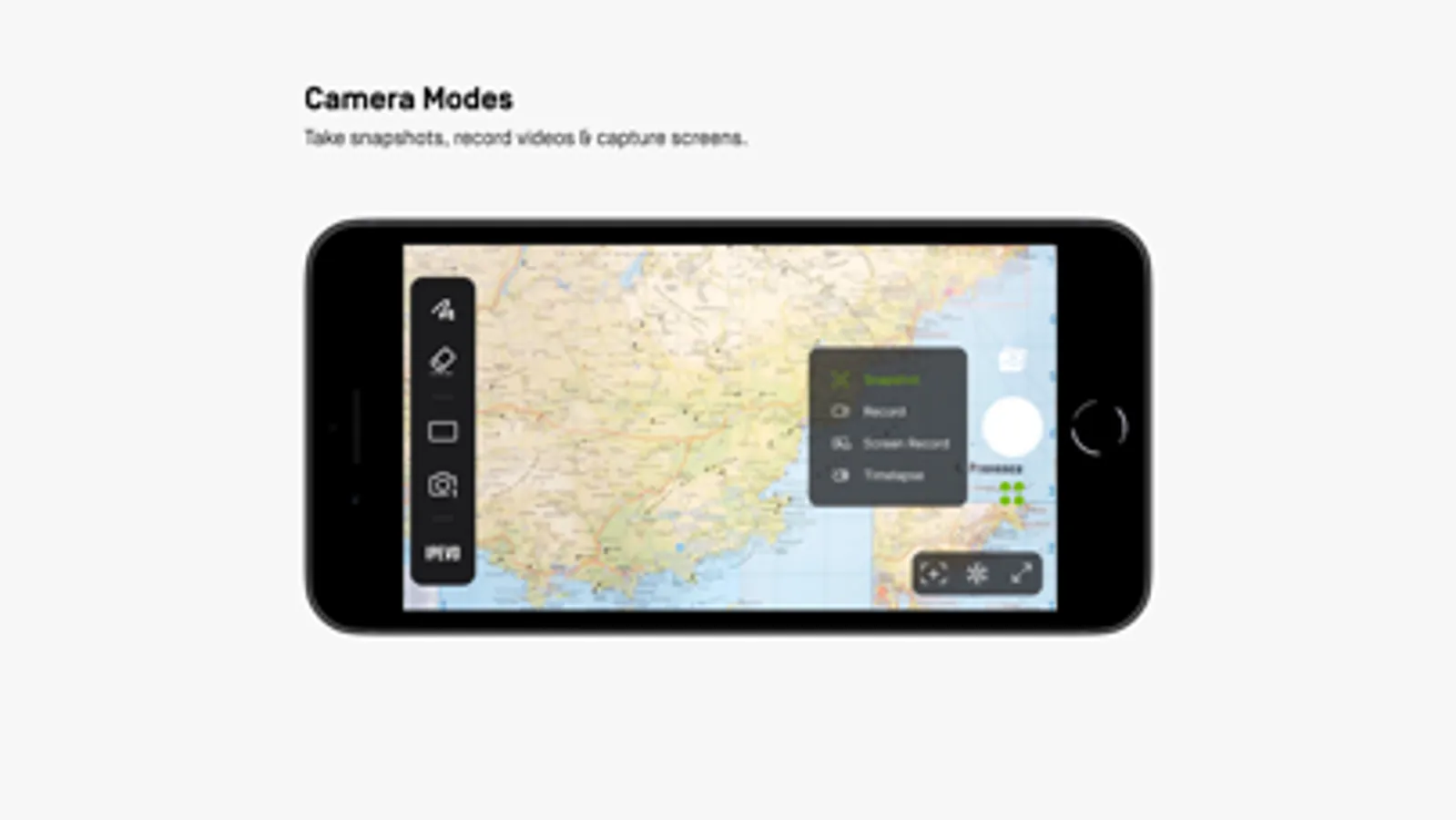
• Image capture capabilities: Easily capture images from your camera or device screen, record videos, and even enjoy time-lapse photography functionality.
Experience the Visualizer educational software now, unlocking a whole new realm of teaching potential and delivering an unparalleled educational experience!
IPEVO Visualizer Screenshots
Tap to Rate:
Reviews for IPEVO Visualizer
njwyant
Very Useful!
Overall, this is a very useful app! It is reliable and works well as a basic document camera app. However, I have noticed that one feature was lost around when the app was updated to version 4. Before this update, I was able to connect my iPad to my ViewBoard using AirPlay, and the camera would project to the ViewBoard at its full aspect ratio and hide the controls (which would still be visible on the iPad). Since this update, using AirPlay simply results in the iPad’s screen being mirrored at it’s native aspect ratio and the UI elements being present on the projected screen. This also occurs when using AirPlay on my MacBook and AirServer. This change does make the app much less seamless to use in the classroom as it was before.
Butterflyshadows
Support is non existant
I submitted a ticket to support six days ago and still have yet to receive an answer. I am seeking how to set a photo in one of the panes while using the split screen feature. One side = photo. Other side = live demo. It seems impossible to achieve. The responses I receive aren’t relevant just pitches for ads. Frustrating.