
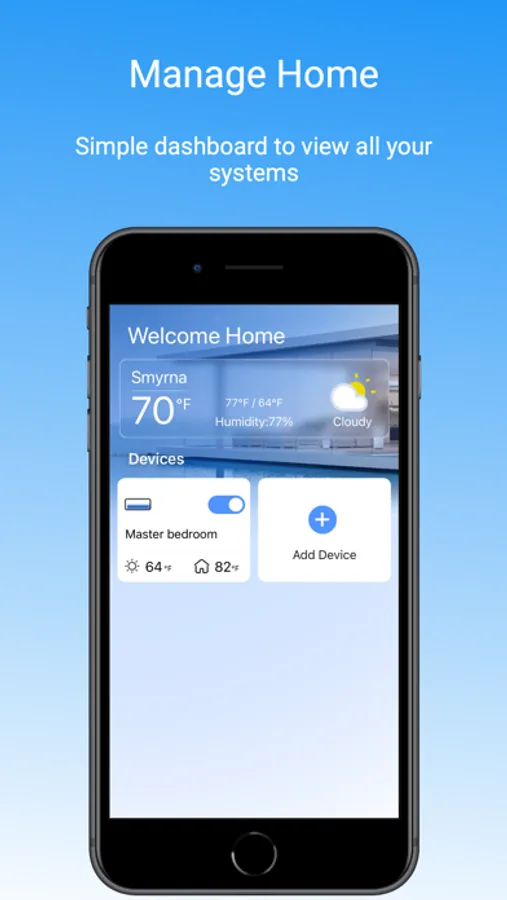
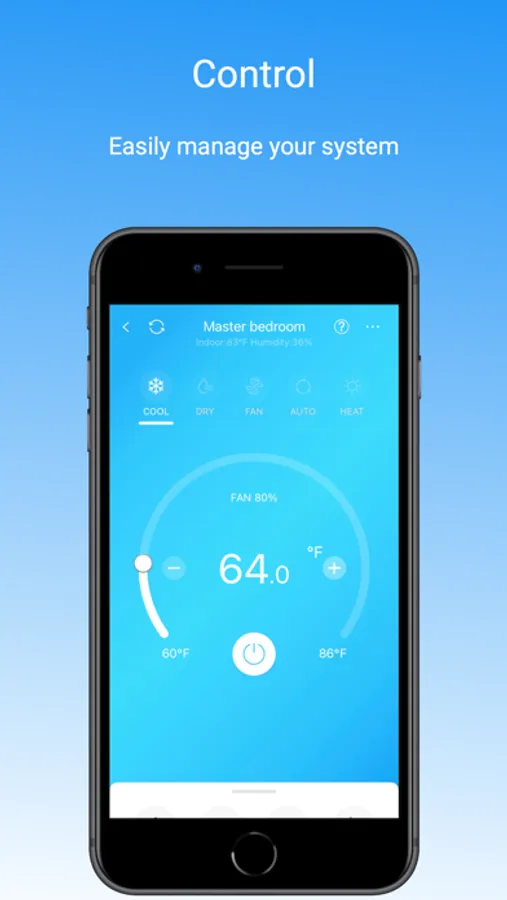
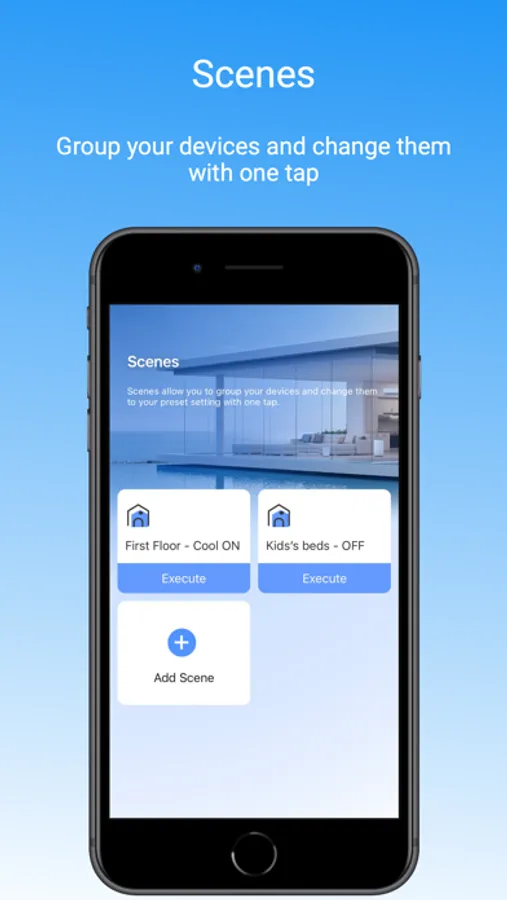
With this home automation app, you can remotely control your Carrier ductless system’s temperature, fan, and modes using your smartphone. Includes Wi-Fi connectivity, scheduling features, and compatibility with Carrier systems.
AppRecs review analysis
AppRecs rating 1.9. Trustworthiness 76 out of 100. Review manipulation risk 25 out of 100. Based on a review sample analyzed.
★☆☆☆☆
1.9
AppRecs Rating
Ratings breakdown
5 star
11%
4 star
4%
3 star
5%
2 star
14%
1 star
67%
What to know
✓
Low review manipulation risk
25% review manipulation risk
⚠
Mixed user feedback
Average 1.8★ rating suggests room for improvement
⚠
High negative review ratio
81% of sampled ratings are 1–2 stars
About Carrier CliMate
Remote Connectivity - Control your Carrier Ductless System’s fan or heating and cooling modes anytime, anywhere, using the Carrier CliMate app for iOS® devices.
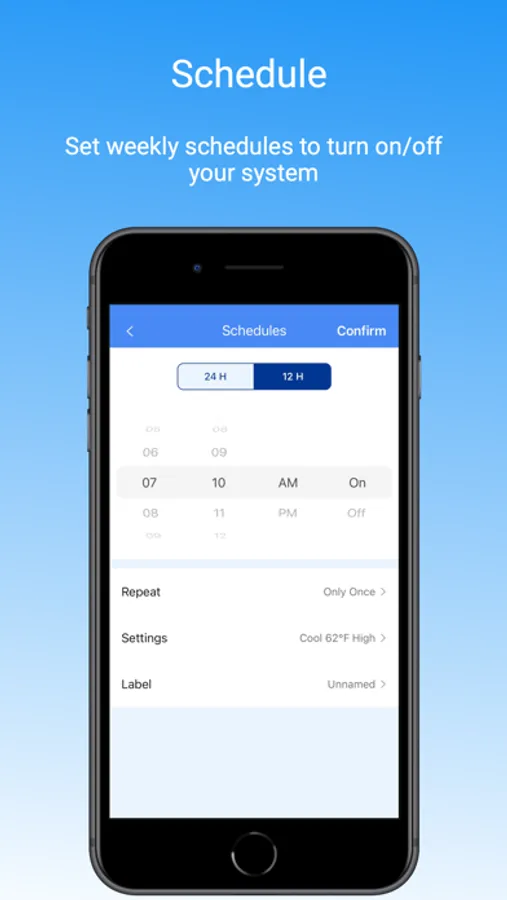
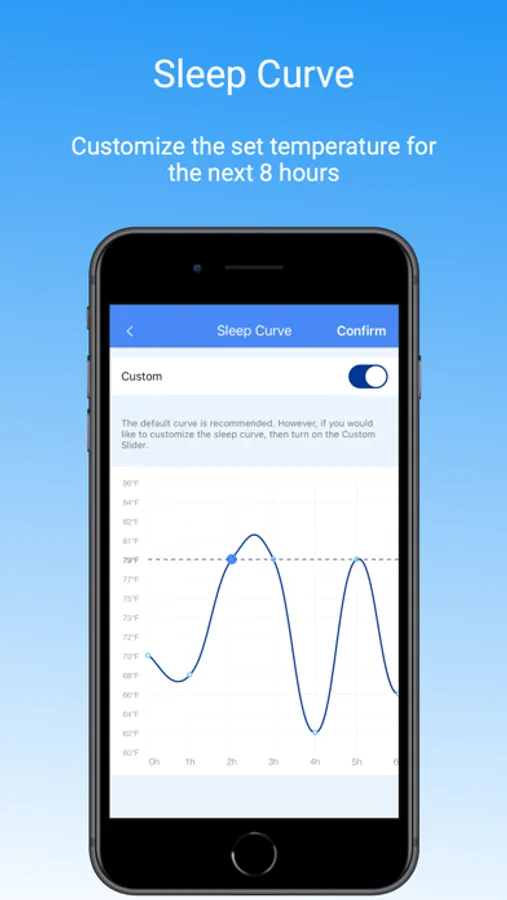
Temperature Scheduling - Save energy by setting your Ductless System with the Carrier CliMate app to automatically adjust your home’s temperature at different parts of the day.
Wi-Fi® Compatibility for Every Budget - Carrier offers a complete line of Ductless Systems that can sync with the Carrier CliMate app through your Wi-Fi® network. Talk to your Carrier dealer to determine the Ductless System that is right for you.
Carrier CliMate Screenshots
Tap to Rate:
Reviews for Carrier CliMate
Lloyd2006
wasted time
I downloaded the app, I can’t register profile with the site even after receiving the confirmation email. It goes to a dead server. The devices I purchased that reference this app have QR codes that go to a dead site as well. :-/
Hugochuck
Almost pure garbage
Just a junk app that I seem to be locked into because the there’s not a way to install an external thermostat on my heat pump. I got over the part where it randomly resets me to C°, but now their new update locked me out and you can’t even see what your typing while trying to log in- oh, but you can even go to their site and chat with someone but not find out they’re closed till you jump through more hoops. Great work guys.