In this app, users can access and manage Oracle Cloud Applications securely on mobile devices. Includes offline support, barcode scanning, and access to HR and supply chain features.
AppRecs review analysis
AppRecs rating 3.7. Trustworthiness 70 out of 100. Review manipulation risk 24 out of 100. Based on a review sample analyzed.
★★★☆☆
3.7
AppRecs Rating
Ratings breakdown
5 star
69%
4 star
1%
3 star
3%
2 star
3%
1 star
24%
What to know
✓
Low review manipulation risk
24% review manipulation risk
✓
Credible reviews
70% trustworthiness score from analyzed reviews
✓
Good user ratings
70% positive sampled reviews
About Oracle Fusion Applications
Supply chain healthcare users can perform cycle counts, receiving, put away, stocking inquiries, stock issues, pick confirm, subinventory transfers, and periodic automatic replenishment (PAR) counts in the mobile app. These mobile flows support scanning relevant barcode data using either a camera-based or device-based scanner. Offline support is included in periodic automatic replenishment (PAR) count application.
You can access the new mobile flows by clicking the Inventory Management (Mobile) menu entry under the Supply Chain Execution navigation group. Alternatively, you can directly navigate to individual mobile pages by clicking on the individual Quick Actions. For example, clicking the PAR Count (Mobile) quick action takes you directly to the PAR Count mobile page.
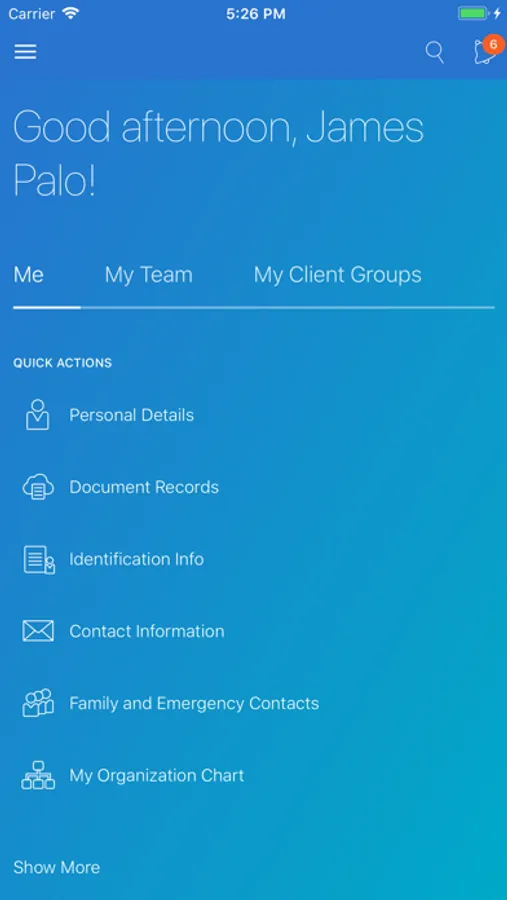
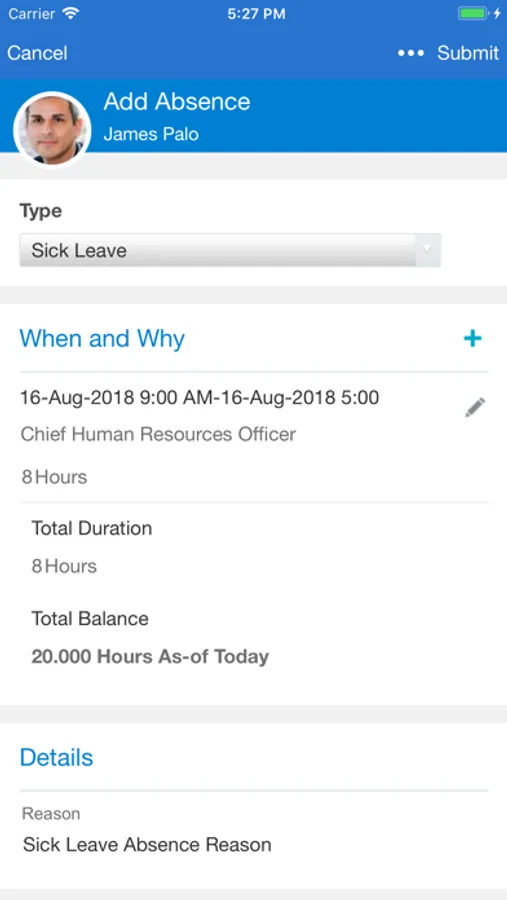
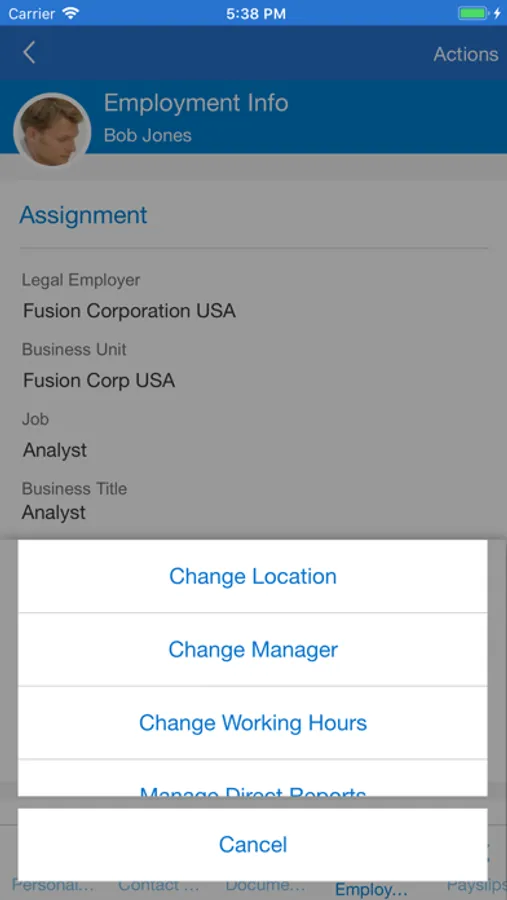
As a new hire, you can view and manage your onboarding tasks before your first day of work. As an employee, you can manage your personal information, view your payslip, manage your goals, view and manage your benefits elections, manage your skills and qualifications, look up colleagues in the directory, and much more. As a manager, you can hire an employee, promote, transfer, change the working hours, and manage salary and compensation of current employees. You can also use My Team to stay informed of your team’s overall employment, compensation, and talent information. All users, can also view their notifications and approve or reject a request from their mobile device using this application.
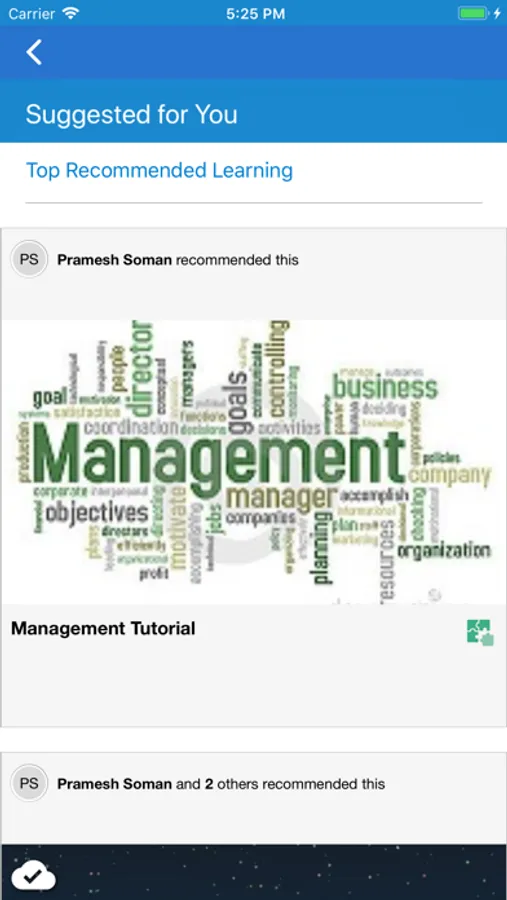
Offline support is included for HCM Learning. Learners can complete their learning at any time. When the device connects online again, it will synchronize your learning assignment progress and completion status with the server.
- You must have an active Oracle Cloud Applications user account.
- Your mobile device must have internet access and be connected to a live Oracle Applications Cloud server.
- Your Applications Cloud home page must be configured to use the News Feed Default Layout (see MyOracleSupport document ID 2399671.1).
- Only mobile responsive features enabled in your Cloud web application are available (see MyOracleSupport document ID 2399671.1).
- Features and functionality vary based on licensed and implemented applications. Refer to the What’s New for the Redesigned User Experience features in Oracle Cloud Release Readiness for detailed information about mobile responsive features.
- See the Application License Agreement for details.- See the Application License Agreement for details.
Oracle Fusion Applications Screenshots

Tap to Rate:
Reviews for Oracle Fusion Applications
Dan Cordle (Aka) Merrick
Garbage
This app was made to piss of the working people who truly make the money and save Corporates butt
Train *
Hate it even more than I used to 😞
I really wish my company hadn’t switched to this app. I hate it even more now than I did when we first switched. How hard is it to create an timekeeping app anyway? It’s pretty basic. Why can’t you get it together? 🤦🏻♀️