AppRecs review analysis
AppRecs rating 2.3. Trustworthiness 75 out of 100. Review manipulation risk 25 out of 100. Based on a review sample analyzed.
★★☆☆☆
2.3
AppRecs Rating
Ratings breakdown
5 star
10%
4 star
25%
3 star
5%
2 star
5%
1 star
55%
What to know
✓
Low review manipulation risk
25% review manipulation risk
✓
Credible reviews
75% trustworthiness score from analyzed reviews
⚠
Mixed user feedback
Average 2.3★ rating suggests room for improvement
About DTX402 Touch
Get a Drummer’s Certificate
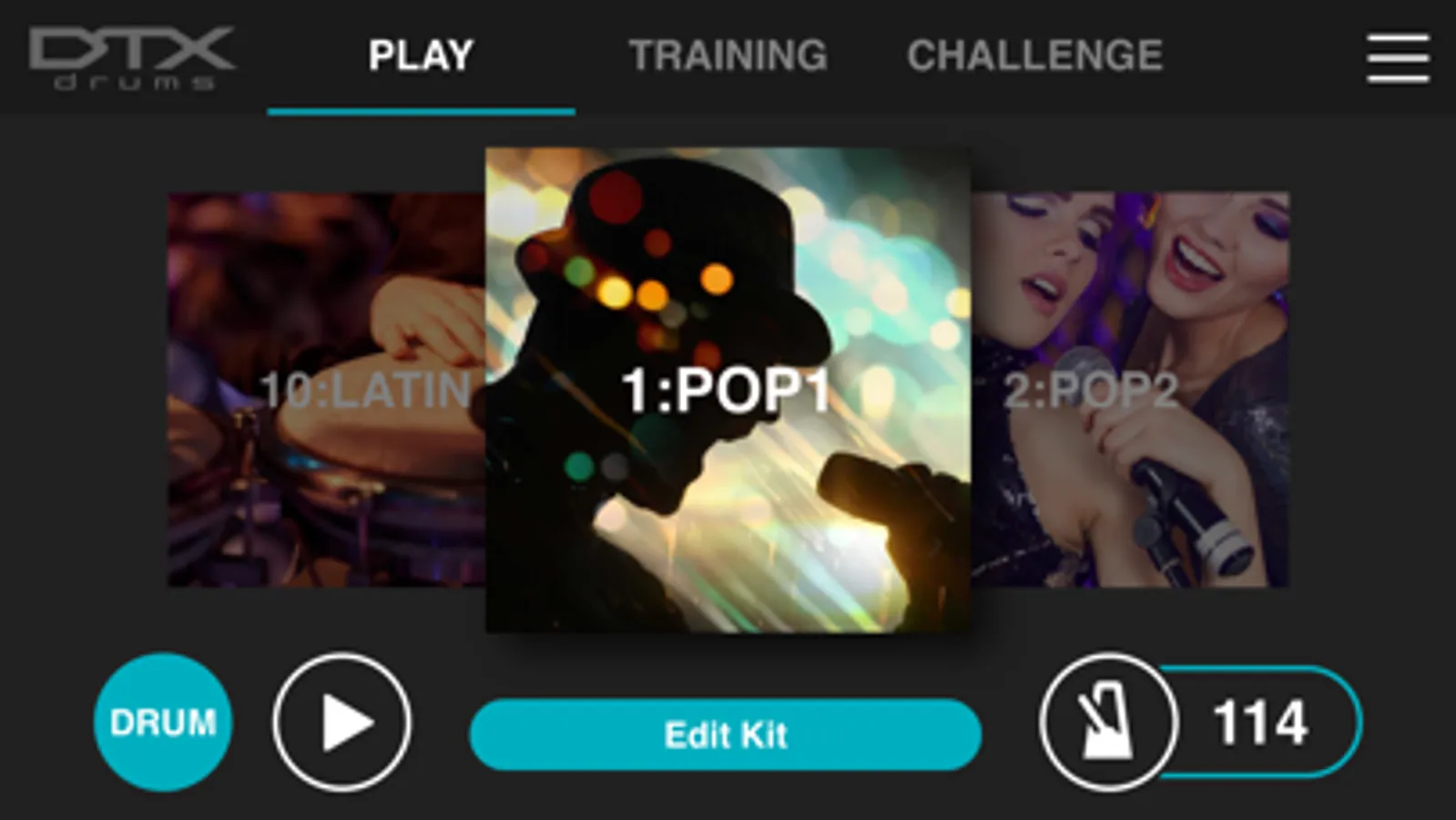
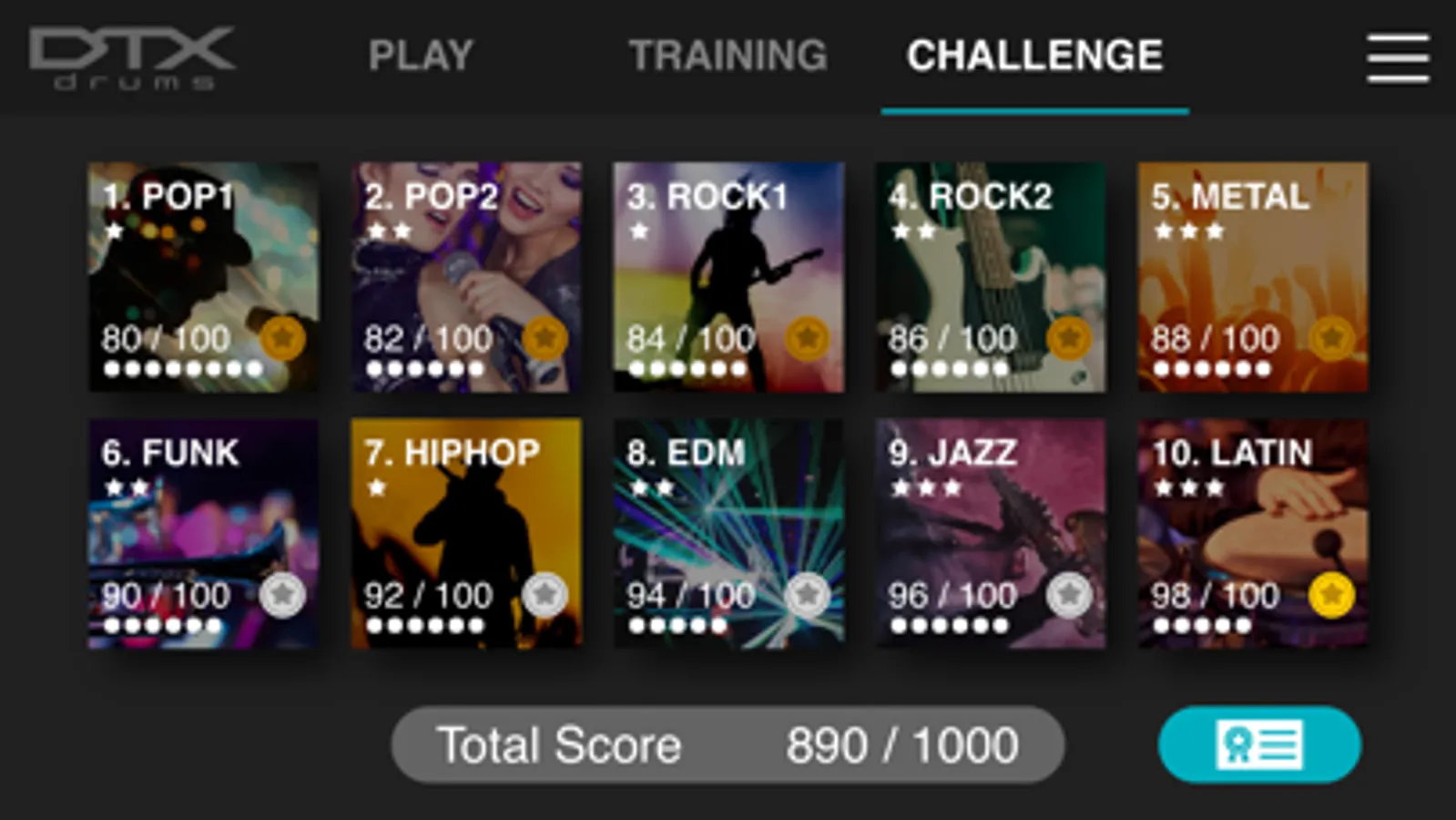
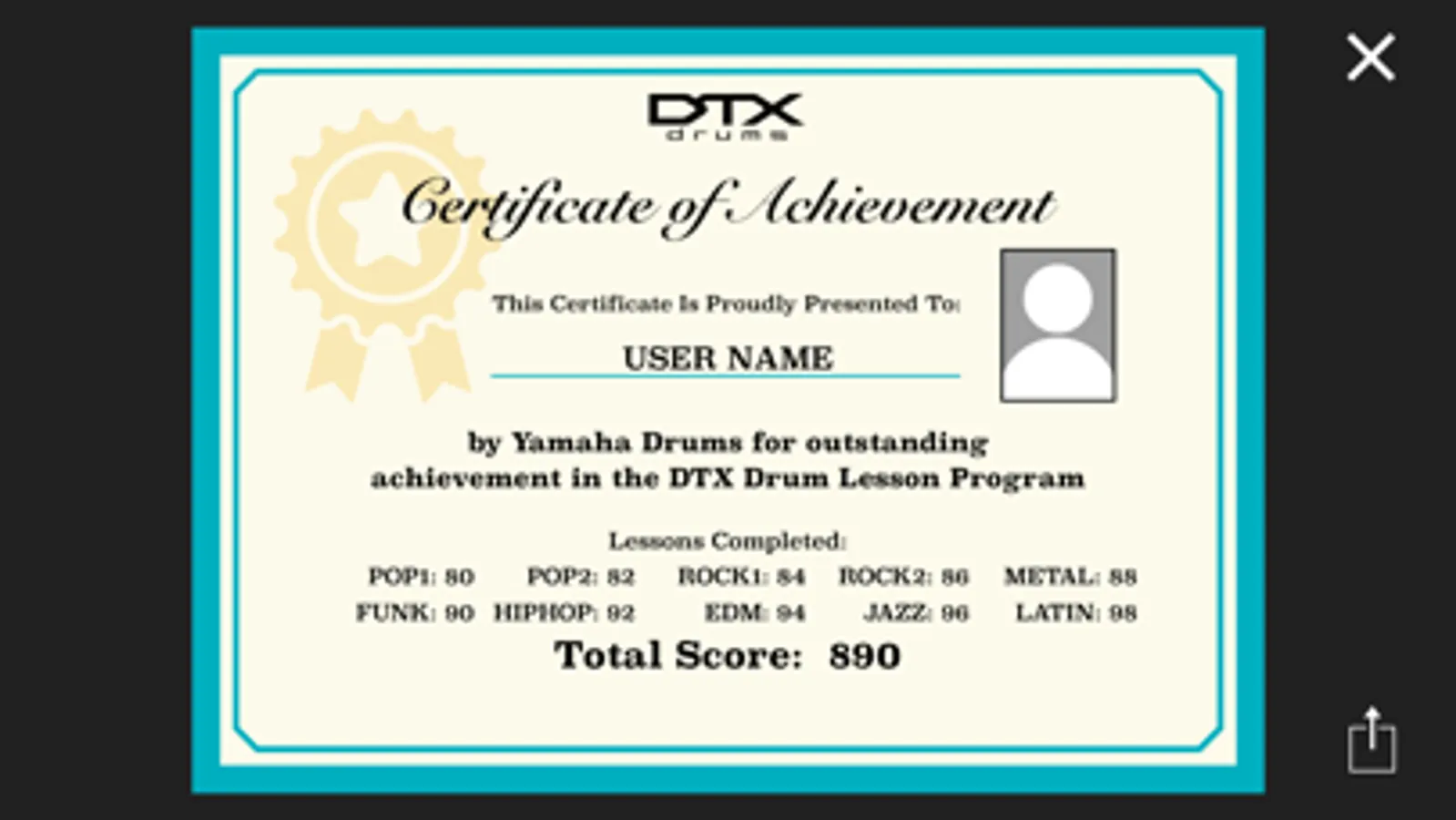
“Challenge Mode” is a new function on the DTX402 Touch that tests your skill. If you can play all 10 practice songs without making a mistake, you will receive a “Drummer’s Certificate” from the Yamaha DTX drum team that you can share via social media.
Learn While Having Fun
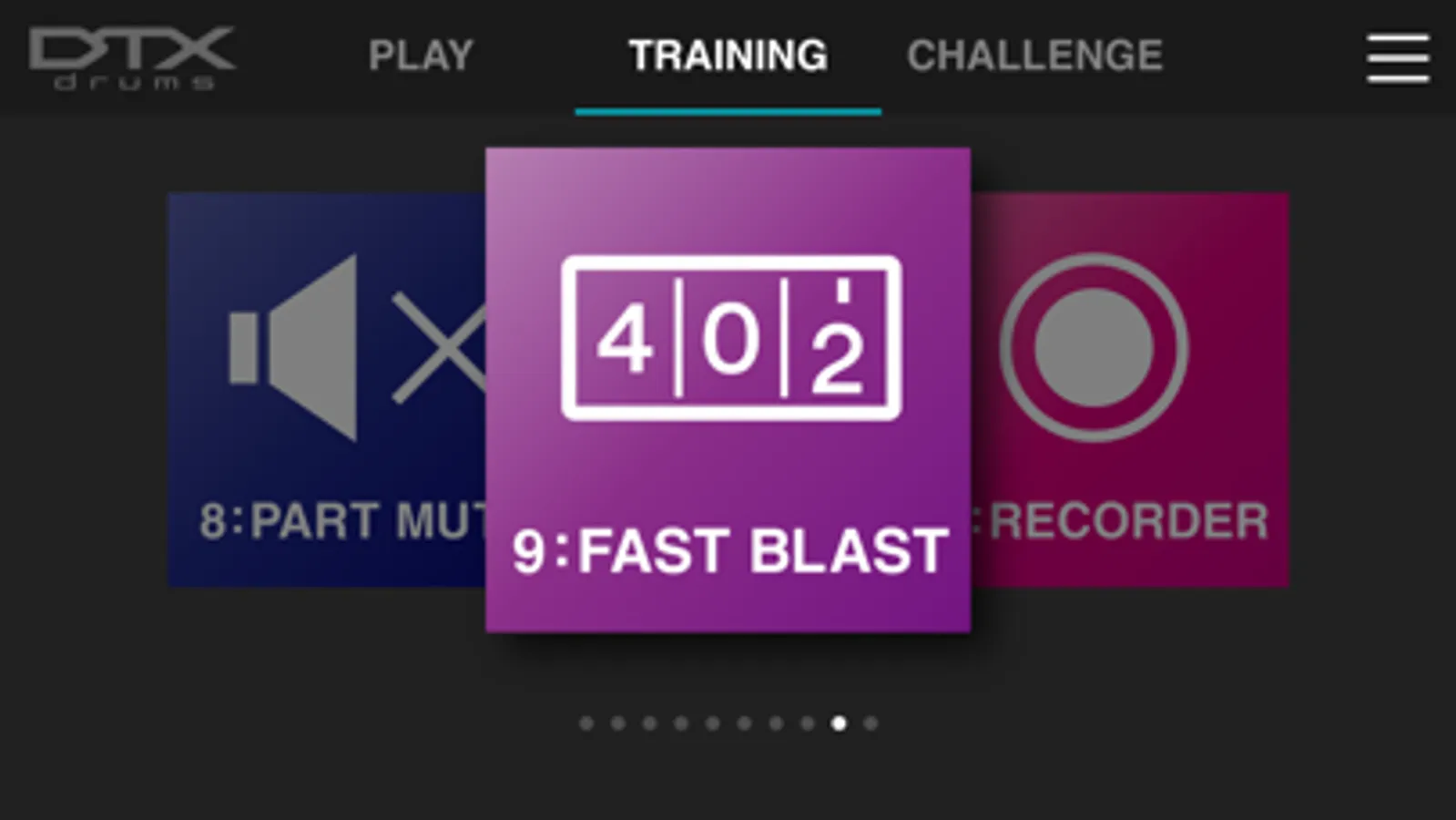
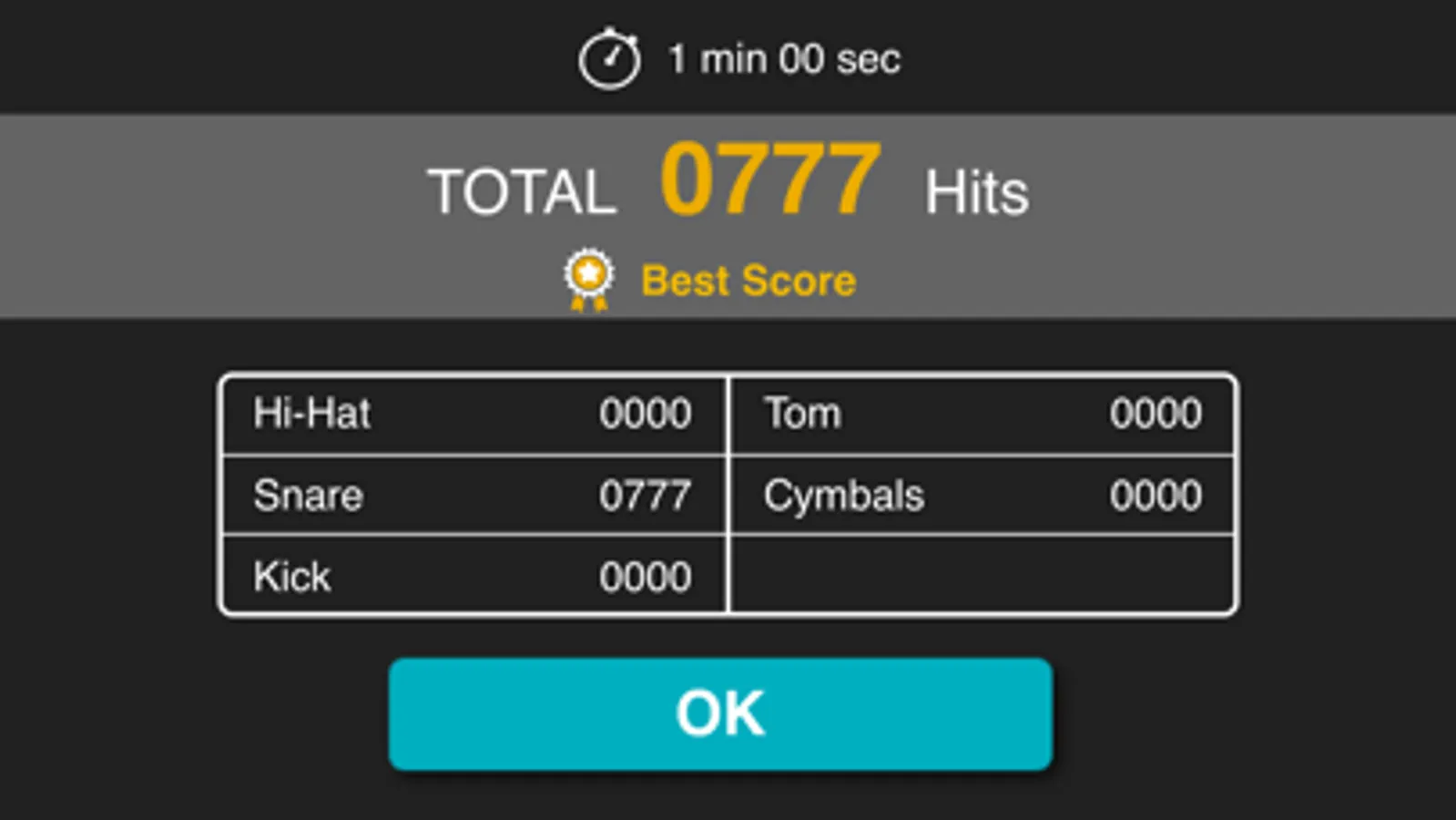
Specially designed for drummers at any skill level, the DTX402 Touch has 10 Training Modes designed to make you a better player, faster. The exercises are a fun way to learn to read drum music notation, play with dynamics and develop your sense of timing. "Rhythm Gate" improves your timing accuracy by only allowing you to play rhythms in time with the metronome. “Song Part Gate" teaches you to play each part of the song with correct timing while the "Recorder" function lets you record a drum solo or play along with a song to self-assess your performance. You can also use "Fast Blast" to count the number of drum stokes made within a set period of time. This helps to increase your speed and build stamina.
Make Customized Drum Kits
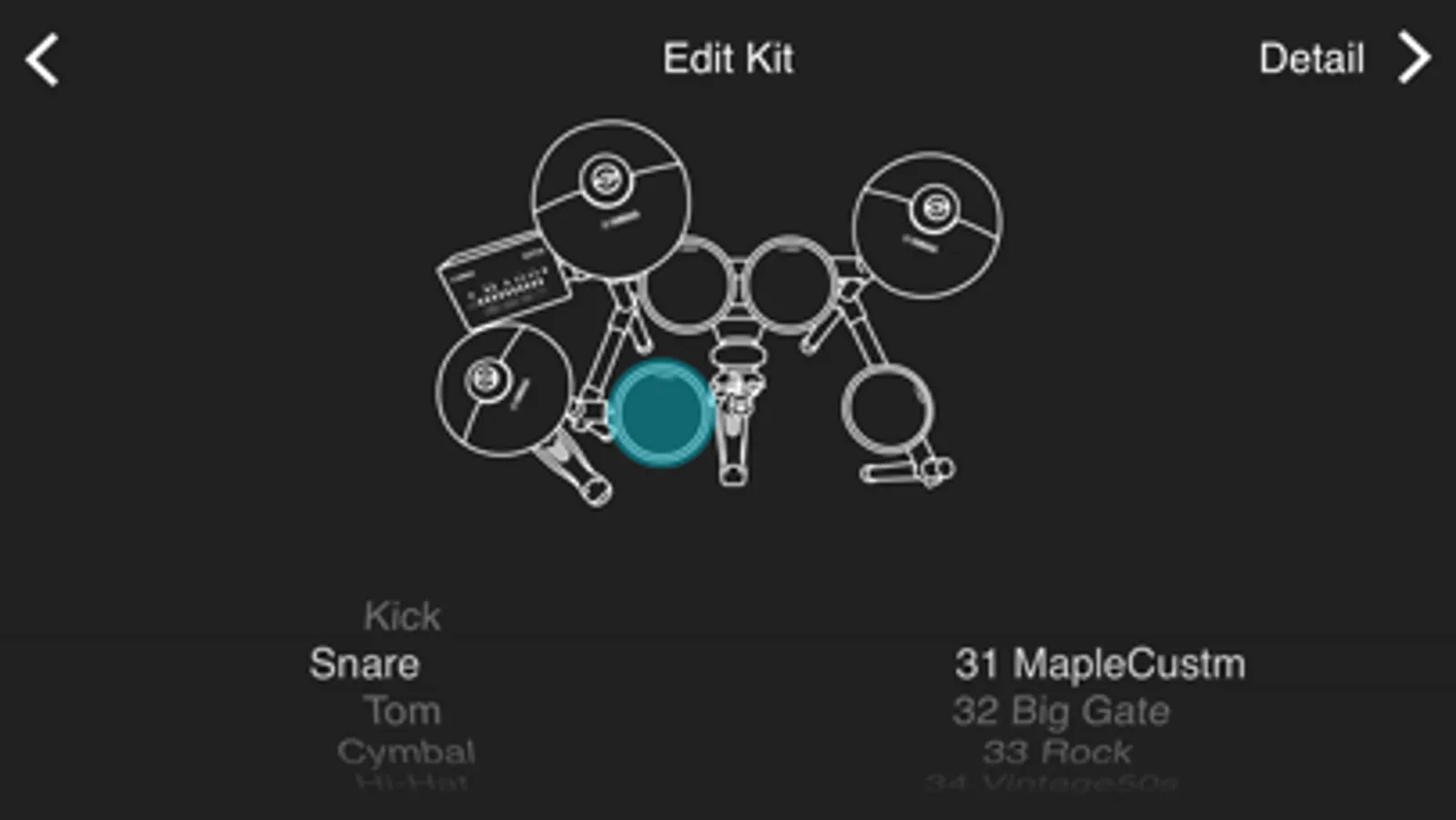
Personalize each of the 10 drum kits with over 280 drum and percussion sounds. Simply touch the drum pads on your screen to change or select a sound, and edit them with tuning, volume, panning, mute and reverb to create your own sound quickly and easily.
Simple and Intuitive Control
With a simple swipe, you can select and customize kits, song numbers, set up metronome and adjust the trigging parameters for your playing style. You can view this information while playing in Training Mode and learn how to play preset songs with instructional videos featuring industry professionals.
Update Utility
By connecting DTX402 with your smart device, DTX402 Touch App starts up to date automatically. Or by selecting the “Version” tab on the “Menu” screen, the app ensures that your firmware is up to date manually, so there is no need to download firmware data or connect DTX to your PC.
DTX402 Touch Screenshots
Tap to Rate:
Reviews for DTX402 Touch
Lula Nobility Sweat
Disappointing
I've had my drum set for many years and put off interfacing using a device, but I updated my iPhone to the newest iOS, got the correct cable, made sure I had this app going but it won't update the firmware, all of the preset lights stay lit but nothing ever happens, incredible there can be these reviews here with such a great company and no help. Very disheartened
Junkinoo King
Not working at all with the kit
Unfortunately, Yamaha doesn’t respond to any service issues with the Dtx430k interface and no longer sells the DTX400 Touch on Apple so I am stuck with old settings when it did work . I guess someone somewhere knows what to do !