In this parental control app, you can supervise app usage, set limits, and block access to content to ensure online safety. Includes location tracking, web filtering, app blocking, and activity monitoring.
AppRecs review analysis
AppRecs rating 3.9. Trustworthiness 81 out of 100. Review manipulation risk 24 out of 100. Based on a review sample analyzed.
★★★☆☆
3.9
AppRecs Rating
Ratings breakdown
5 star
68%
4 star
12%
3 star
4%
2 star
2%
1 star
14%
What to know
✓
Low review manipulation risk
24% review manipulation risk
✓
Credible reviews
81% trustworthiness score from analyzed reviews
✓
High user satisfaction
80% of sampled ratings are 4+ stars (4.2★ average)
About Parental Control App - Kroha
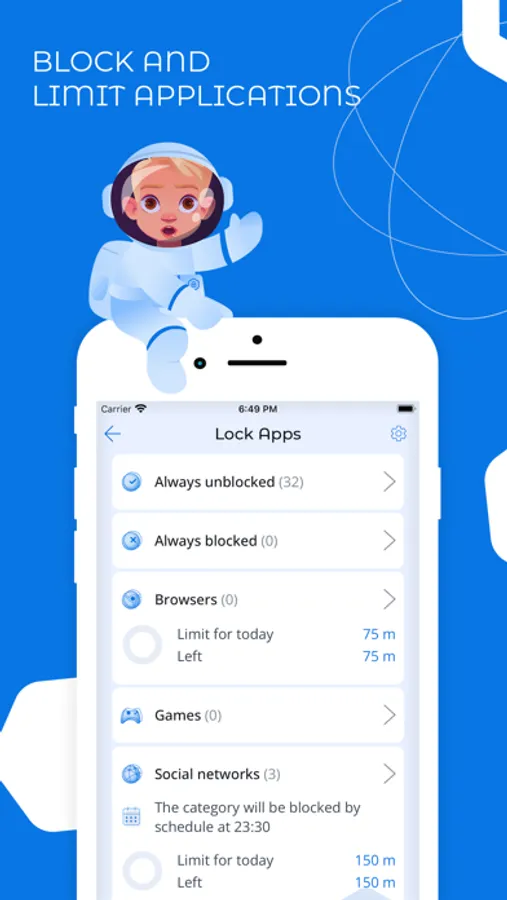
The parental control app is created to protect kids and provides supervision to keep kids safe online. The app is a powerful child control app for screen time, tracking location, tracking application usage time, limit app usage, limit phone usage, website control, YouTube monitoring. You can block apps, set daily app time limit, limit screen time, block inappropriate content.
Install this application on your mobile device. The application supports only the parent mode. The child mode is not available for iOS devices.
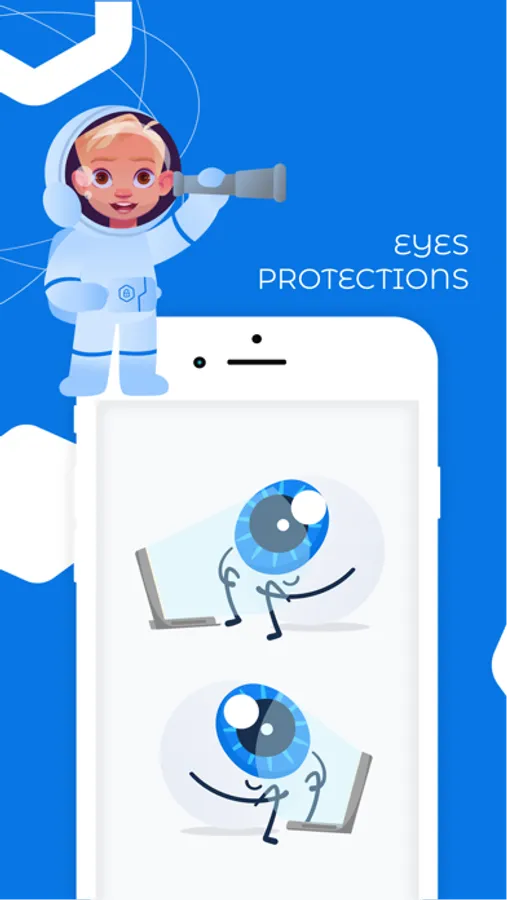
The application has unique features such as monitoring social media chats and eyes protection. Use night mode and eyes protection features to form healthy habits for your kids’ eyes.
App lock & Phone lock:
• Block apps and block games
• Block social media apps
• Limit app usage time and limit usage time remotely
• Set schedules and limit phone usage for family time, bedtime and study time
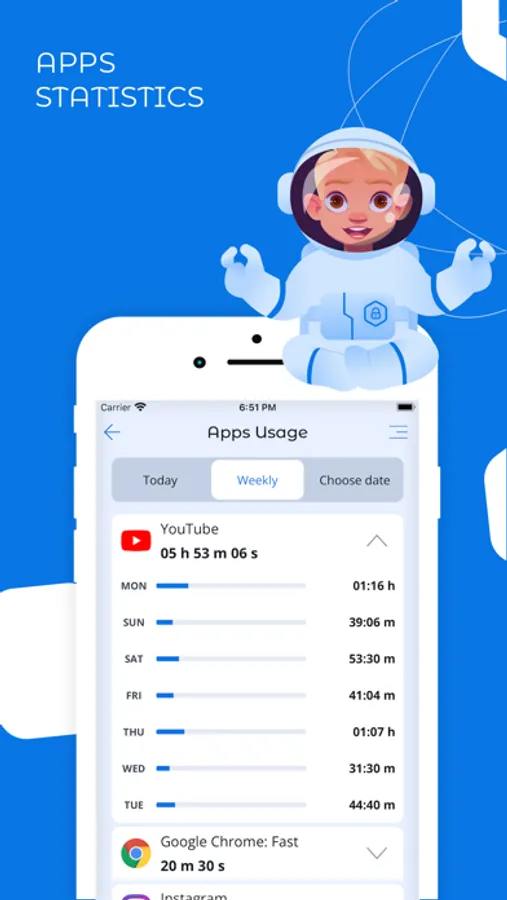
Device screen time management:
• Screen time app shows a detailed view of the daily phone usage
• Set and manage a specific daily app time limit
• Screen time tracker allows you to monitor apps usage statistics
Social media chat monitoring:
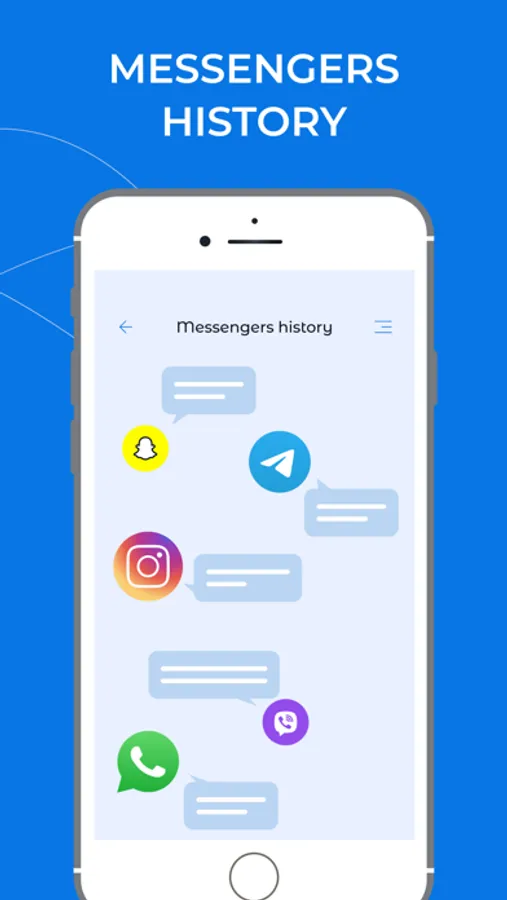
• Monitoring messengers (WhatsApp, Viber)
• YouTube Monitoring
Eyes protection & Night mode:
• Use Night Mode to protect the child’s eyes from intense blue light in the evening
• Use eyes protection to keep your child’s phone screen at the correct distance from your eyes
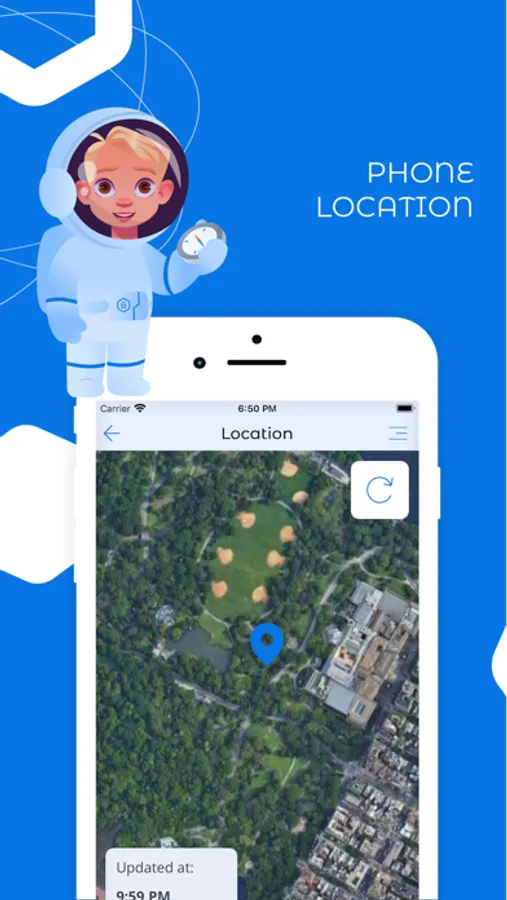
Family Locator & GPS tracking:
• Monitor your child’s location on the map in real-time
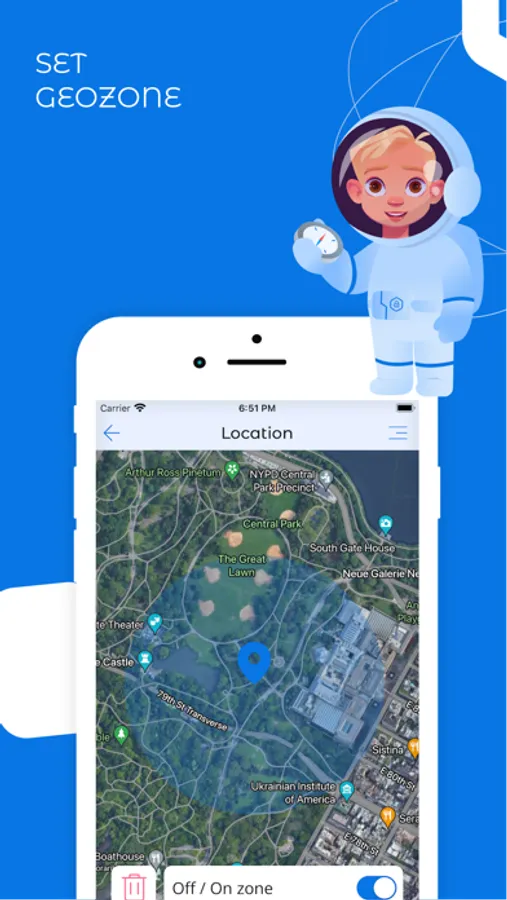
• Set geo-zone and get notifications if a child leaves this zone
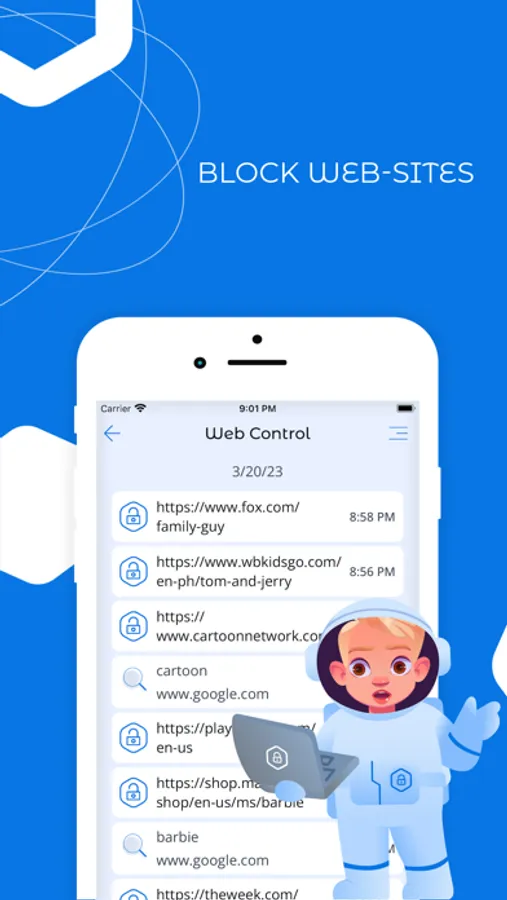
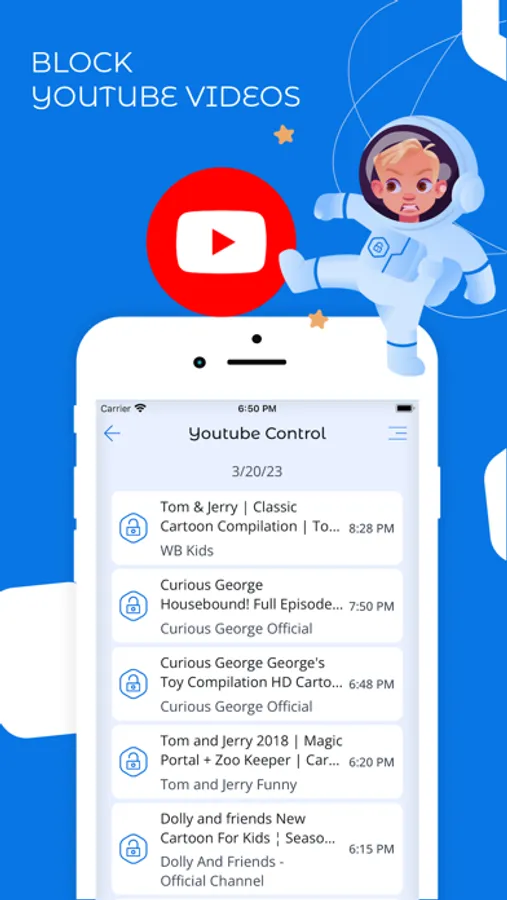
Block websites & Block Youtube videos:
• Monitor websites which your child visited
• Web filters allow you to safe kids from harmful sites and content
• Monitor YouTube videos which your child was watched
• Block YouTube videos and channels
• Turn on Safe Search function to protect your kid’s searches online
also app gives you an opportunity to:
• Monitor and manage your kid’s phonebook
• Monitor the latest kid’s photos
• Monitor the battery level of the kids’ phone
Please install this application on your mobile smartphone and then on your child’s one(s) to perform remote child control of a child’s device.
Link all your family devices to the account. Both smartphones should have network data capability, as the app uses data to send and receive configuration commands.
The application is designed exclusively for children's protection and child safety. If the application is used inappropriately, the company disclaims responsibility for the consequences.
Price for the one-year license includes controlling of five different family devices, which can be activated in any mode (Parent mode / Kids mode).
Use one account for the whole family.
Check out the subscription price: https://parental-control.net
Feedback
If you have any issues or questions, you can always contact our support team: support@parental-control.net
Privacy Policy: https://parental-control.net/privacy-policy.html
Terms of usage: https://parental-control.net/oferta
Install this application on your mobile device. The application supports only the parent mode. The child mode is not available for iOS devices.
The application has unique features such as monitoring social media chats and eyes protection. Use night mode and eyes protection features to form healthy habits for your kids’ eyes.
App lock & Phone lock:
• Block apps and block games
• Block social media apps
• Limit app usage time and limit usage time remotely
• Set schedules and limit phone usage for family time, bedtime and study time
Device screen time management:
• Screen time app shows a detailed view of the daily phone usage
• Set and manage a specific daily app time limit
• Screen time tracker allows you to monitor apps usage statistics
Social media chat monitoring:
• Monitoring messengers (WhatsApp, Viber)
• YouTube Monitoring
Eyes protection & Night mode:
• Use Night Mode to protect the child’s eyes from intense blue light in the evening
• Use eyes protection to keep your child’s phone screen at the correct distance from your eyes
Family Locator & GPS tracking:
• Monitor your child’s location on the map in real-time
• Set geo-zone and get notifications if a child leaves this zone
Block websites & Block Youtube videos:
• Monitor websites which your child visited
• Web filters allow you to safe kids from harmful sites and content
• Monitor YouTube videos which your child was watched
• Block YouTube videos and channels
• Turn on Safe Search function to protect your kid’s searches online
also app gives you an opportunity to:
• Monitor and manage your kid’s phonebook
• Monitor the latest kid’s photos
• Monitor the battery level of the kids’ phone
Please install this application on your mobile smartphone and then on your child’s one(s) to perform remote child control of a child’s device.
Link all your family devices to the account. Both smartphones should have network data capability, as the app uses data to send and receive configuration commands.
The application is designed exclusively for children's protection and child safety. If the application is used inappropriately, the company disclaims responsibility for the consequences.
Price for the one-year license includes controlling of five different family devices, which can be activated in any mode (Parent mode / Kids mode).
Use one account for the whole family.
Check out the subscription price: https://parental-control.net
Feedback
If you have any issues or questions, you can always contact our support team: support@parental-control.net
Privacy Policy: https://parental-control.net/privacy-policy.html
Terms of usage: https://parental-control.net/oferta
Parental Control App - Kroha Screenshots
Tap to Rate:
Reviews for Parental Control App - Kroha
Naisins
Хыхыхыхы
Хыхыхыхы
Татьяна 193
Т
Только установила, но пока все устраивает. Это единственное приложение, где все просто и понятно. В подростковом возрасте, оказалось это вынужденная мера к сожалению.