AppRecs review analysis
AppRecs rating 4.8. Trustworthiness 0 out of 100. Review manipulation risk 0 out of 100. Based on a review sample analyzed.
★★★★☆
4.8
AppRecs Rating
Ratings breakdown
5 star
85%
4 star
15%
3 star
0%
2 star
0%
1 star
0%
What to know
✓
High user satisfaction
85% of sampled ratings are 5 stars
About Paint Shapes
Improve your creativity and artistic skills.
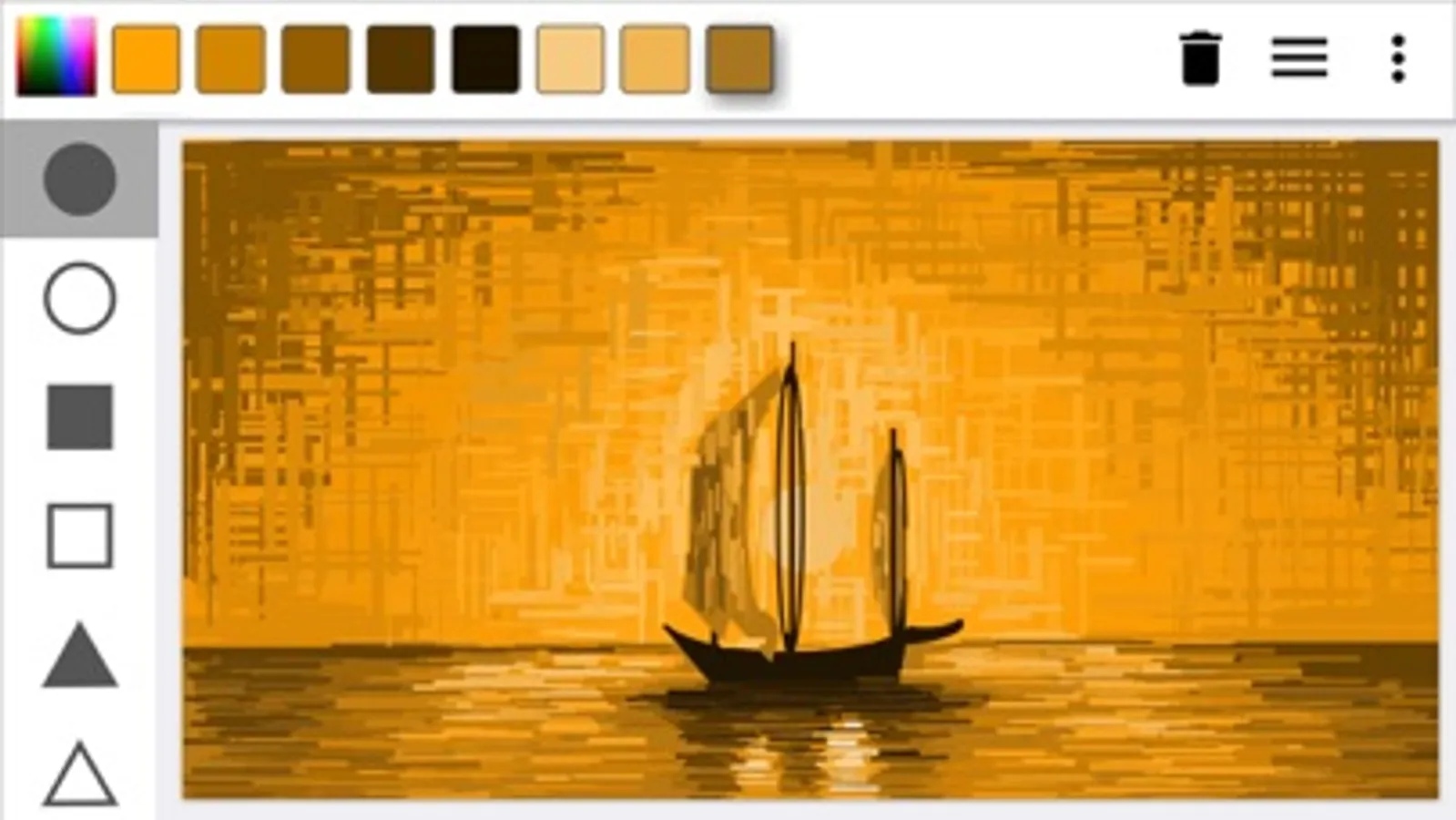
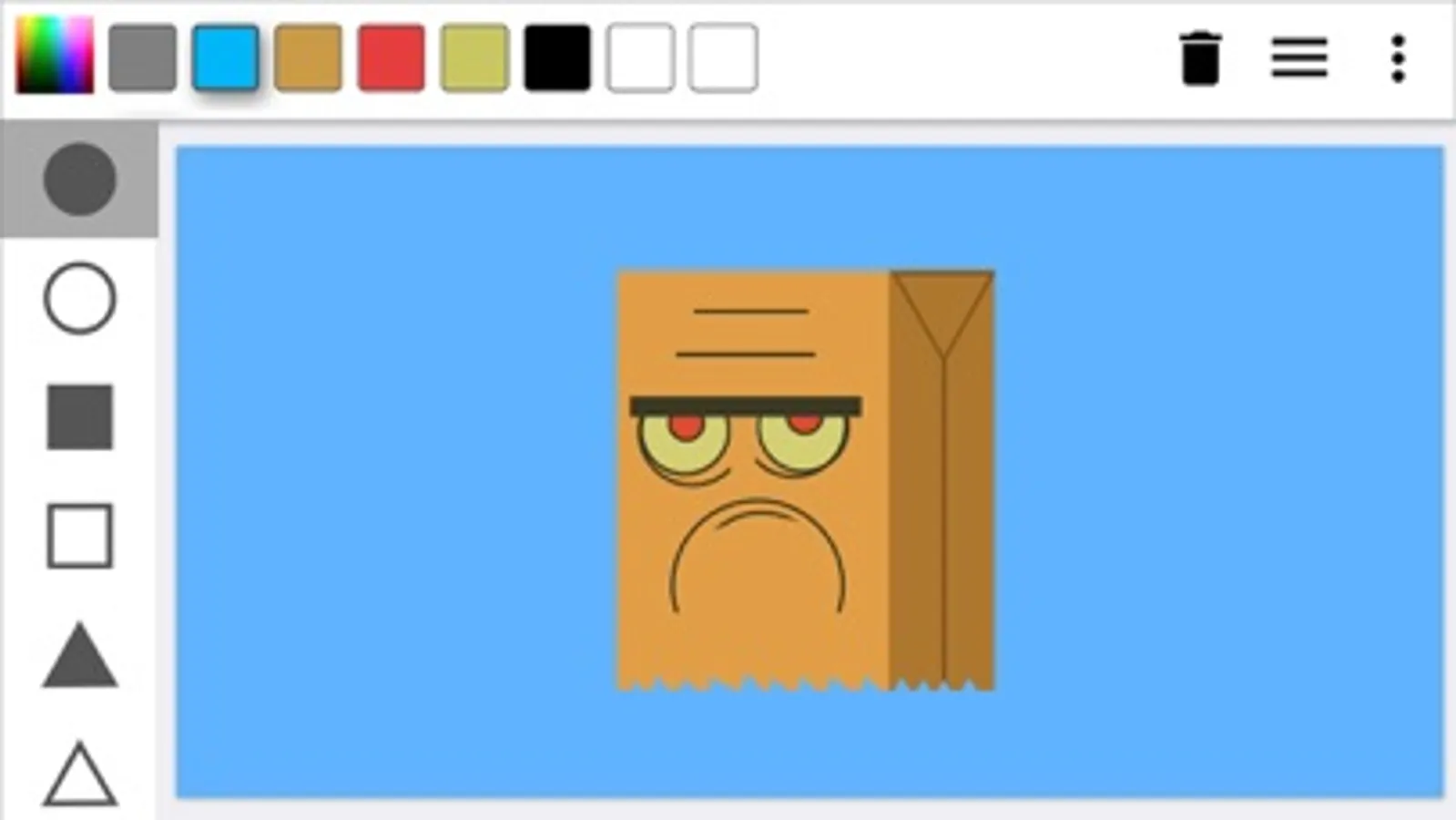
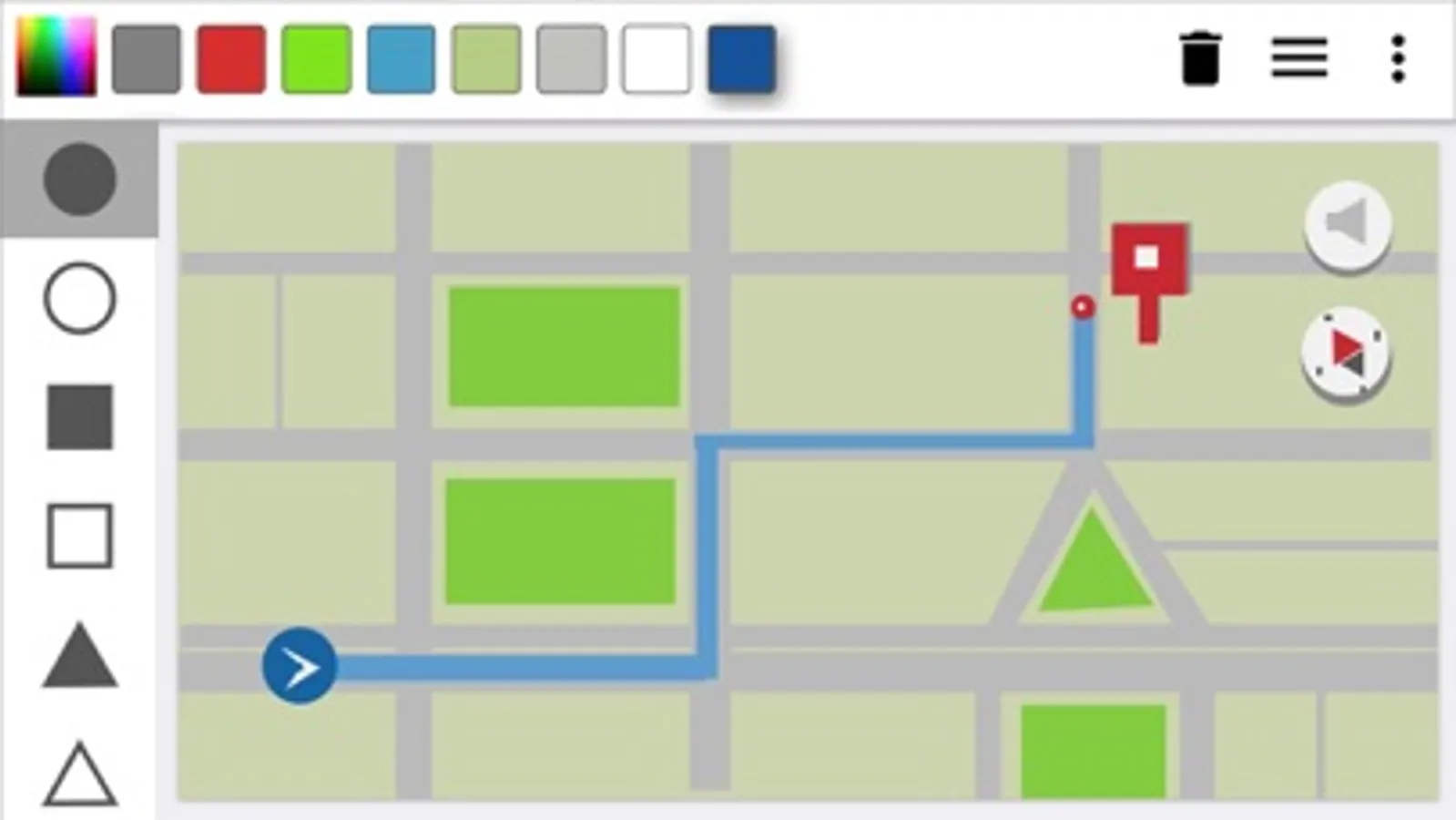
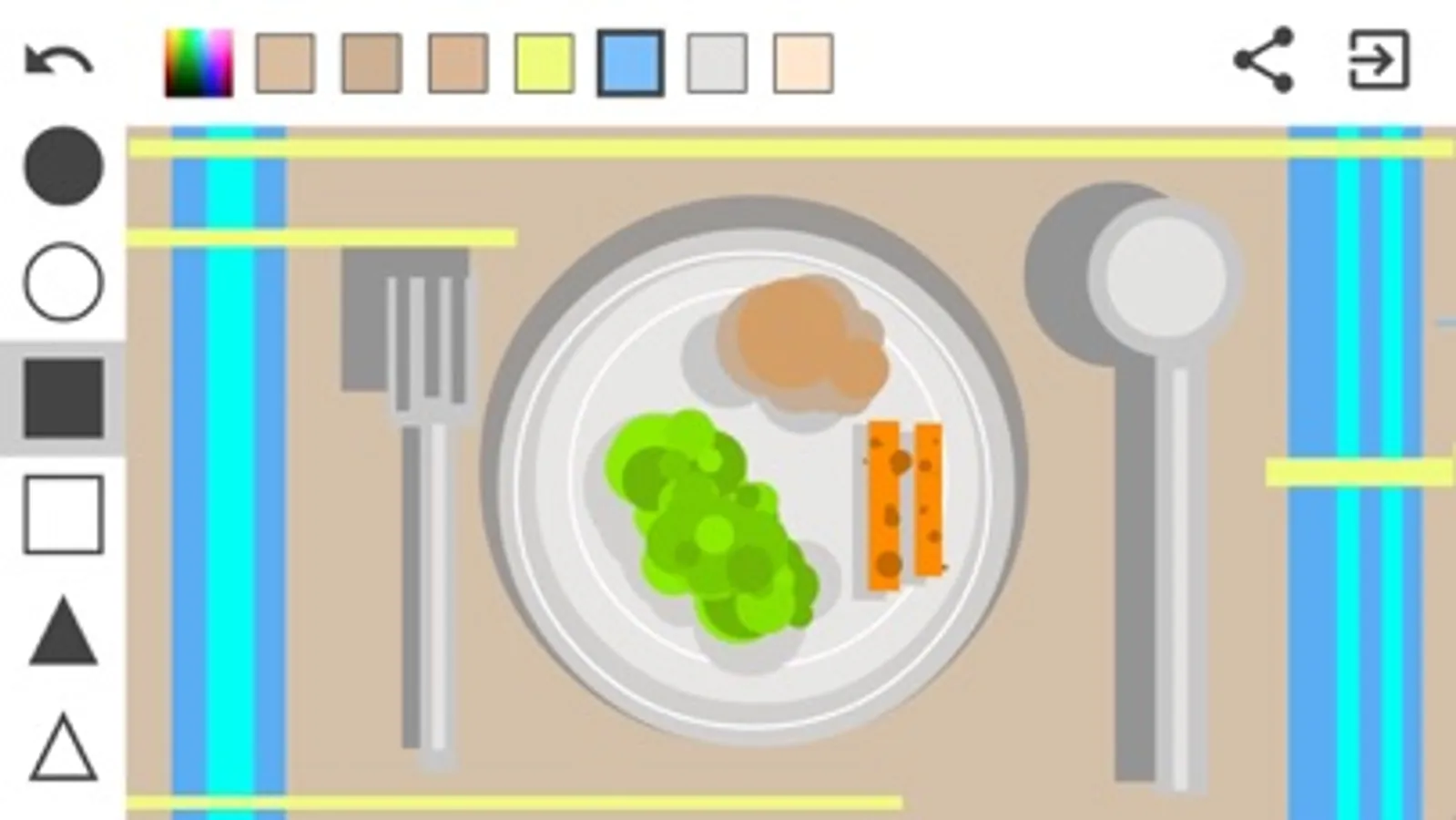
Have fun painting only with geometric shapes. Everything around us is a geometric figure, just find their shapes and draw them here. You will be surprise how your brains start thinking different to trying to paint what is in your mind. Surprise your friends and challenge them.
How to use the app:
1- How to paint:
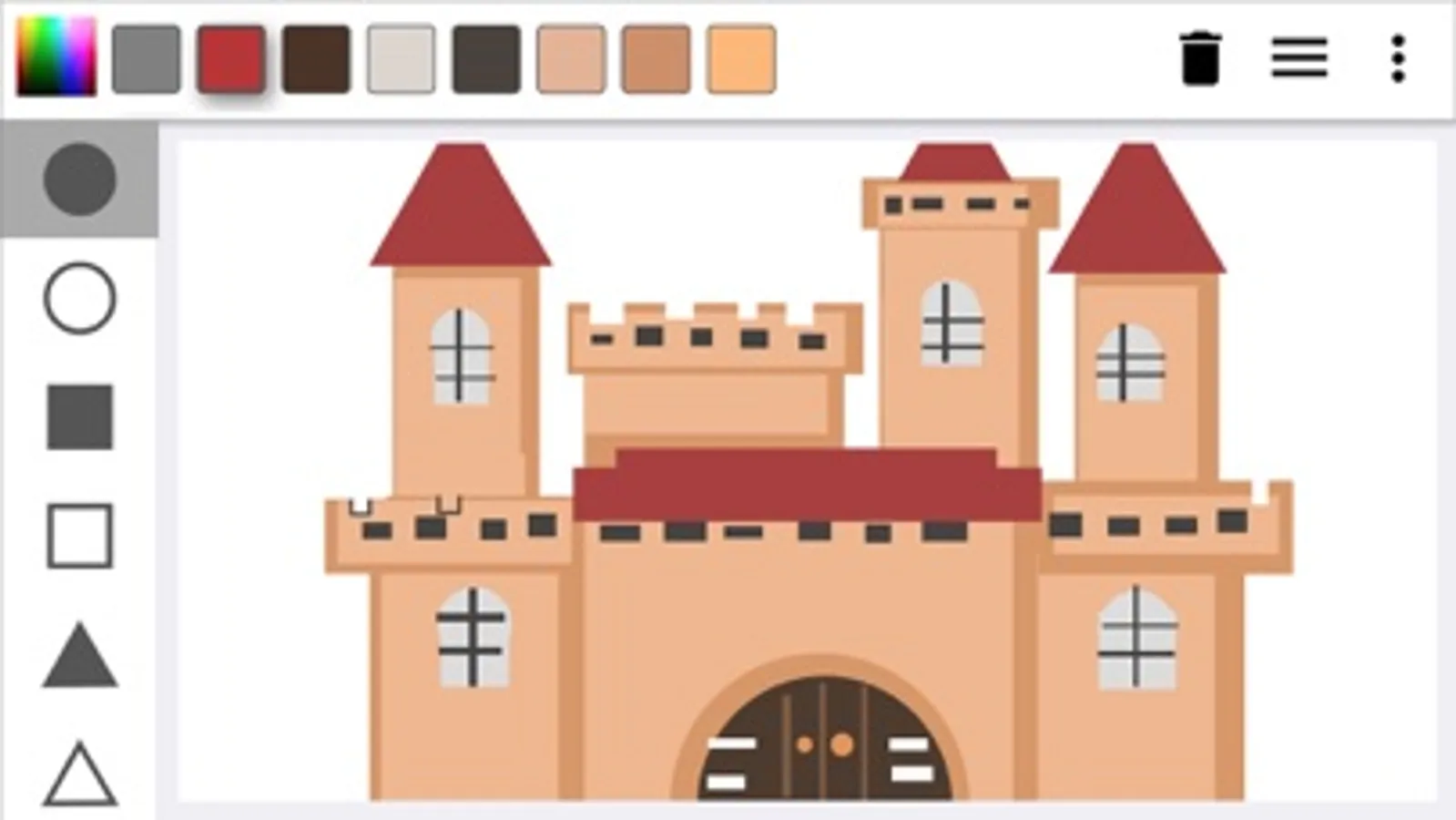
Select from the right tool bar one of the shapes (filled or just stroke). Then put your finger in the screen and move the finger without lifting it.
2 - How to delete a shape:
You can delete only shape by shape pressing the trash can at the top right corner.
3 - How to change colors:
Touch the colorful little square at the top toolbar, select the color at the vertical bar and then how dark or light you want that color in the big square. Once you have the color you need just touch outside the dialog and the color will be selected and added to the Recent colors bar.
Visit us on Facebook at:
FACEBOOK: https://www.facebook.com/paintshapes/
INSTAGRAM: https://www.instagram.com/paintshapes/
#paint #painting #shapes #drawing #creativity #geometry #kids #art #design
Have fun painting only with geometric shapes. Everything around us is a geometric figure, just find their shapes and draw them here. You will be surprise how your brains start thinking different to trying to paint what is in your mind. Surprise your friends and challenge them.
How to use the app:
1- How to paint:
Select from the right tool bar one of the shapes (filled or just stroke). Then put your finger in the screen and move the finger without lifting it.
2 - How to delete a shape:
You can delete only shape by shape pressing the trash can at the top right corner.
3 - How to change colors:
Touch the colorful little square at the top toolbar, select the color at the vertical bar and then how dark or light you want that color in the big square. Once you have the color you need just touch outside the dialog and the color will be selected and added to the Recent colors bar.
Visit us on Facebook at:
FACEBOOK: https://www.facebook.com/paintshapes/
INSTAGRAM: https://www.instagram.com/paintshapes/
#paint #painting #shapes #drawing #creativity #geometry #kids #art #design
Paint Shapes Screenshots
Tap to Rate:
Reviews for Paint Shapes
jeopensooqy
Great for making backgrounds and stick figures but not for actual drawing or art
Win
cprof16
Awesome idea - needs polish!
This app makes you think and you can do some unexpectedly cool stuff but just needs a few more edits for a cleaner experience. The saving & sharing features are p cool too. 4/5 would recommend