
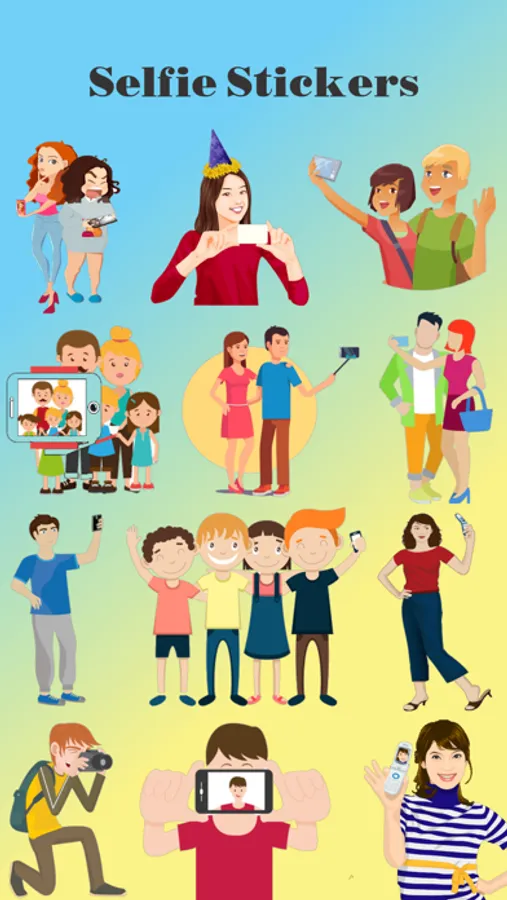
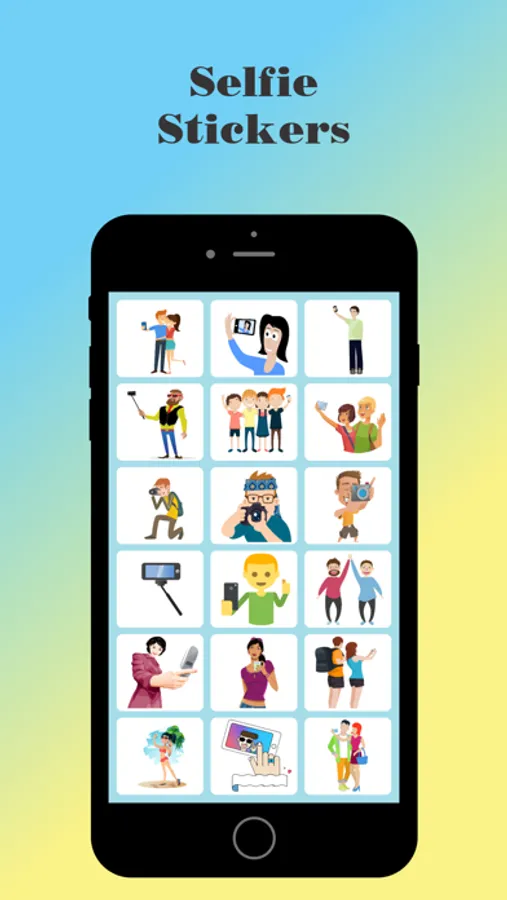
About Selfie Lover Stickers
Downloads Selfie Lover Stickers for iMessage
How to use Selfie Lover Stickers App:
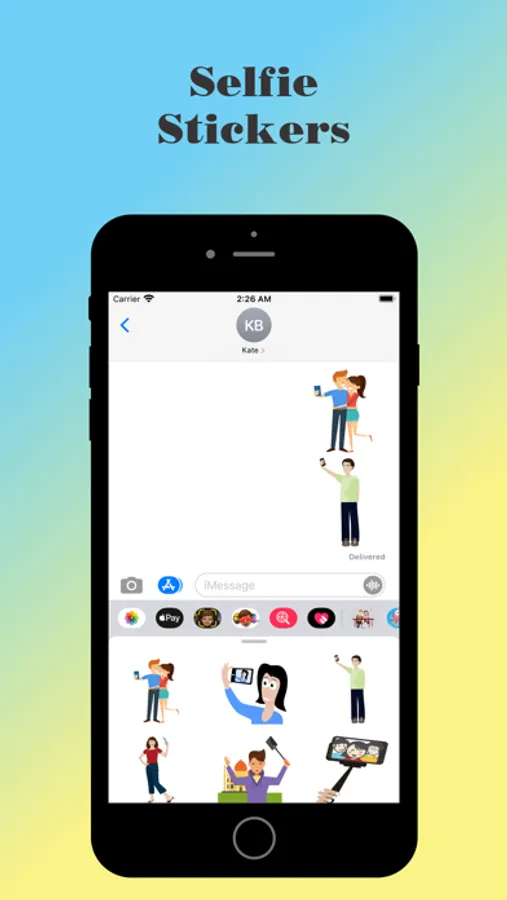
Step 1: Open a message with a friend and tap the ">" button to the left of the text box.
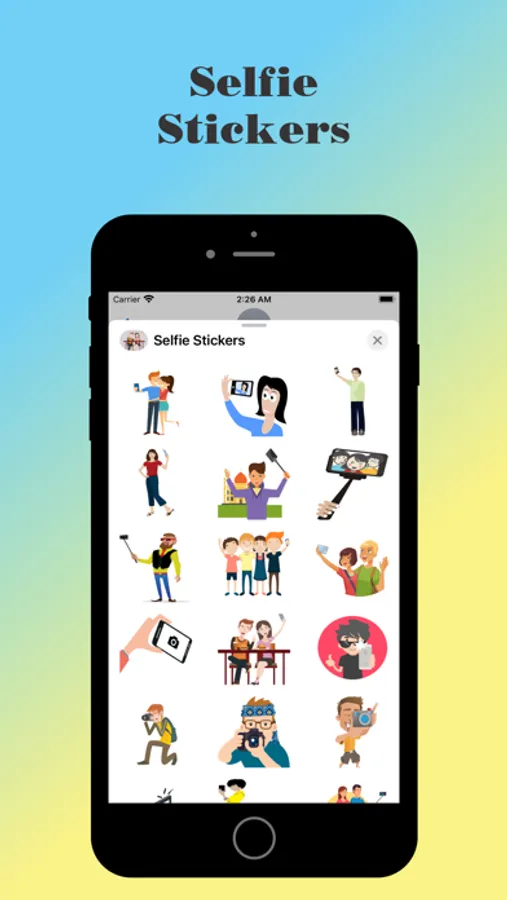
Step 2: Tap the app button that appears (it looks like an "A") and then taps the button that looks like four circles in the lower left of your screen to open the iMessage app drawer.
Step 3: Tap the icon of this Sticker Pack and start sending stickers!
Useful tips:
● Tap the sticker you want, or DRAG & DROP one into your message.
● You can Scale & Rotate stickers by using a second finger before you place it on a bubble.
How to use Selfie Lover Stickers App:
Step 1: Open a message with a friend and tap the ">" button to the left of the text box.
Step 2: Tap the app button that appears (it looks like an "A") and then taps the button that looks like four circles in the lower left of your screen to open the iMessage app drawer.
Step 3: Tap the icon of this Sticker Pack and start sending stickers!
Useful tips:
● Tap the sticker you want, or DRAG & DROP one into your message.
● You can Scale & Rotate stickers by using a second finger before you place it on a bubble.
Selfie Lover Stickers Screenshots
Tap to Rate: