AppRecs review analysis
AppRecs rating 4.5. Trustworthiness 65 out of 100. Review manipulation risk 30 out of 100. Based on a review sample analyzed.
★★★★☆
4.5
AppRecs Rating
Ratings breakdown
5 star
100%
4 star
0%
3 star
0%
2 star
0%
1 star
0%
What to know
✓
Low review manipulation risk
30% review manipulation risk
✓
High user satisfaction
100% of sampled ratings are 5 stars
About Magic Message AR
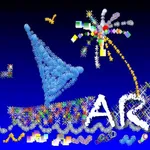
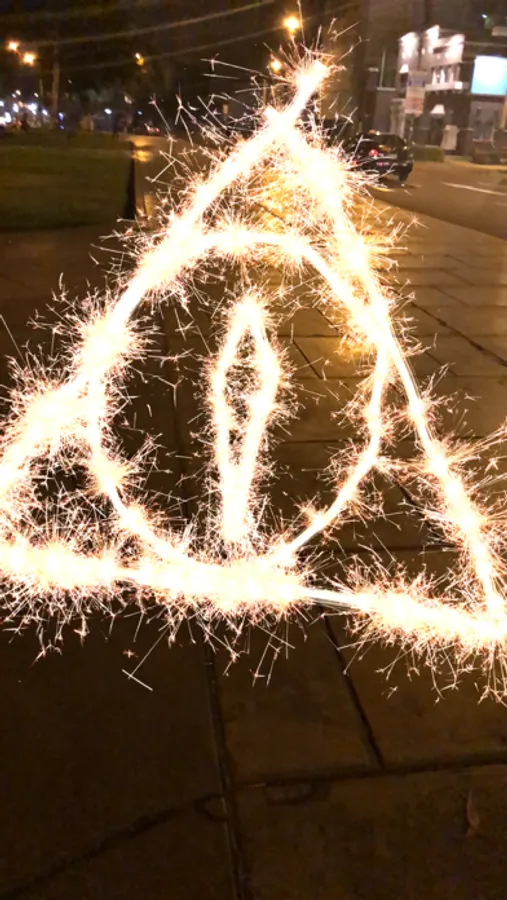
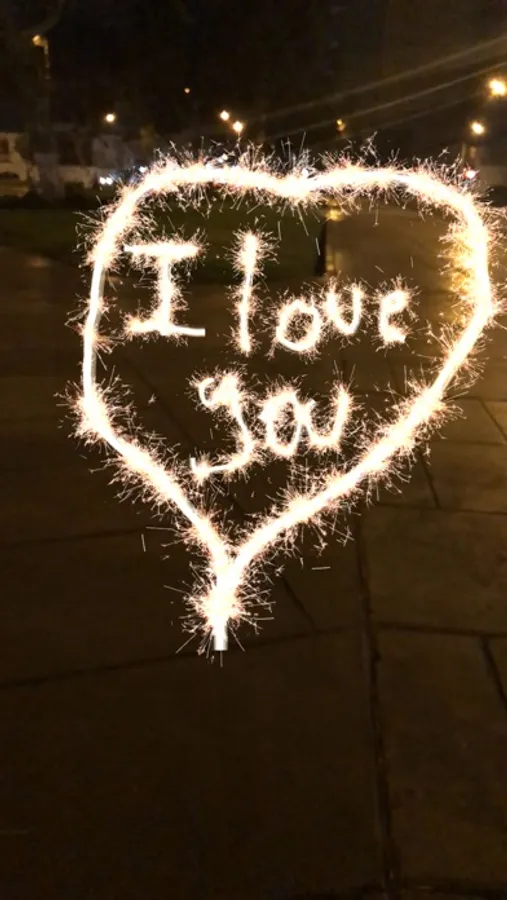
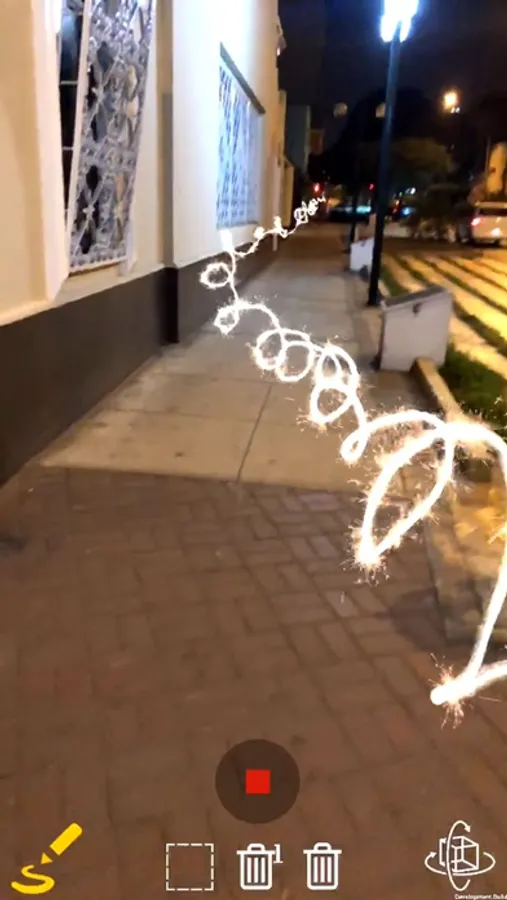
You can draw in augmented reality with sparks and then have fun giving animation!
The world is a canvas and you have sparks of infinite lights!
We recommend using it at night with little lighting to improve the effect.
Functions with gestures (Drawing Mode and Group Mode):
- Move: Press with two fingers on a drawing, with this you can change a drawing place following your position and rotation.
- Scale: Press with two fingers on a drawing and then separate or joined, will allow you to enlarge or decrease the size of a drawing.
Functions with buttons:
- Draw: Press the pencil button to draw on the screen (by default it is already selected)
- Movement: Press the button on the right and then move your finger through the drawings to add animation, if you want to stop them you must touch once on the drawing.
- Delete a drawing: The trash can icon with a "1" allows you to delete the drawings you touch.
- Delete all: The trash can icon will delete all the drawings.
- Group: With this you can group drawings to move and scale them together, you will know which ones are selected because their brightness will diminish.
- Capture Image.
- Video capture.
The world is a canvas and you have sparks of infinite lights!
We recommend using it at night with little lighting to improve the effect.
Functions with gestures (Drawing Mode and Group Mode):
- Move: Press with two fingers on a drawing, with this you can change a drawing place following your position and rotation.
- Scale: Press with two fingers on a drawing and then separate or joined, will allow you to enlarge or decrease the size of a drawing.
Functions with buttons:
- Draw: Press the pencil button to draw on the screen (by default it is already selected)
- Movement: Press the button on the right and then move your finger through the drawings to add animation, if you want to stop them you must touch once on the drawing.
- Delete a drawing: The trash can icon with a "1" allows you to delete the drawings you touch.
- Delete all: The trash can icon will delete all the drawings.
- Group: With this you can group drawings to move and scale them together, you will know which ones are selected because their brightness will diminish.
- Capture Image.
- Video capture.
Magic Message AR Screenshots
Tap to Rate:
Reviews for Magic Message AR
deep fried chiken
AMZING
I know I spelt that wrong but it’s soo good!!! But there’s only one problem...it will sometimes freeze. But for only a second. Either than that it’s really cool and it’s great for Forth of July photos and anything else I hope everyone else enjoys it as much as I do!