Community Bank – Personal
Cedar Rapids Bank and Trust
4.8 ★
114 ratings
Free
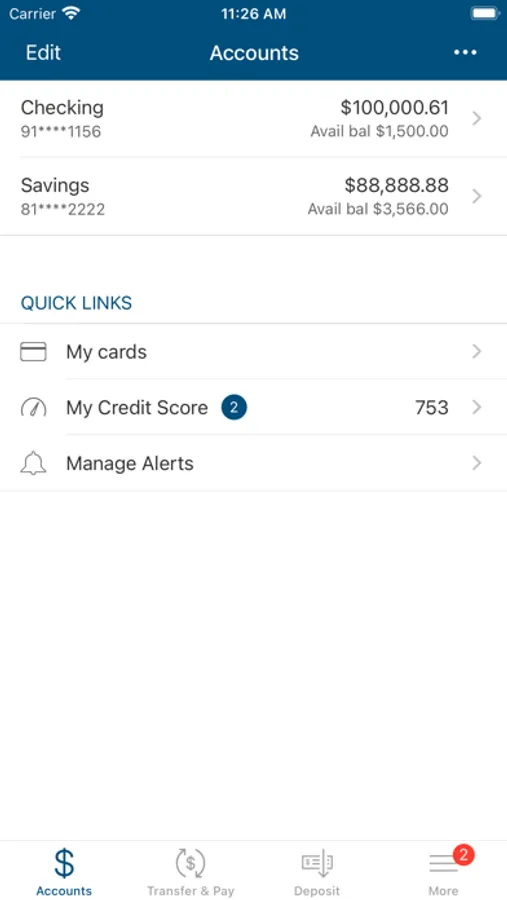
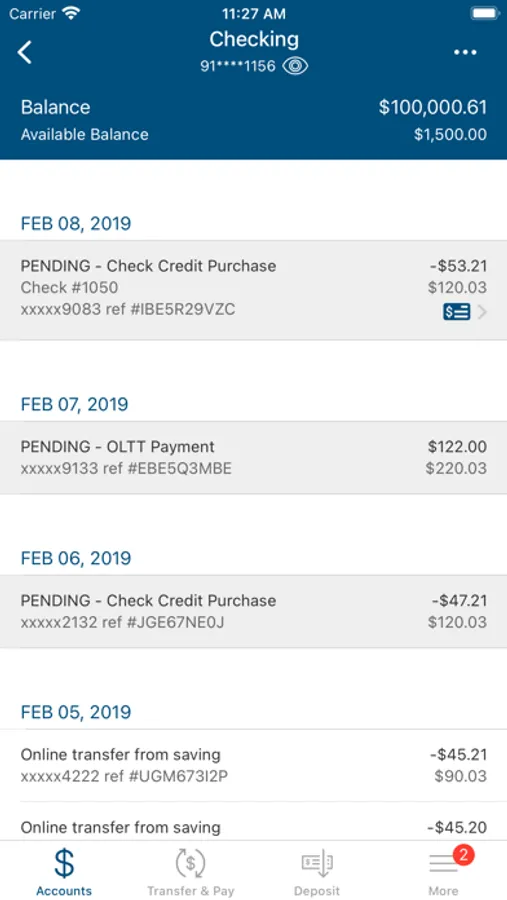
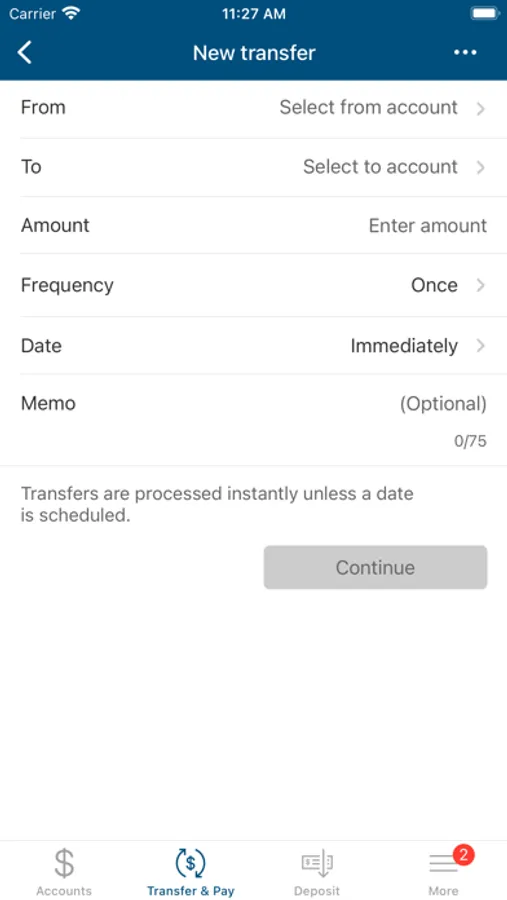
With this personal mobile banking app, you can check balances, review transactions, transfer funds, pay bills, and deposit checks. Includes account management features, Zelle® payments, and branch locator tools.
AppRecs review analysis
AppRecs rating 4.4. Trustworthiness 0 out of 100. Review manipulation risk 0 out of 100. Based on a review sample analyzed.
★★★★☆
4.4
AppRecs Rating
Ratings breakdown
5 star
89%
4 star
5%
3 star
2%
2 star
1%
1 star
3%
What to know
✓
High user satisfaction
89% of sampled ratings are 5 stars
✓
Authentic reviews
No red flags detected
About Community Bank – Personal
Community Bank & Trust’s Personal Mobile Banking app goes everywhere you go so you can access your account information anytime, anywhere. The Mobile Banking app is a free service available to Community Bank & Trust online banking clients.
Features:
Check Account Balances
Review Transaction History
View Statements
Transfer Funds Between Accounts
Pay Bills
Mobile Check Deposit
Locate Banking Centers and ATMs
Send Money with Zelle®
And more…
Mobile Banking is safe and secure. Community Bank & Trust uses multiple safeguard technologies to help protect your information.
For more information, visit communitybt.bank, email cbtclientcare@communitybt.com, or call (319) 291-2000
*An Online Banking user ID and password is required to activate this app. All terms applicable to Online Banking apply to Mobile Banking. You must have Transfers and Bill Pay set up previously in Online Banking to use these services in Mobile Banking.
You must have an Internet enabled device or text service to use Mobile Banking. Please check with your wireless service provider regarding any potential charges. Connectivity and usage rates may apply. Contact your wireless service provider for more details.
Features:
Check Account Balances
Review Transaction History
View Statements
Transfer Funds Between Accounts
Pay Bills
Mobile Check Deposit
Locate Banking Centers and ATMs
Send Money with Zelle®
And more…
Mobile Banking is safe and secure. Community Bank & Trust uses multiple safeguard technologies to help protect your information.
For more information, visit communitybt.bank, email cbtclientcare@communitybt.com, or call (319) 291-2000
*An Online Banking user ID and password is required to activate this app. All terms applicable to Online Banking apply to Mobile Banking. You must have Transfers and Bill Pay set up previously in Online Banking to use these services in Mobile Banking.
You must have an Internet enabled device or text service to use Mobile Banking. Please check with your wireless service provider regarding any potential charges. Connectivity and usage rates may apply. Contact your wireless service provider for more details.
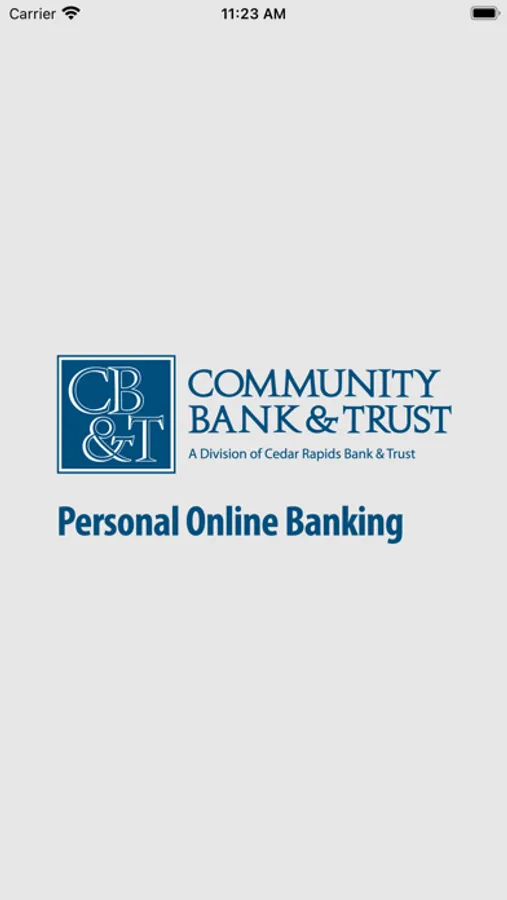
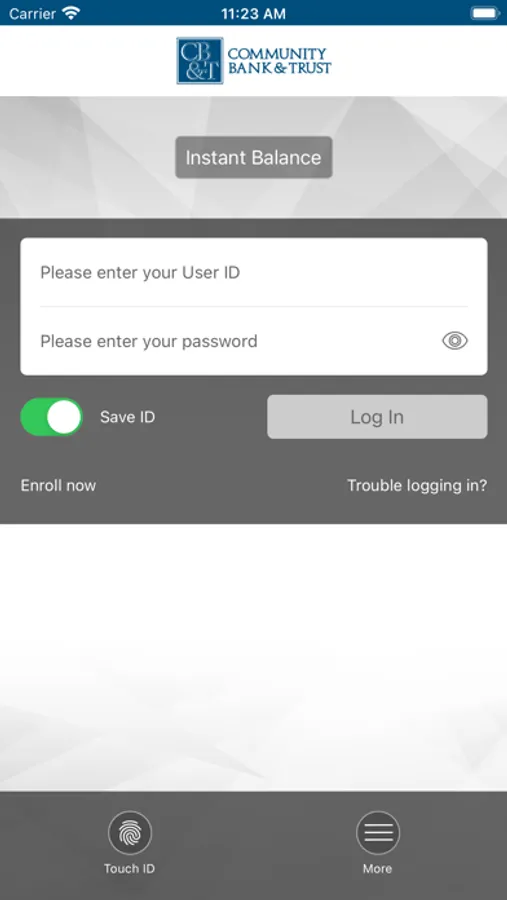
Community Bank – Personal Screenshots
Tap to Rate:
Reviews for Community Bank – Personal
PPV13456
Deposit check
Hard to deposita check. It kept sayingthe images not clear
sethchris17
Does not open on iOS 13 iPhone XS Max
Program doesn’t even open. Blank white screen upon download. Bad application. Worked before. Now it doesn’t.