AppRecs review analysis
AppRecs rating 2.2. Trustworthiness 73 out of 100. Review manipulation risk 25 out of 100. Based on a review sample analyzed.
★★☆☆☆
2.2
AppRecs Rating
Ratings breakdown
5 star
21%
4 star
5%
3 star
11%
2 star
0%
1 star
63%
What to know
✓
Low review manipulation risk
25% review manipulation risk
✓
Credible reviews
73% trustworthiness score from analyzed reviews
⚠
Mixed user feedback
Average 2.2★ rating suggests room for improvement
About iWeiCamera
1.Start equipment:Long Press the on/ off button of the equipment, and we can see the equipment light blinks for 1 second and the on/ off light and shooting light blink for 2 seconds; and then the shooting light goes out but the on/ off light blinks. The equipment is totally started after the on/ off light is normally on(it lasts about 15- 20 seconds).
2.Connect equipment wifi:Open the mobile phone wifi setting; open wifi to find out a wifi hotspot (no encryption) with the prefix of "Cam- *******" and click connection; return back to the mobile phone home after successful connection.
3.APP interface introduction and use
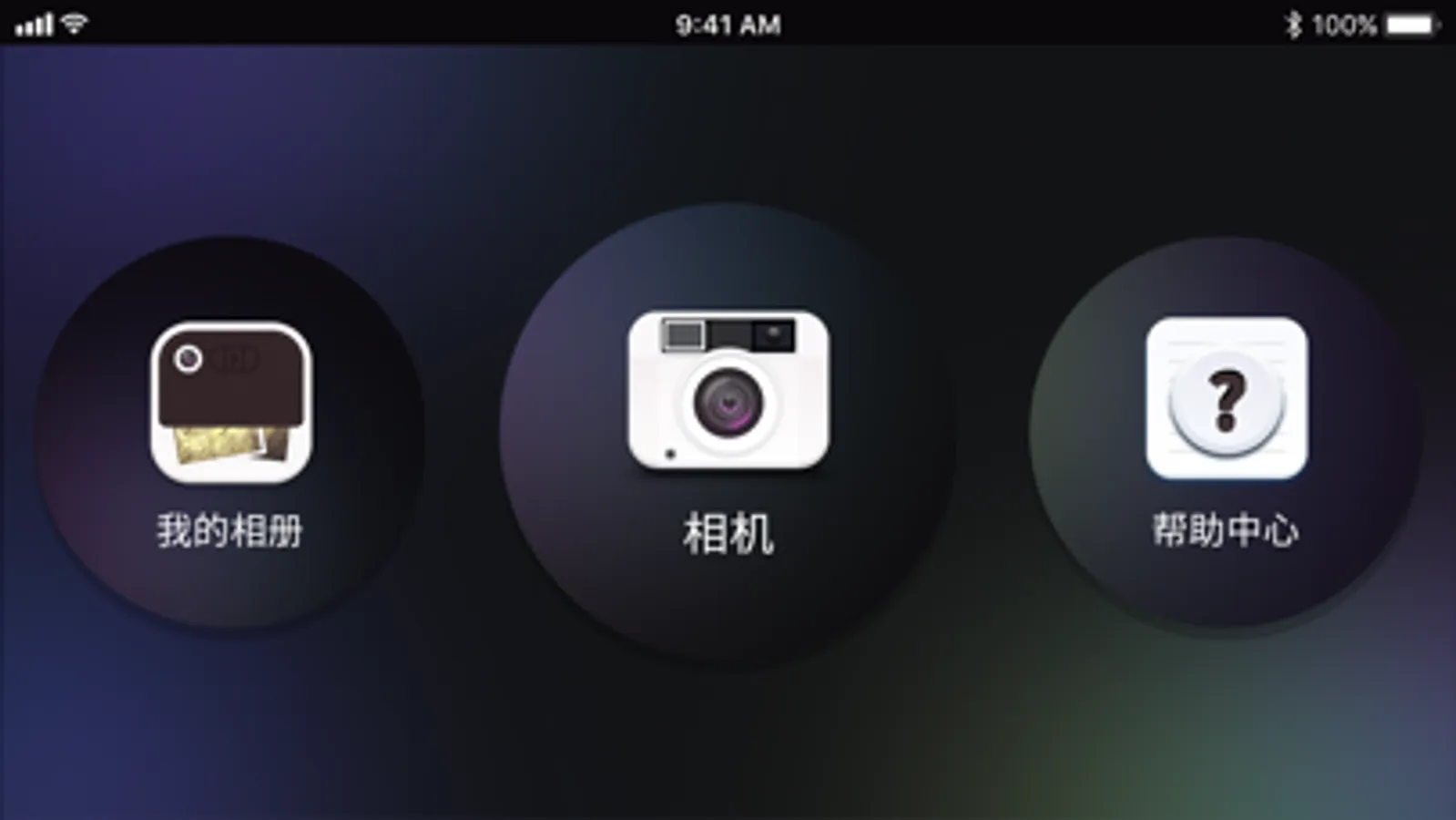
3.1 Open APP to enter the home of APP;
Help: Click it to check the company information, APP edition, FW edition and product instructions.
Preview: Click to watch the equipment real-time images and operating equipment.
File: Click to check the shot pictures and videos
2.Connect equipment wifi:Open the mobile phone wifi setting; open wifi to find out a wifi hotspot (no encryption) with the prefix of "Cam- *******" and click connection; return back to the mobile phone home after successful connection.
3.APP interface introduction and use
3.1 Open APP to enter the home of APP;
Help: Click it to check the company information, APP edition, FW edition and product instructions.
Preview: Click to watch the equipment real-time images and operating equipment.
File: Click to check the shot pictures and videos
iWeiCamera Screenshots
Tap to Rate:
Reviews for iWeiCamera
καταμαντας
Don’t buy
Very horrible no support. Can not connect wasted money. If there was a negative start rate I would have used it, however I am forced to give one start
ClaireElizabethK
App stopped working
Can’t sync to the phone. It just seems dead. Have barely used it. Disappointing.