
AppRecs review analysis
AppRecs rating 2.6. Trustworthiness 73 out of 100. Review manipulation risk 20 out of 100. Based on a review sample analyzed.
★★☆☆☆
2.6
AppRecs Rating
Ratings breakdown
5 star
21%
4 star
8%
3 star
21%
2 star
13%
1 star
38%
What to know
✓
Low review manipulation risk
20% review manipulation risk
✓
Credible reviews
73% trustworthiness score from analyzed reviews
⚠
Mixed user feedback
Average 2.6★ rating suggests room for improvement
About Cockpit - Ottobock
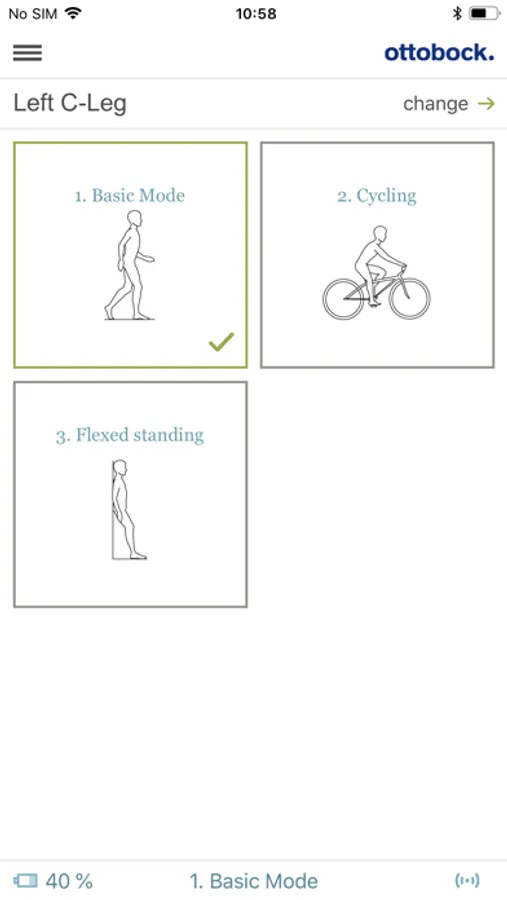
• Select preconfigured MyModes (such as cycling or flexed standing)
• Read the charge level of the component
• Display component feedback
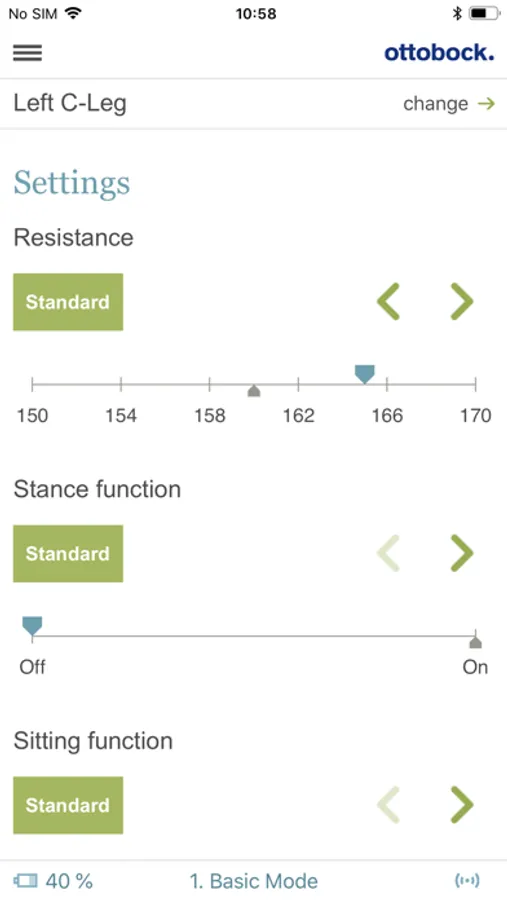
• Fine-tune component parameters
• Turn additional component functions on or off
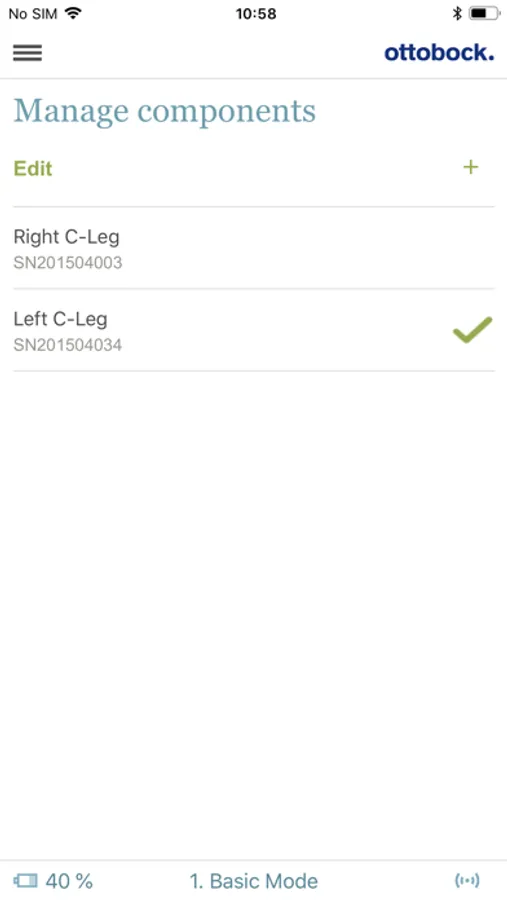
• Easily switch between multiple saved components
• Change signal tones
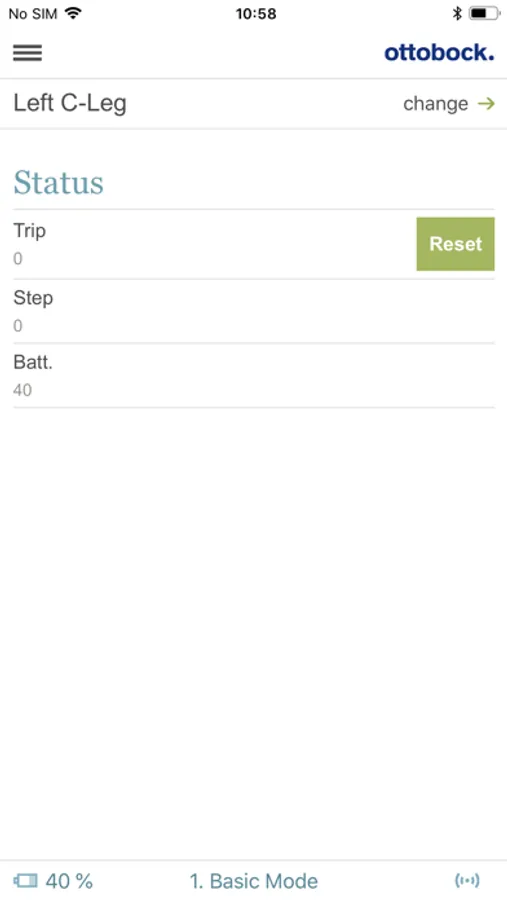
• Read and reset step counters
• See the next service date
The number and type of MyModes, functions and configurable parameters depend on the component being used. Some older components are not compatible with the Cockpit app.
For further information, please contact your O&P professional or cockpit@ottobock.com
The instructions for use are available online https://product-documents.ottobock.com/IFU/INT/4X441-V2/647H1002/01/O/S/F
Manufacturer:
Otto Bock Healthcare Products GmbH
Brehmstrasse 16 · 1110 Vienna · Austria
T +43 1 523 37 86 · F +43 1 523 22 64
info.austria@ottobock.com · www.ottobock.com
This product meets the applicable European requirements for medical devices.
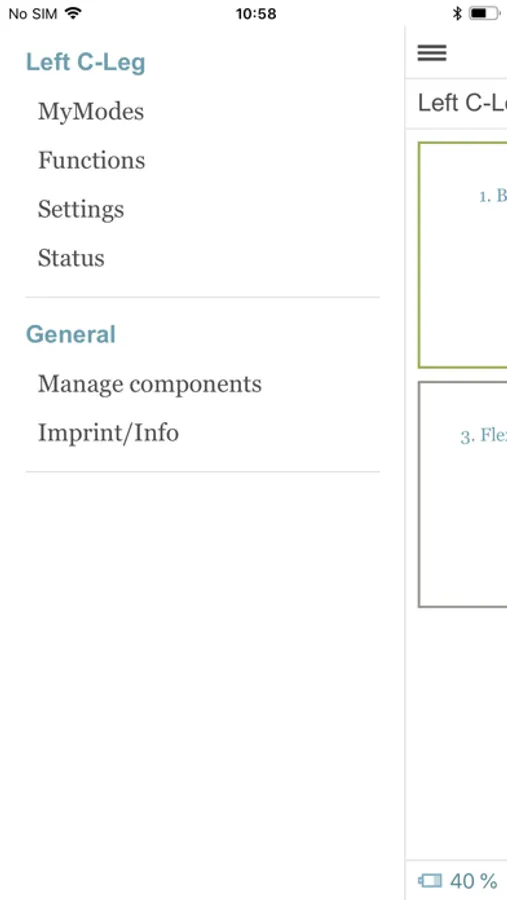
Cockpit - Ottobock Screenshots
Tap to Rate:
Reviews for Cockpit - Ottobock
cramstrebor
works but lacks in features
Good: The app works as advertised and you’re able to change modes and select settings. Bad: Connecting to the component is quite slow. I’m using an iphone 14pro and genium x4. I think the app disconnects from the component as soon as you leave the app and this make reconnecting multiple times necessary and it takes too long. Maybe the app stays connected to the component for 5-10 minutes after you leave the app? I often switch modes multiple times during a workout session and waiting for the app to connect and reconnect and reconnect is a momentum killer. Wish: I want to see data graphs like a workout app. Steps taken every day/week/month—maybe averages too. Steps climbed. Time spent in various modes. I’d also like to see the battery data everyday like the battery graphs on Apple devices. Do I burn thru an average of 20% per day or maybe I had a day where I only used 10%? Maybe the app can use this data and everyday tells me how much time I have left on a charge. Cuz here I am sitting at 19% wondering if I can make it to the end of the day without a charger. I imagine other active users in an x4 would greatly appreciate this kind of information and feedback. Dream: Have the user be able to make a custom mode. Example: If the knee is held straight, pointed down, and horizontal for 3 seconds then it automatically activates into a locked knee. Go back into basic mode when component is vertical. Think—doing pushups without using the app to go in and out of locked knee/basic mode. Nitpick: App design is dated. UI could use a facelift.
Rhutch418
FREEDOM
This app allows you to communicate what you need with your orthopedic device. However, since there are various modes, There should be a downloadable, USET GUIDE to familiarize yourself with the purpose and benefits of each mode.