AppRecs review analysis
AppRecs rating 2.0. Trustworthiness 55 out of 100. Review manipulation risk 30 out of 100. Based on a review sample analyzed.
★★☆☆☆
2.0
AppRecs Rating
Ratings breakdown
5 star
17%
4 star
0%
3 star
17%
2 star
0%
1 star
67%
What to know
⚠
Mixed user feedback
Average 2.0★ rating suggests room for improvement
About Skwitch Music
Just press the Skwitch to step through your favorite melodies, one note at a time, expressively shaping the sound as you squeeze.
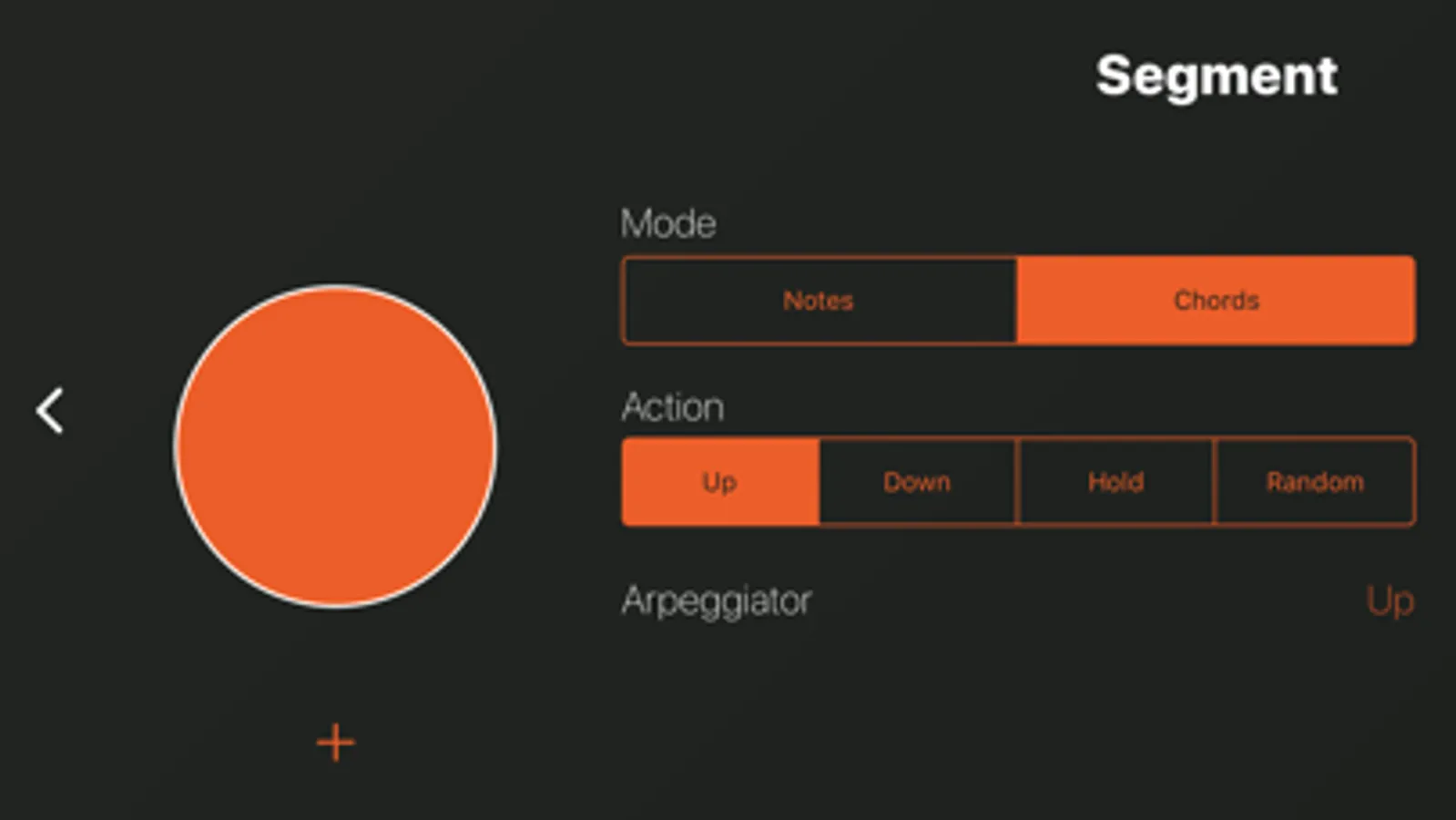
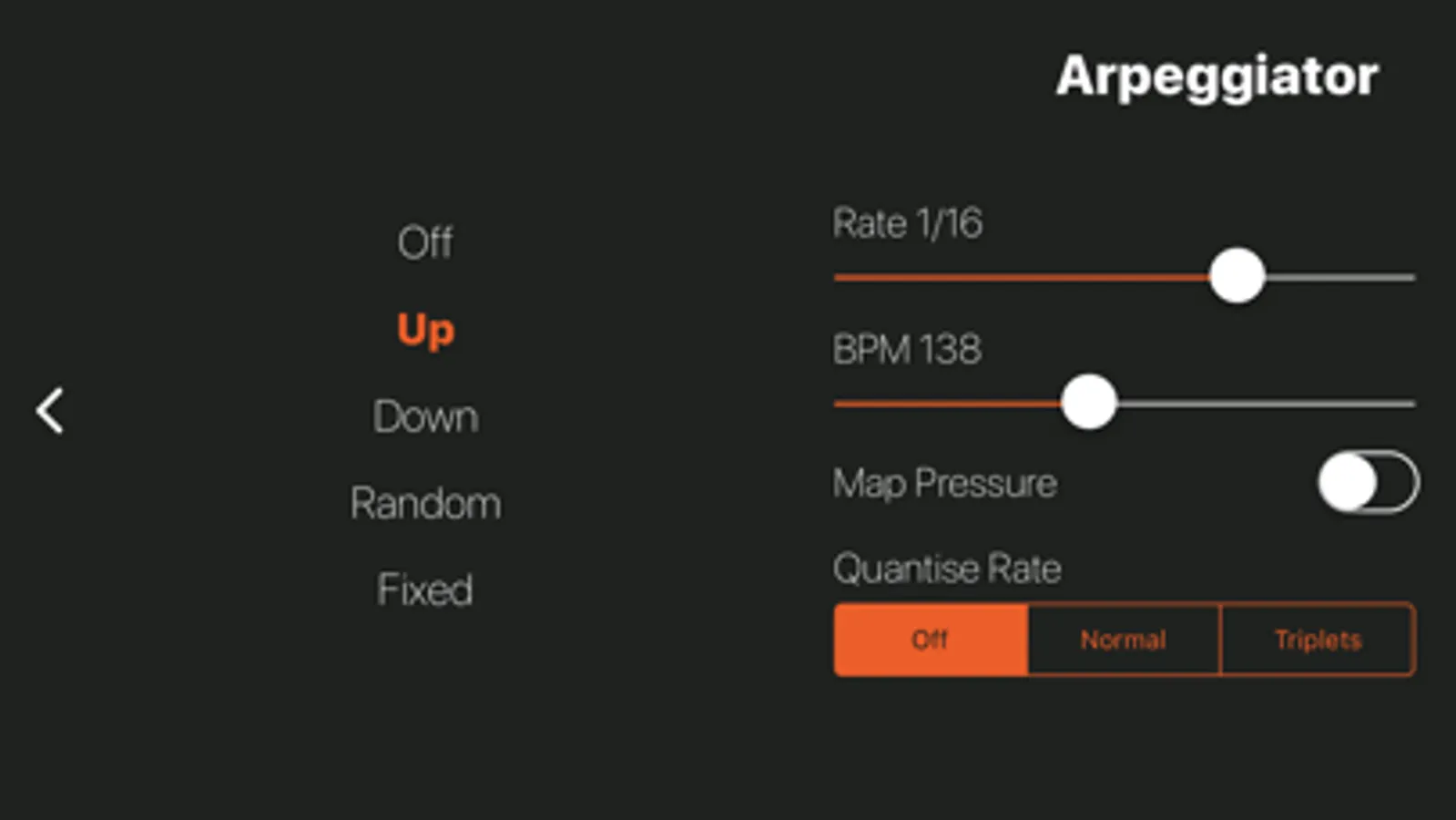
Mix and match with chords and arpeggios and you are ready to start improvising or jamming along with friends or your favorite tunes.
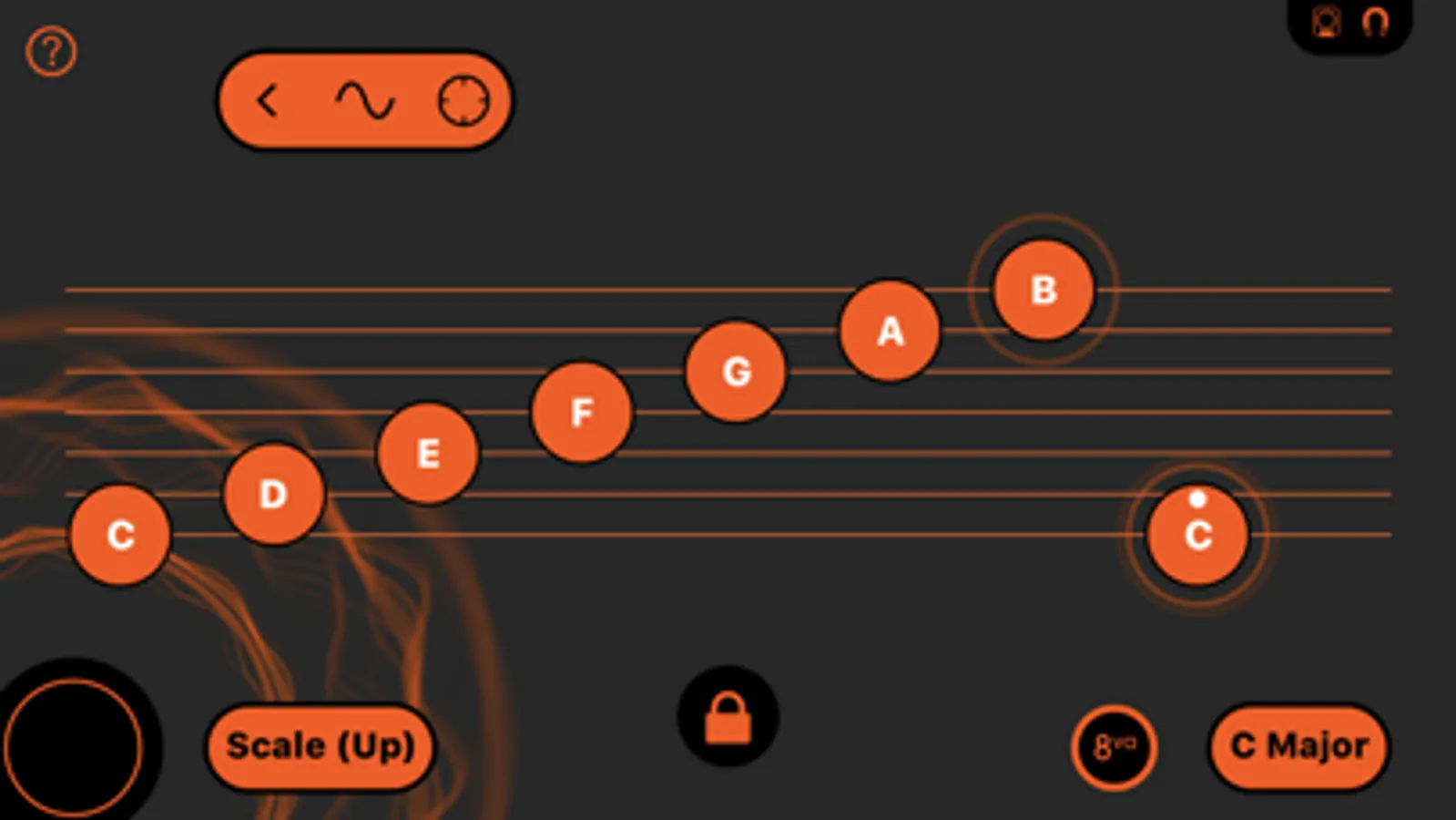
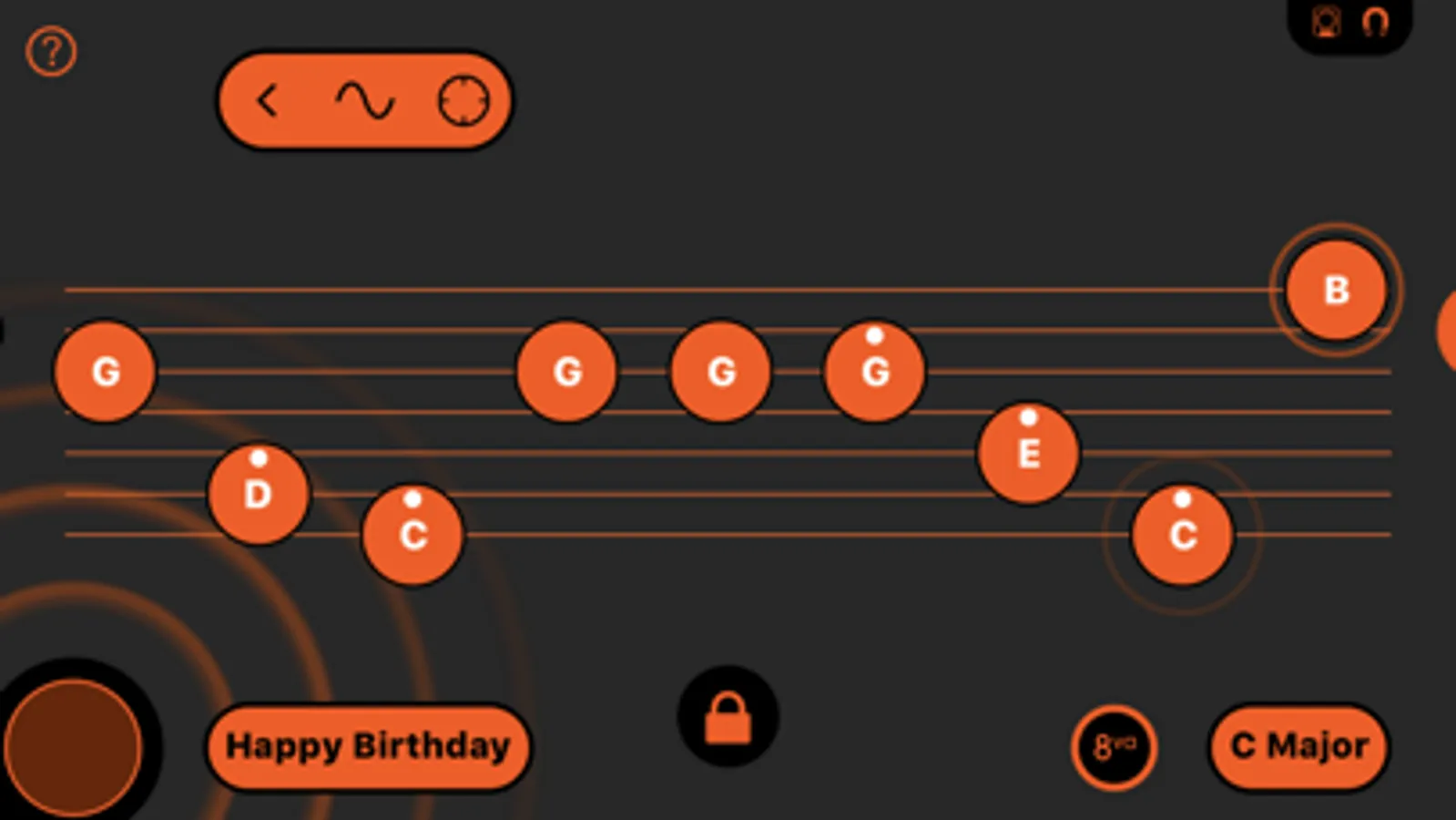
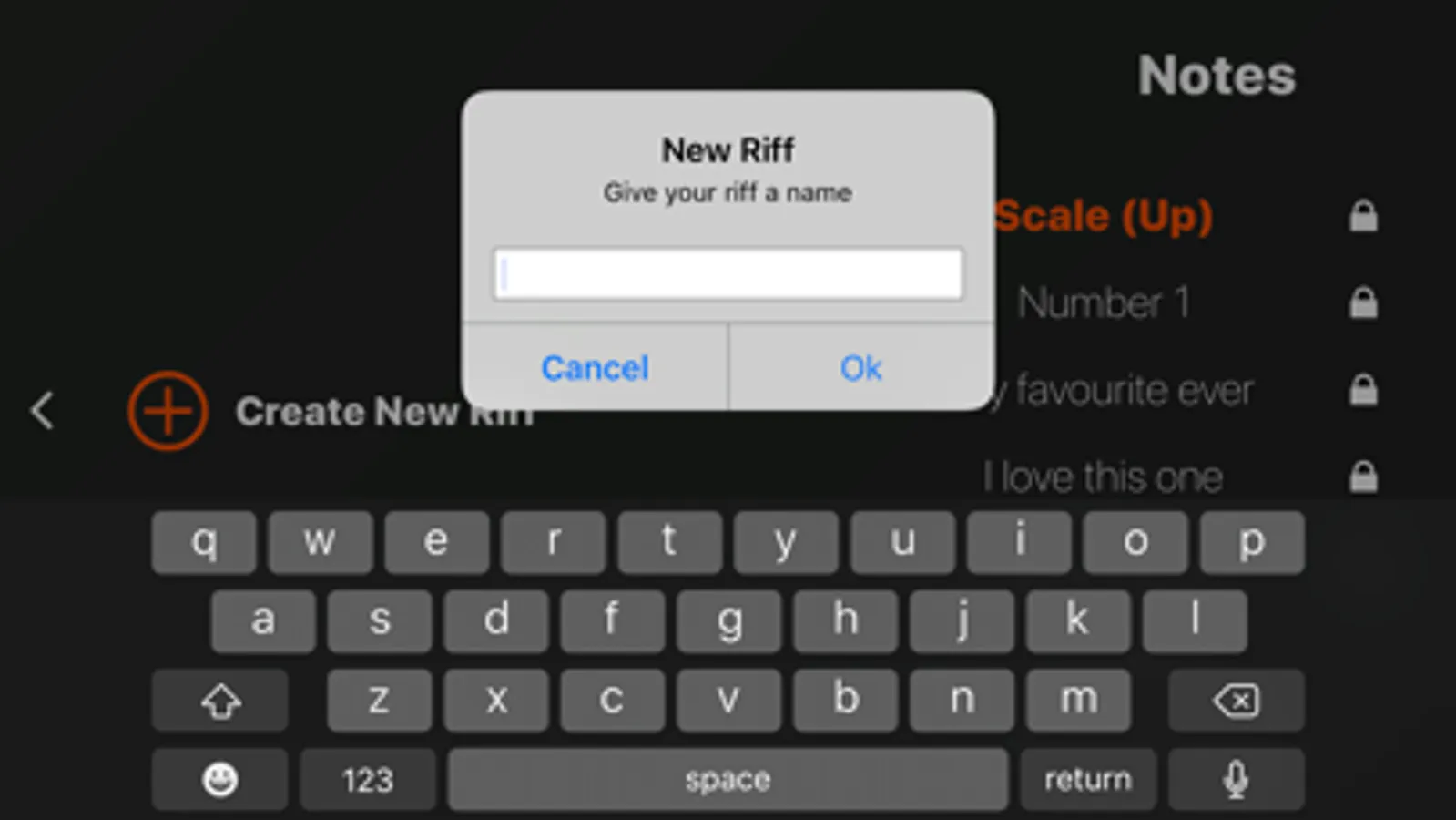
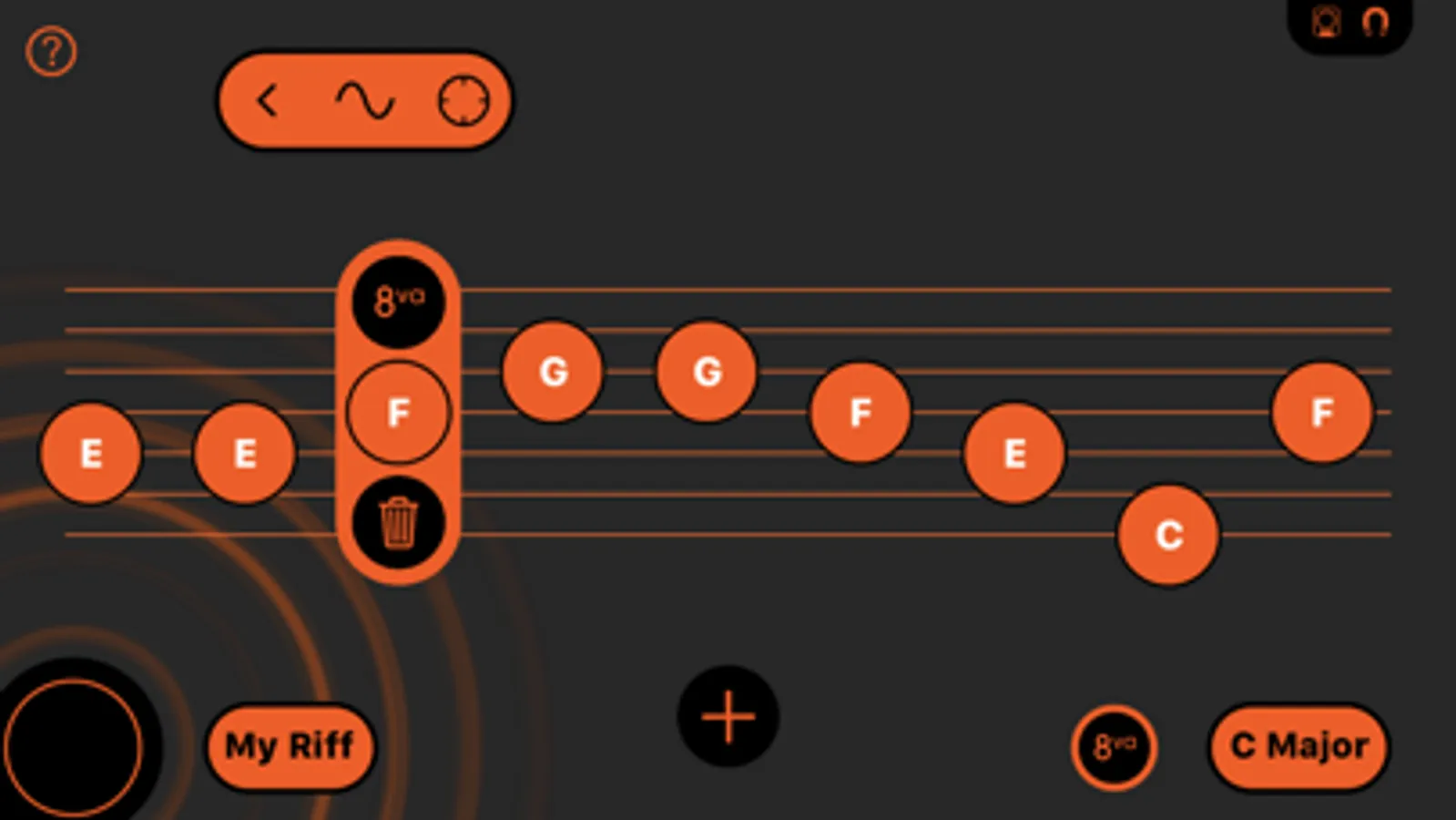
Simple drag and drop music notation makes it quick and easy to compose your own riffs, melodies and chord sequences. Just pick a key and you'll always stay in tune, even if you've never written any music before.
When you’re ready to explore new sounds, record your compositions or delve into the world of expressive MIDI/MPE, the simple interface helps you to connect wirelessly from your iPhone to GarageBand, Logic or almost any other Bluetooth MIDI compatible music app running on your iPad or Mac (iPad 3 onwards).
There are plenty of helpful tutorial videos built into the app, so be sure to watch for help getting started, connecting to your iPad or Mac or to learn about any of the other more advanced features.
You can also use Skwitch to explore coding in Swift Playgrounds using this app. Simply attach Skwitch to your iPhone as normal, then connect from your iPhone to Swift Playgrounds on your iPad using Bluetooth MIDI. Fun exercises and templates are available to download directly within the Swift Playgrounds app to help guide you. Learn how to code your own Skwitch controllable musical instruments, or use it to fly drones or make robots dance.
This app is intended for use with Skwitch (purchased separately) and iPhone only and will not provide any functionality if installed directly on an iPad or iPod Touch.
Skwitch Music Screenshots
Tap to Rate:
Reviews for Skwitch Music
Upsetter4563
Upset
Doesn’t work with IPhone 13 max. Big ware of my time and money
houstonLGS
Disappointed
The QR code for getting started didn’t work for me, so I downloaded the app from the Apple Store. I followed getting started instructions, but my iPhone 14 Pro Max couldn’t pair with the Skwitch. I wondered if my slender iPhone case prevents pairing. However, the getting started videos appear to show iPhones with cases. The tech support feature of the app doesn’t mention this issue. It’s a shame—this looks like a cool idea. Won’t work for me, though.