
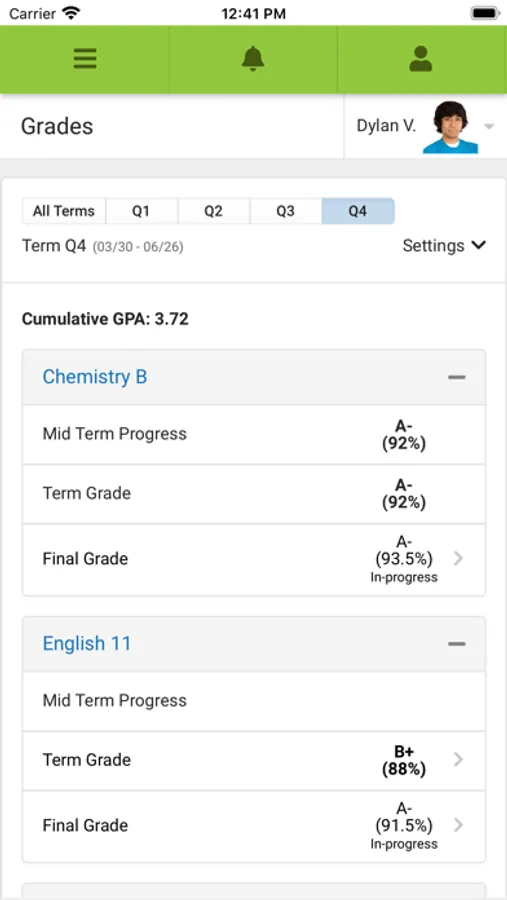
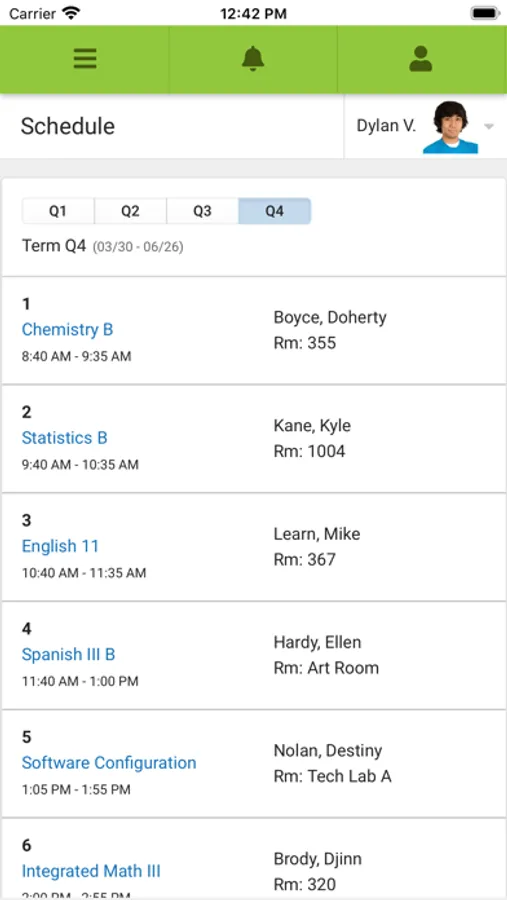
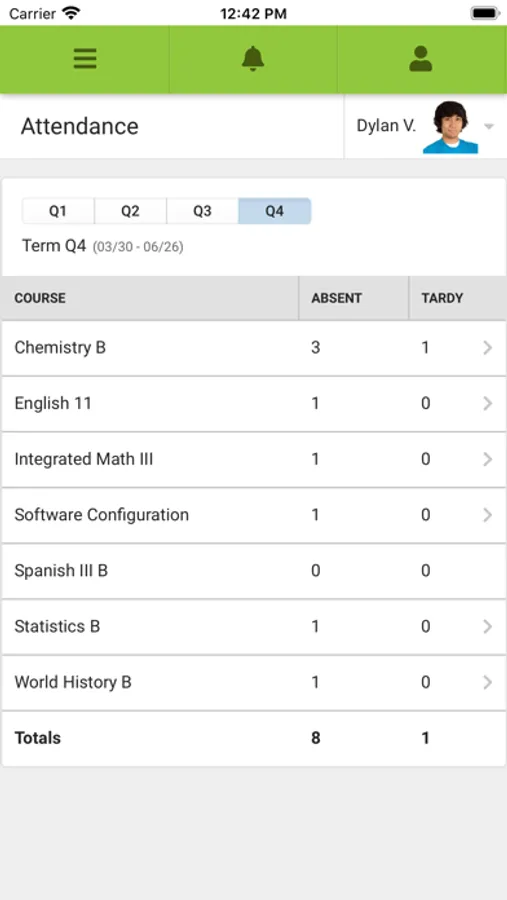
With this app, you can access your student’s school information, view grades, attendance, and receive notifications. Includes real-time updates, assignment details, and schedule details.
AppRecs review analysis
AppRecs rating 1.8. Trustworthiness 69 out of 100. Review manipulation risk 29 out of 100. Based on a review sample analyzed.
★☆☆☆☆
1.8
AppRecs Rating
Ratings breakdown
5 star
15%
4 star
4%
3 star
4%
2 star
6%
1 star
71%
What to know
✓
Low review manipulation risk
29% review manipulation risk
⚠
Mixed user feedback
Average 1.9★ rating suggests room for improvement
⚠
High negative review ratio
77% of sampled ratings are 1–2 stars
About Campus Parent
Attention all parents and guardians! Campus Parent puts your student’s school information at your fingertips. Real-time access to announcements, assignments, attendance, grades, schedules and much more.
LOGIN INSTRUCTIONS
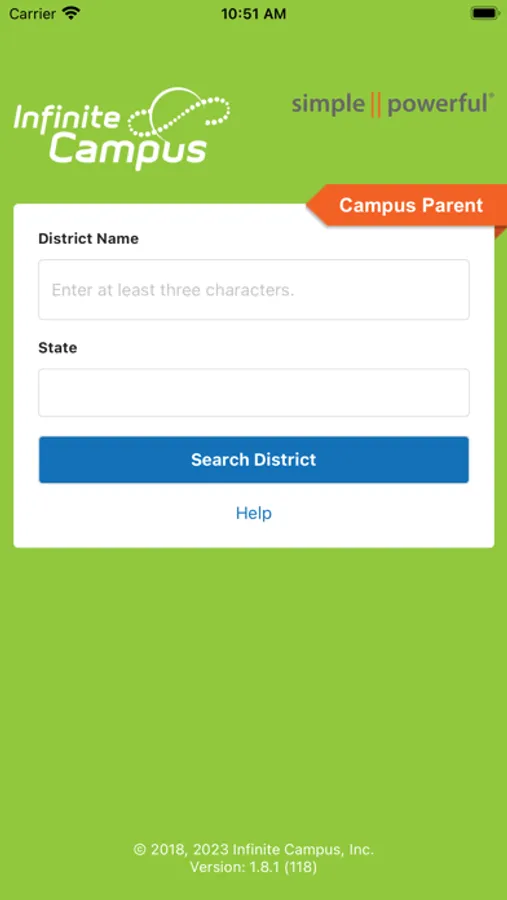
1. Download the App
2. Search for your district name and state
3. Select your district
4. Enter your username and password (provided by your school/district)
NOTIFICATIONS
Receive alerts for grades, assignment scores, attendance changes and more.
SUPPORT
Visit: www.infinitecampus.com/appsupport
Please note: Due to privacy concerns, Infinite Campus does not maintain individual login information. Please contact your school/district.
APP REQUIREMENTS
- Your school district must use Infinite Campus student information system
- An active Infinite Campus account is required
WATCH THE VIDEO
https://youtu.be/RZgpU7_5QCc
LOGIN INSTRUCTIONS
1. Download the App
2. Search for your district name and state
3. Select your district
4. Enter your username and password (provided by your school/district)
NOTIFICATIONS
Receive alerts for grades, assignment scores, attendance changes and more.
SUPPORT
Visit: www.infinitecampus.com/appsupport
Please note: Due to privacy concerns, Infinite Campus does not maintain individual login information. Please contact your school/district.
APP REQUIREMENTS
- Your school district must use Infinite Campus student information system
- An active Infinite Campus account is required
WATCH THE VIDEO
https://youtu.be/RZgpU7_5QCc
Campus Parent Screenshots
Tap to Rate:
Reviews for Campus Parent
King x Cheng
Worst school app ever!
Totally sucks. App won’t work. Was able to download app and log in for a bit then it just won’t let me in. School need to find a a better app. This is not it!!!
Dollbrag
Not working
The app is not working unable to open it