
In this alarm clock app, you can wake up by shaking your phone or solving math problems to turn off the alarm. Includes multiple alarms, built-in sounds, and sleep music options.
AppRecs review analysis
AppRecs rating 4.6. Trustworthiness 74 out of 100. Review manipulation risk 28 out of 100. Based on a review sample analyzed.
★★★★☆
4.6
AppRecs Rating
Ratings breakdown
5 star
78%
4 star
11%
3 star
5%
2 star
3%
1 star
3%
What to know
✓
Low review manipulation risk
28% review manipulation risk
✓
Credible reviews
74% trustworthiness score from analyzed reviews
✓
High user satisfaction
78% of sampled ratings are 5 stars
About Haru Alarm - Cat Alarm Clock
Haru the cat is gonna make sure you get out of your bed on time every time.
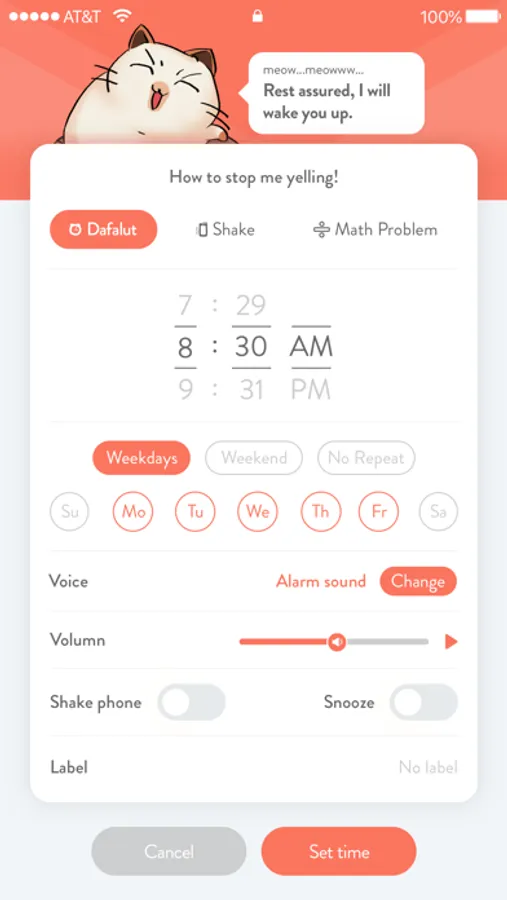
Featuring "Shake Mode" and "Math problem"
(shaking your phone to turn off the alarm) and "Math problem mode" (solving math problems to turn off the alarm).
Let Haru be your reliable morning assistant.
Haru offers an adorable experience for people who struggle to get up on time even with an alarm clock or people who are just fed up with boring phone alarm.
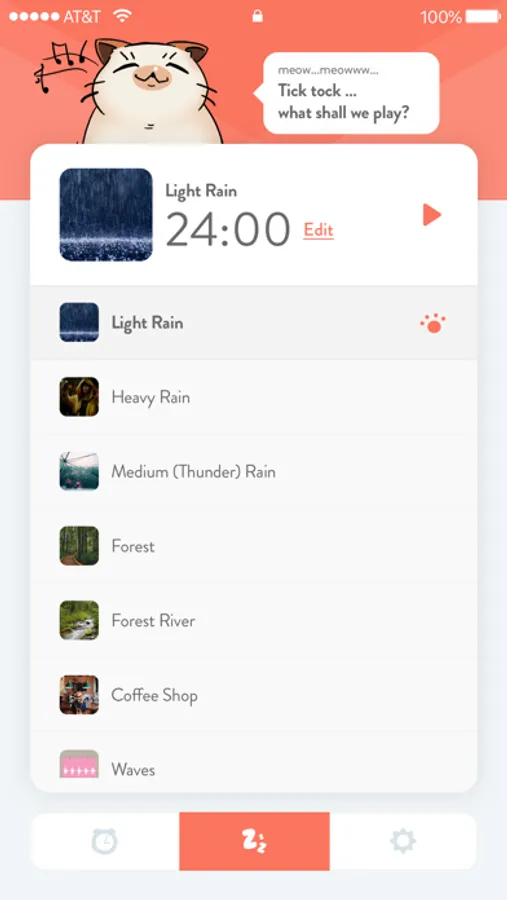
Haru the cat is determined to get you out of bed on time every time, whether through solving complex math problems or through shaking your phone constantly. At night, Haru also offers various built-in ambiance music to help you get to sleep with ease.
From heavy sleepers to light dreamers, Haru is the perfect alarm app for everyone of every age. Allow Haru the cat to start up your day with joy, so every morning can be productive and relaxed.
Features include:
* Alarm *
- Shake-to-wake mode (shaking your phone to turn off the alarm)
- Math problems mode (solving different math problems to turn off the alarm)
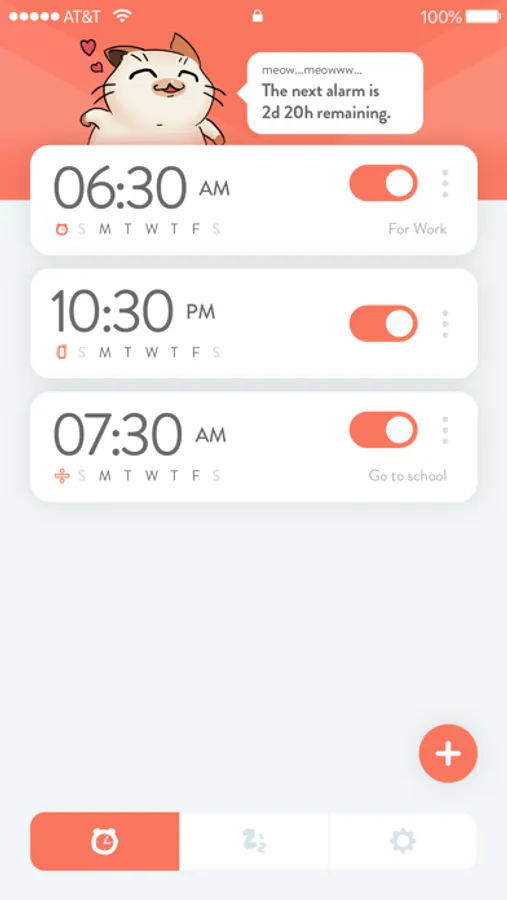
- Multiple alarms supported
- 18 built-in alarm sounds
- 8 built-in cat sounds
* Sleep music*
- 8 built-in sounds
- Sounds duration adjustment
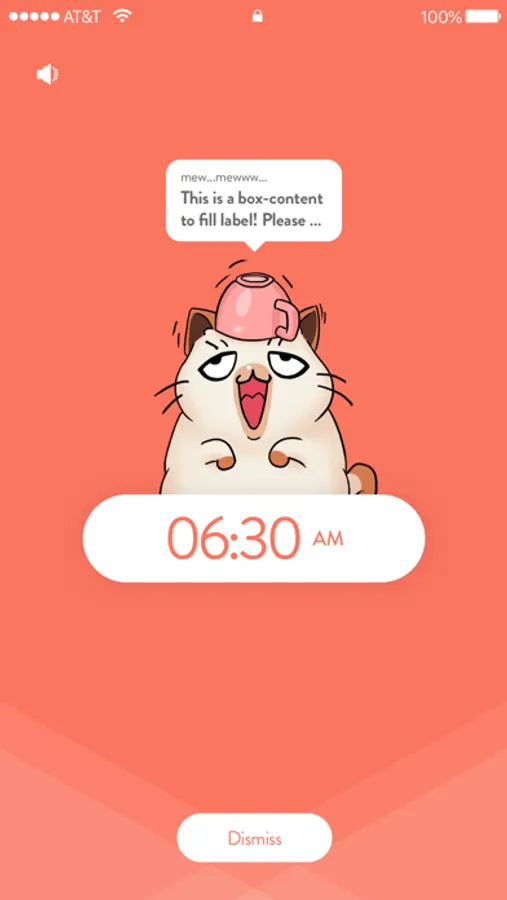
Haru Alarm - Cat Alarm Clock Screenshots
Tap to Rate:
Reviews for Haru Alarm - Cat Alarm Clock
MyMacM1
Feature turn off
I will give it a higher rating when there is setting that I can just turn a feature off. I shouldn’t have to go into instructions to try and figure out how to turn a feature off that I never even turned on in the first place. It just started playing a piano one day. I don’t want to listen to a piano every morning and there is nothing that tells me how to turn it off. It will not allow me to set it to zero and there is no none. There is no other setting that I can find how to turn this feature off.!! WHY? The simplest thing can ruin an app.
Sky-Sky<3
Bye skyler amazing app!
This app is so awesome it actually wakes me up in the morning and the extra fetchers are so awesome I totally recommend this app it is awesome! 🤎🤎🤎🤍🤍🤍🤎🤎🤎🤍🤍🤍🤍🤎💗💗💗🤎🤍🤎💗💗💗🤎🤍🤍🤍🤎💗💗💗🤎🤎🤎💗💗💗🤎🤍🤍🤍🤍🤎🤎🤎🤎🤎🤎🤎🤎🤎🤍🤍🤍🤍🤎🤎🤎🤎🤎🤎🤎🤎🤎🤎🤎🤍🤍🤍🤎🤎🤎🖤🤎🤎🤎🖤🤎🤎🤎🤍🤍🤍🤎🤎🤎🤎🤎🖤🤎🤎🤎🤎🤎🤍🤍🤍🤎❤️🤎🖤🤎🖤🤎🖤🤎❤️🤎🤍🤍🤍🤍🤎🤎🤎🖤🖤🖤🤎🤎🤎🤍🤍🤍🤍🤍🤍🤍🤎🤎🤎🤎🤎🤍🤍🤍