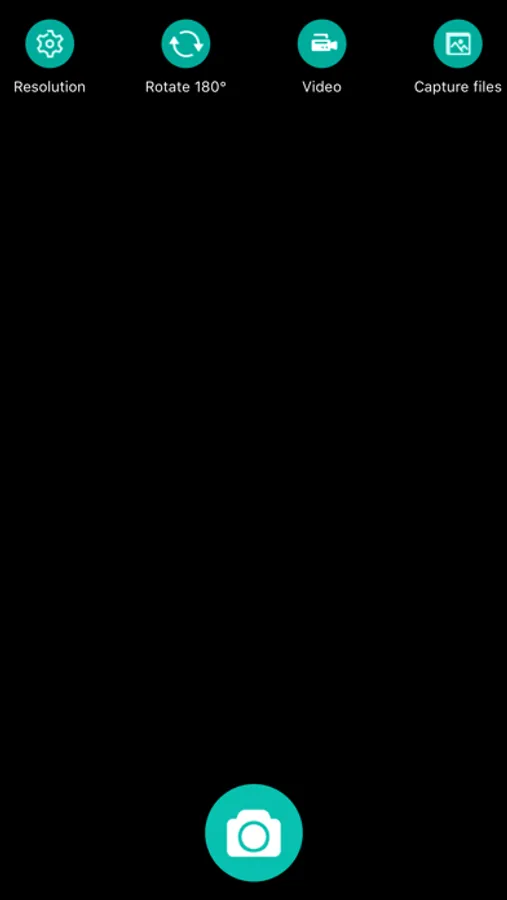
With this app, you can control hardware to capture photos and record videos via Wi-Fi and adjust resolution settings. Includes device control options and resolution configuration features.
AppRecs review analysis
AppRecs rating 2.3. Trustworthiness 74 out of 100. Review manipulation risk 24 out of 100. Based on a review sample analyzed.
★★☆☆☆
2.3
AppRecs Rating
Ratings breakdown
5 star
23%
4 star
9%
3 star
8%
2 star
8%
1 star
52%
What to know
✓
Low review manipulation risk
24% review manipulation risk
⚠
Mixed user feedback
Average 2.4★ rating suggests room for improvement
⚠
High negative review ratio
60% of sampled ratings are 1–2 stars
About Max-see
Max-see Screenshots

Tap to Rate:
Reviews for Max-see
campbellr021
Please read!
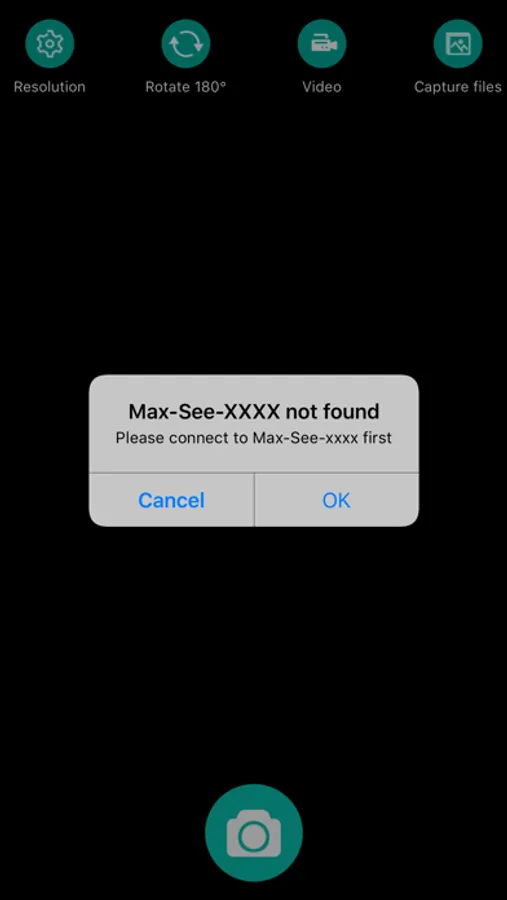
This app works great- but it’s a little hard to understand at first because of an error message that pops up saying you’re not connected to the internet. Ignore that- the microscope itself is basically sending out a signal as if it’s its own wi-fi network but it’s only so you can connect to it no matter where you are, which is really handy if you need to operate this thing out in the wilderness somewhere. So connect to the microscope’s WiFi signal, then open the app, ignore the error message and if all you see is red lines, take the cover cap off your microscope lens. 🤣 This app mainly just allows you to connect to your microscope and take pictures but you can also adjust resolution, rotate the image and then send the photos into your photos folder. Once it’s in there you can edit it like you would any other photo. This is a great app and easy to use once you get it working the first time.
Souvster
No longer recognizes that camera is connected
I’ve had this wifi microscope camera for 3 years and with the recent update, the app no longer recognizes that the phone is connected to the camera on wifi