Write math expressions using your finger or Apple Pencil with this app. Includes remote keyboard connectivity, color customization, and support for LaTeX and MathML output.
AppRecs review analysis
AppRecs rating 3.6. Trustworthiness 81 out of 100. Review manipulation risk 26 out of 100. Based on a review sample analyzed.
★★★☆☆
3.6
AppRecs Rating
Ratings breakdown
5 star
62%
4 star
9%
3 star
6%
2 star
4%
1 star
19%
What to know
✓
Low review manipulation risk
26% review manipulation risk
✓
Credible reviews
81% trustworthiness score from analyzed reviews
⚠
Pricing complaints
Many low ratings mention paywalls or pricing
About MathKey - LaTeX Converter
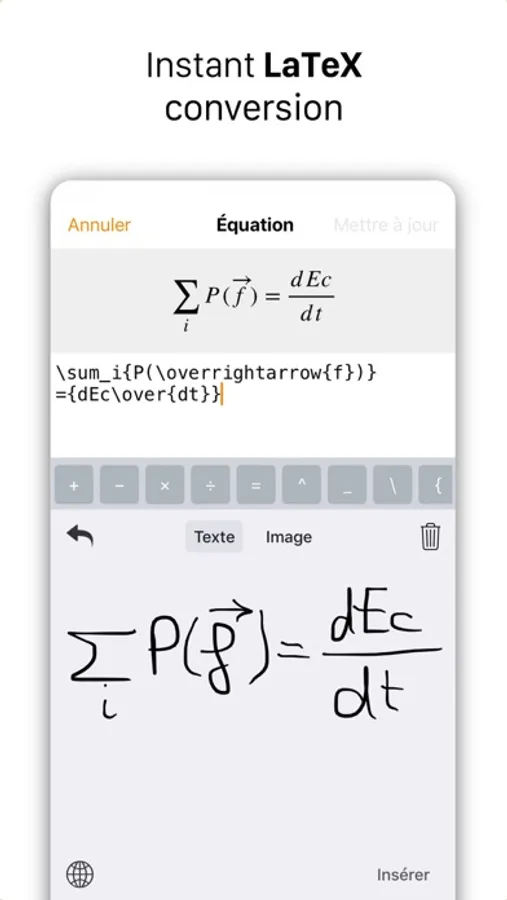
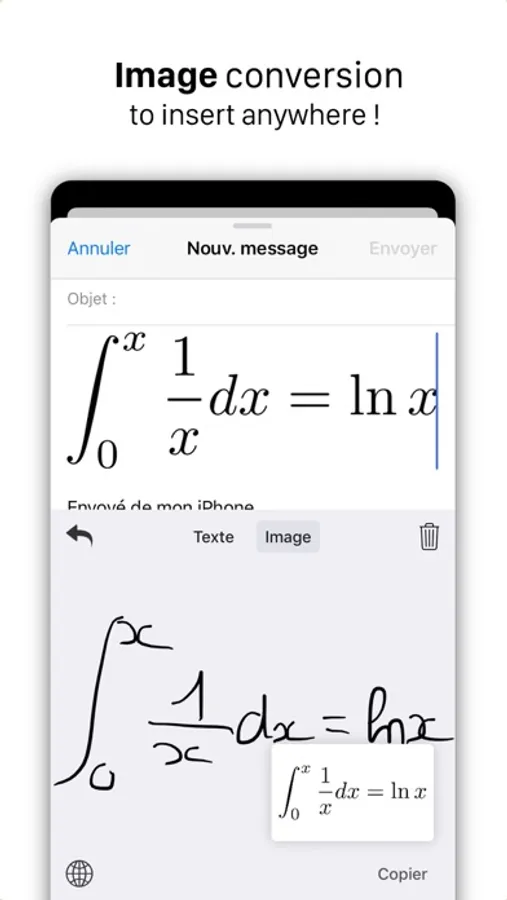
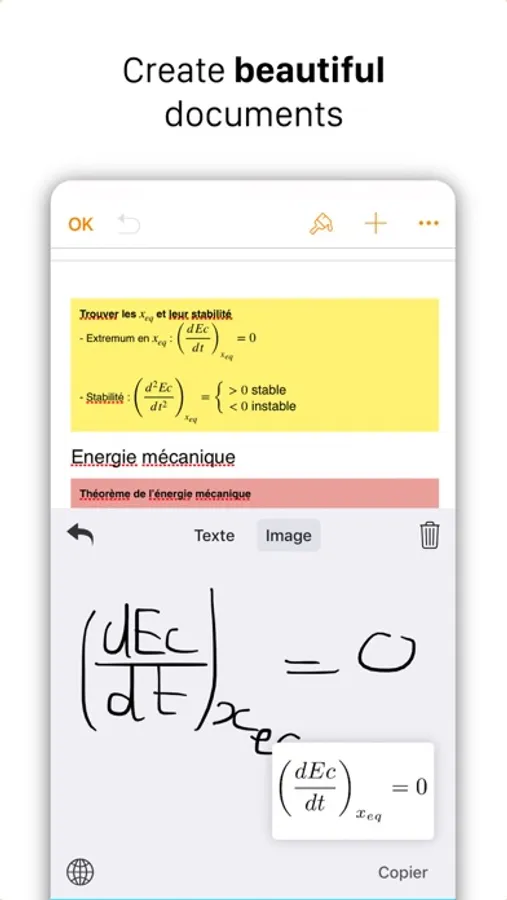
● MathKey will convert your handwriting to :
- LaTeX/MathML expression for Pages, Numbers, Word and any LaTeX/MathML compatible app.
- image for any other app that is compatible with images.
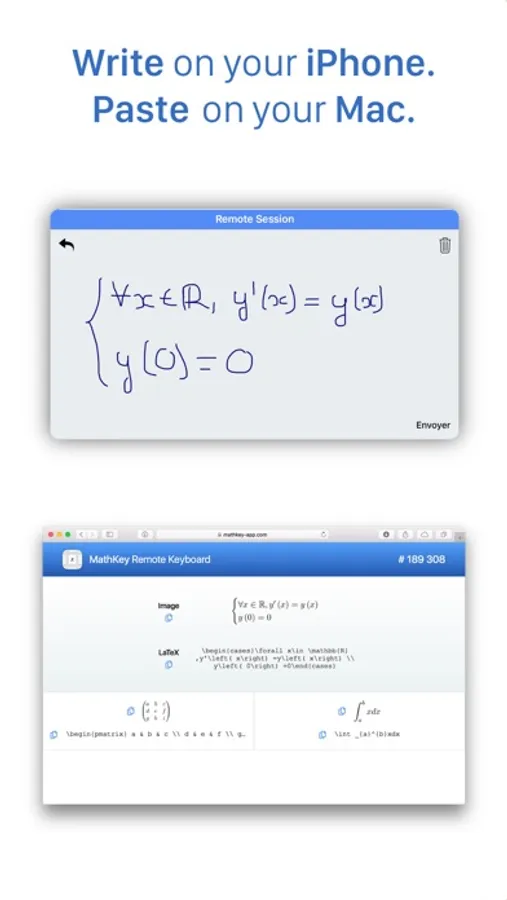
● Remote Keyboard : connect MathKey to your computer via our website and paste generated content right on your computer !
● Pick any color for both LaTeX, MathML and image output. You can save up to 20 colors.
● When converting to an image, paste it from the pasteboard or, on an iPad, drag-and-drop it.
● MathKey is powered by MyScript © Interactive Ink state-of-the-art technology.
● Dark & Light themes.
Important :
- An Internet connectivity is mandatory.
- Quotas may be imposed in case of abusive use.
- Although MyScript © Interactive Ink technology is very reliable, results are not guaranteed.
- Apple Pencil works only with compatible iPad.
- MathKey is a keyboard.
MathKey - LaTeX Converter Screenshots
Tap to Rate:
Reviews for MathKey - LaTeX Converter
Inao241
suggestion
It is good! However, can developer add a shortcut or button for me to quick type $$ or mk since obsidian need this to start write the latex expression.
Josh.Brannon1
Highly Reccomend
Super helpful tool if you’re like me and would rather write out math instead of typing tedious latex commands. Accuracy is usually spot on if you write with decent handwriting. The website is super helpful too, I like writing on my iPad and having it instantly send to my computer where I can either copy the latex code or just copy the output as an image.