
With this mobile banking app, you can check balances, view transactions, transfer funds, and pay bills. Includes secure login features, account management tools, and ATM location services.
AppRecs review analysis
AppRecs rating 4.4. Trustworthiness 0 out of 100. Review manipulation risk 0 out of 100. Based on a review sample analyzed.
★★★★☆
4.4
AppRecs Rating
Ratings breakdown
5 star
87%
4 star
4%
3 star
4%
2 star
1%
1 star
4%
What to know
✓
High user satisfaction
87% of sampled ratings are 5 stars
✓
Authentic reviews
No red flags detected
About MyMEB Mobile
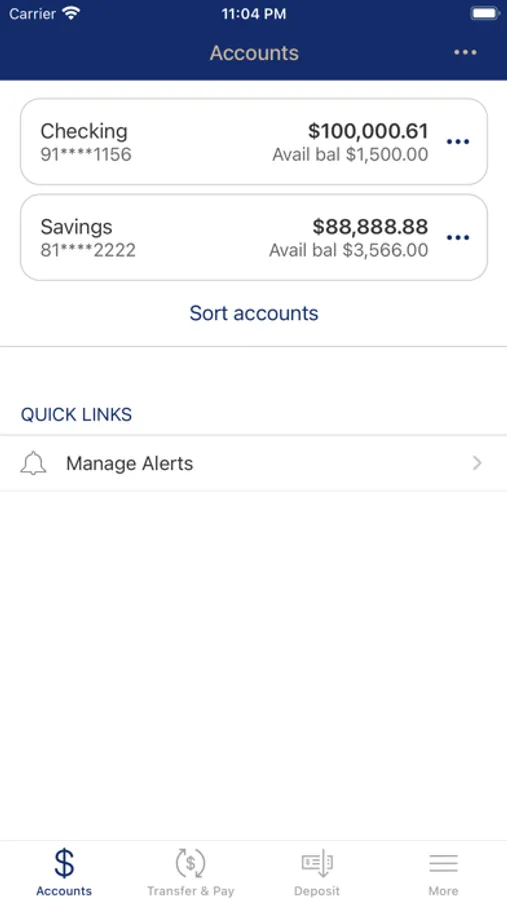
Manage your accounts conveniently from your mobile device with the ability to:
• Check your account balances
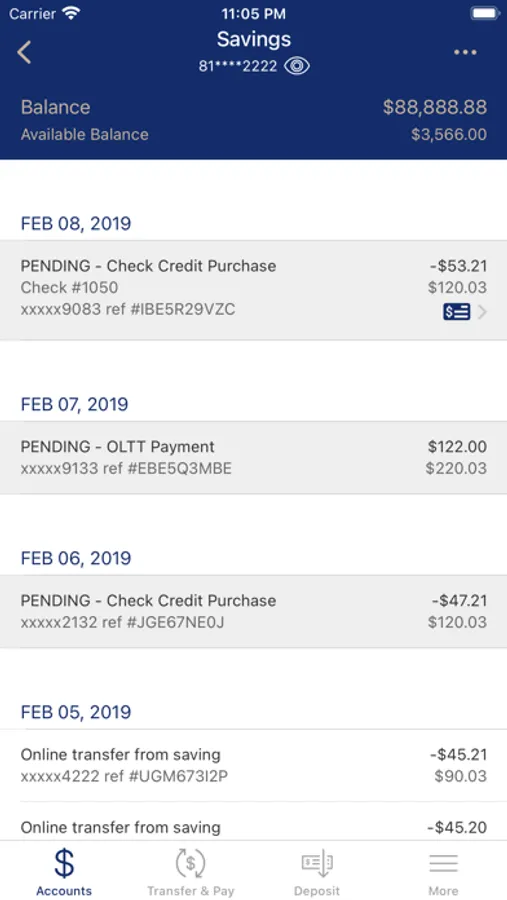
• View recent transactions
• Transfer funds between accounts
• Pay your bills*
• Find ATMs and branch locations
To access mobile banking you must first be enrolled in online banking.
*To pay bills you must be enrolled in our Check Free bill payment solution.
To sign up for these services, visit https://www.mymeb.com and click the Enroll button to sign up for online banking. You can sign up for Check Free bill pay once you log in to your online banking account. If you require assistance with either of these services or have questions about mobile banking, please contact your local branch or contact our Online Banking Support at (866)-614-9510.
Security
The protection of your personal data is of the utmost importance to us at Miners Exchange Bank. Our MyMEB app protects your information from unauthorized access by using the following methods:
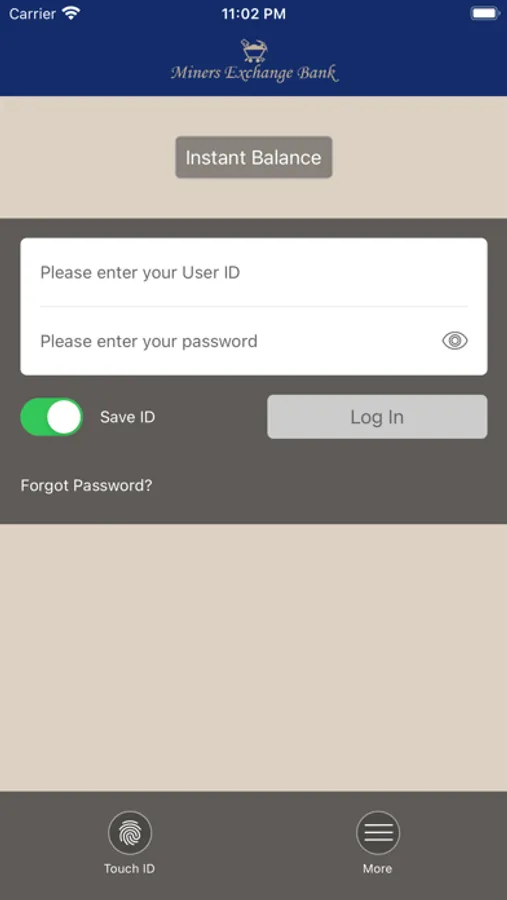
• Secure login with a user ID and password
• Optional fingerprint recognition
• Security questions to verify your identity
• Encryption technology
• Masked account numbers
Maintaining Your Security
In order to ensure you protect your data from unauthorized access, we recommend the following best practices to keep your data safe from unauthorized access:
• Log out and close your app and web browser after each use
• Protect your mobile device with a password, pattern lock, fingerprint lock, or facial recognition
• Do not store credentials on your mobile device or in any unsecured location
• Delete any text message alerts you receive to avoid easy access to your data if your device is lost or stolen
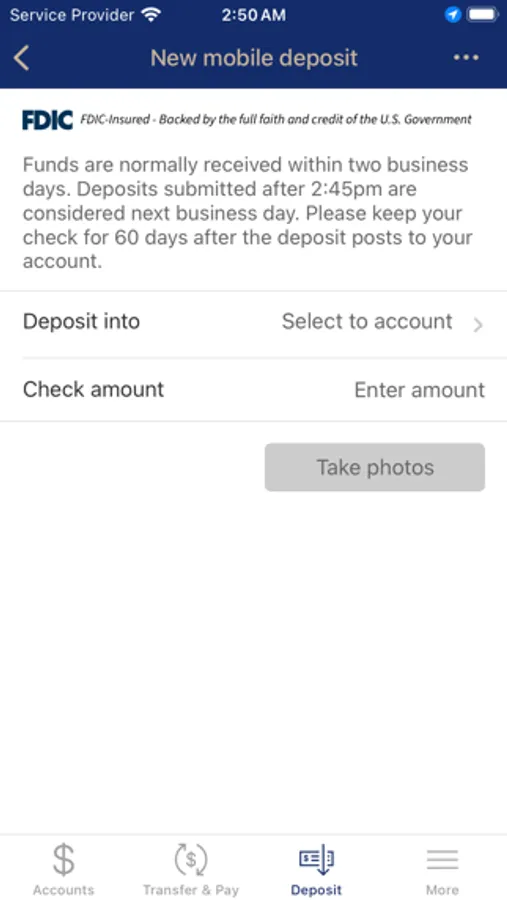
MyMEB Mobile Screenshots
Tap to Rate:
Reviews for MyMEB Mobile
discussssted
Terrible app !!!!!!
I have had an account with them since I was 18 years old I’m 43 now but I guess I will be looking for another bank can’t ever get through to anyone without a 30min phone call! Online web sightis always messing up now the new app update will not allow older iPhones without iOS 13 or higher to operate says download the older app but there is NONE! And besides I have the older app when called for support the lady said” hmm yeah sorry can’t help ya unless you get a newer phone and I guess they should have thought of that when updating the app “ I’m mean really this is 2021 what kind of people do they have running there online services??