AppRecs review analysis
AppRecs rating 3.5. Trustworthiness 83 out of 100. Review manipulation risk 25 out of 100. Based on a review sample analyzed.
★★★☆☆
3.5
AppRecs Rating
Ratings breakdown
5 star
47%
4 star
12%
3 star
18%
2 star
0%
1 star
24%
What to know
✓
Low review manipulation risk
25% review manipulation risk
✓
Credible reviews
83% trustworthiness score from analyzed reviews
About Card Game Simulator
Create your own original card games, import custom cards, organize your decks and cards, and play card games with your friends.
All on an intuitive virtual tabletop!
# Create and Share Games:
You can download additional games by selecting the center card game in the Main Menu. Press the download button that appears and enter the CGS AutoUpdate URL for the game you would like to download.
If you enable Developer Mode, you can easily create your own games by importing images onto custom boards and tables, and create custom cards and decks.
You can also define your own custom game(s) by following the Custom Games Documentation on the CGS website!
# Cards Explorer:
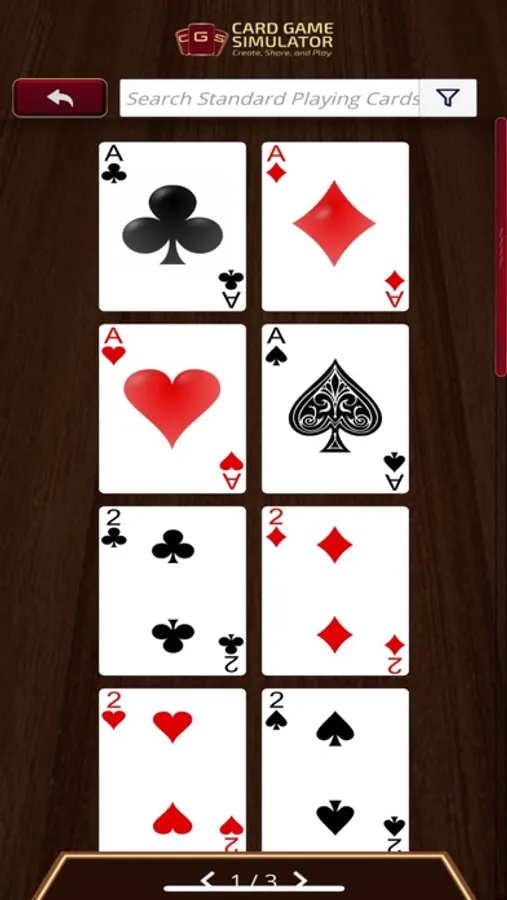
See all the cards laid out neatly and easily search-able, with the option to filter for any search criteria.
If you enable Developer Mode, you can also add custom cards here.
# Deck Editor:
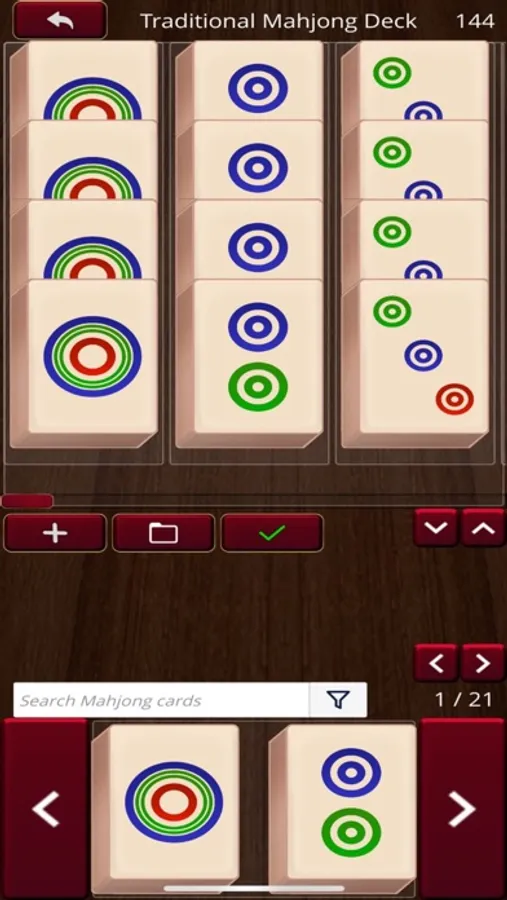
Some card games will come with pre-built decks, but you can always create new decks by writing in card names or with the visual Deck Editor.
You can load up and edit existing decks, or you can start with completely new decks to add and save for later.
# Multi-player:
Create online rooms with optional passwords to ensure only your friends Join your game.
You can play over LAN or over the internet.
# Single-player:
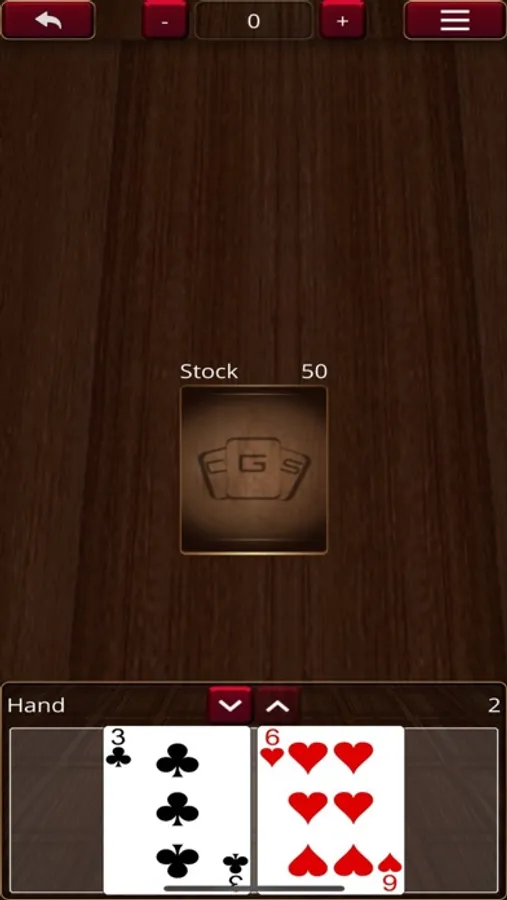
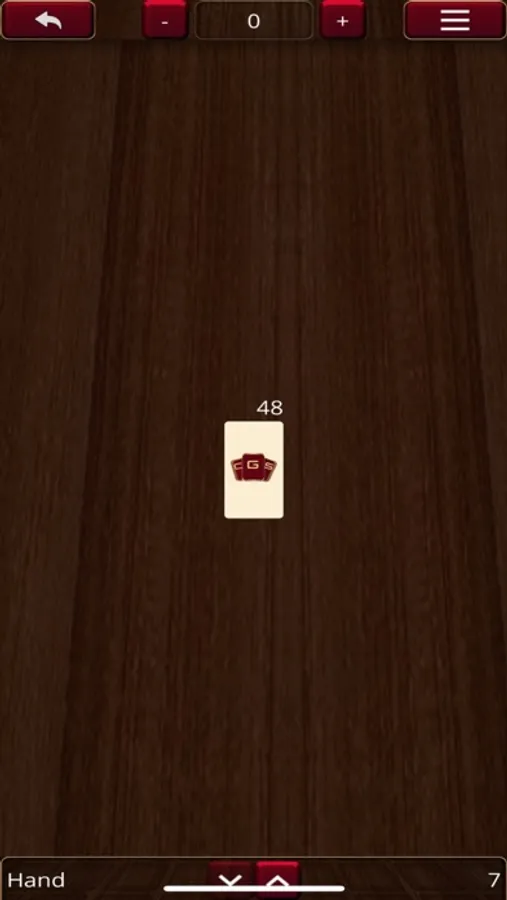
You can immediately Start a game, either to play by yourself or to play with friends hot-seat style.
# Key Features:
- Online sandbox with unlimited games to play how you want.
- Create and play your own original games.
- Play just like you do in real life; pick up, rotate, and flip any card.
- Up to 10 people can play online together on the same table.
- Save, load, and share decks.
- Multiple "drawer"s allow you to play locally on the same computer with your friends.
- Default games: Standard French-Suited 52-cards, Dominoes, and Mahjong
Card Game Simulator Screenshots
Tap to Rate:
Reviews for Card Game Simulator
starmienight1
Great app!
Great app to play with others!
jaivjrncjabcjqfodkajivke
Unusable
This is a great concept on paper and I really wanted to like it, but the execution is riddled with issues, both in the base desktop version, and in the translation of the desktop version to the mobile version. The biggest one and ultimately the deal breaker is that there's no way to save even a single player game. I understand that saving an online game might be too much, but if the game is entirely local there's no good reason it can't be saved locally too. I'm not even asking for multiple save files, just that the current game in progress be automatically saved if I go back to the main menu or if the app refreshes in the background (which is what triggered this review). The mobile version is exactly the same as the desktop version with no meaningful changes made to account for the differences in screen size/dimensions or the switch to touch controls. You can't reasonably create a custom game with the mobile app because the menu to select a folder to import a set of cards is the desktop one, which means the file picker is looking for files that don't exist on a phone and therefore nothing can be selected. I downloaded the desktop app just to create a game and export it, which was ridiculously frustrating and time consuming (and not entirely successful), but I'm going to keep this review to the problems with the mobile app itself. The UI is of the desktop version is not good, but most of the problems with that version are with creating custom games rather than gameplay itself, so it would probably be worth pushing through IF the game could be saved. The mobile version has the already questionable UI of the desktop version in addition to a whole new set of problems with the gameplay itself. The cards are way too small to see or even move where you want them without zooming in, but the app uses the same two finger scrolling/pinching gesture for panning, zooming, and rotating (and it doesn't differentiate between actually pinching and just scrolling with two fingers). So every time you want to do anything you have to pan around the table to find the part you want, and at the same time this also causes the screen to zoom in or out, and ALSO rotates the table. The sliders that appear at this point to control rotation and zoom are incredibly invasive, and the zoom one is sometimes partially offscreen and always completely unresponsive anyway. The drawer at the bottom is extremely in the way while panzoomrotating (especially in landscape mode) if it's up or partially up. However if it's on the lowest setting, it's very difficult to press the button again to bring it back up because it puts the up button right in the corner and these controls were designed for a computer's square corners, which my phone doesn't have. Also, you can't have more than three drawers (including the hand tab) in portrait mode (which again is easier to use) because the drawer tabs simply do not scroll sideways and only three of them fit on the screen. If we're talking about minimal UI changes, there need to be two buttons at the top or side to lock rotation and zoom so those aren't changed by panning. The drawer tabs need to scroll, and the drawer height controls need to be flipped so the up button is the one on the inside. The deal and draw buttons are useless (at least in single player) because they only apply to the hand tab even if you press them with a different tab open, and there's no way to choose which deck to draw from if the game has more than one. If we're talking about bigger changes that make the app seem like it was actually intended to be used with a touch screen; the drawer buttons could be consolidated into one button that toggles between up/half/down (and isn't too close to the corner) to save space horizontally. Rotation could be handled with a button at that rotates the table in 90° increments. And panning should be done with one finger, that's the only intuitive option on a touch screen. This way zooming could be done with two fingers, again the most intuitive option. If panning has to be two fingers, then add two more buttons for zooming in/out, or one button to lock zoom. There's a bar at the top that comes up when a card is selected that takes up too much space (despite being cut off by the phone screen's notch) that exists only to display the name of the card and I can't for the life of me see why that's even necessary if I'm already looking at an image of the card in question. It also brings up another image of the card which on mobile is only slightly bigger anyway, and rendered completely unnecessary by the fact that I can already zoom in (much further) on a card by long pressing. The only thing that needs to be there is the action menu (not including the move button because ???) I should also be able to flip an individual card on the table by double tapping it (like how rolling dice already works). Speaking of, double tapping to roll a die shouldn't also open the action menu for it. My final complaint is that tokens don't behave the same way as cards do. Adding a deck to the table takes into account what part of the table you're zoomed in on and adds it where you're already looking (although it might be on top of other cards... is this the same reason panning takes two fingers instead of one?) But tokens (and dice) are always added to the middle of the table, necessitating more panzoomrotating to move them where you actually want them, which is especially difficult because they're so small. Tokens also can be placed neatly in the exact same space as other tokens, but despite that they don't actually form a stack and so must be moved and counted individually. Why. (I guess it would be nice to add multiple tokens at once and change their color in bulk (perhaps by putting them in a stack) but anyway...) I suppose none of this really matters anyway if I can't even save a game 🙃