With this app, you can connect to Labradar devices via Bluetooth to view and manage shooting data, including real-time shot capture and statistics. Includes data management, device settings, and data visualization features.
AppRecs review analysis
AppRecs rating 2.2. Trustworthiness 78 out of 100. Review manipulation risk 26 out of 100. Based on a review sample analyzed.
★★☆☆☆
2.2
AppRecs Rating
Ratings breakdown
5 star
23%
4 star
4%
3 star
9%
2 star
16%
1 star
48%
What to know
⚠
Pricing complaints
Many low ratings mention paywalls or pricing
⚠
Mixed user feedback
Average 2.4★ rating suggests room for improvement
⚠
High negative review ratio
64% of sampled ratings are 1–2 stars
About LabRadar
The chronograph era is over.
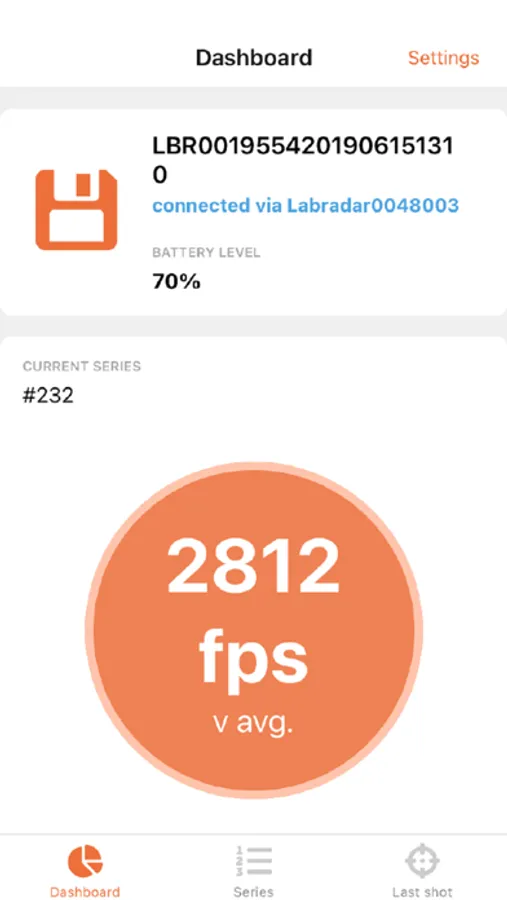
This application allows a user to communicate with a Labradar through a bluetooth connection in order to view and manage his shooting data the same way he can from the Labradar device itself. The features this application includes are :
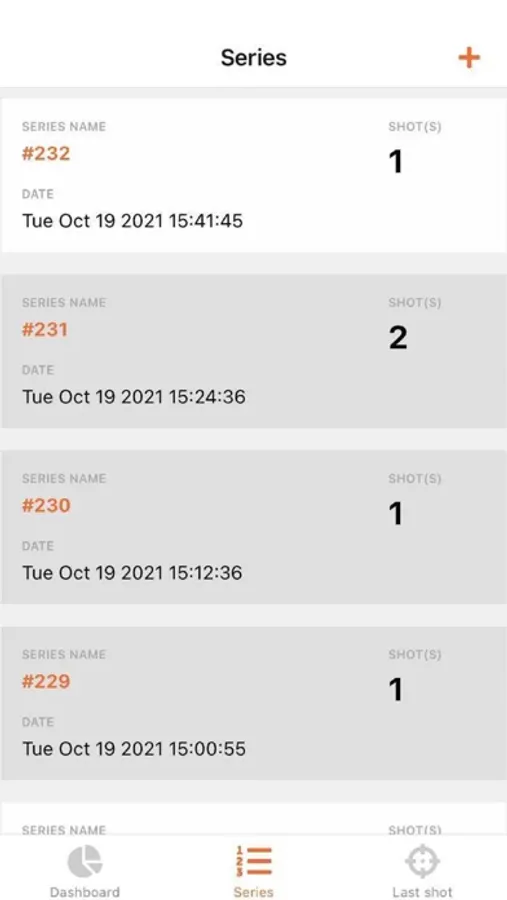
1. Create and delete series
2. Manage the Labradar settings such as units, radar settings, trigger settings, distance settings and shot related settings (such as projectile weight and offset)
3. Receive the shots on the phone or tablet when the Labradar is armed, in real-time.
4. Convert the data to be displayed in the user's preferred scale units of measurement
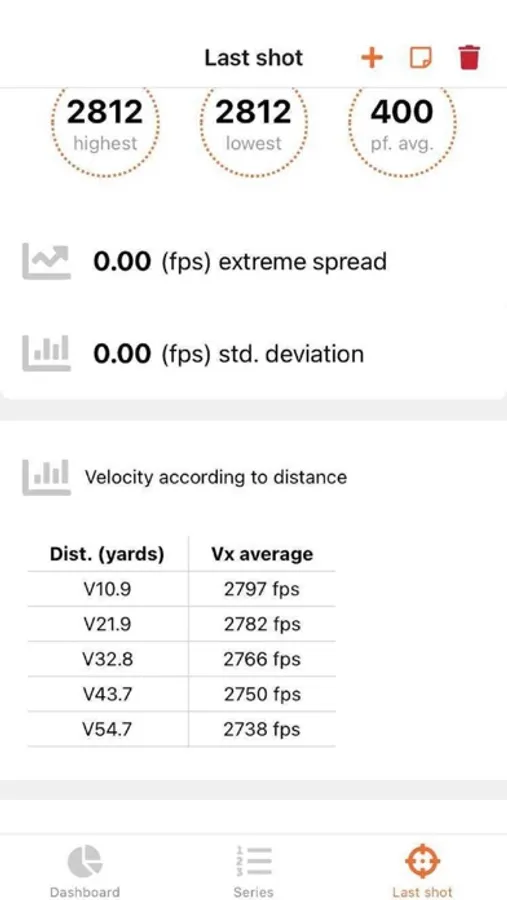
In addition to those features, it also displays statistics of the series/shots along with graphs displaying various aspect of the data such as the velocity, power factor or the energy of the series/shots.
In order for the application to work properly :
1. Install at least firmware version 1.2.0
2. Do NOT pair the mobile device to the Labradar
3. Enable the location services and accept the permissions upon application startup
4. Make sure the Labradar is not in armed mode while trying to connect to it
This application allows a user to communicate with a Labradar through a bluetooth connection in order to view and manage his shooting data the same way he can from the Labradar device itself. The features this application includes are :
1. Create and delete series
2. Manage the Labradar settings such as units, radar settings, trigger settings, distance settings and shot related settings (such as projectile weight and offset)
3. Receive the shots on the phone or tablet when the Labradar is armed, in real-time.
4. Convert the data to be displayed in the user's preferred scale units of measurement
In addition to those features, it also displays statistics of the series/shots along with graphs displaying various aspect of the data such as the velocity, power factor or the energy of the series/shots.
In order for the application to work properly :
1. Install at least firmware version 1.2.0
2. Do NOT pair the mobile device to the Labradar
3. Enable the location services and accept the permissions upon application startup
4. Make sure the Labradar is not in armed mode while trying to connect to it
LabRadar Screenshots
Tap to Rate:
Reviews for LabRadar
cjdanos
Station Pressure
App crashes every time I try to save station pressure
06caurru
Could be better
It works, but for whatever reason, sometimes the radar and app will disconnect and you have to close and restart the app and/or radar. I wish there was an ability to add photos of targets to shot strings. Otherwise, seems to be a good app.