In this shader editor app, you can create visual shader graphs using nodes with drag-and-drop and live preview features. Includes keyboard shortcuts, AR previews, and extensive documentation.
AppRecs review analysis
AppRecs rating 4.0. Trustworthiness 78 out of 100. Review manipulation risk 19 out of 100. Based on a review sample analyzed.
★★★★☆
4.0
AppRecs Rating
Ratings breakdown
5 star
72%
4 star
7%
3 star
9%
2 star
2%
1 star
10%
What to know
✓
Low review manipulation risk
19% review manipulation risk
✓
Credible reviews
78% trustworthiness score from analyzed reviews
⚠
Pricing complaints
Many low ratings mention paywalls or pricing
About Shade
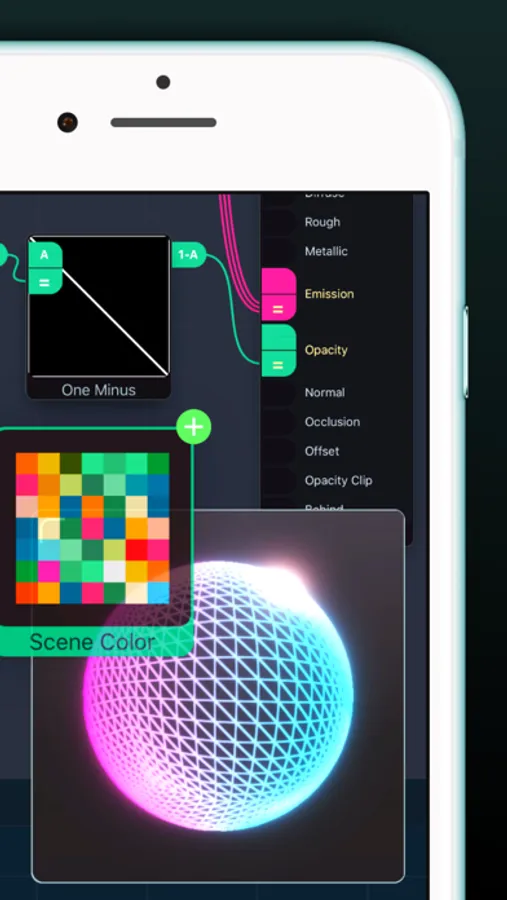
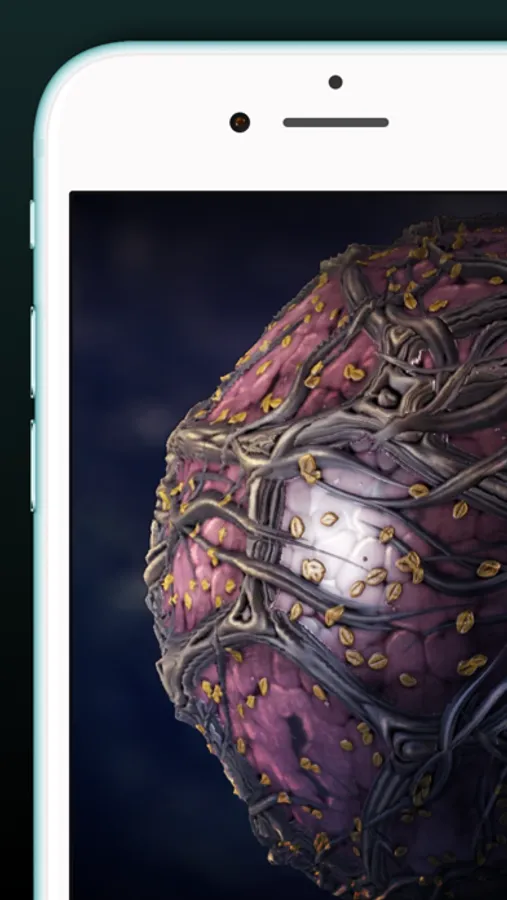
Shade transforms your device into a professional node-based shader editor. Build stunning, connected shader graphs that render in real time
You'll find full support for keyboard shortcuts, drag-and-drop, and documentation built right in
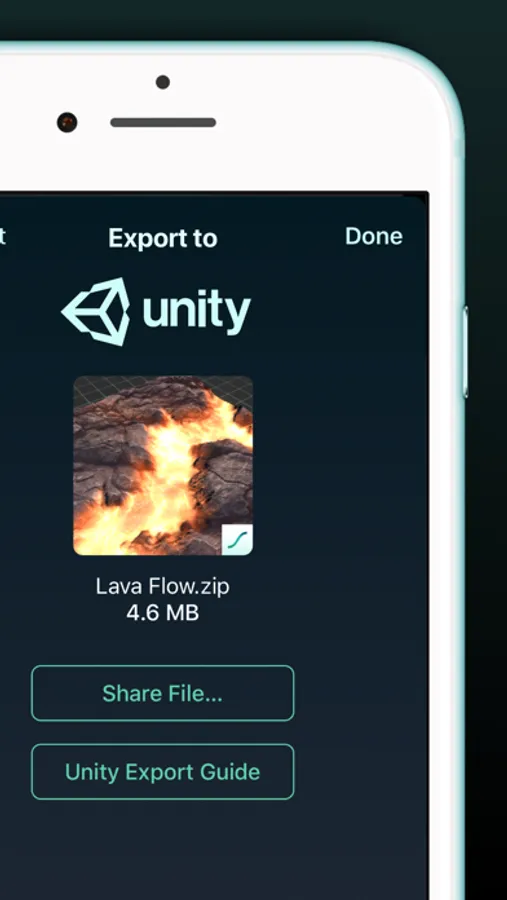
Once you're done, export your shader out to Unity 3D or load it straight into Codea. Use them in your games, apps, or anything you make
Put your finger on the glass and start creating
FEATURES
• Connection stacking: no need for explicit arithmetic nodes. Just plug multiple outputs into a single input. Tap to change how they're blended
• Automatic swizzling: connect anything to anything. Shade will figure it out and swizzle your connection. Tap the little circle to re-wire the logic
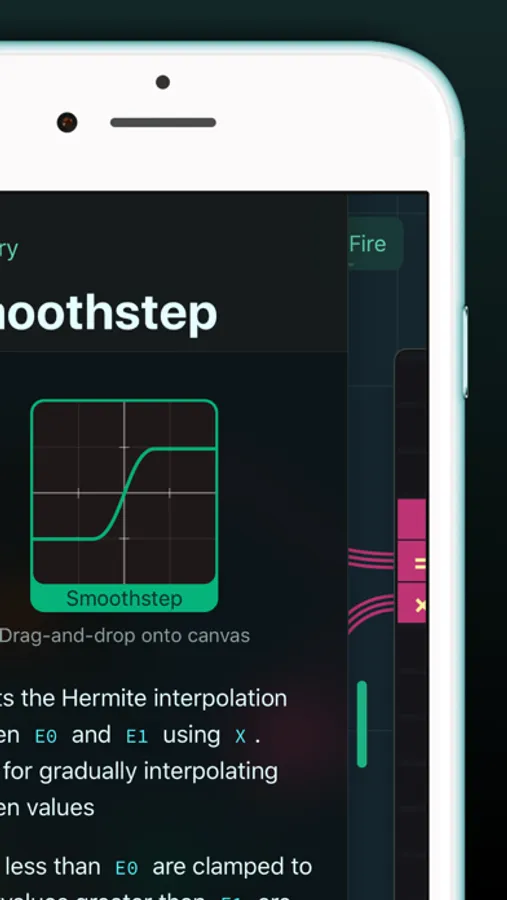
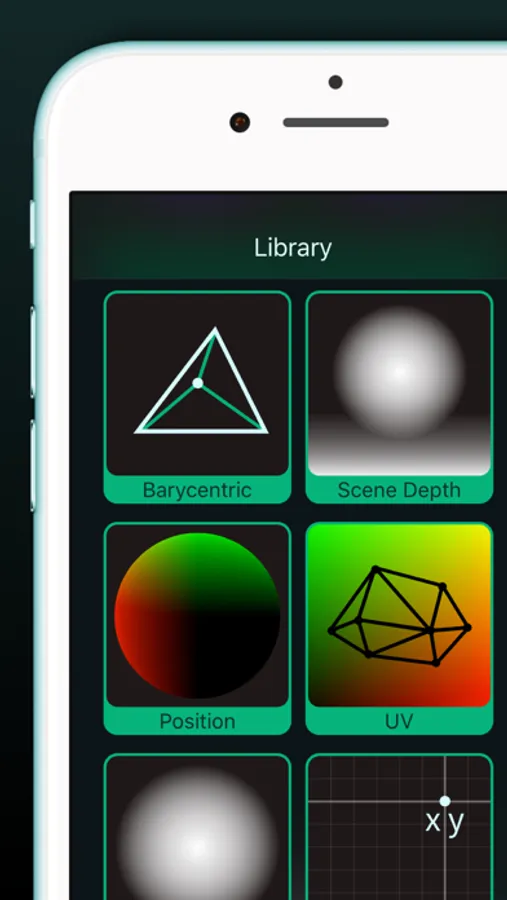
• Over 100 nodes for building your shaders, tap any node for help
• Live physically-based render preview
• Drag-and-drop images right into your graph
• Full keyboard support
• AR previews, including Face AR for building shaders right on your... face
• Video tutorials
You'll find full support for keyboard shortcuts, drag-and-drop, and documentation built right in
Once you're done, export your shader out to Unity 3D or load it straight into Codea. Use them in your games, apps, or anything you make
Put your finger on the glass and start creating
FEATURES
• Connection stacking: no need for explicit arithmetic nodes. Just plug multiple outputs into a single input. Tap to change how they're blended
• Automatic swizzling: connect anything to anything. Shade will figure it out and swizzle your connection. Tap the little circle to re-wire the logic
• Over 100 nodes for building your shaders, tap any node for help
• Live physically-based render preview
• Drag-and-drop images right into your graph
• Full keyboard support
• AR previews, including Face AR for building shaders right on your... face
• Video tutorials
Shade Screenshots


Tap to Rate:
Reviews for Shade
Atlas_Stoney
Bug with function node
When you close a shader while editting the function node, it will save the shader as the nodes in the function. Lost an hour or two of progress from the bug, please fix
Jrapczak
Can’t make new shadrers
Failed to Create Document iPhone 15 Pro