AppRecs review analysis
AppRecs rating 3.5. Trustworthiness 64 out of 100. Review manipulation risk 35 out of 100. Based on a review sample analyzed.
★★★☆☆
3.5
AppRecs Rating
Ratings breakdown
5 star
25%
4 star
0%
3 star
13%
2 star
13%
1 star
50%
What to know
⚠
Mixed user feedback
Average 2.4★ rating suggests room for improvement
About D4500
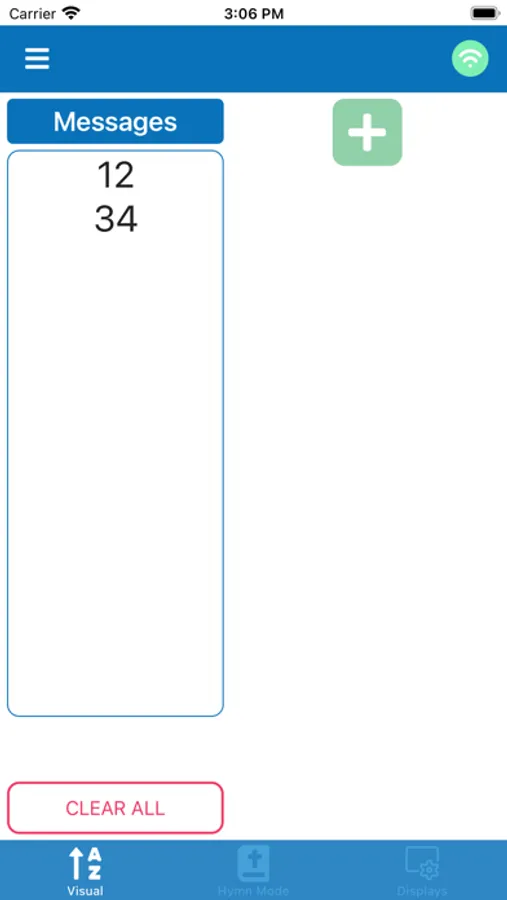
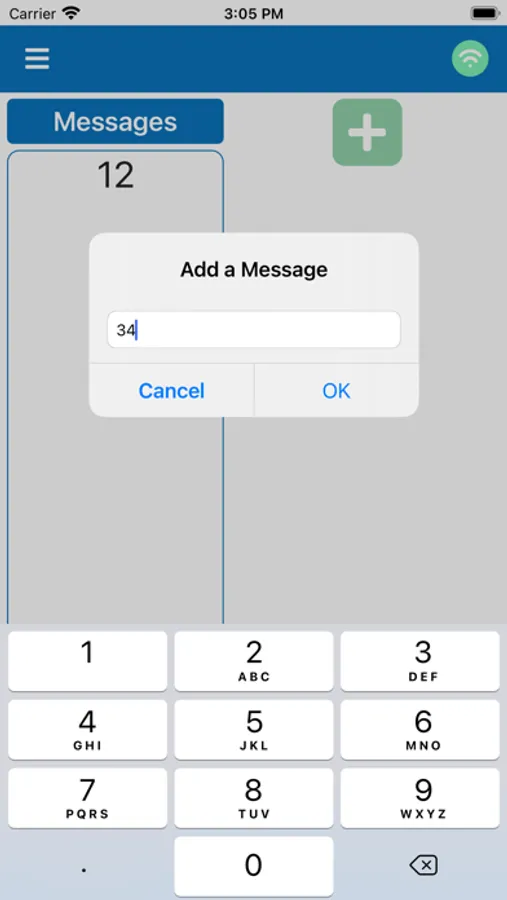
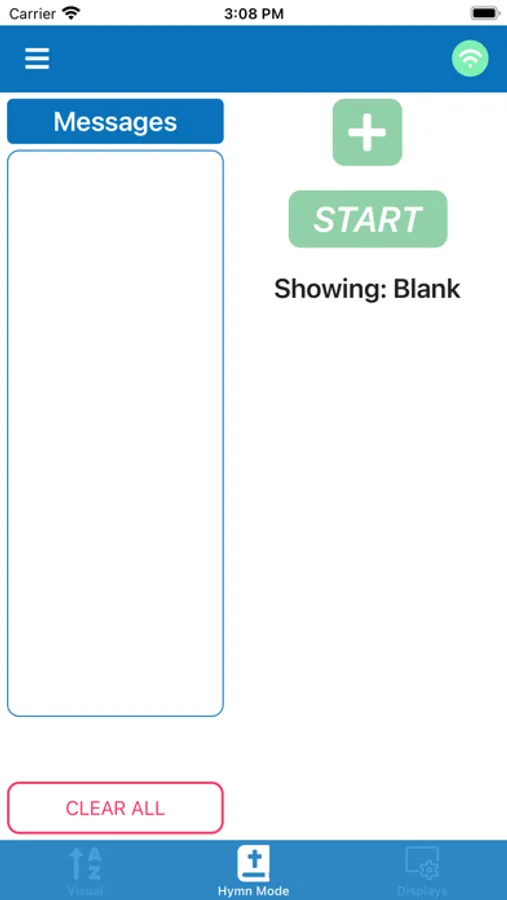
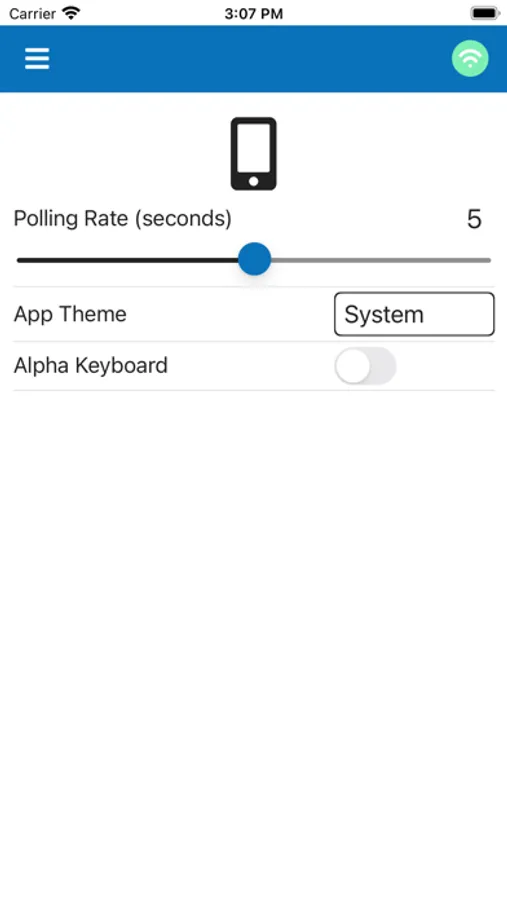
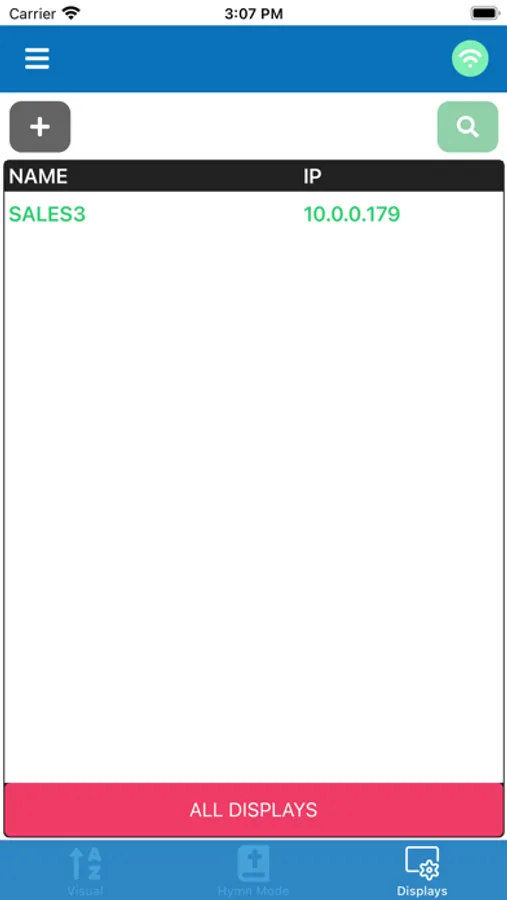
How It Works: Microframe's Wifi Paging App connects to all Wi-Fi alpha Displays that are on your network. You will not have to install any software on any computers to operate these displays. From this app or web browser, you will be able to send pages/messages to LED displays. We have also built in the LED displays configuration codes, so you will be able to change the settings of your LED displays with the click of a button.
For advanced users who want to write programs to hit these Displays, standard TCP socket connections data is available, call 800-635-3811 for more details.
D4500 Screenshots
Tap to Rate:
Reviews for D4500
gruntled old man
3.1.0 version fixed ethernet display issue
with the 3.1.0 version, it is wroking again with our screens. The app is functional and does what we need.
smugroup
Puts hymns in numerical order rather than entered order
With the previous version (2.x), I was able to enter my hymn numbers into the app in the order I wanted them displayed. Now, no matter what order I enter them in, they get sorted into the list in numerical order and then displayed that way. That is incredibly annoying and unhelpful. I have to now have one number displayed and then enter the next number for every song. It used to be that I could put in the hymn numbers for the last 8 songs and just hit “Next” for each hymn.