
AppRecs review analysis
AppRecs rating 4.5. Trustworthiness 62 out of 100. Review manipulation risk 28 out of 100. Based on a review sample analyzed.
★★★★☆
4.5
AppRecs Rating
Ratings breakdown
5 star
94%
4 star
0%
3 star
6%
2 star
0%
1 star
0%
What to know
✓
Low review manipulation risk
28% review manipulation risk
✓
High user satisfaction
94% of sampled ratings are 5 stars
About Splice Crop
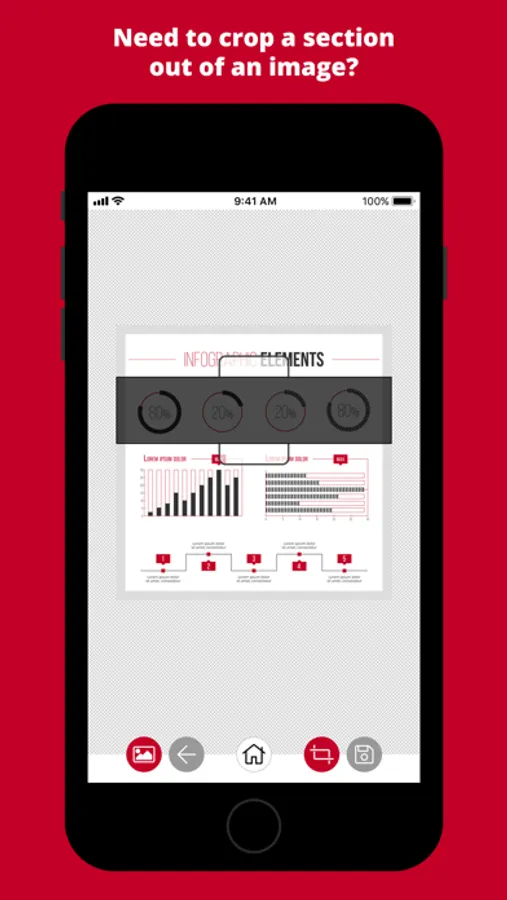
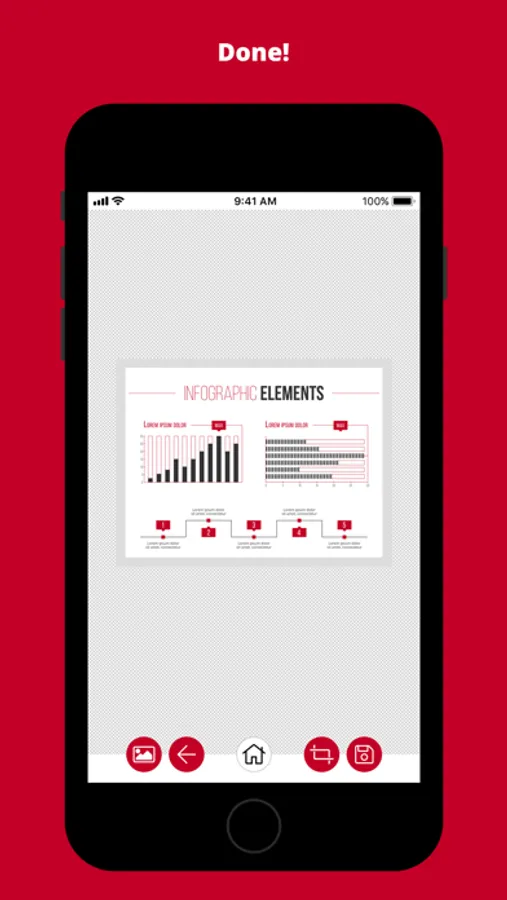
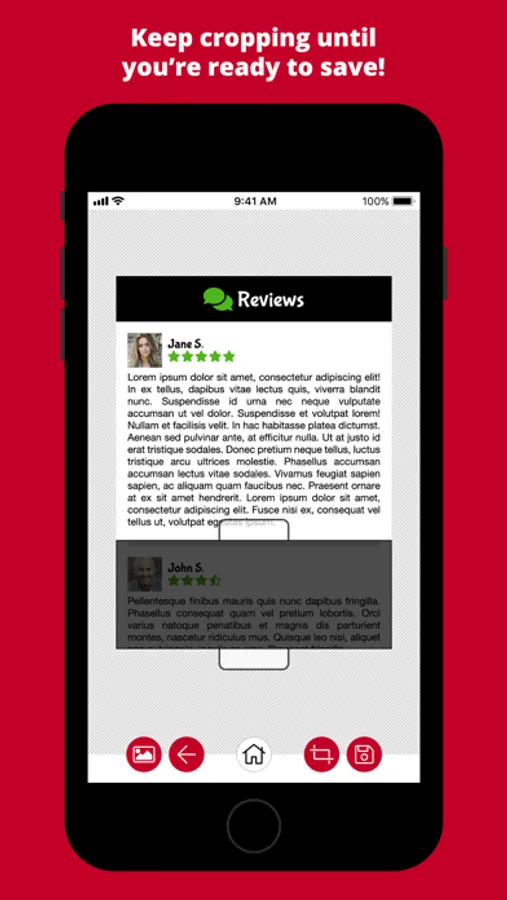
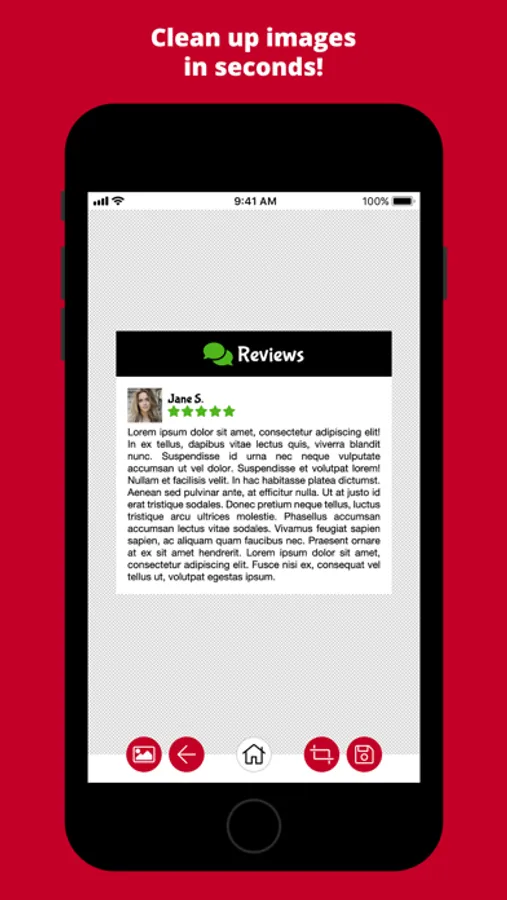
Splice Crop will crop out inner portions of an image, removing the highlighted section and joining the remaining sections together. Keep cropping until you're ready to save!
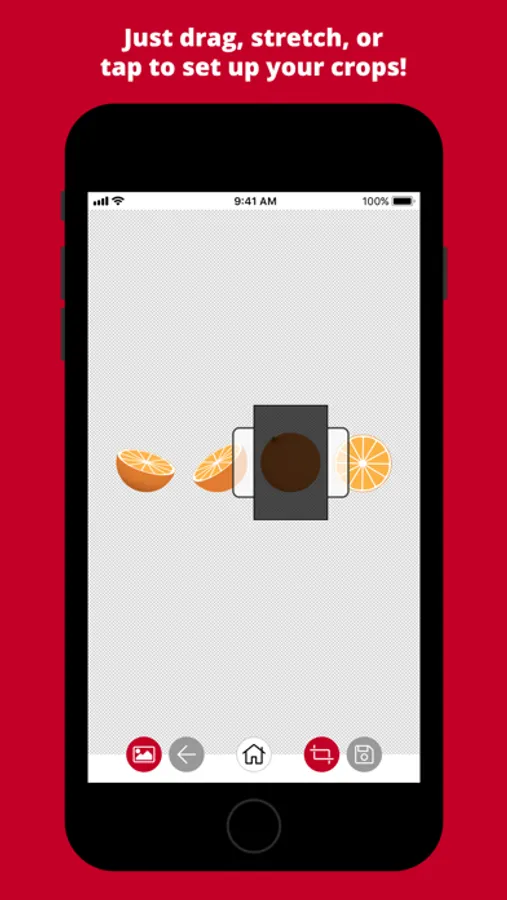
Just drag the crop area and stretch it to the size you need, or tap the crop area to toggle between a vertical or horizontal crop. It's quick and painless!
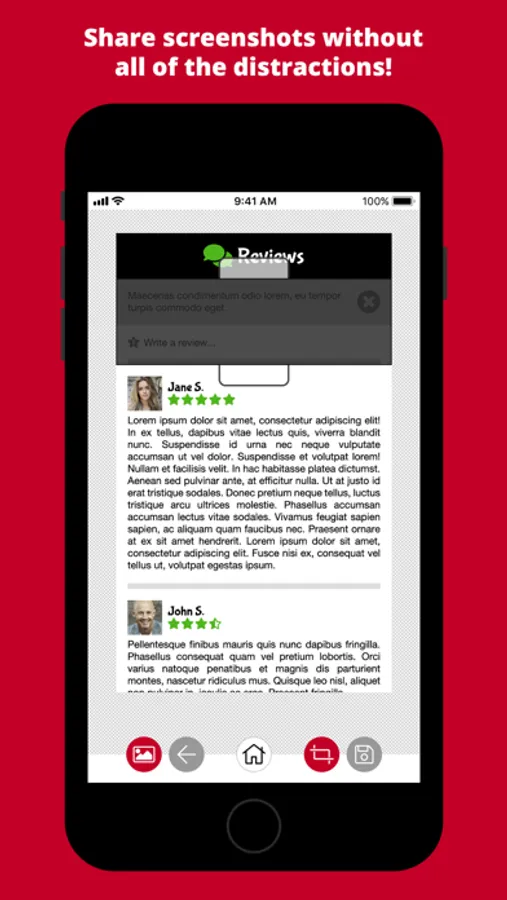
It's perfect for cleaning up screenshots before sharing! Get rid of all of the clutter, like advertising, toolbars, menus, site boilerplate text, etc.
Splice Crop Screenshots
Tap to Rate:
Reviews for Splice Crop
Neil_22
Fantastic app
Splice Crop does an excellent job cropping unwanted sections of a photo. I have used it for quite some time now and it has never failed to impress. If there was a wish list, I would request a feature where the selected area would be deleted (only), while leaving the section itself uncropped. The simplicity of use is what makes this app a pleasure to use!
NSAID1
Amazing!
Such an easy-to-use app for cropping out portions of your photo. I appreciate its simplicity and no-cost. The only improvement/feature that I would love to see is to allow configuring when cutting out middle/vertical sections (e.g., not having to remove the entire section/block, but being able to reduce the area to be spliced).