In this driver app, you can scan and submit documents, review loads, and receive dispatch messages. Includes document optimization, load management, and settlement updates.
AppRecs review analysis
AppRecs rating 4.5. Trustworthiness 63 out of 100. Review manipulation risk 25 out of 100. Based on a review sample analyzed.
★★★★☆
4.5
AppRecs Rating
Ratings breakdown
5 star
74%
4 star
11%
3 star
9%
2 star
2%
1 star
4%
What to know
✓
Low review manipulation risk
25% review manipulation risk
✓
High user satisfaction
85% of sampled ratings are 4+ stars (4.5★ average)
✓
Authentic reviews
Natural distribution, no red flags
About Hogan Driver App
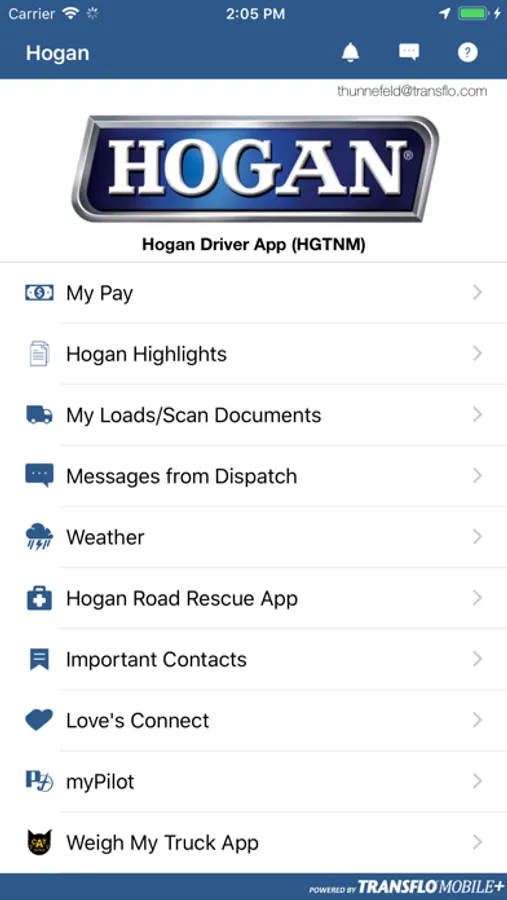
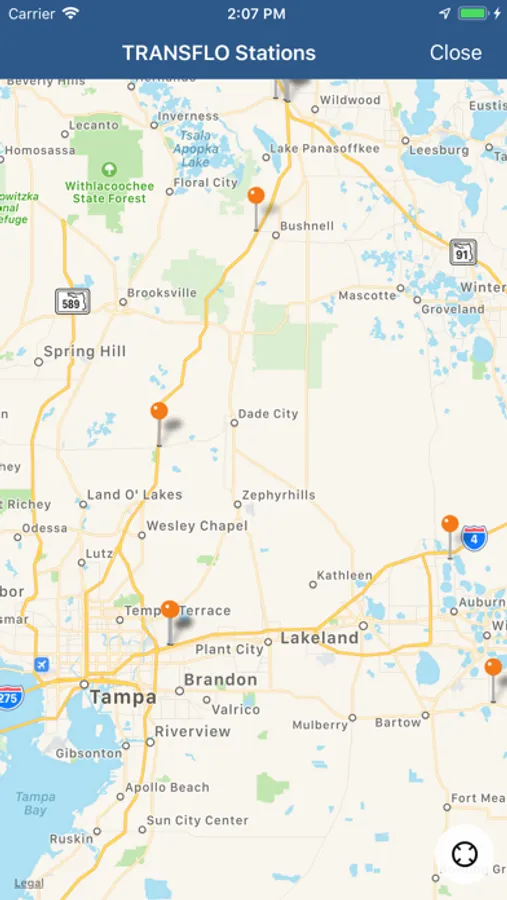
The Hogan Driver App is a mobile solution for Hogan drivers which includes speedy document scanning, load review, messages from dispatch, settlement information, along with easy to access links to myPilot, Weigh My Truck, and Hogan Road Rescue.
You must be an active Hogan driver to access these features. To register, you must have the Hogan Fleet ID, which you can obtain from your fleet manager, and your Hogan driver code.
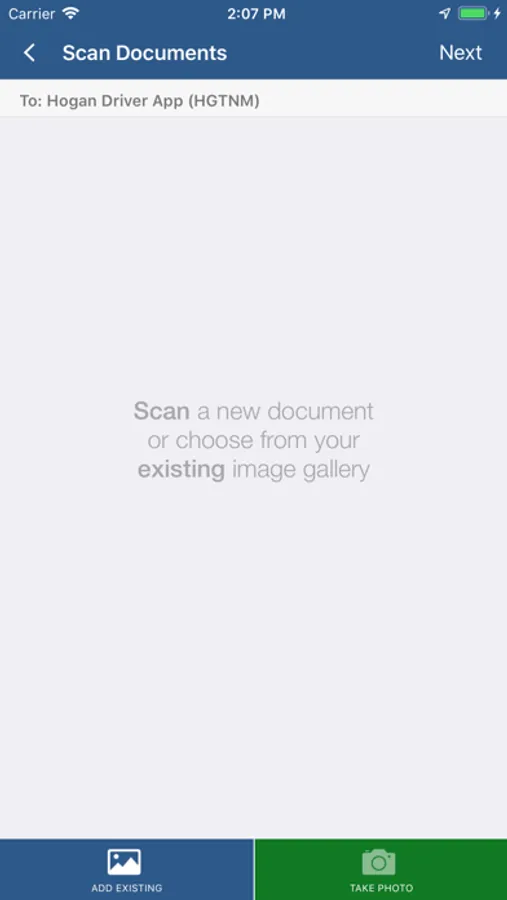
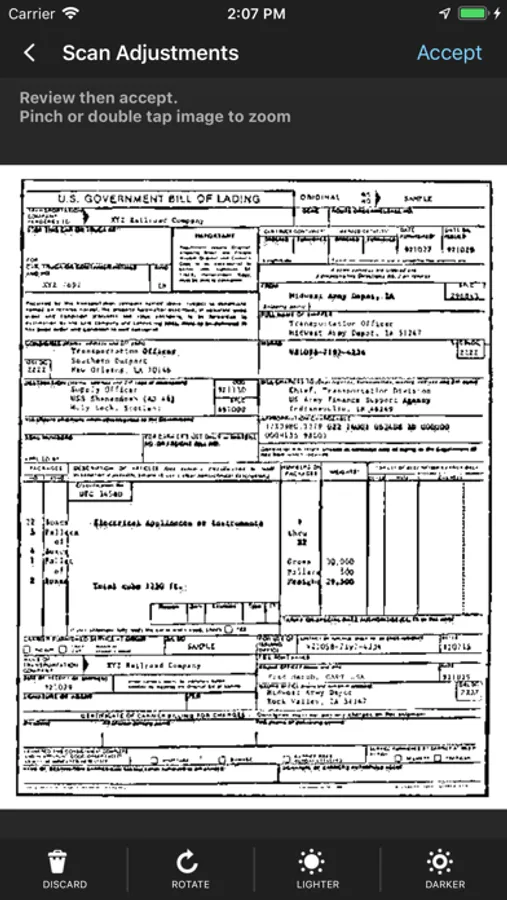
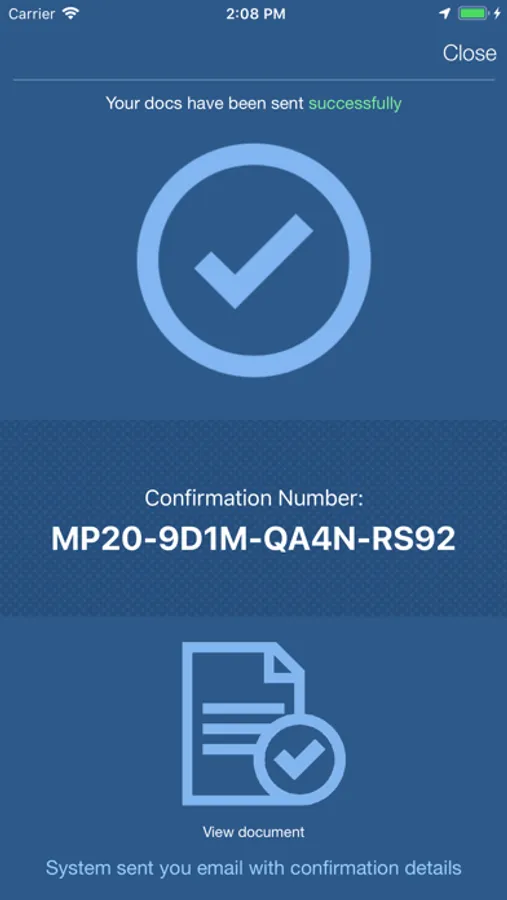
The Hogan Driver App is a simple and dependable scanning solution that transmits high quality document images to the Hogan Corporate Headquarters within minutes. This app offers you the convenience of scanning and submitting documents on the go. The scanning feature will optimize documents increasing the quality of the documents submitted even for carbon-copied documents, light gray text or colored backgrounds. The app will display your most recent loads allowing you to easily submit documents associated with those loads.
Features & Functionality:
• Get updated on your settlements
• Get messages from dispatch
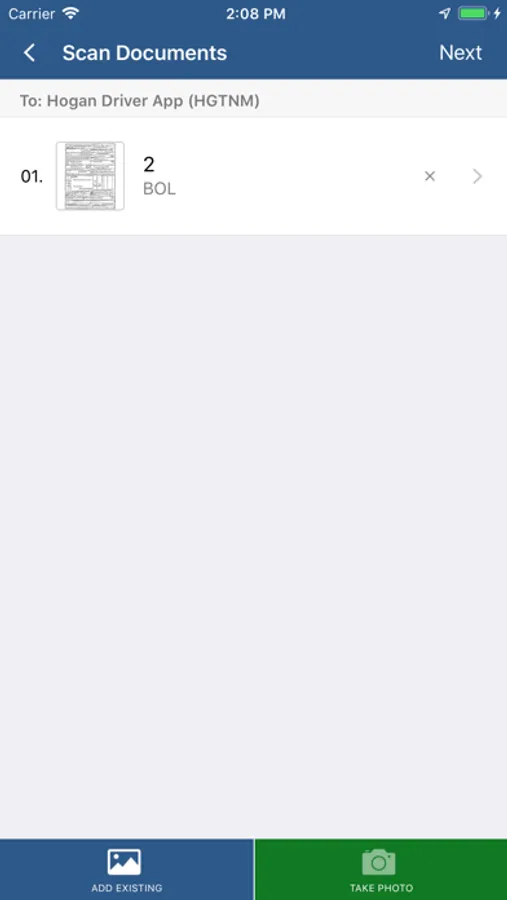
• Scan and doc type images
• Optimized image quality
• Crop, rotate, lighten or darken an image for better image quality
• Review recent loads and submit documents
• Automatically compresses document images for fast transmission and minimal data plan usage
• Allow multiple documents to be scanned and sent together
• Quality check – automatically evaluates, scores and validates image quality before submission. If the user captures an image that has questionable focus or is not legible, the app prompts the user to review or re-take the image.
Required Device:
Designed for iPhone 5 or above. Works with iPad 4, iPad Air and iPad Mini but user MUST have sufficient light to take photographs. Does not work with iPad 2 or older or iPod Touch because the camera resolution is too low for capturing typical POD’s and trucking documents.
You must be an active Hogan driver to access these features. To register, you must have the Hogan Fleet ID, which you can obtain from your fleet manager, and your Hogan driver code.
The Hogan Driver App is a simple and dependable scanning solution that transmits high quality document images to the Hogan Corporate Headquarters within minutes. This app offers you the convenience of scanning and submitting documents on the go. The scanning feature will optimize documents increasing the quality of the documents submitted even for carbon-copied documents, light gray text or colored backgrounds. The app will display your most recent loads allowing you to easily submit documents associated with those loads.
Features & Functionality:
• Get updated on your settlements
• Get messages from dispatch
• Scan and doc type images
• Optimized image quality
• Crop, rotate, lighten or darken an image for better image quality
• Review recent loads and submit documents
• Automatically compresses document images for fast transmission and minimal data plan usage
• Allow multiple documents to be scanned and sent together
• Quality check – automatically evaluates, scores and validates image quality before submission. If the user captures an image that has questionable focus or is not legible, the app prompts the user to review or re-take the image.
Required Device:
Designed for iPhone 5 or above. Works with iPad 4, iPad Air and iPad Mini but user MUST have sufficient light to take photographs. Does not work with iPad 2 or older or iPod Touch because the camera resolution is too low for capturing typical POD’s and trucking documents.
Hogan Driver App Screenshots
Tap to Rate:
Reviews for Hogan Driver App
romantsp
Poor performance
System has been acting up in recent months. Failure to update, frozen documents failed payroll posts and more.
ffghgdhhhhgbc
Have problems pulling up documents for my pay
Needs help with pulling up documents