
With this photo management app, you can organize and enhance your images using AI-powered cropping and sharing options. Includes photo selection tools, cropping features, and sharing capabilities.
AppRecs review analysis
AppRecs rating 4.3. Trustworthiness 78 out of 100. Review manipulation risk 20 out of 100. Based on a review sample analyzed.
★★★★☆
4.3
AppRecs Rating
Ratings breakdown
5 star
72%
4 star
13%
3 star
7%
2 star
4%
1 star
4%
What to know
✓
Low review manipulation risk
20% review manipulation risk
✓
Credible reviews
78% trustworthiness score from analyzed reviews
✓
High user satisfaction
86% of sampled ratings are 4+ stars (4.5★ average)
About Polarr Memoir
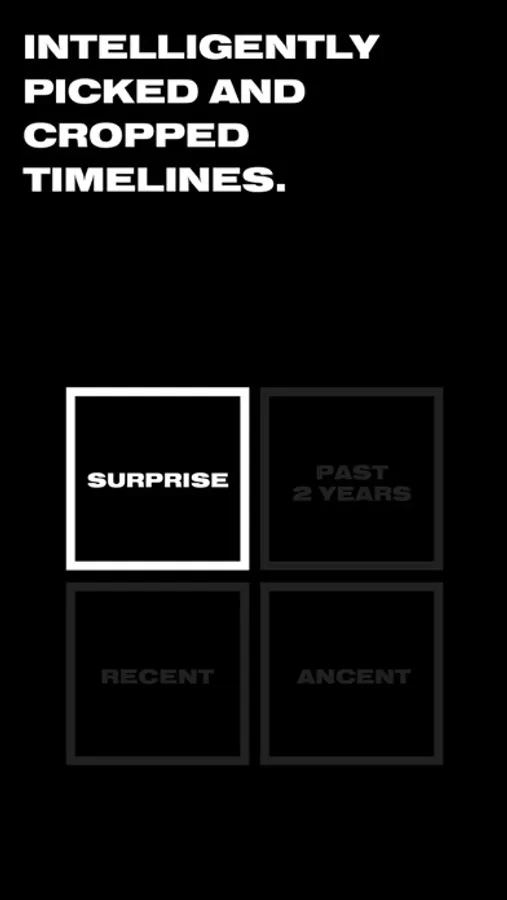
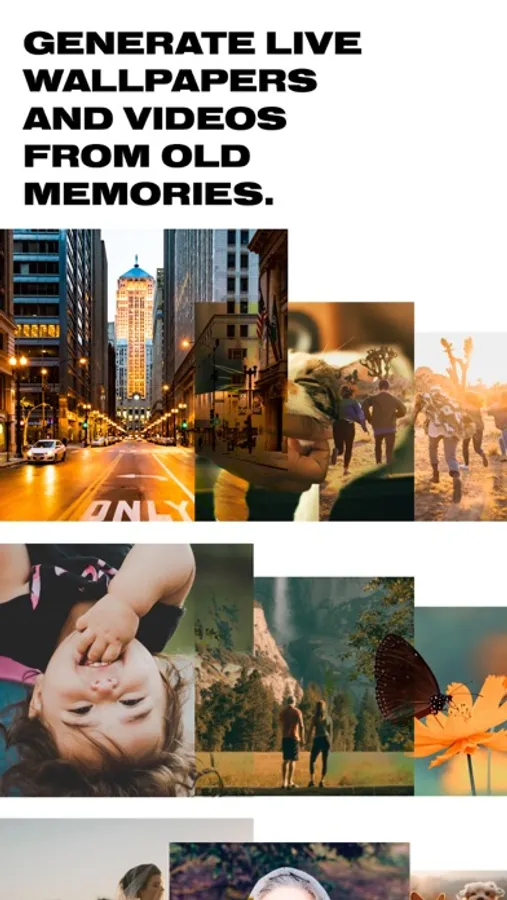
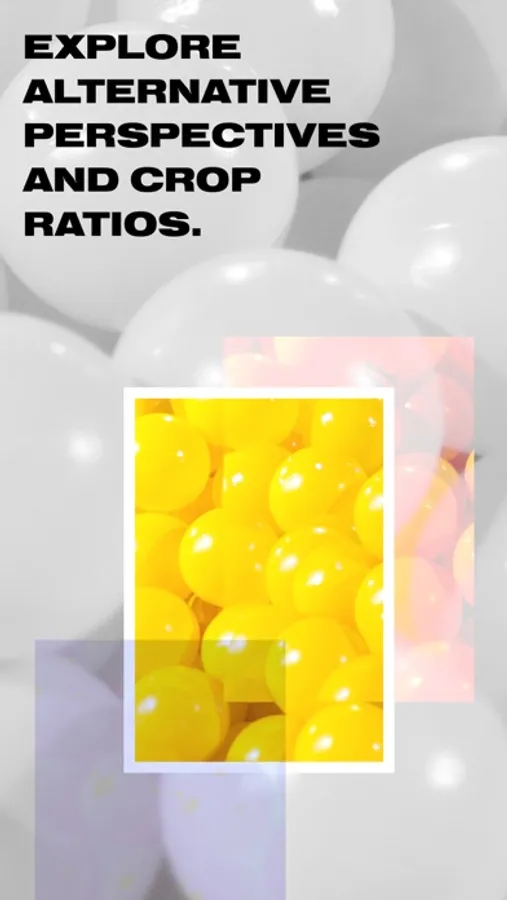
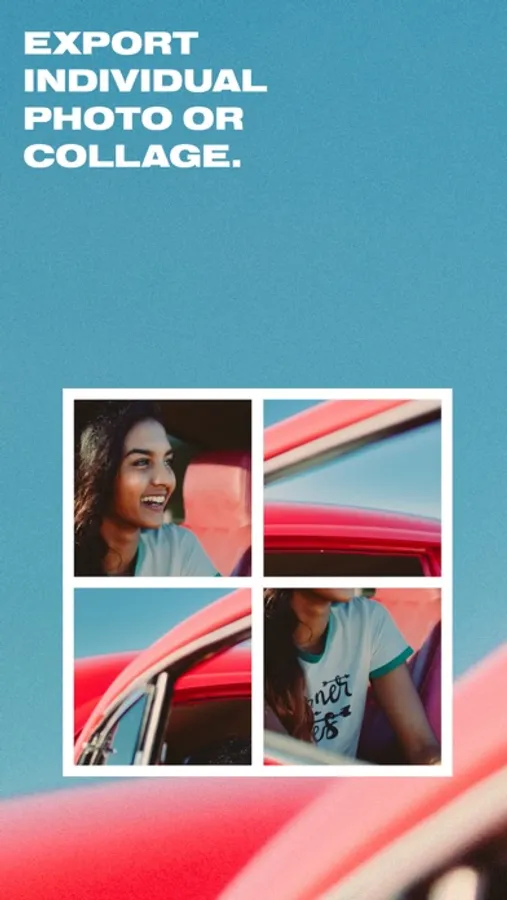
With customized experiences bound by the timeline of your choosing, you decide what to see next. Welcome surprises, as you unearth photos you have forgotten. Focus on the details, with intelligent cropping, able to be shared as a live wallpaper, collage, composite or individual photo.
Polarr Memoir Screenshots

Tap to Rate:
Reviews for Polarr Memoir
P.mousse Esq.
A great concept in a poorly designed package
I wish the developers would revisit this app. It has so much promise—at its best it gives me a fresh view of my artwork. But it desperately needs a friendlier (and less ugly!) interface and more useful selection of aspect ratios. Why not let the user pick a ratio and have the app bring back a selection in that size? The only option that is of much use to me is “surprise,” which doesn’t give me more than one or two pix in the sizes I’m looking for. Not sure what the collage option is supposed to do. It just freezes at 0%. Also, the “crop again feature is a good idea, but it seems to crop in only one direction, which quickly renders the results into a useless ribbon. The app needs an edit feature to adjust crops that are not quite where they need to be.
blakedustin
Interesting, but FAR TOO BUGGY
I’m a fan and paid user of Polarr, and I purchased the prior version of this app, for the novelty of AI cropping. Most of the suggestions in my case tend to be very slight variants of my photo, but I consider my cropping sense to be my very best skill/practiced talent/eye as a designer and photographer, and so there’s often not much you can crop on my photos because I’ve already done the crop. But now and then–and especially on wide angle snapshots that I’ll often take as a overall reference of setting and place while taking my more subjective photographs–ME will present something very different and quite delightful, especially as that visual spark will shift and enable me to see the associated other pictures in this altered fashion. This is very cool. What��s not cool is the ridiculous infatuation with portrait mode orientation... or the “chunky” interface that is both huge AND quite difficult with to interact with because those big boxes to check on the images you like? you must tap it just so and not any bit more or slightly off, or even actually directly “on.” It’s cranky, and if you attempt to select two or four or all of the suggested images in a set, you will inevitably breathe wrong on the 3rd or 5th and it’s just clearly no selection for you now. Even if you don’t accidentally de-select all (which is the easiest tap action in the app, just about anywhere and for any reason 7 out of 10 screen taps will just de-selectall and eject you out to the main “gallery.”) it’s even then a tossup if you can share/save the images you picked. Weird glitchy hang ups and then fails that don’t appear to have failed or started and are definitely not finished result, with the added bonus that now even if you select one or all of the images, you’ll no longer be able to share them... or you can tap that share text all you want but it won’t actually do anything. So now that ME has shown me a really great set of alt crops of an image I’d forgotten about? I can’t save them directly (see above) so I just had to take a screenshot and will try to find the picture manually in Photos and just crop it myself. Which isn’t very hard, really. But it shouldn’t be too much to ask that an app that has just a few user-actioned functions actually be able to do them. Saving files successfully is almost too basic of a bar to set... and then if you do fail, just let me know, and let me know how to fix it instead of just doing nothing.