AppRecs review analysis
AppRecs rating 3.0. Trustworthiness 85 out of 100. Review manipulation risk 25 out of 100. Based on a review sample analyzed.
★★★☆☆
3.0
AppRecs Rating
Ratings breakdown
5 star
40%
4 star
0%
3 star
20%
2 star
0%
1 star
40%
What to know
✓
Low review manipulation risk
25% review manipulation risk
✓
Credible reviews
85% trustworthiness score from analyzed reviews
About Call Reminder+
Call Reminder – Never Miss an Important Call
Call Reminder takes the responsibility of remembering important calls off your shoulders—so you can stay connected with the people who matter, exactly when it matters.
Whether it’s a birthday wish, a follow‑up with a client, or checking in on a loved one, Call Reminder ensures you never forget to make that call. Simply schedule a call with any contact and you’ll be notified right on time with a Lock Screen alert. With interactive actions and powerful widgets, you can call, snooze, or catch up on overdue calls in just a tap.
Call Reminder is more than just a reminder—it’s your personal assistant for managing your calling routine with ease, precision, and reliability.
Key Highlights:
• One‑Tap Call Reminders
Get notified exactly when a scheduled call is due—just tap the notification to start the call instantly.
• Interactive Notifications on Lock Screen
Act on reminders without opening the app: Call Now, Snooze 10 Minutes, Snooze 1 Hour, or Mark as Done right from the notification.
• Smart Follow‑Up Suggestions
After each call, quickly schedule a follow‑up for tomorrow, in 3 days, or in 1 week with a single tap—perfect for client follow‑ups and ongoing check‑ins.
• “Due Calls” & Overdue Management
View all upcoming and due call reminders in one organized list so you always know what needs your attention. Overdue calls remain visible until you’ve taken action.
• Home Screen Widgets for At‑a‑Glance Insights
Stay on top of your calling routine without opening the app:
• Small widget: shows your Overdue count as a clear, high‑signal metric.
• Medium widget: adds context with Overdue count plus last overdue call details.
• Large widget: shows the full picture—Overdue count, last overdue call details, and your Next call.
Smart tap behavior means:
• If you have due calls, tapping the widget opens your Due Schedules.
• If you’re all caught up, tapping opens your main schedules list.
• Flexible Recurrence Options
Schedule repeating calls with powerful options:
• Hourly
• Daily
• Every Other Day
• Weekly
• Bi‑Weekly
• Monthly
• Yearly
• One‑Time Only
• Manual Schedules
Create schedules without a specific time���keep important calls on your list so you can call when it’s convenient.
• Pause & Resume Schedules
Temporarily pause recurring calls and resume them later without losing your setup or history.
• Better Search & Notes
Quickly find the right schedule by searching across contact name, phone number, and notes.
• Custom Notification Sounds
Choose from a variety of tones so your call reminders stand out from your other notifications.
• iCloud Sync & Backup
Automatically back up your call schedules and restore them seamlessly across your devices.
• Designed for a Clean, Modern Experience
A focused, minimal UI with polished empty states and updated icons—built to feel at home on the latest versions of iOS.
• Affordable Subscription Plans
Unlock premium features with flexible, budget‑friendly subscription options or a one‑time lifetime purchase.
• Minimal Setup, Maximum Benefit
Get started in minutes. Add a few important calls, set when and how often you want to be reminded, and let Call Reminder handle the rest.
Why You’ll Love It:
Call Reminder keeps your relationships active and your commitments fulfilled. Whether you’re calling your parents, clients, team members, or friends—this app ensures you never forget a call again. It’s perfect for personal, social, and professional use.
Many users find themselves relying on Call Reminder daily—it quickly becomes a natural part of your routine.
Feedback & Support:
We’re always working to improve the app and add new features. Have a suggestion or need help? Reach out to us anytime—we’d love to hear from you.
Call Reminder takes the responsibility of remembering important calls off your shoulders—so you can stay connected with the people who matter, exactly when it matters.
Whether it’s a birthday wish, a follow‑up with a client, or checking in on a loved one, Call Reminder ensures you never forget to make that call. Simply schedule a call with any contact and you’ll be notified right on time with a Lock Screen alert. With interactive actions and powerful widgets, you can call, snooze, or catch up on overdue calls in just a tap.
Call Reminder is more than just a reminder—it’s your personal assistant for managing your calling routine with ease, precision, and reliability.
Key Highlights:
• One‑Tap Call Reminders
Get notified exactly when a scheduled call is due—just tap the notification to start the call instantly.
• Interactive Notifications on Lock Screen
Act on reminders without opening the app: Call Now, Snooze 10 Minutes, Snooze 1 Hour, or Mark as Done right from the notification.
• Smart Follow‑Up Suggestions
After each call, quickly schedule a follow‑up for tomorrow, in 3 days, or in 1 week with a single tap—perfect for client follow‑ups and ongoing check‑ins.
• “Due Calls” & Overdue Management
View all upcoming and due call reminders in one organized list so you always know what needs your attention. Overdue calls remain visible until you’ve taken action.
• Home Screen Widgets for At‑a‑Glance Insights
Stay on top of your calling routine without opening the app:
• Small widget: shows your Overdue count as a clear, high‑signal metric.
• Medium widget: adds context with Overdue count plus last overdue call details.
• Large widget: shows the full picture—Overdue count, last overdue call details, and your Next call.
Smart tap behavior means:
• If you have due calls, tapping the widget opens your Due Schedules.
• If you’re all caught up, tapping opens your main schedules list.
• Flexible Recurrence Options
Schedule repeating calls with powerful options:
• Hourly
• Daily
• Every Other Day
• Weekly
• Bi‑Weekly
• Monthly
• Yearly
• One‑Time Only
• Manual Schedules
Create schedules without a specific time���keep important calls on your list so you can call when it’s convenient.
• Pause & Resume Schedules
Temporarily pause recurring calls and resume them later without losing your setup or history.
• Better Search & Notes
Quickly find the right schedule by searching across contact name, phone number, and notes.
• Custom Notification Sounds
Choose from a variety of tones so your call reminders stand out from your other notifications.
• iCloud Sync & Backup
Automatically back up your call schedules and restore them seamlessly across your devices.
• Designed for a Clean, Modern Experience
A focused, minimal UI with polished empty states and updated icons—built to feel at home on the latest versions of iOS.
• Affordable Subscription Plans
Unlock premium features with flexible, budget‑friendly subscription options or a one‑time lifetime purchase.
• Minimal Setup, Maximum Benefit
Get started in minutes. Add a few important calls, set when and how often you want to be reminded, and let Call Reminder handle the rest.
Why You’ll Love It:
Call Reminder keeps your relationships active and your commitments fulfilled. Whether you’re calling your parents, clients, team members, or friends—this app ensures you never forget a call again. It’s perfect for personal, social, and professional use.
Many users find themselves relying on Call Reminder daily—it quickly becomes a natural part of your routine.
Feedback & Support:
We’re always working to improve the app and add new features. Have a suggestion or need help? Reach out to us anytime—we’d love to hear from you.
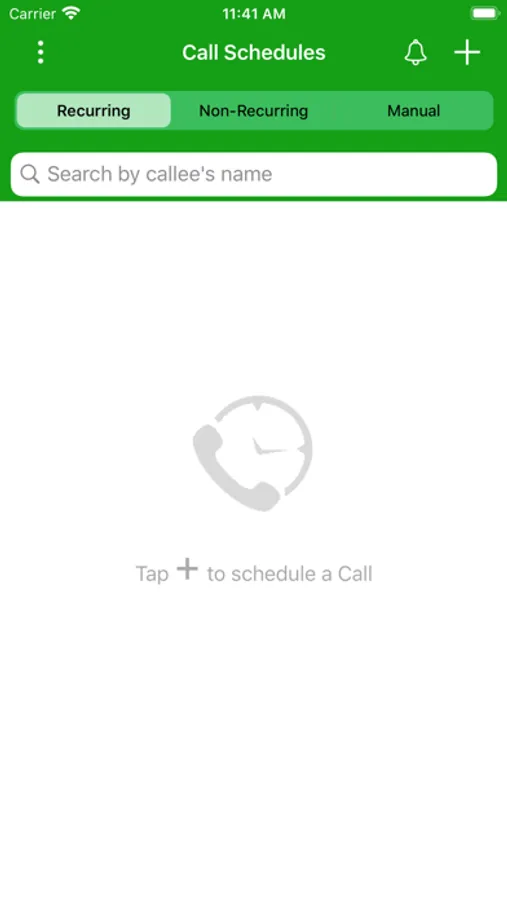
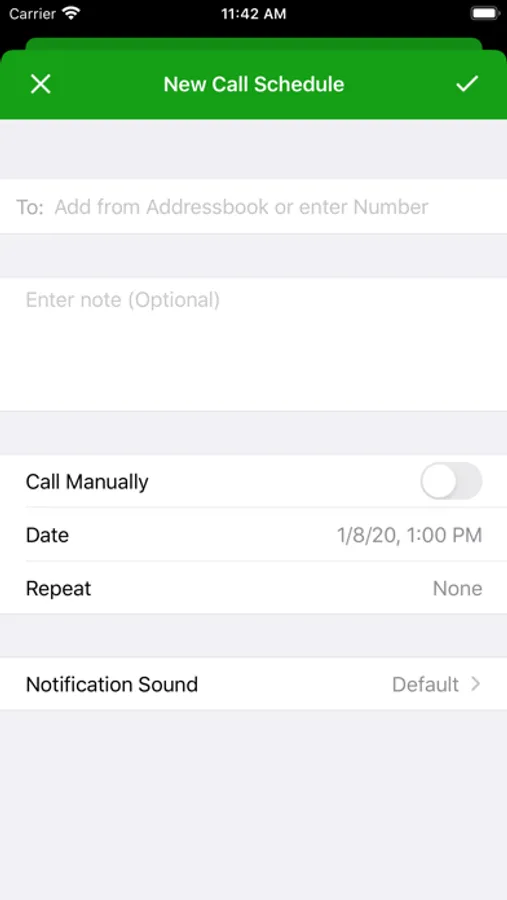
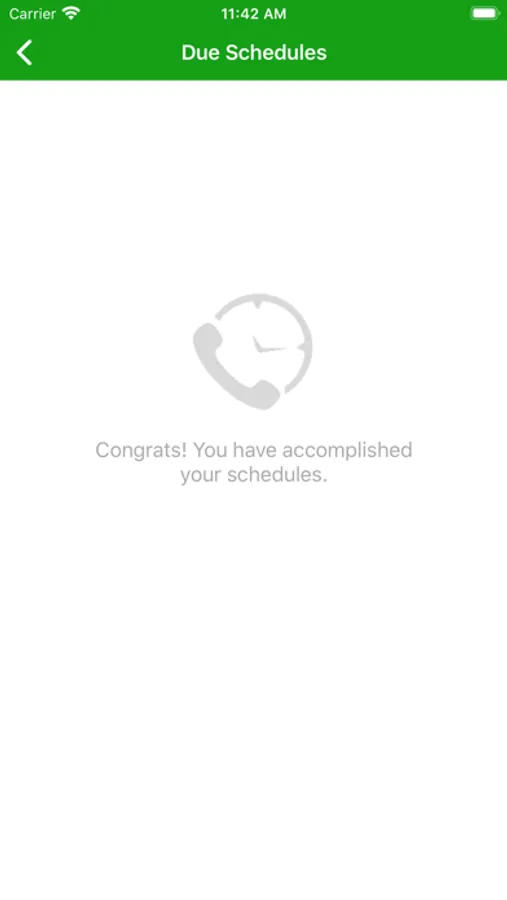
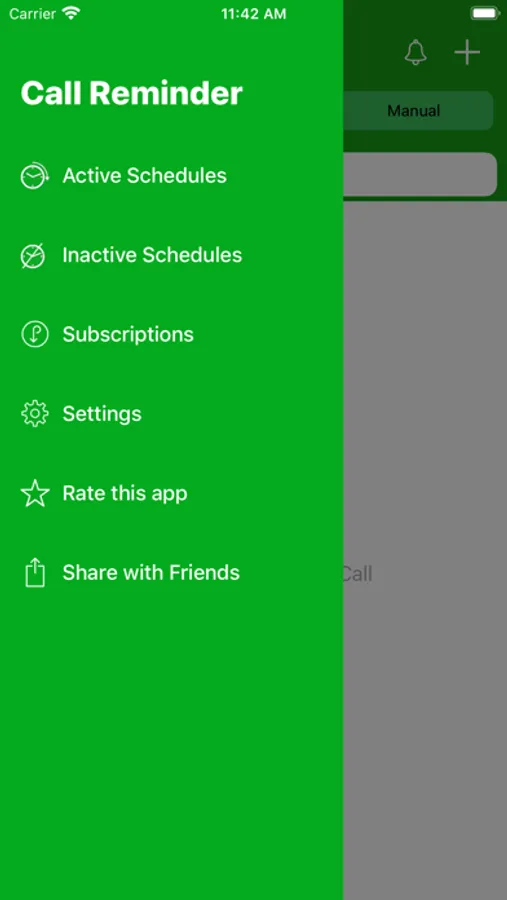
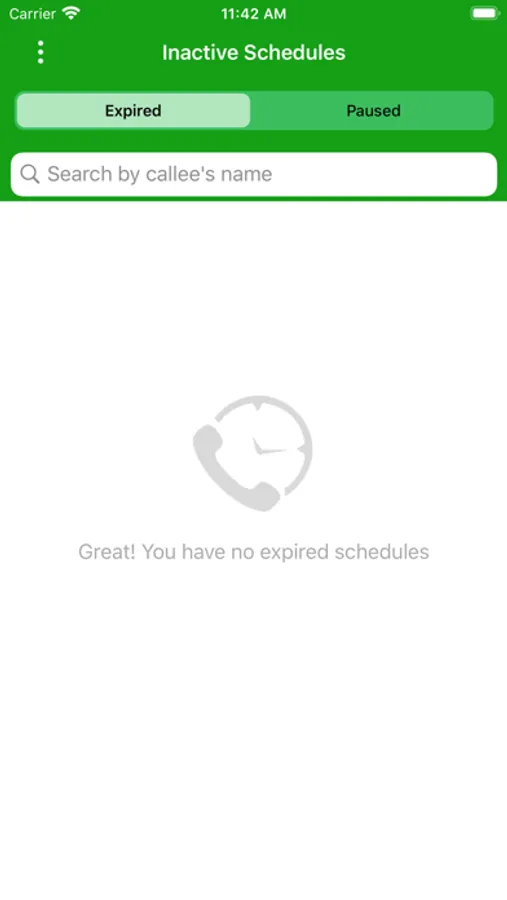
Call Reminder+ Screenshots
Tap to Rate:
Reviews for Call Reminder+
MDK1963
No ads please.
I paid for the app., for the sole purpose of not seeing any advertisements as promised. The ads have disappeared from the top banner area, but not from the bottom. I feel misled by the developer.
marwatng
Schedule updates
Thank you for creating this app. It would be great if u can create the option of modifying the dates for flexibly (calling the other day, bi weekly,...)