
In this multitasking browser, you can browse multiple websites, compare products, and switch between tabs easily. Includes features for managing multiple tabs, recording reactions, and streaming content.
AppRecs review analysis
AppRecs rating 2.7. Trustworthiness 78 out of 100. Review manipulation risk 20 out of 100. Based on a review sample analyzed.
★★☆☆☆
2.7
AppRecs Rating
Ratings breakdown
5 star
38%
4 star
10%
3 star
7%
2 star
7%
1 star
38%
What to know
✓
Low review manipulation risk
20% review manipulation risk
✓
Credible reviews
78% trustworthiness score from analyzed reviews
⚠
High negative review ratio
45% of sampled ratings are 1–2 stars
About Multitasking Split Screen
Key features:
— Split screen
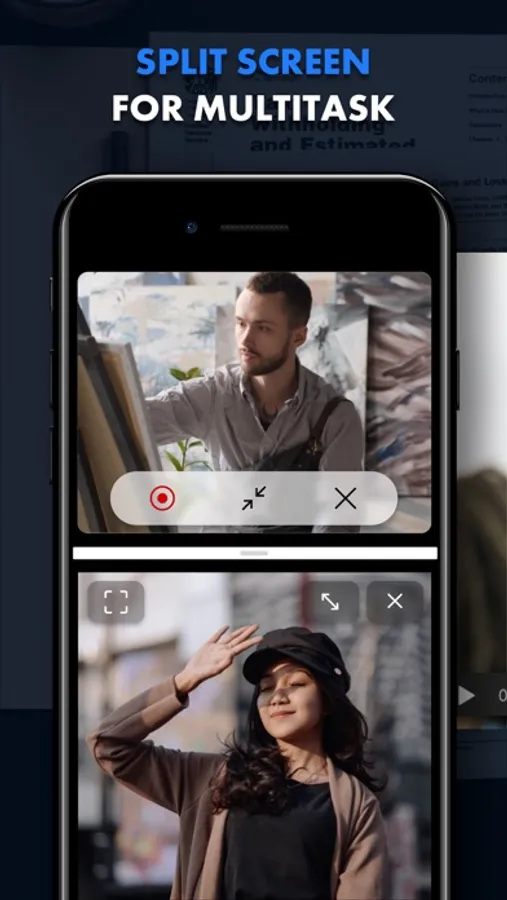
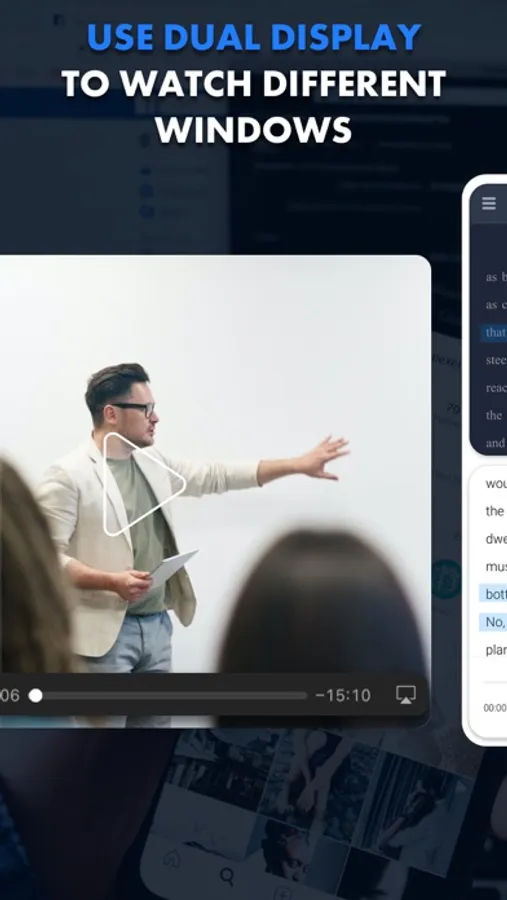
Divide your screen into multiple windows and enjoy true multitasking. You can watch movies, shop online, and work on documents — all at the same time.
— Full customization
Easily resize windows to create the perfect layout for your workflow.
— Offline access
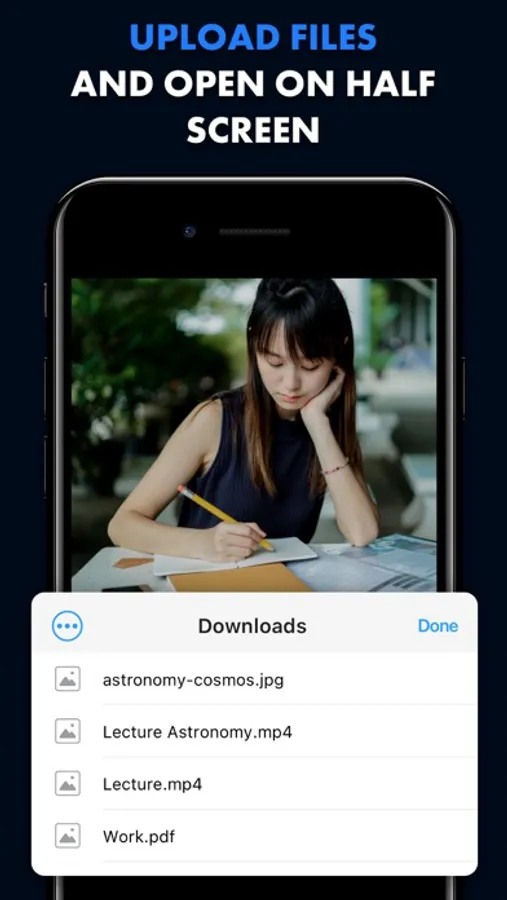
Download PDF, DOC, and TXT files and view them side-by-side — perfect for research or working on the go.
— AI-powered translation
Instantly translate websites to or from any language with our built-in AI translator, unlocking a world of content.
— Recording & streaming
Capture your screen and easily record yourself using your webcam. Stream gameplay, tutorials, or connect with your audience.
— Lightning-fast navigation
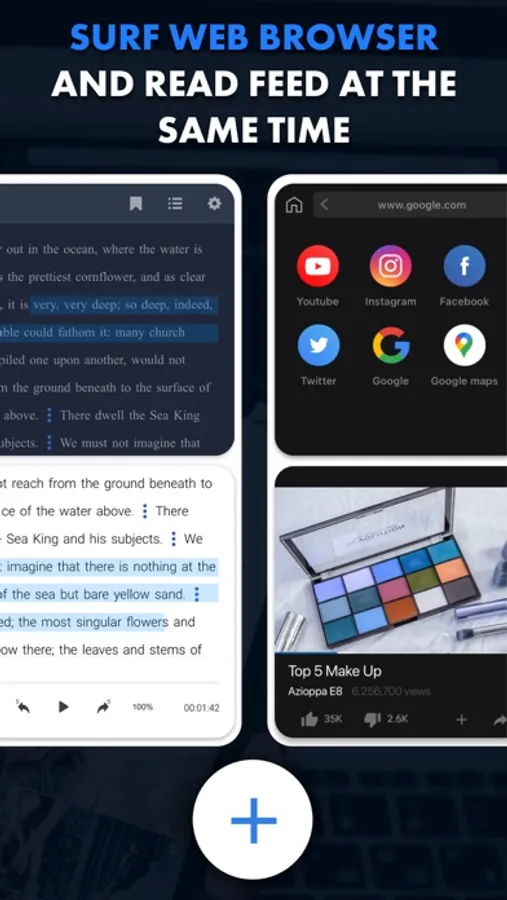
Quickly switch between websites in each window with intuitive controls.
Optimize your time:
— Watch interesting lectures and take notes on the second screen.
— Compare products from different markets side-by-side, without endless tab switching or struggling to remember key features.
— Check the latest mail while reading news.
— Analyze two charts to compare data and uncover key correlations, and much more.
Start doing more today. Download now and explore the power of a true multi-window experience!
Unlock premium features with a subscription, including video recording and live streaming, file downloads for offline viewing, and AI-powered website translation.
Terms of Use: https://tool-style.com/tos
Privacy Policy: https://tool-style.com/privacy
Multitasking Split Screen Screenshots
Tap to Rate:
Reviews for Multitasking Split Screen
Fanatic
Garbage
If I wanted to multitask, I would open two browser windows and play a video in PIP. I just saved myself $120 a year for two features that are already built in to my system. I suggest you all do the same.
J0_am0de0
really easy and wonderfully useful too. Very restrive customizations
the title speaks for itself. The app is pretty awesome. Im a teacher and for this entire year ive been looking for something like this. I have finally found it now. And of course, there are very very limited features like saving bookmarks for example. Or generally enditing the keyboard shortcuts