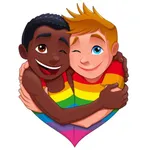
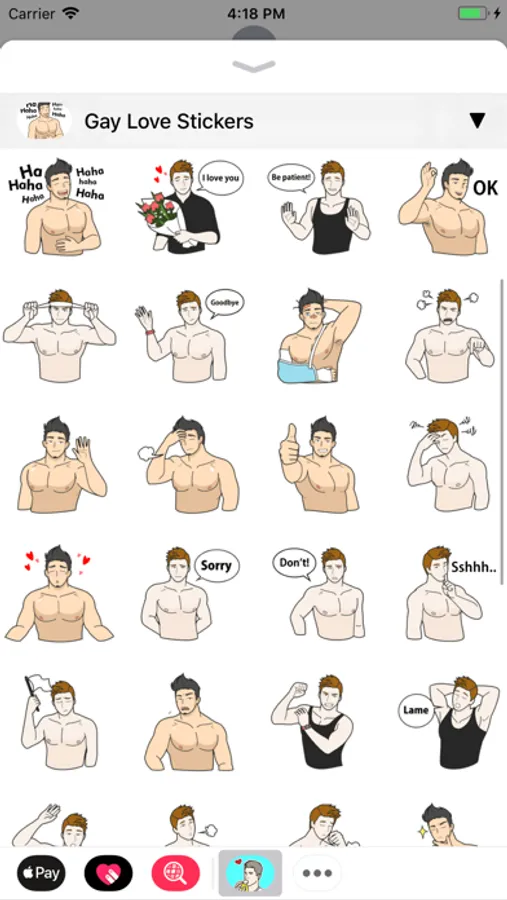
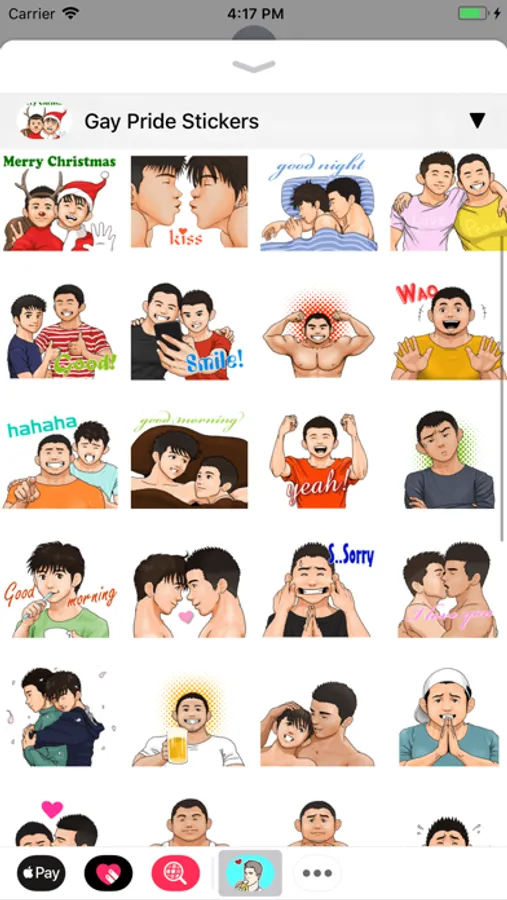
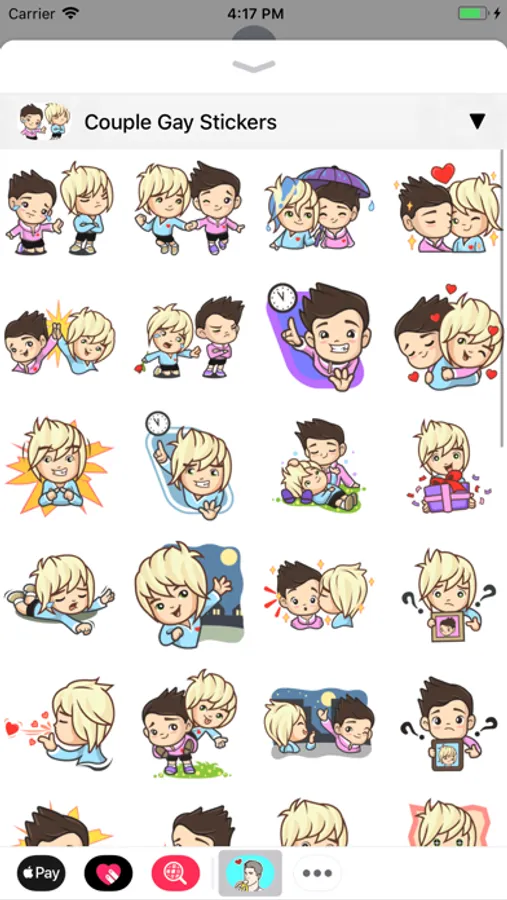
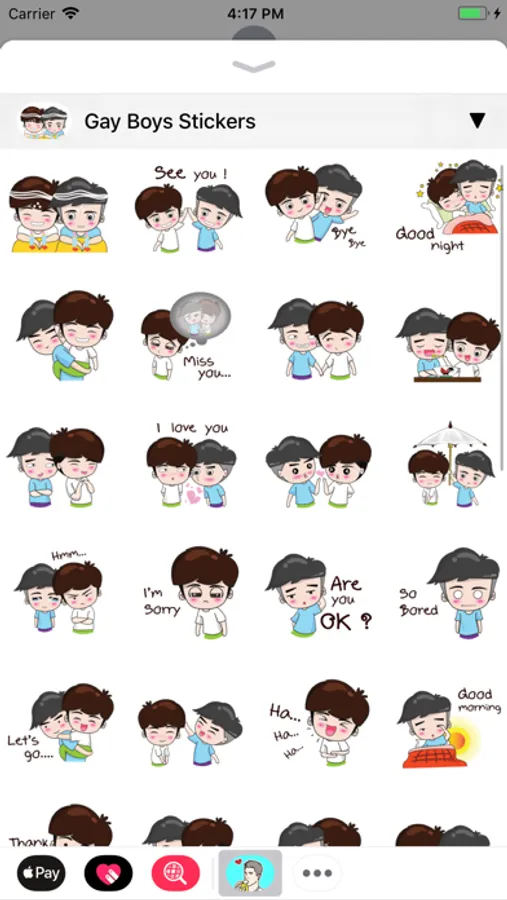
In this messaging sticker app, you can send animated and static gay-themed stickers in your chats and customize messages with stickers. Includes a variety of themes such as pride, couple, doodle, and messages.
AppRecs review analysis
AppRecs rating 3.9. Trustworthiness 80 out of 100. Review manipulation risk 16 out of 100. Based on a review sample analyzed.
★★★☆☆
3.9
AppRecs Rating
Ratings breakdown
5 star
64%
4 star
9%
3 star
9%
2 star
0%
1 star
18%
What to know
✓
Low review manipulation risk
16% review manipulation risk
✓
Credible reviews
80% trustworthiness score from analyzed reviews
✓
High user satisfaction
73% of sampled ratings are 4+ stars (4.0★ average)
About Gay Sticker
—————————————————————————
400 Gays Stickers for iMessage!
STICKERS PACKS INCLUDE:
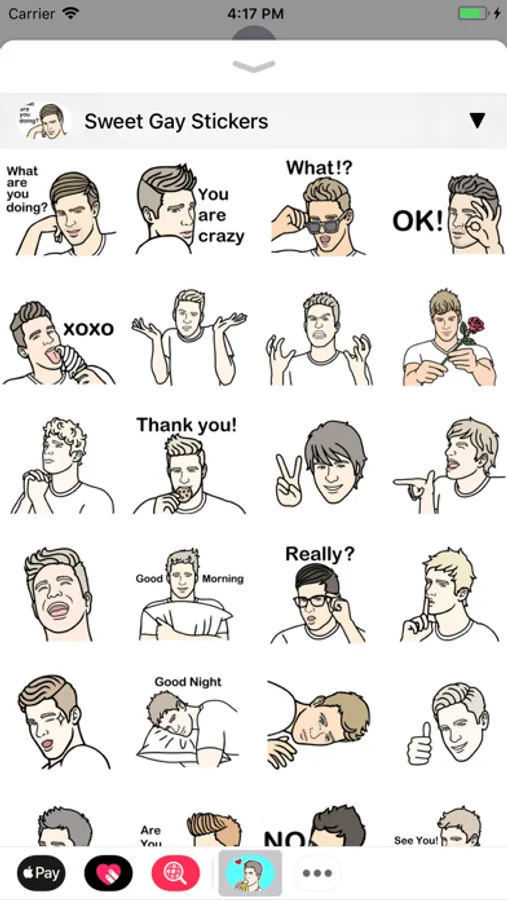
• Sweet Gay Stickers
• Doodle Gay Stickers
• Couple Gay Stickers
• Gay Boys Stickers
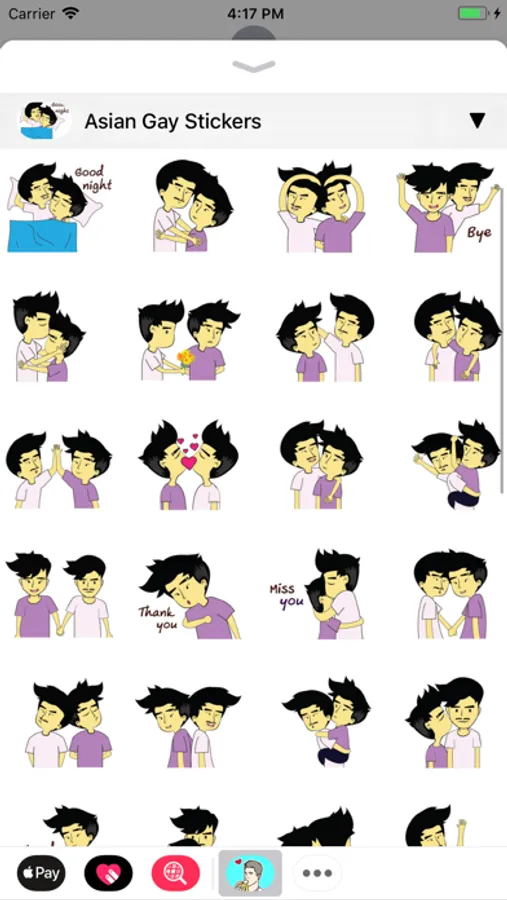
• Asian Gay Stickers
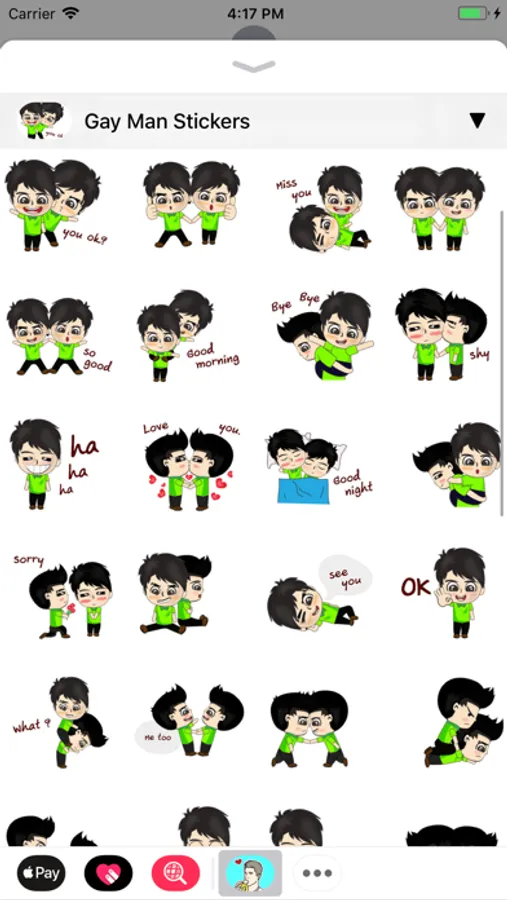
• Gay Man Stickers
• Gay Pride Stickers
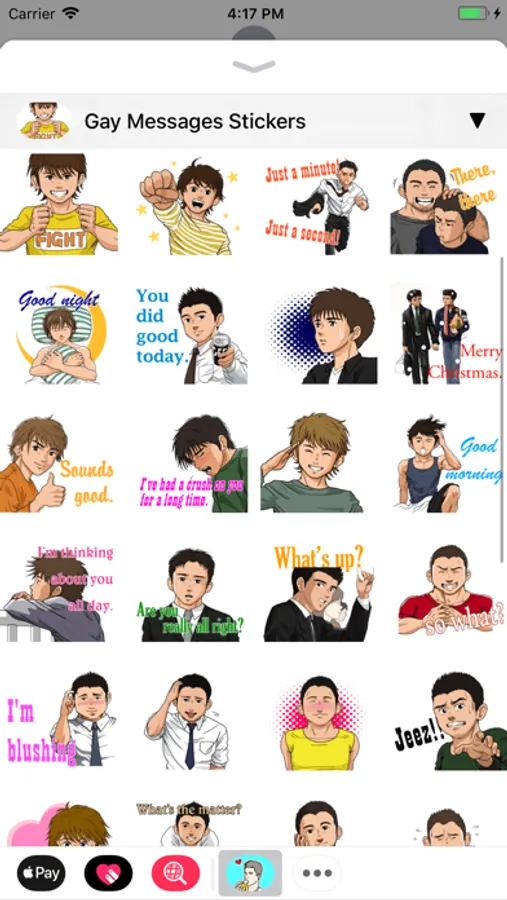
• Gay Messages Stickers
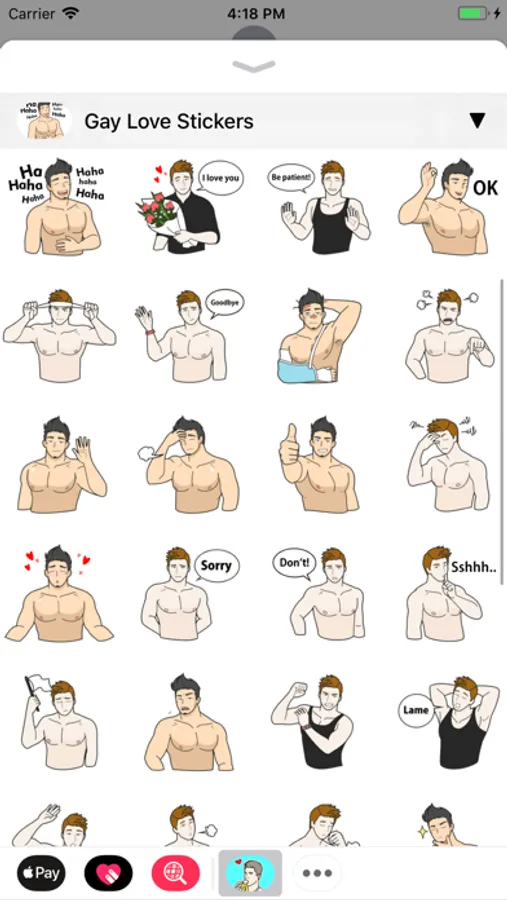
• Gay Love Stickers
• Macho Gay Stickers
HOW TO USE:
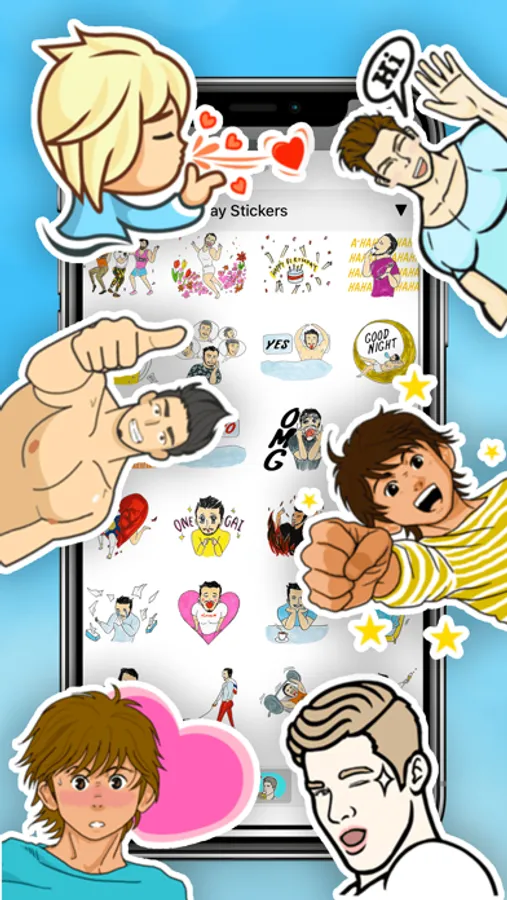
• SEND dynamic and animated stickers in chat
• PLACE stickers anywhere on your iMessages
• CUSTOMIZE your photos with stickers in chat
• LAYER stickers over each other, in chat, and on photos
• SCALE & ROTATE stickers
HOW TO FIND YOUR STICKERS:
• Access iMessage apps— Enter a contact to message, then tap the App Store icon beside the chat field to see your most recently used iMessage app.
• Find new stickers—First tap the App Store icon, then tap the 4-ovals icon in the lower left to bring up the app drawer. Then, tap the + icon to access the Store.
• If you are not seeing Stickers that you have purchased, you may need to change your settings. Tap the App Store icon, then tap the 4-ovals icon in the lower left to bring up the app drawer. Then click the + symbol to open the store, and select the Manage button top right. Make sure the app you are looking for is turned on.
• Use stickers in chat—Tap to send, or touch and hold to put stickers on top of a bubble, other stickers, photos, and videos.
• Apple Watch (iOS 3), iPhone & iPad users (iOS 10)—Transform your chat with animated stickers! Earlier iOS versions and other platforms will see static stickers in chat.
CONTACTS: pianistoshow@gmail.com
400 Gays Stickers for iMessage!
STICKERS PACKS INCLUDE:
• Sweet Gay Stickers
• Doodle Gay Stickers
• Couple Gay Stickers
• Gay Boys Stickers
• Asian Gay Stickers
• Gay Man Stickers
• Gay Pride Stickers
• Gay Messages Stickers
• Gay Love Stickers
• Macho Gay Stickers
HOW TO USE:
• SEND dynamic and animated stickers in chat
• PLACE stickers anywhere on your iMessages
• CUSTOMIZE your photos with stickers in chat
• LAYER stickers over each other, in chat, and on photos
• SCALE & ROTATE stickers
HOW TO FIND YOUR STICKERS:
• Access iMessage apps— Enter a contact to message, then tap the App Store icon beside the chat field to see your most recently used iMessage app.
• Find new stickers—First tap the App Store icon, then tap the 4-ovals icon in the lower left to bring up the app drawer. Then, tap the + icon to access the Store.
• If you are not seeing Stickers that you have purchased, you may need to change your settings. Tap the App Store icon, then tap the 4-ovals icon in the lower left to bring up the app drawer. Then click the + symbol to open the store, and select the Manage button top right. Make sure the app you are looking for is turned on.
• Use stickers in chat—Tap to send, or touch and hold to put stickers on top of a bubble, other stickers, photos, and videos.
• Apple Watch (iOS 3), iPhone & iPad users (iOS 10)—Transform your chat with animated stickers! Earlier iOS versions and other platforms will see static stickers in chat.
CONTACTS: pianistoshow@gmail.com
Gay Sticker Screenshots
Tap to Rate:
Reviews for Gay Sticker
🤔 Lemme Ponderosa
🏳️🌈
Love these stickers! There’s such a great variety… just wish there was a search feature to easily find them (and also a way to favorite them).
Bearlovers
Stickers
I didn’t mean to buy this purchase. Please give refund.