AppRecs review analysis
AppRecs rating 3.6. Trustworthiness 87 out of 100. Review manipulation risk 21 out of 100. Based on a review sample analyzed.
★★★☆☆
3.6
AppRecs Rating
Ratings breakdown
5 star
56%
4 star
0%
3 star
11%
2 star
11%
1 star
22%
What to know
✓
Low review manipulation risk
21% review manipulation risk
✓
Credible reviews
87% trustworthiness score from analyzed reviews
About OctoNote
THE POWER OF GITHUB MEETS BEAUTIFUL NOTE-TAKING
OctoNote transforms the way developers and power users take notes by harnessing GitHub Gists—giving you cloud sync, version control, and universal access without the bloat of traditional note apps.
Write in markdown. Save to GitHub. Access anywhere.
MARKDOWN DONE RIGHT
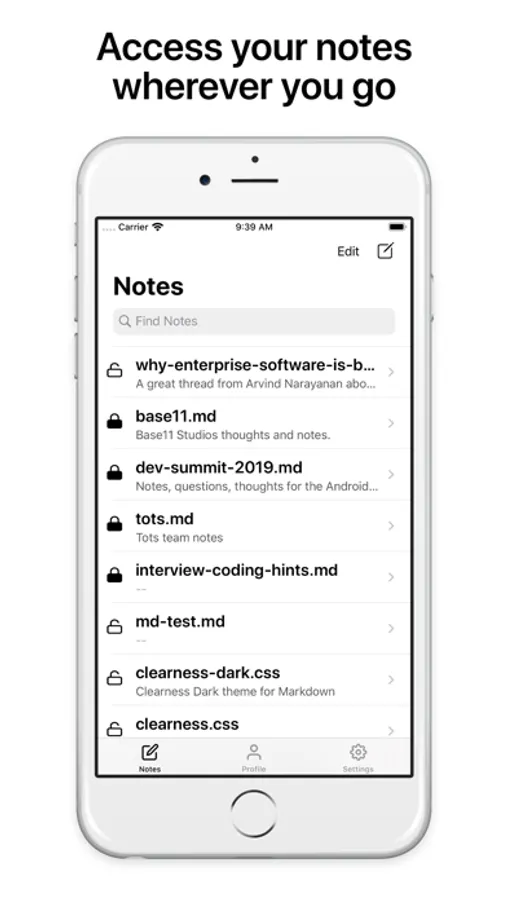
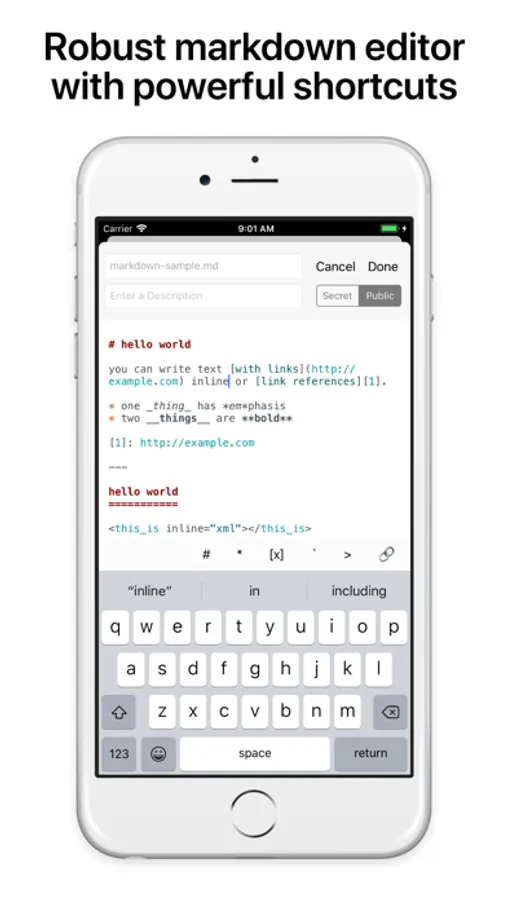
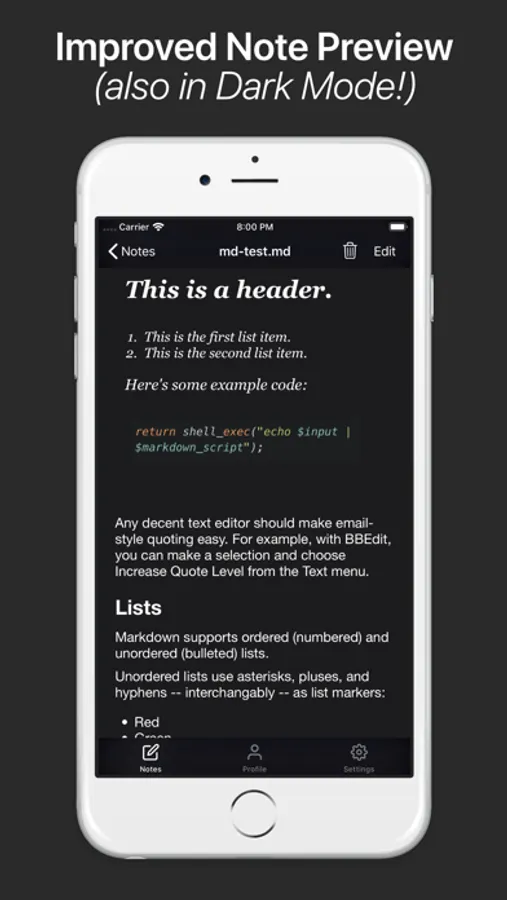
- Gorgeous rendering that makes your notes look like miniature websites
- Full syntax highlighting for code blocks—perfect for developers
- Seamless editing with a clean, distraction-free interface
- Live preview to see your formatted notes as you write
GITHUB GISTS INTEGRATION
- Automatic sync to your GitHub profile—your notes live where your code lives
- Edit anywhere through GitHub's web interface or OctoNote
- Version history built in—never lose a previous version
- Share effortlessly via Gist URLs with beautiful browser rendering
- No vendor lock-in—your notes are standard markdown on GitHub
BUILT FOR DEVELOPERS & POWER USERS
Whether you're documenting code snippets, maintaining technical wikis, or organizing project notes, OctoNote gives you the tools you need:
- Save meeting notes with code examples
- Maintain personal knowledge bases
- Share formatted documentation instantly
- Keep research organized with tags and structure
OCTONOTE PREMIUM
Upgrade to unlock the full power of private note-taking:
- Secret Gists that don't appear in public search
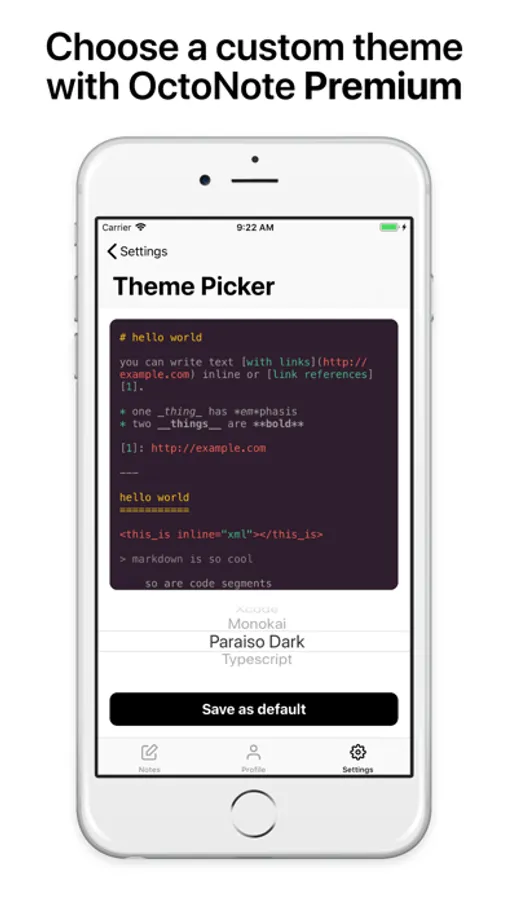
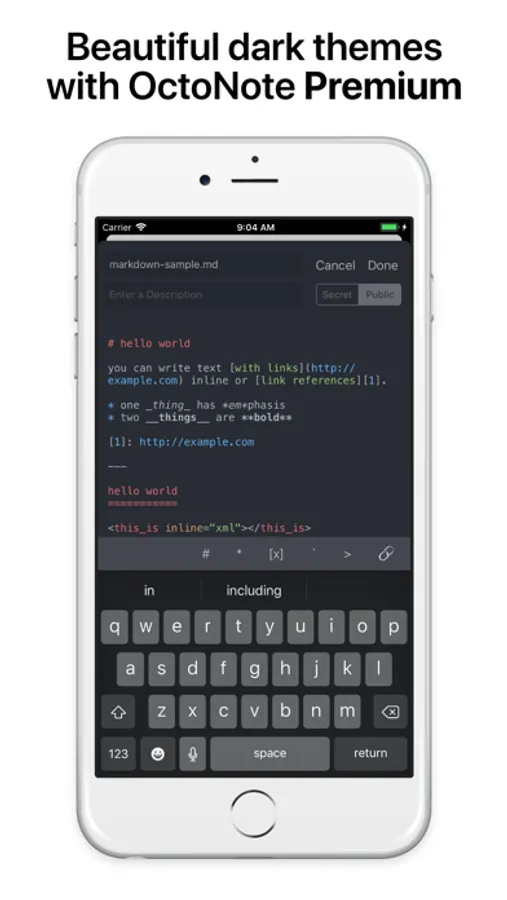
- Custom syntax formatting themes (11+ beautiful options from Xcode Light to Atom One Dark)
- Flair for your app icon
- Private by default for sensitive work notes and personal journals
SIMPLE. POWERFUL. YOURS.
OctoNote doesn't try to be everything—it's focused on doing one thing exceptionally well: giving you beautiful, powerful markdown notes backed by the reliability of GitHub.
No proprietary formats. No complicated export processes. Just your notes, in standard markdown, stored safely on GitHub and accessible from anywhere.
Perfect for:
- Software developers and engineers
- Technical writers and documentation specialists
- Students studying computer science
- Anyone who loves markdown and wants their notes future-proof
REQUIREMENTS
OctoNote requires a GitHub account (free accounts work perfectly). All features—both standard and Premium—are available to users with any GitHub account tier.
Download OctoNote today and transform the way you take notes.
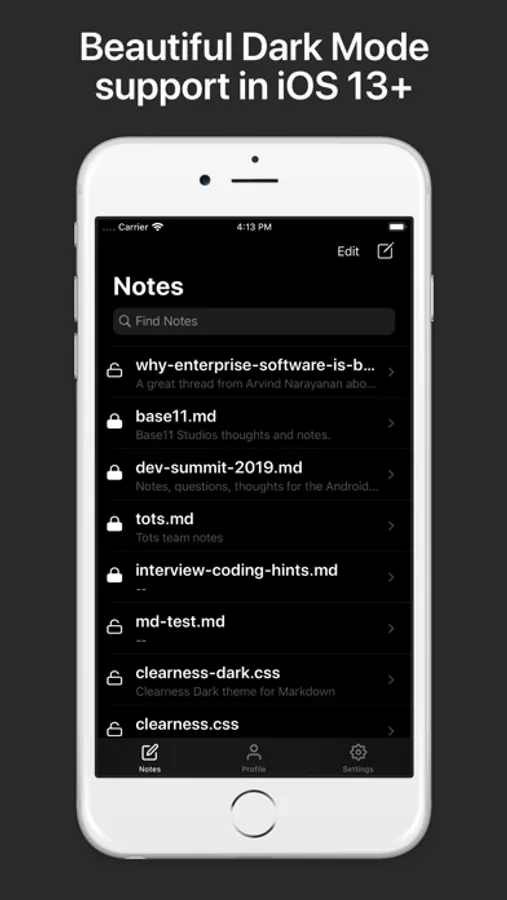
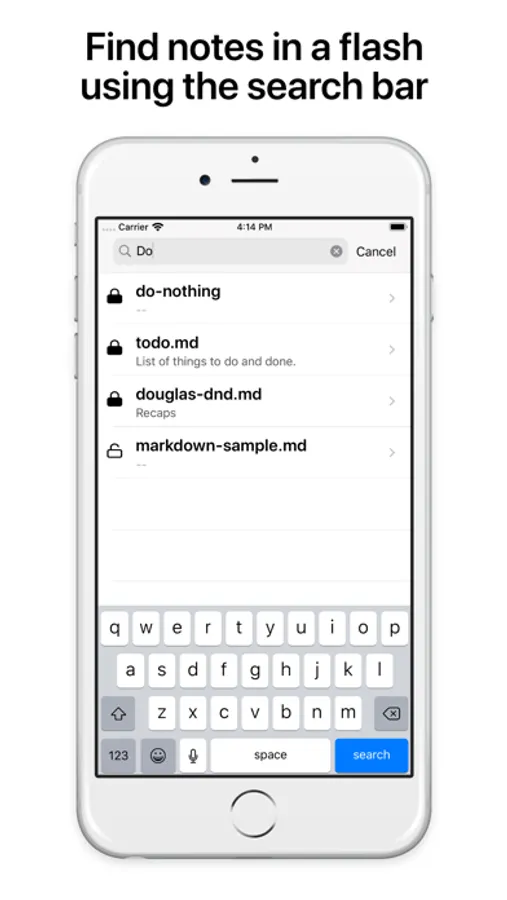
OctoNote Screenshots
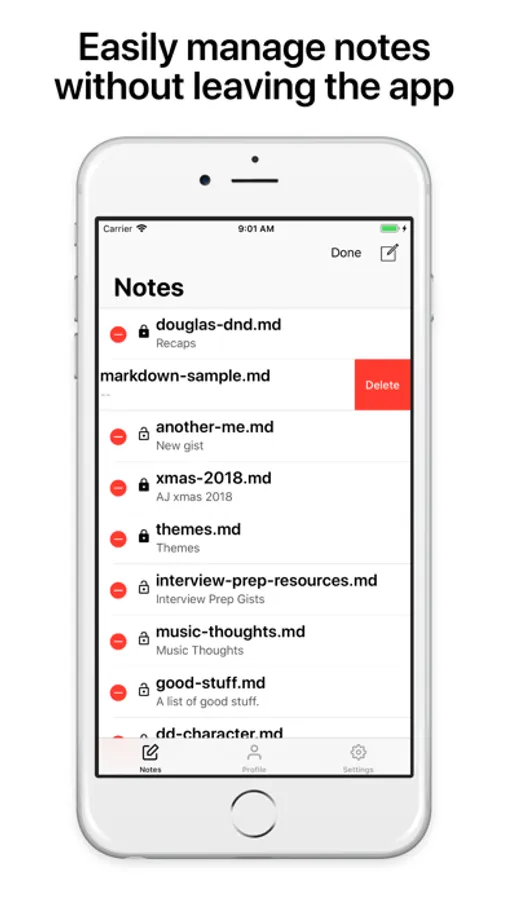
Tap to Rate:
Reviews for OctoNote
Doug Lemcool
Inspiring to youth
Downloaded this on my older daughter’s iPad. The interface is fantastic and very helpful as she begins her STEM journey. Very intuitive and seamless… an instrumental tool in her programmatic quiver. Not sure where we would be without OctoNote
TreyEthan
View’s font size is unacceptable huge
The iPad interface seems to have been optimized for making the screenshots look good in the App Store thumbnails. I’d recommend you skip this app and look elsewhere. The thumbnail showing rendered Markdown looks nice above, but when I actually tried to use this app, I discovered it meant that a one-line Gist with a long (but not *huge*—about 200 characters) Linux command line couldn’t display the single line on the screen all at once—on a 15″ iPad! The default font size looks like it’s about 64 pt. (I say “default” meaning “the size for plain text”—you can’t modify it in the app’s settings, as far as I can see.) When you go into “Edit” mode, the text is appropriately-sized—but it’s all unformatted. If I just wanted an app that let me edit GitHub Gists, there are plenty of those. I can’t imagine picking a set font size like 64-point for any reason except that it makes the App Store thumbnail look nice—otherwise, the rendered example could look like a wall of text. This wouldn’t be awful if you could modify that size, but pinch-squeezing doesn’t do it and there’s no font size item in settings. Perhaps changing the font size is a paywall feature—if so, I wouldn’t know, as I have just deleted this app.