Potter IntelliView®
Potter Electric Signal Company, LLC
4.5 ★
4 ratings
Free
About Potter IntelliView®
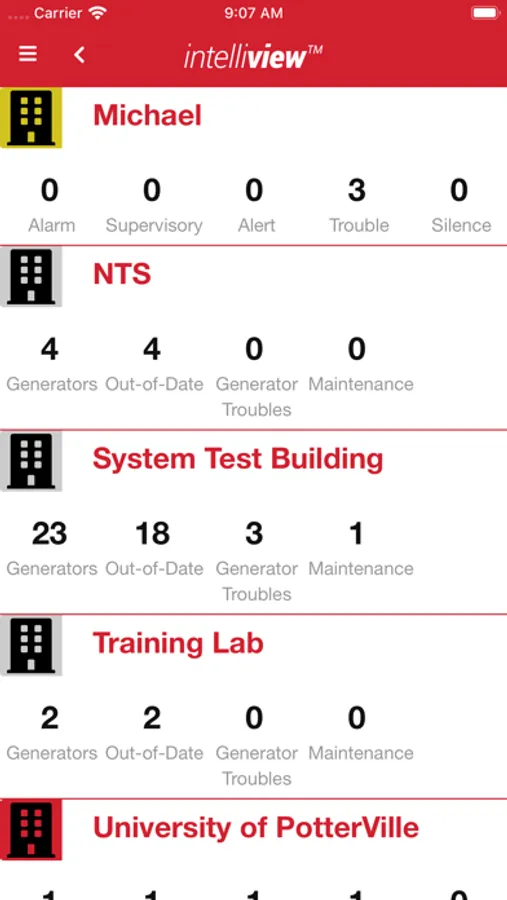
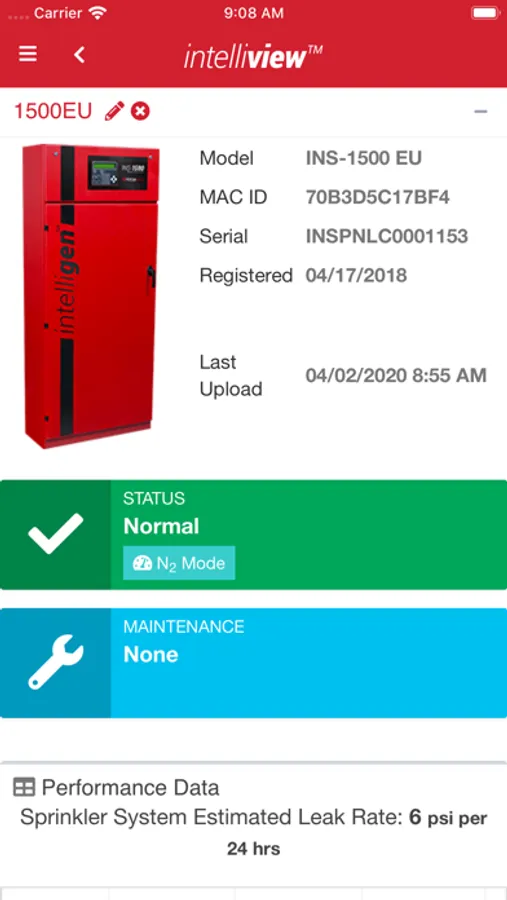
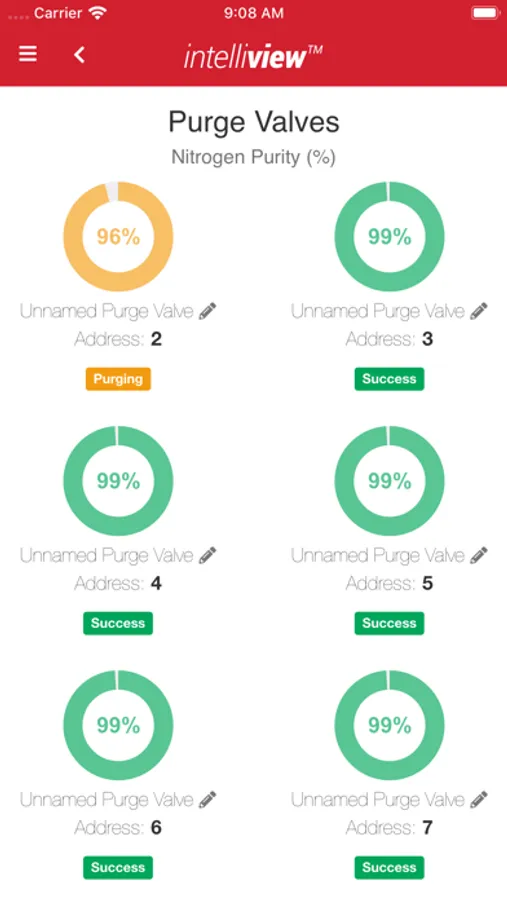
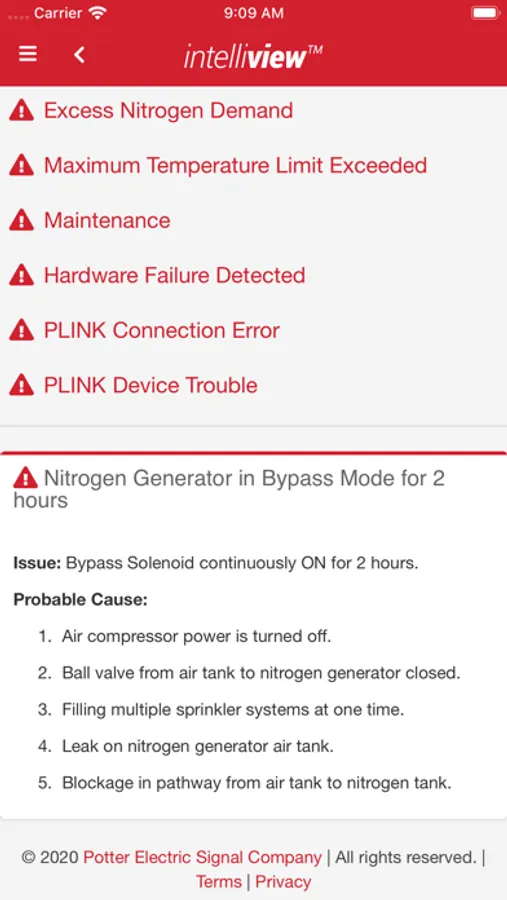
With Potter’s IntelliView Dashboard, you can connect and monitor your IntelliGen™ Nitrogen Generator from anywhere in the world. Simply connect the unit to your building’s existing network and register at www.PotterIntelliView.com. Within minutes you will have access to system status, purge valve and nitrogen purity information, maintenance, historical data, and much more!
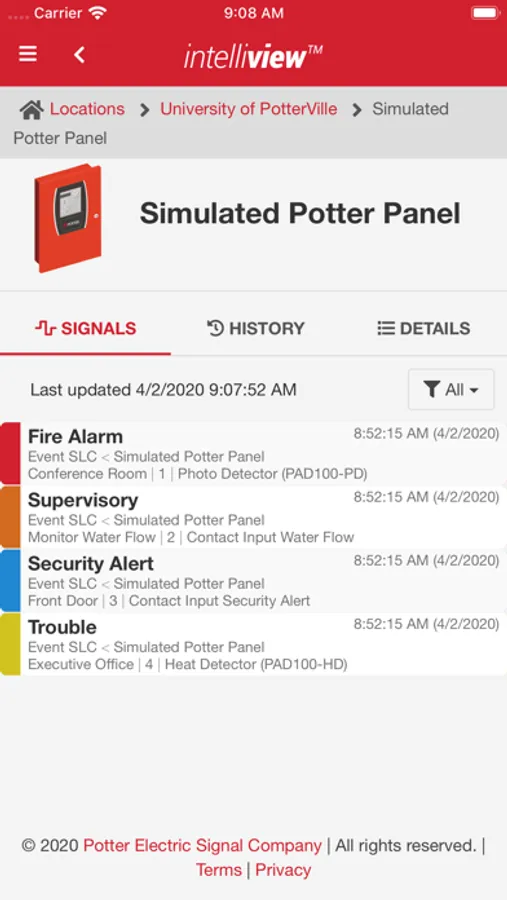
The IntelliView Dashboard will also enable you to remotely monitor the status of your Potter Fire Panels. Simply install the IntelliView Link software onto a compatible computer and connect it to the same network as the Fire Panels. After quick configuration, you will have access to signals, device status, and in Walk Test Mode you will even have control capabilities!
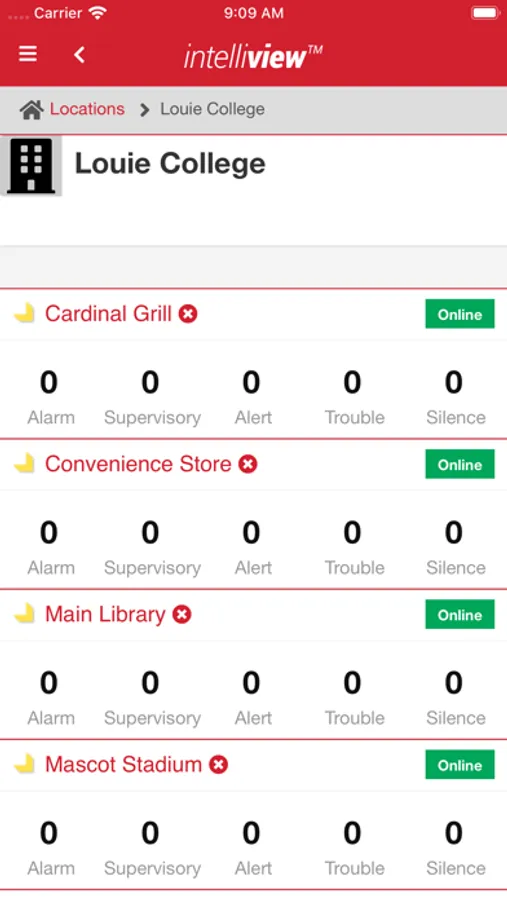
Multiple locations, fire panels, and nitrogen generators are supported, allowing a property owner or building manager to monitor all of their IntelliGen Nitrogen Systems and Fire Systems from one location. System administrators can even register additional users to view system information.
The IntelliView Dashboard will also enable you to remotely monitor the status of your Potter Fire Panels. Simply install the IntelliView Link software onto a compatible computer and connect it to the same network as the Fire Panels. After quick configuration, you will have access to signals, device status, and in Walk Test Mode you will even have control capabilities!
Multiple locations, fire panels, and nitrogen generators are supported, allowing a property owner or building manager to monitor all of their IntelliGen Nitrogen Systems and Fire Systems from one location. System administrators can even register additional users to view system information.
Potter IntelliView® Screenshots
Tap to Rate: