
AppRecs review analysis
AppRecs rating 2.3. Trustworthiness 45 out of 100. Review manipulation risk 29 out of 100. Based on a review sample analyzed.
★★☆☆☆
2.3
AppRecs Rating
Ratings breakdown
5 star
0%
4 star
0%
3 star
0%
2 star
0%
1 star
100%
What to know
⚠
Mixed user feedback
Average 2.3★ rating suggests room for improvement
About Rover 1000 Home eMobile
Rover 1000 Home eMobile allows you to monitor and preview the operation of the Home Series Cameras installed through the Cloud/P2P technology, using the device's serial number.
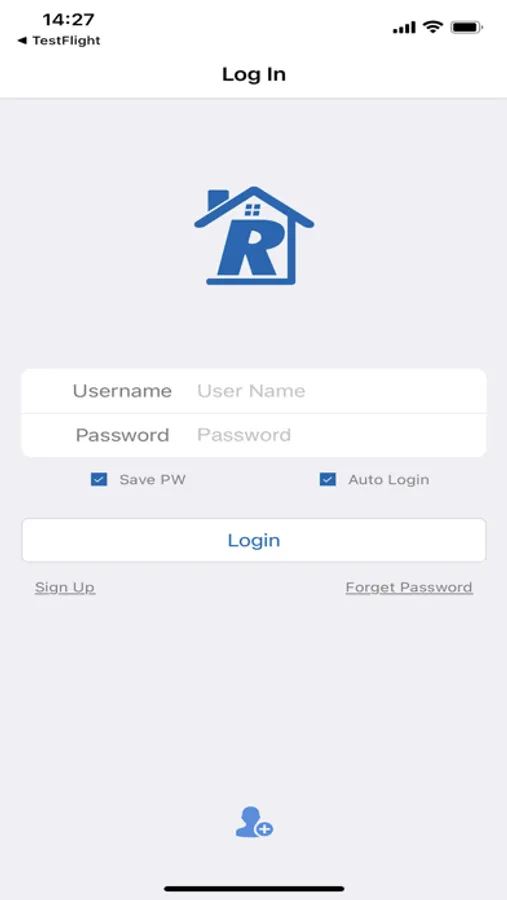
* Cloud/P2P login: Allows to log in through Cloud/P2P Technology
*Live preview
*Support real time live view
*Remote video playback
*Support remote playback
*Local video and play
*Local recording and play
*Screenshots and view pictures
*Support snapshot and pictures searching
*Voice intercom
*Support bidirectional talk
*Support PTZ control
*Two-dimensional code scan serial number
*Support scanning serial number by QR code
*Cloud user registration, modification
*Support cloud user register and modify
*Remote device add, edit, and delete
*Support remote device add, edit and delete
*Local device add, edit and delete
*Support local device add, edit and delete
*Support by adding devices directly to router
*Support by adding device through AP Mode
*Manually search the local area network device
*Support manual searching device in LAN
*Automatically update the version
* Cloud/P2P login: Allows to log in through Cloud/P2P Technology
*Live preview
*Support real time live view
*Remote video playback
*Support remote playback
*Local video and play
*Local recording and play
*Screenshots and view pictures
*Support snapshot and pictures searching
*Voice intercom
*Support bidirectional talk
*Support PTZ control
*Two-dimensional code scan serial number
*Support scanning serial number by QR code
*Cloud user registration, modification
*Support cloud user register and modify
*Remote device add, edit, and delete
*Support remote device add, edit and delete
*Local device add, edit and delete
*Support local device add, edit and delete
*Support by adding devices directly to router
*Support by adding device through AP Mode
*Manually search the local area network device
*Support manual searching device in LAN
*Automatically update the version
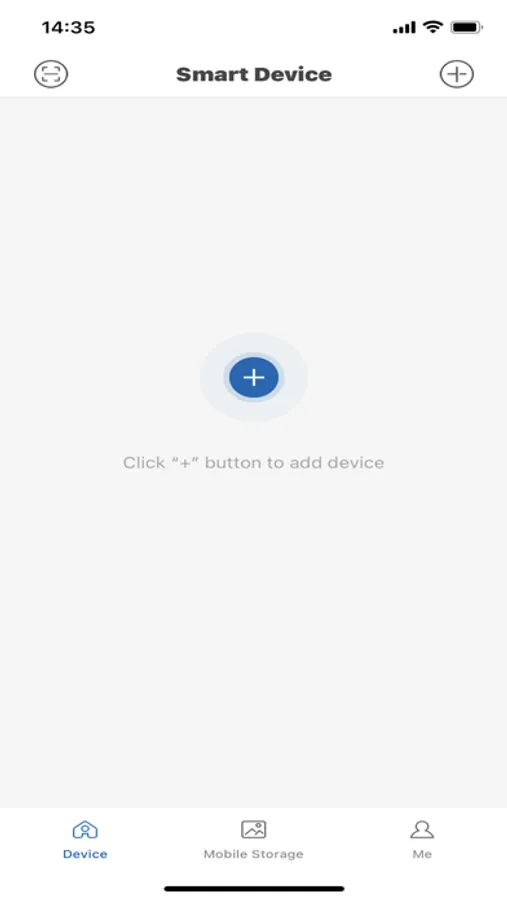
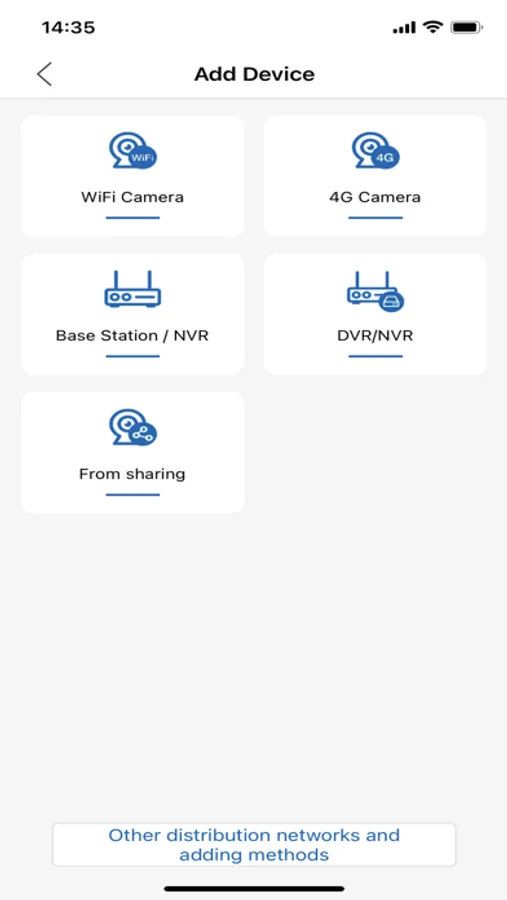
Rover 1000 Home eMobile Screenshots
Tap to Rate:
Reviews for Rover 1000 Home eMobile
Tiger@140
Bad
This not a good app and do not bad this camera