AppRecs review analysis
AppRecs rating 3.2. Trustworthiness 87 out of 100. Review manipulation risk 26 out of 100. Based on a review sample analyzed.
★★★☆☆
3.2
AppRecs Rating
Ratings breakdown
5 star
33%
4 star
17%
3 star
17%
2 star
0%
1 star
33%
What to know
✓
Low review manipulation risk
26% review manipulation risk
✓
Credible reviews
87% trustworthiness score from analyzed reviews
About Tone Scan
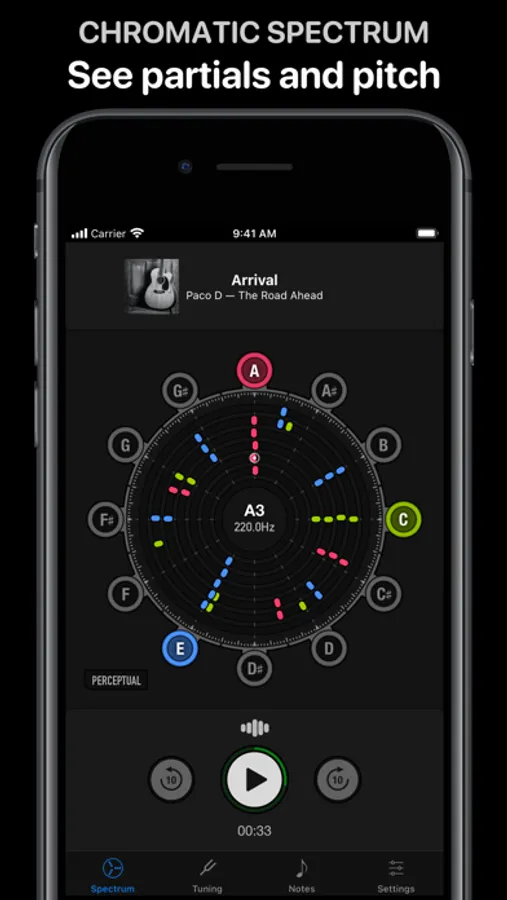
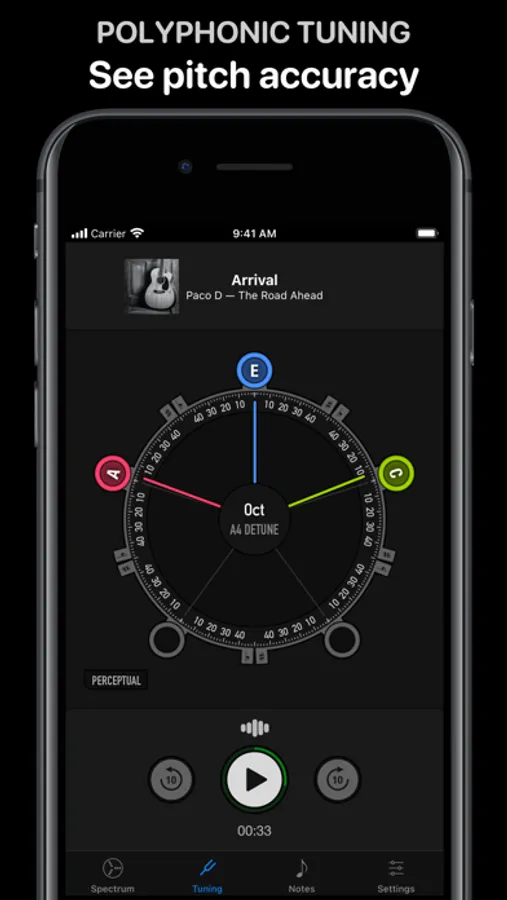
See what you hear — and can’t hear — with three live scans:
1. A chromatic spectrum to see sound partials and pitch
2. A polyphonic tuner to see the pitch accuracy of select notes
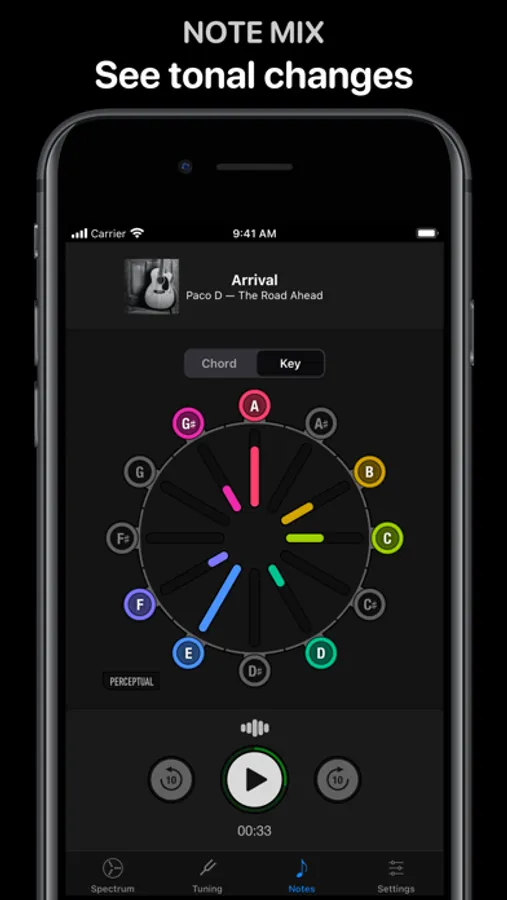
3. A note mix to see changes in tonal balance
Simplify tasks like:
• Pitch recognition
• Timbre analysis
• Instrument tuning
• Chord and key spelling
• Tonality analysis
• Learning a song by ear
Ready to explore?
Try the app for free.
Tone Scan Screenshots
Tap to Rate:
Reviews for Tone Scan
TontoGoldstein
ToneScan 1.0.7 and iOS 18.2
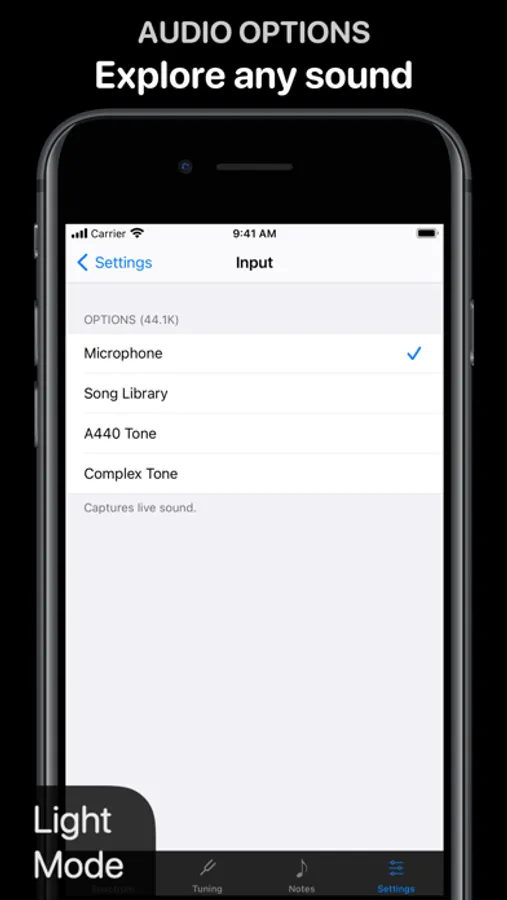
I decided to leave a five star review even though upgrading to iOS 18.2 broke it for me. Five stars because this app worked for me several months and it’s the only one of its kind. If you’re looking for a great sound analysis tool for music, this could be it. Save a link to try it later if you have the same version numbers as above. I’ve seen other reviews punishing the developer for changes Apple made, so I wanted to be supportive because I’ve found it so unique and useful. I use it for acoustic guitar, tuning, and vocal harmonies. There are very few other polyphonic tuners and none that I’ve found are designed for live performance or analyzing recordings with music theory in mind. I held on to iOS 17 for a while but upgraded to 18.2 this week. ToneScan stopped working for me when using microphone input. After starting the analysis the frequency display stops after a few seconds. It doesn’t come back. I don’t know what’s happening under the hood, but it looks like the microphone access is being interrupted. However the status bar shows microphone in use by ToneScan. I tried adjusting settings and permission, reinstalling, and I’ve reached out to the developer. I’ll try to update this if anything changes. I really appreciate the one time upgrade, and I know this issue is exactly the reason some developers only offer subscriptions. I have read about this before, and it’s an old problem Apple may not care to solve. A lot of utility software just works and never needs an update or facelift or content, hence a one-time payment for one-time build. Sort of like buying a book that doesn’t have to be rewritten. The best solution I’ve seen is “compatibility mode” for Windows, which allow users to run legacy software in modern versions of the operating system. It’s doubtful that’s coming to iOS. I would suggest that financing updates without a subscription could be done with modular features and a voluntary contribution option. For instance, I would like to see decibel readings or relative volume during analysis and an input option for Spotify.
QuandriesResolved
Microphone Doesn’t Work
I got this app today to check the tone for my daughters choir practice. Nothing happens when the input is microphone no matter what I press. I triple checked that the app had microphone access.