
In this NAS management app, users can monitor system health, manage storage, and control virtual machines remotely. Includes real-time system monitoring, backup management, and network controls.
AppRecs review analysis
AppRecs rating 3.8. Trustworthiness 82 out of 100. Review manipulation risk 20 out of 100. Based on a review sample analyzed.
★★★☆☆
3.8
AppRecs Rating
Ratings breakdown
5 star
71%
4 star
10%
3 star
4%
2 star
2%
1 star
12%
What to know
✓
Low review manipulation risk
20% review manipulation risk
✓
Credible reviews
82% trustworthiness score from analyzed reviews
⚠
Pricing complaints
Many low ratings mention paywalls or pricing
About NAS Pro
Whether you manage a home NAS, private cloud, or business server, NAS Pro gives you remote access, real-time monitoring, and administrative control directly from your iPhone, iPad or Mac.
With support for Wake on LAN, Widgets, and Siri Shortcuts, you stay in control of your NAS anytime, anywhere.
Key Features**:
System Monitoring & Control:
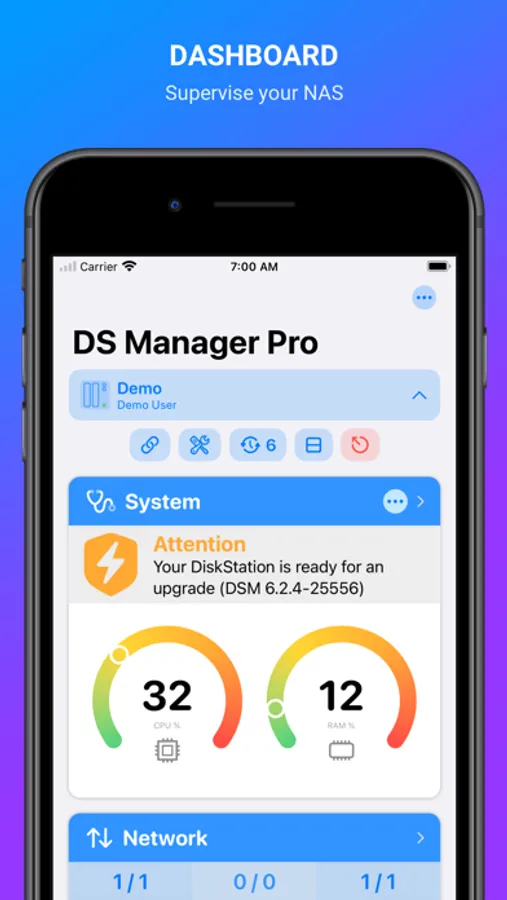
* View system health at a glance
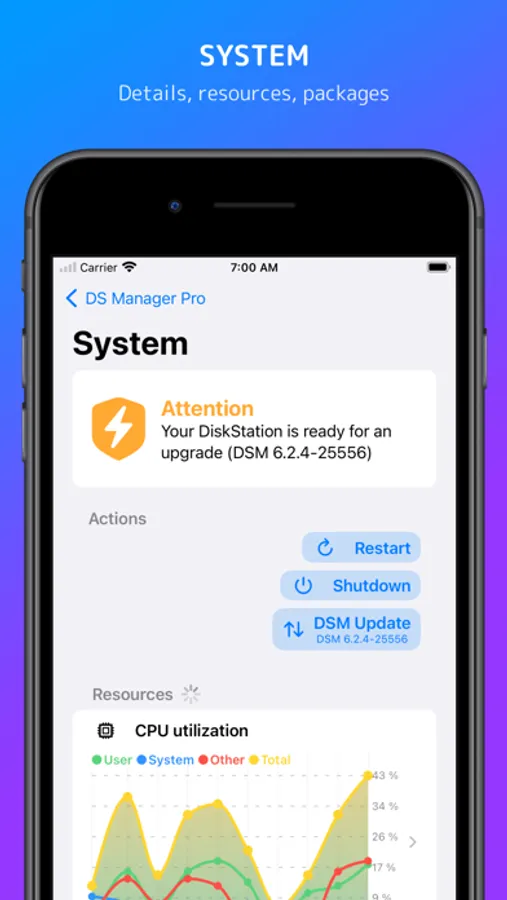
* Restart or shut down your NAS remotely
* Real-time CPU and RAM usage monitoring
* Start or stop installed packages
* Update Server
* UPS status: mode, battery level, and estimated runtime
Network Management:
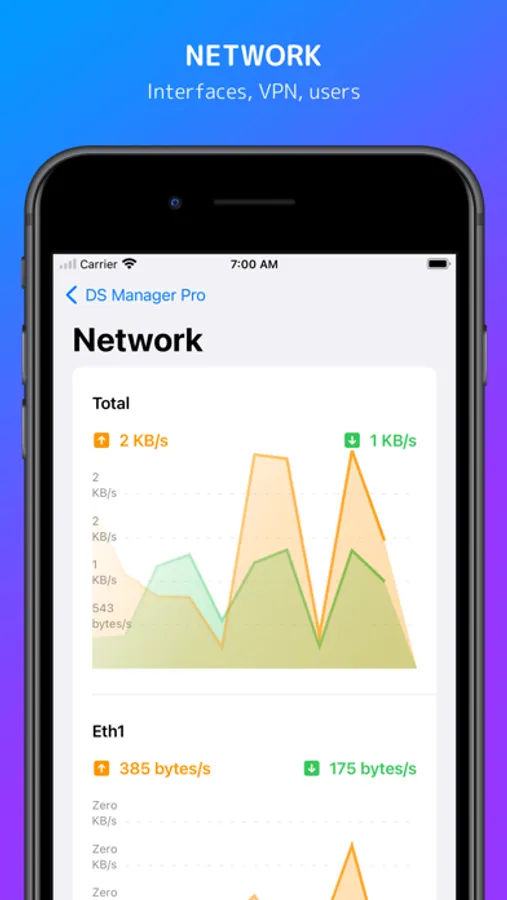
* Real-time network traffic overview
* Connect or disconnect VPN interfaces
* Manage connected users (with option to terminate sessions)
* Detailed interface information
Storage Management:
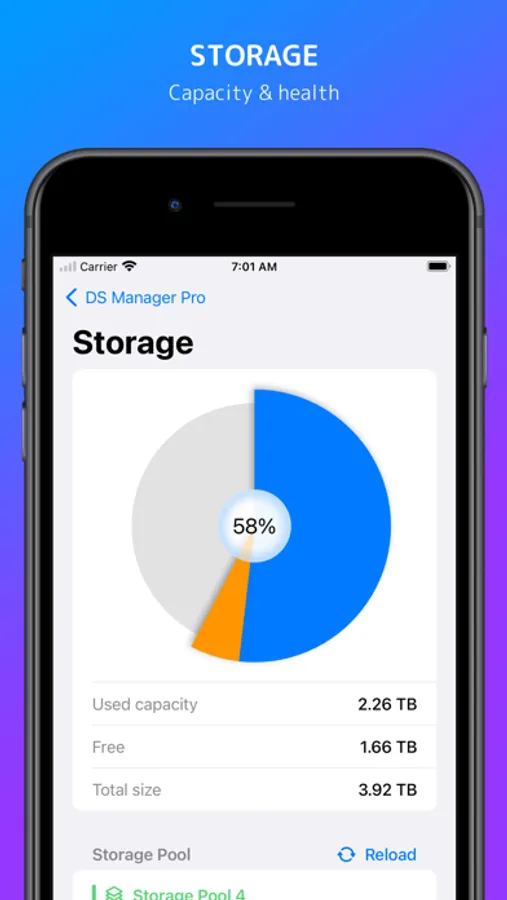
* View all storage pools, volumes, and disks
* Run S.M.A.R.T. tests on disks
* Detailed external storage information (partitions and capacity)
* Eject external storage safely
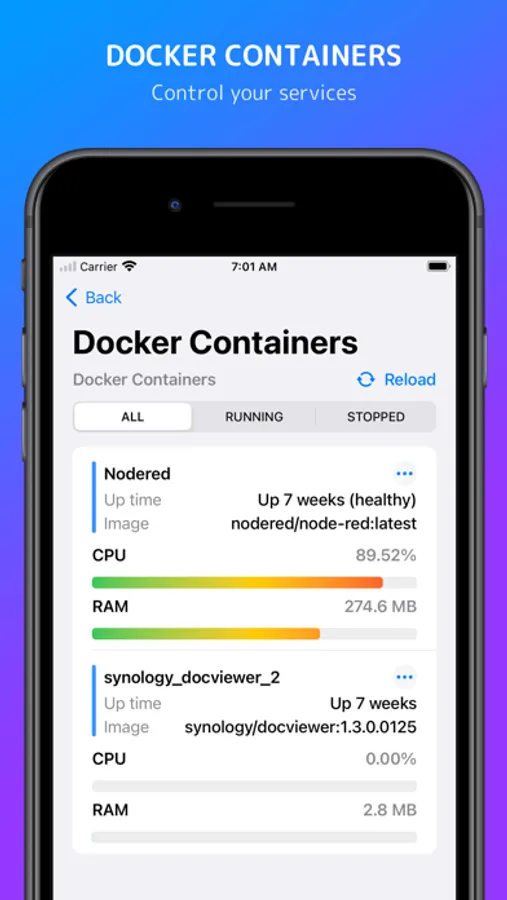
Containers (Docker):
* See all containers with image names, uptime and utilization
* Real-time CPU and RAM usage per container
* Filter by status (running, stopped)
* Perform actions: start, stop, restart, force stop, clear
* Remove unused Images
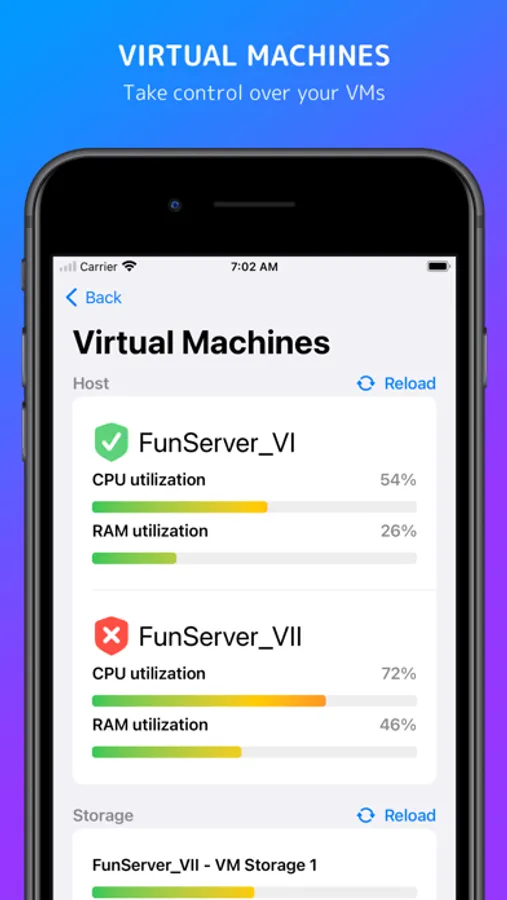
Virtual Machines:
* List and monitor all virtual machines
* View utilization, network, and storage details
* Start, stop, or force stop virtual machines
* Filter by state (running, stopped)
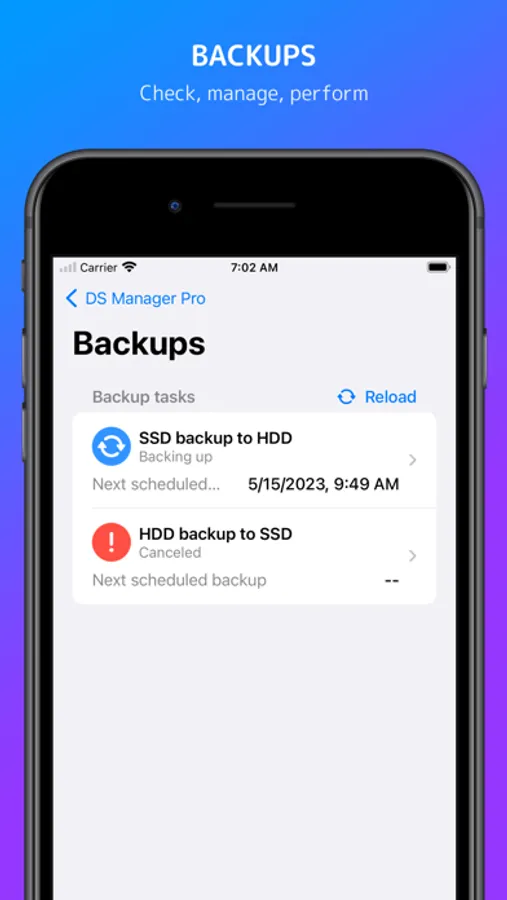
Backups:
* View all backup tasks with status and details
* Browse backup versions
* Start or stop individual backup tasks
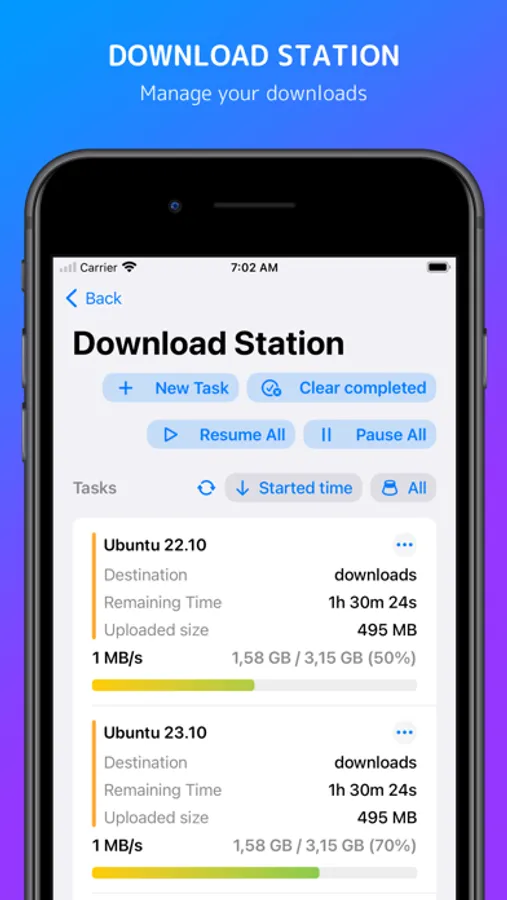
Downloads:
* Manage all download tasks in one place
* Create and edit download jobs
* Filter by task state (running, finished, paused)
* Pause, resume, or delete downloads
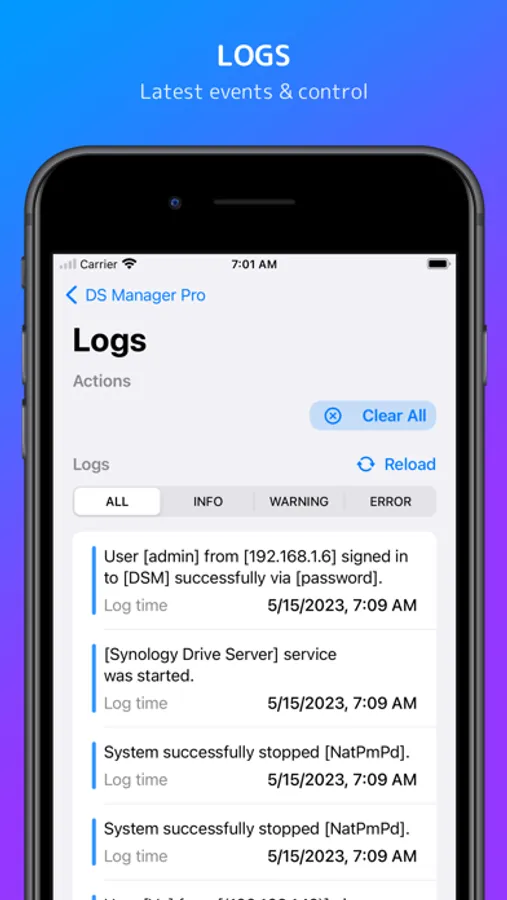
Logs:
* Browse the latest logs with color-coded severity
* Filter by log level (warnings, errors, etc.)
* Clear all logs in one tap
* Copy log messages to clipboard
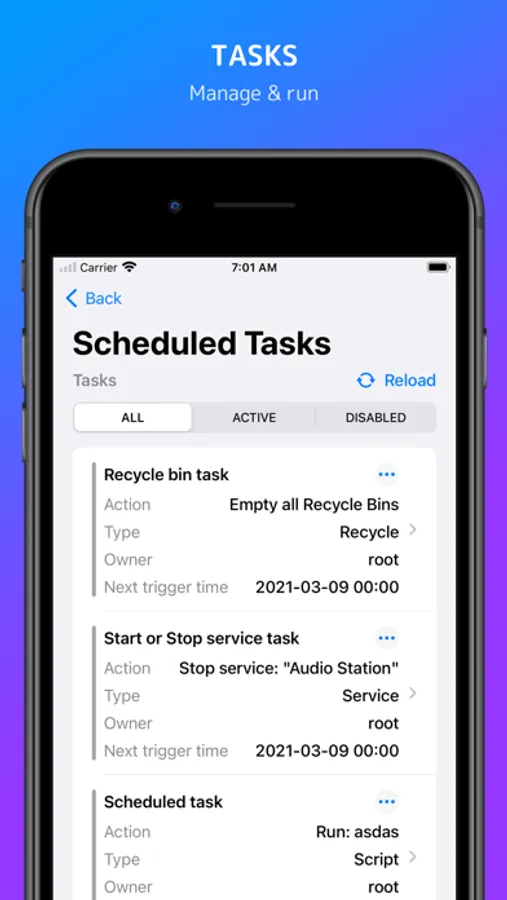
Tasks:
* View all tasks and events
* Filter by status (enabled, disabled)
* Check “Run results” for selected tasks
* Perform actions: enable, disable, run, delete
Users & Groups:
* Manage users and groups
* Create, enable, disable, or delete accounts
* Adjust group memberships
** Functionality and available modules may vary based on your NAS.
Supported systems:
* Synology DSM 6.0 and above
* Qnap QTS 5.0 and above
* TrueNAS 24 and 25.
--
Terms of Use: https://ezv-software.com/nas-pro/terms/
Privacy Policy: https://ezv-software.com/nas-pro/privacy/
NAS Pro Screenshots
Tap to Rate:
Reviews for NAS Pro
MikTis
Amazing app
Great app! Love it. It makes my life easier with my Synology NAS. One question here. I see that you guys added TrueNAS support. Is there any plans to add OpenMediaVault NAS support? It would be absolutely killer feature and Im sure it will bring you more users. Please please consider!
Jnaysh
Good UI/UX; needs header support
I lock down my TrueNAS server using Cloudflare’s application access system, as a form of 2FA. This app is great for getting information about your NAS at a glance, but I’ll need to be able to access it remotely using Cloudflare’s headers in order to consider it as a daily driver