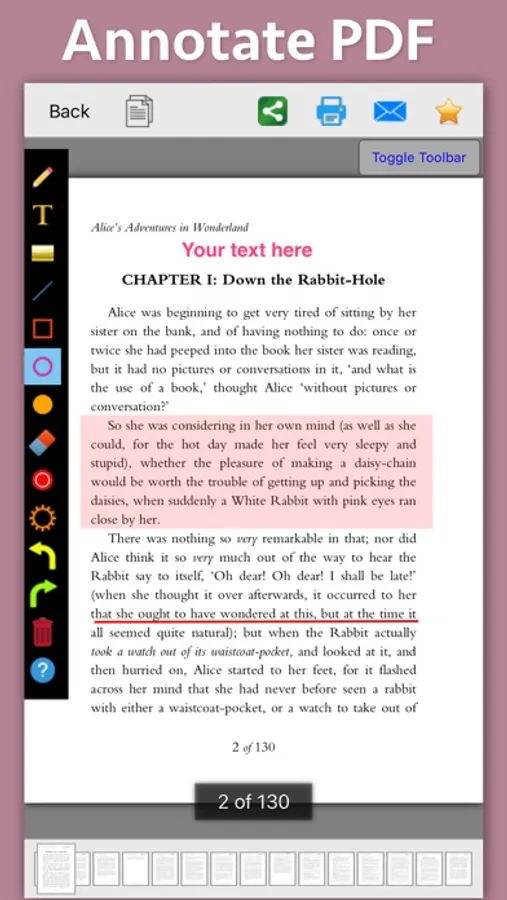
In this PDF annotation app, you can add text, highlight, underline, and draw shapes to PDFs, customizing fonts, colors, and transparency levels. Includes tools for text editing, highlighting, and shape drawing for document review and note-taking.
AppRecs review analysis
AppRecs rating 4.9. Trustworthiness 80 out of 100. Review manipulation risk 37 out of 100. Based on a review sample analyzed.
★★★★☆
4.9
AppRecs Rating
Ratings breakdown
5 star
80%
4 star
10%
3 star
0%
2 star
0%
1 star
10%
What to know
✓
Credible reviews
80% trustworthiness score from analyzed reviews
✓
High user satisfaction
80% of sampled ratings are 5 stars
About PDF Markup & Annotation Maker
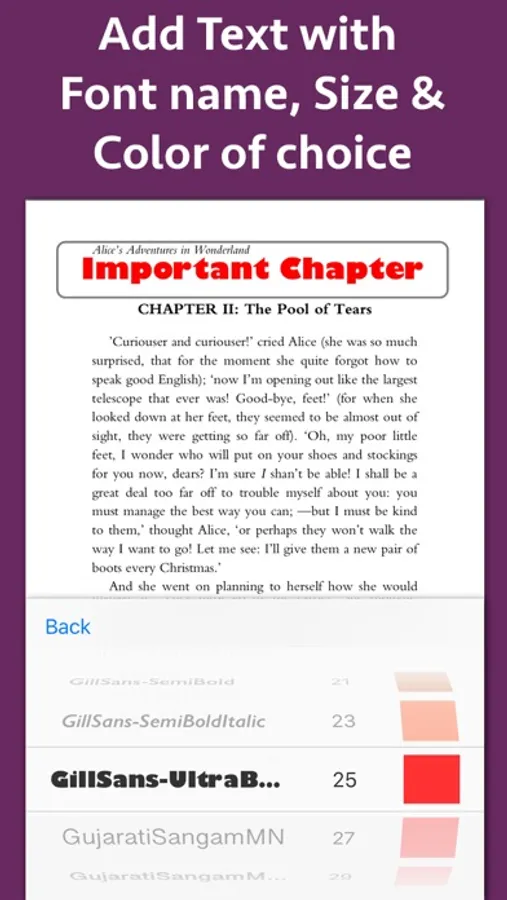
Using these features you could highlight important lines in a PDF.You could also write text on pages of the PDF.For example : you could write "Important" on the important pages of the PDF.
This could be very helpful in making notes, preparing documentation or for making presentation. Annotated PDF files are easier to understand and help to focus on important points, images and topics.
Below are some additional usage :
-- Getting feedback on a document that is sent for review. The reviewer could highlight the areas, or write text at the places that need correction or improvements.
-- Holding a meeting or discussion on a PDF Document with several users and adding highlights, writing text & drawing shapes using pen tool like arrows, checkmark and cross marks wherever the document needs changes or where it needs more discussions.
-- Adding your own notes makes it much easier to find the document later and to remember why it is important or which pages & topics are important.
-- Approving documents with text and commenting on the PDF.
-- Highlighting the important paragraphs in the study materials.
-- Adding references or points on the PDF pages by writing text on the PDF.
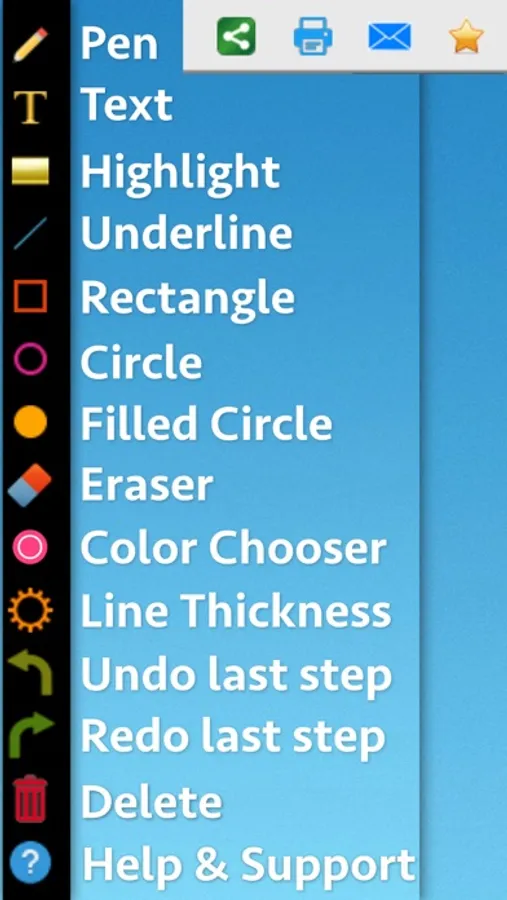
Using the application you could do below operations :
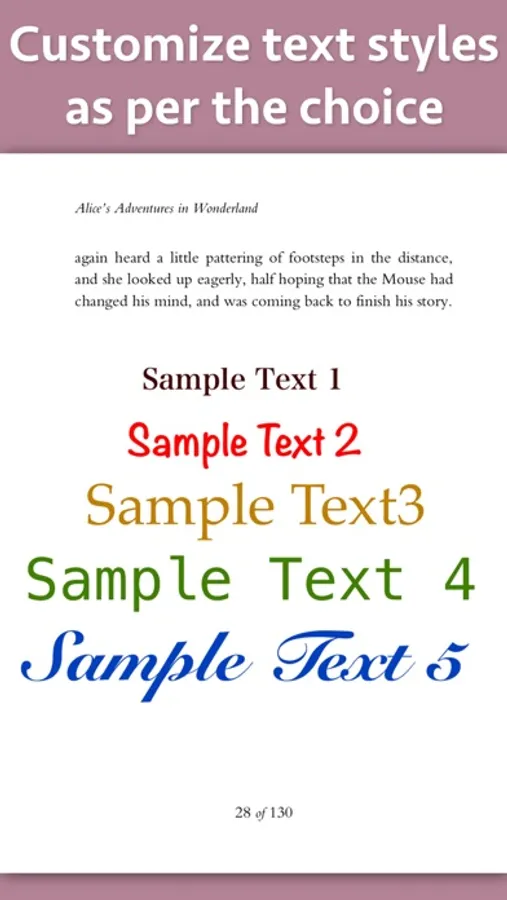
a) Write Text on PDF : Using the application the Text could be written anywhere on the pages.After the text is written, you could perform various customisations as shown below :
-- Change Font of the text
-- Change the Text Size
-- Change the the text color
-- Resize or change the location of the text as per the requirements.
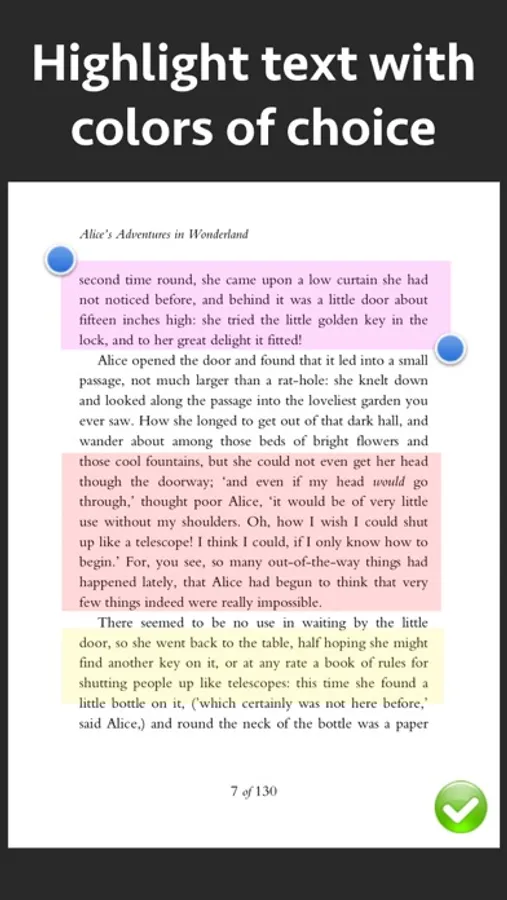
b) Highlight Text in PDF : Using the highlight tool, the text could be highlighted. The highlighting colors could be changed to any color of your choice.Once the Text is highlighted, you could also resize or reposition the highlighted part as per the requirements.
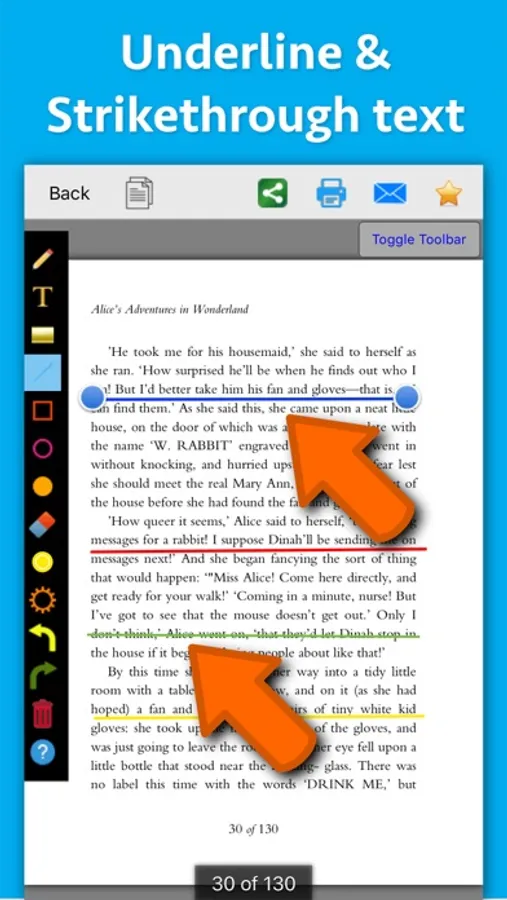
c) Underline Text - Underline the text using the line tool.The underline color could be changed as per the requirements. The line tool could also be used to draw lines and shapes.
d) Strikethrough Text - Strikethrough the text.The strikethrough color could be changed as per the requirements.This could be also be done using the line tool.
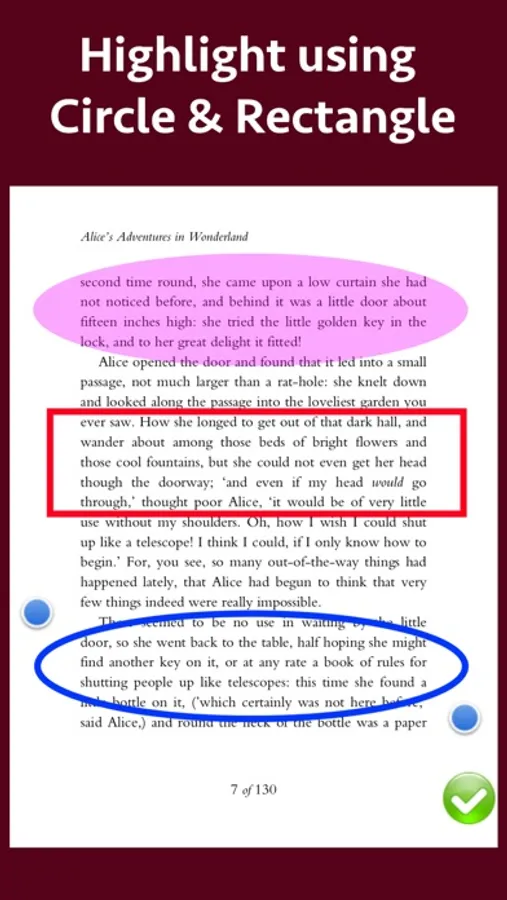
e) Draw Circle - Draw a circle using the circle tool. It also supports various customisations as below :
-- Change the thickness of the border from settings.
-- Change its border color.
-- Draw circle which is filled with the color of choice.
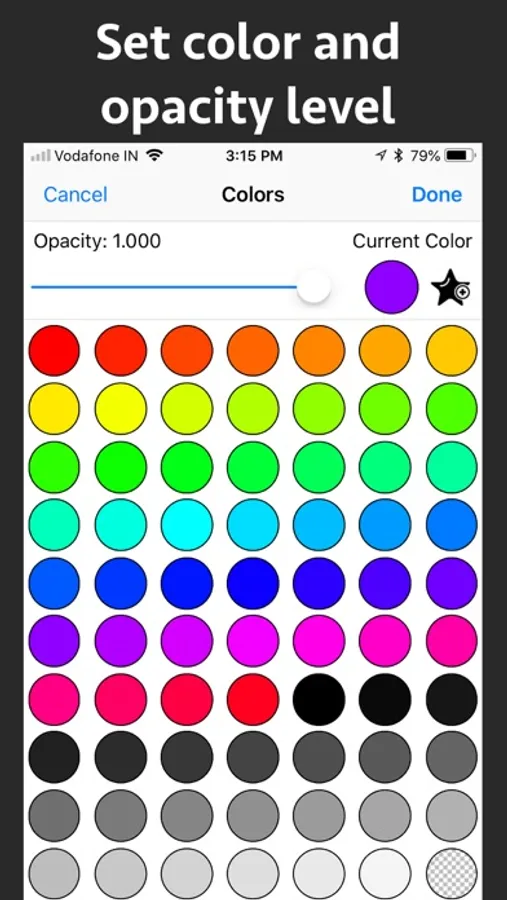
-- Set transparency/opacity of the colors. (from Color settings)
f) Draw a Square or Rectangle - A square or rectangle could also be drawn on the PDF. Just like the Circle the below operations could be performed :
-- Change the thickness of the border from settings.
-- Change its border color.
-- Draw a rectangle or square which is filled with the color of choice.
-- Set transparency/opacity of the colors. (from Color settings)
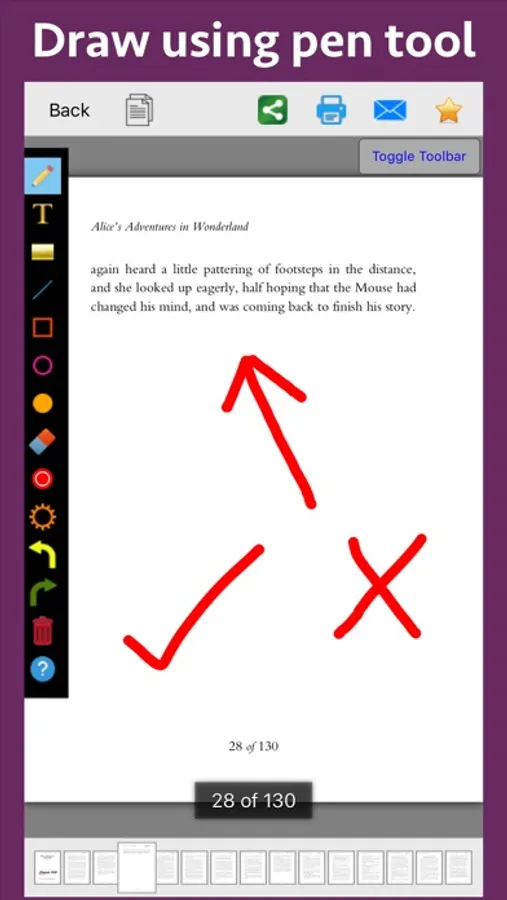
g) Draw any shape using the Pen tool : using the pen tool any custom shapes could be drawn. For example : shapes like arrow, checkmark,cross mark and etc could be drawn using the Pen tool.
h) Erase using the eraser tool - Use the eraser tool to erase the unwanted annotations.
i) Undo and Redo support : Make the editing task easier by performing Undo or Redo operations.
j) Delete tool : Delete the contents of the current page using the delete tool.
PDF Markup & Annotation Maker Screenshots
Tap to Rate:
Reviews for PDF Markup & Annotation Maker
benzikii
It’s all good except…
The unbelievably loud reset button I’ve reviewed you before about this, please change that…💯
James_Johnson32
Works for me.
I downloaded this app to add a few more details to the pdf files that I read. It does work well. As a side note I also used it get some coloring pdf books colored by my children. They learned using the app in a few attempts and colored a few drawings of animals that I had with me in pdf format. You could also download such coloring pdf books from internet. Thank you. I will see and download more applications from this developer.