AppRecs review analysis
AppRecs rating 1.7. Trustworthiness 45 out of 100. Review manipulation risk 24 out of 100. Based on a review sample analyzed.
★☆☆☆☆
1.7
AppRecs Rating
Ratings breakdown
5 star
0%
4 star
17%
3 star
0%
2 star
17%
1 star
67%
What to know
⚠
Mixed user feedback
Average 1.7★ rating suggests room for improvement
About RSE REMOTE
[Feature]
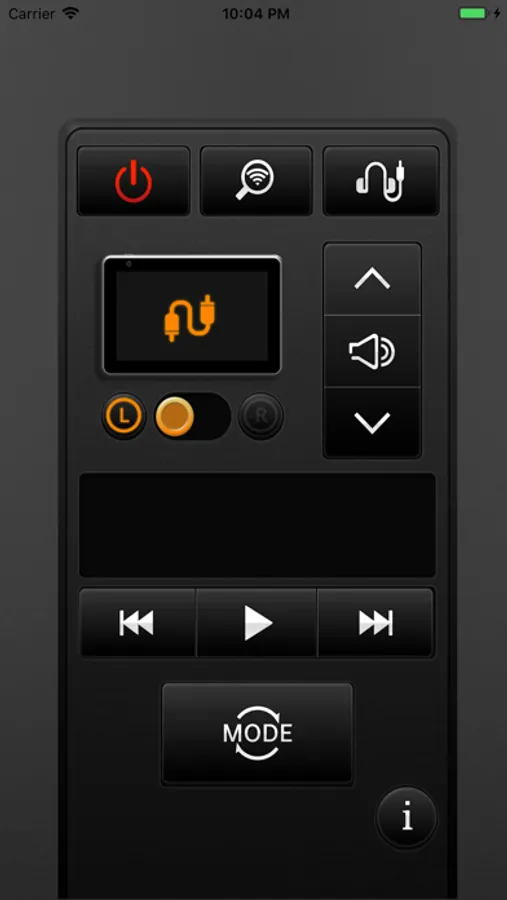
The RSE remote app allows you to remotely control RSE using your smartphone.
Use the RSE remote app to connect your smartphone to RSE and control various contents of USB and DVD, and control audio with ease in the front passenger seat.
Functions of the RSE remote app
1.Power control of the RSE
2.Audio control of the RSE
3.DVD player control of the RSE
4.USB media player control of the RSE
5.HDMI control of the RSE
6.AV-In control of the RSE
7. Stream Media(option) control of the RSE
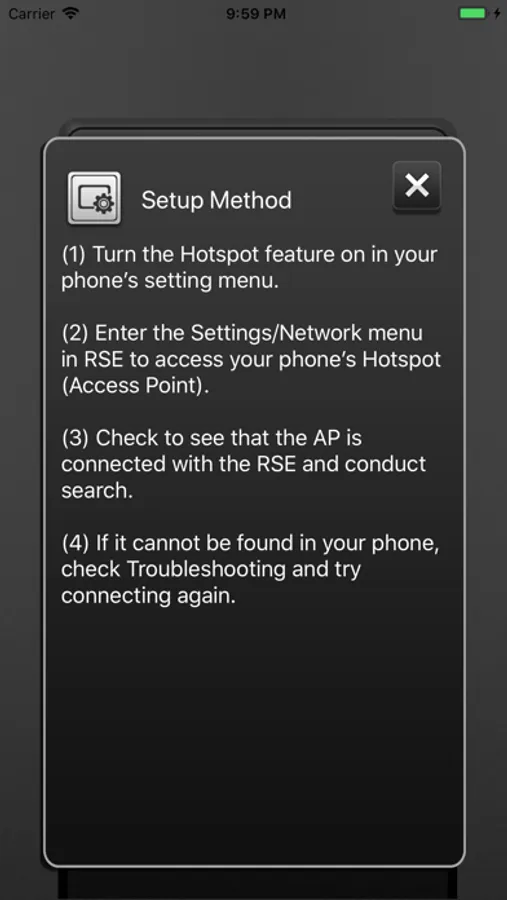
Setup Method of the RSE remote app
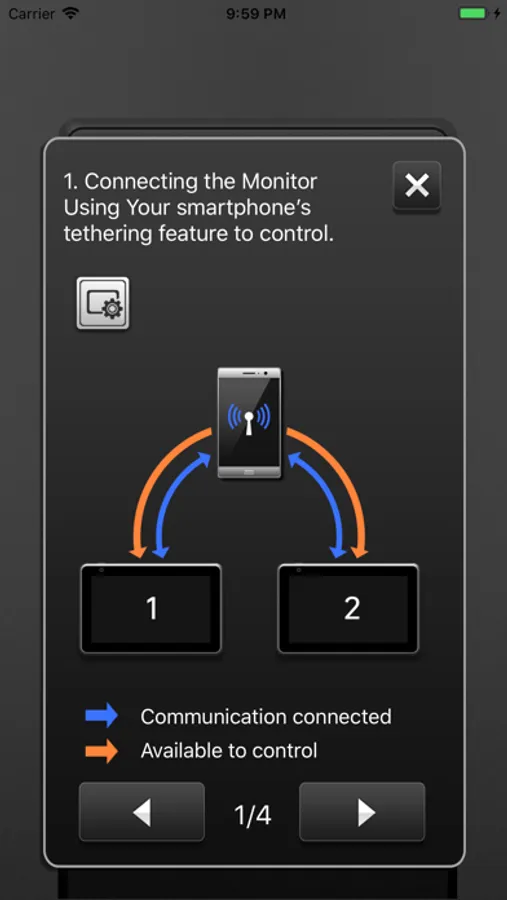
You can control the RSE by connecting the RSE and your mobile phone using Hotspot or Wi-Fi.
1. Turn on your phone's Hotspot.
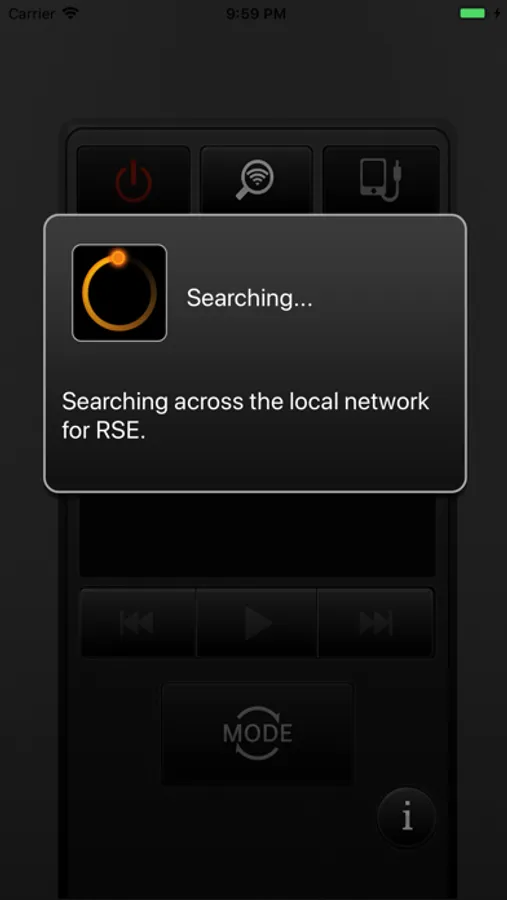
2. After connecting the RSE with your mobile phone Hotspot, select the search function from among your mobile applications.
3. When the seat setting is displayed in the RSE (very first time), select the L / R according to the seat position and press the search button again on your mobile phone.
4. Connectable devices change to a white L / R button and the connected device is displayed in orange.
The RSE remote app allows you to remotely control RSE using your smartphone.
Use the RSE remote app to connect your smartphone to RSE and control various contents of USB and DVD, and control audio with ease in the front passenger seat.
Functions of the RSE remote app
1.Power control of the RSE
2.Audio control of the RSE
3.DVD player control of the RSE
4.USB media player control of the RSE
5.HDMI control of the RSE
6.AV-In control of the RSE
7. Stream Media(option) control of the RSE
Setup Method of the RSE remote app
You can control the RSE by connecting the RSE and your mobile phone using Hotspot or Wi-Fi.
1. Turn on your phone's Hotspot.
2. After connecting the RSE with your mobile phone Hotspot, select the search function from among your mobile applications.
3. When the seat setting is displayed in the RSE (very first time), select the L / R according to the seat position and press the search button again on your mobile phone.
4. Connectable devices change to a white L / R button and the connected device is displayed in orange.
RSE REMOTE Screenshots
Tap to Rate:
Reviews for RSE REMOTE
Chris Poppy
Never Worked
App has never ever worked. Should be removed from app store.
12tree
Doesn’t work
Crashes when trying to open!!