In this word puzzle app, you can use an anagram solver, pattern search, and word builder to find and create words. Includes offline access, updated dictionaries, and multiple search modes.
AppRecs review analysis
AppRecs rating 4.6. Trustworthiness 79 out of 100. Review manipulation risk 21 out of 100. Based on a review sample analyzed.
★★★★☆
4.6
AppRecs Rating
Ratings breakdown
5 star
77%
4 star
15%
3 star
3%
2 star
2%
1 star
3%
What to know
✓
Low review manipulation risk
21% review manipulation risk
✓
Credible reviews
79% trustworthiness score from analyzed reviews
✓
High user satisfaction
77% of sampled ratings are 5 stars
About Word Expert: Crossword cheats
Tired of struggling with tricky tiles or blank spaces? Word Expert is your secret weapon. Quickly find anagrams, build words from patterns, discover two and three-letter words, master Q without U scenarios, and even craft devastating Bingo formulas. Our advanced search modes cover every angle:
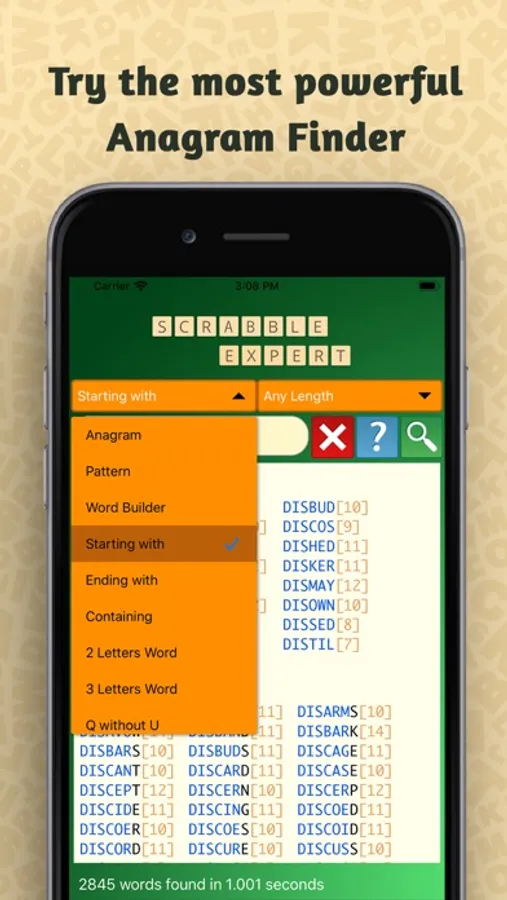
- Anagram Solver: Unscramble any set of letters to find all possible words.
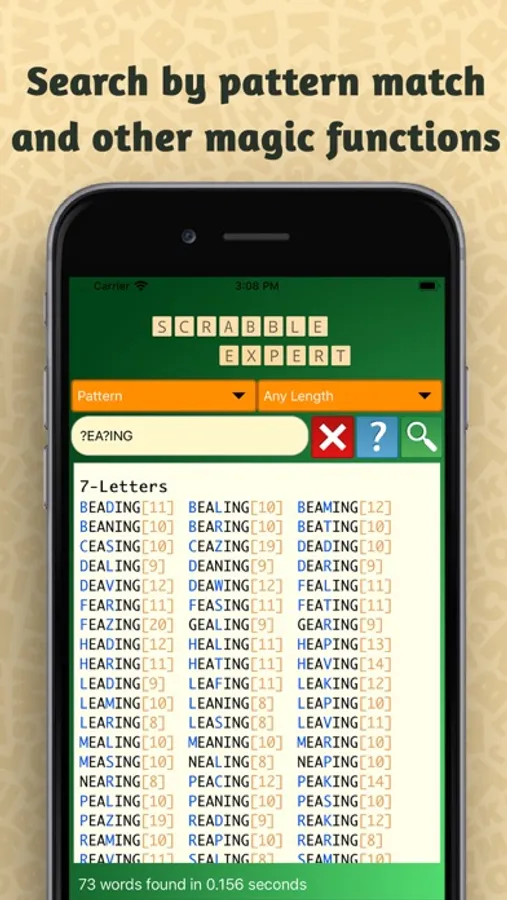
- Pattern Search: Find words that start, end, or contain specific letters.
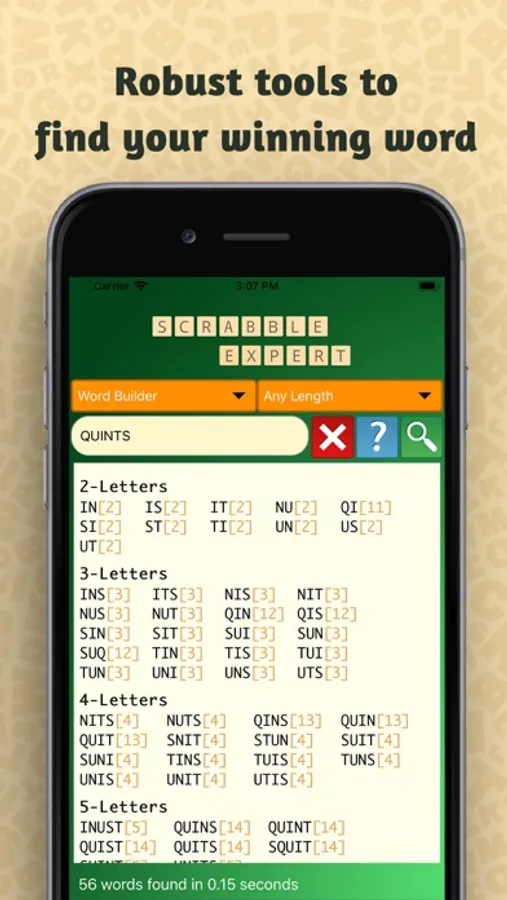
- Word Builder: Construct words using tiles on your rack and the board.
- 2 & 3 Letter Words: Maximize your scoring opportunities with short, powerful words.
- Q without U: Master this challenging Scrabble staple.
- Bingo Formula: Uncover those high-scoring plays that clear your rack.
- Vowel-Heavy/No-Vowel Words: Strategically balance your tile usage.
- Wildcard Search: Use blank tiles strategically to unlock game-changing words.
Word Expert boasts an intuitive interface, displaying hundreds of words per page to minimize scrolling and keep you focused on the game. No internet connection? No problem! Our offline functionality ensures you can access the power of Word Expert anytime, anywhere.
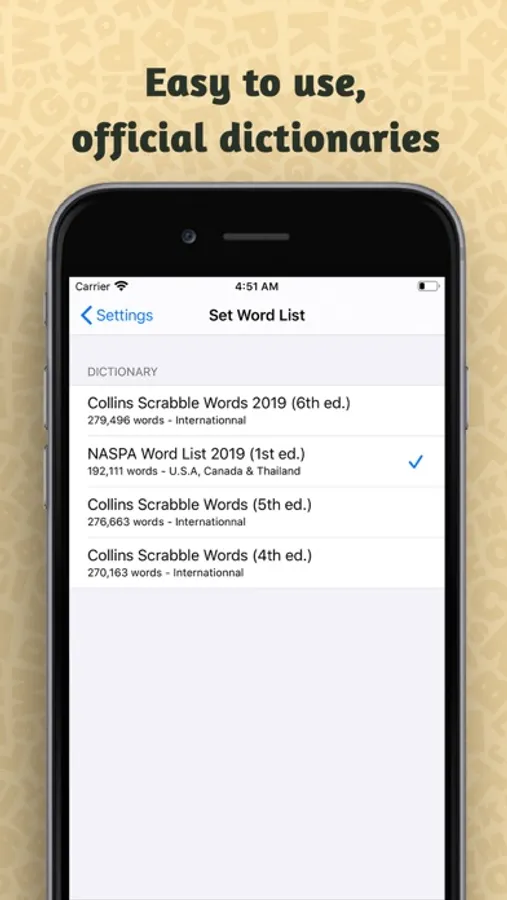
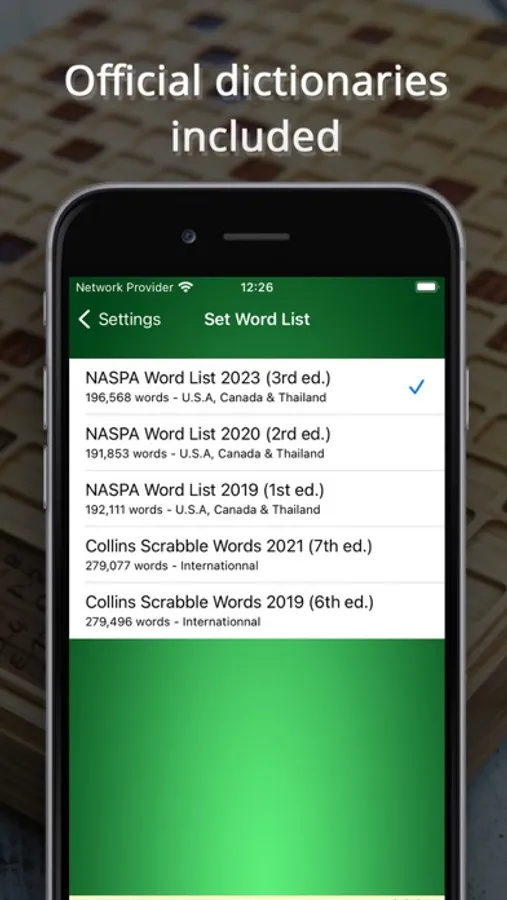
Stay Ahead of the Game with Up-to-Date Dictionaries:
- NASPA 2023 (NWL), Official Word List dictionnary for USA, Canada and Thailand.
- CSW24 (International)
- Support for older dictionaries (CSW19, NASPA 2020) is also included.
Key Features at a Glance:
- Lightning-fast search.
- Multiple search modes to cover every word game scenario.
- Offline functionality - no internet required.
- Hundreds of words displayed per page.
- Wildcard search for strategic play.
- Up-to-date dictionaries, including NASPA 2023 and CSW24.
Dominate these Word Games and More:
- Scrabble
- Words With Friends
- Wordle
- Wordscapes
- Word Chums
- Wordfeud
- And many more!
If you like this app and if it help you to win on Scrabble, please rate and comment.
Your feedback and suggestions are welcome.
Please do not use this app to cheat on Scrabble :-)
"Word Expert" is not affiliate with the registered brand Scrabble®
Terms of Use: https://word-expert.ovh/word-expert-terms-of-use.html
Privacy Policy : https://word-expert.ovh/privacy-policy.html
Word Expert: Crossword cheats Screenshots
Tap to Rate:
Reviews for Word Expert: Crossword cheats
CardKounter
No Training Capability
There is no training module. This is basically word lists and cheating tools. I want a random rack generator with bingo possibilities available. I plug in the ones I know. The app shows which others I missed and ideally would quiz me on combinations where I’m weak. Give us a dynamic training tool.
tom_streeter
Great app, cosmetic flaw
The app works very well. It’s easy to use and the number of sources is impressive. I think it’s priced exactly right, though if it had been $1 (US) more I’d have been fine with it. Outstanding value, in short. I DO have a niggle — a very, very minor friction point that’s entirely cosmetic. iOS has a myriad number of possible resolutions, and on iPadOS there’s Stage Manager. The multi-select (“drop down”) menus are not responsive to the viewport size and if you’re looking at the app narrowed down to share the screen, you can’t read the left menu at all. It’s full width and there’s no reason for it to be. None of the labels are that long. If the two menus were center-justified and set to be only as long as the longest label, it’s extremely unlikely that the labels would be pushed off the left side of the screen. This only happens when trying to run the app in something less than full screen. Full screen functionality is flawless, and no one should mistake my wordiness about the issue being any indication of how “serious” this issue is. It’s small. It’d be great if it could be corrected at some point. My satisfaction and use of the app will not drop if it’s not.