In this screen recording app, you can capture your device's screen and add commentary or audio to create tutorials, demos, or training videos. Includes video editing features like cropping, filters, and adjustments, along with sharing options to social media and other devices.
AppRecs review analysis
AppRecs rating 1.9. Trustworthiness 75 out of 100. Review manipulation risk 25 out of 100. Based on a review sample analyzed.
★☆☆☆☆
1.9
AppRecs Rating
Ratings breakdown
5 star
17%
4 star
6%
3 star
3%
2 star
8%
1 star
65%
What to know
✓
Low review manipulation risk
25% review manipulation risk
⚠
Mixed user feedback
Average 2.0★ rating suggests room for improvement
⚠
High negative review ratio
74% of sampled ratings are 1–2 stars
About Full Screen Video Recorder
Full Screen Video Recorder : Screen Capture allows you to edit your recorded video and make some interesting filters and more.
RECORD
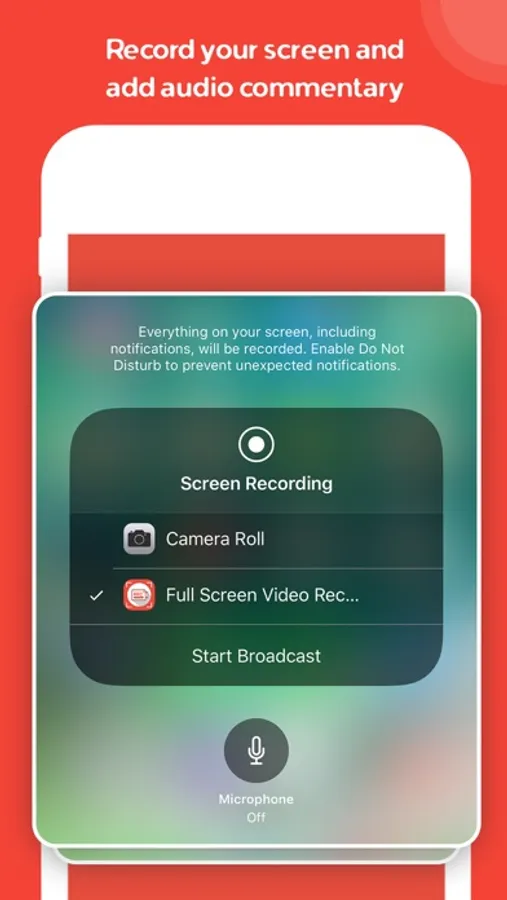
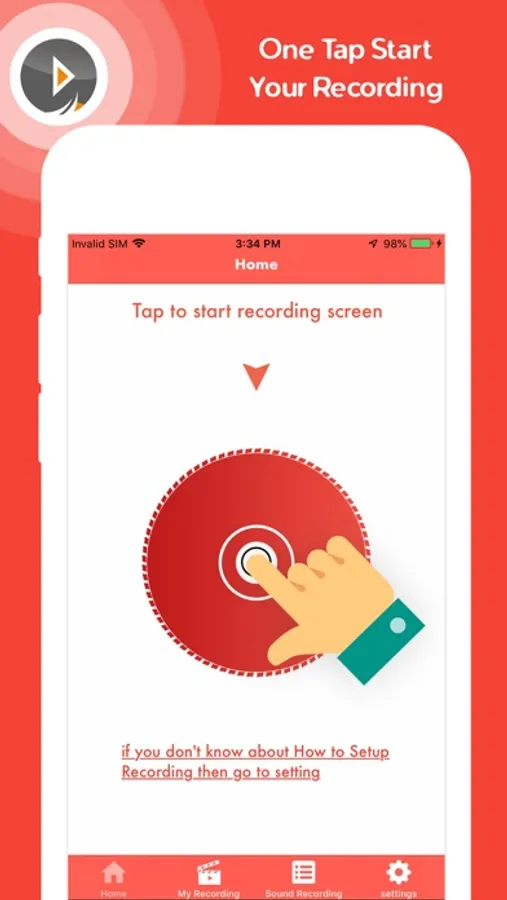
- One tap to start recording your entire screen (requires iOS 12).
- Record everything: games, video tutorials, apps.
- User can add Commentary on recorded video and share to directly to the social media.
- Power-full Sound recorder for record a audio file and share directly to the social media.
VIDEO EDITOR
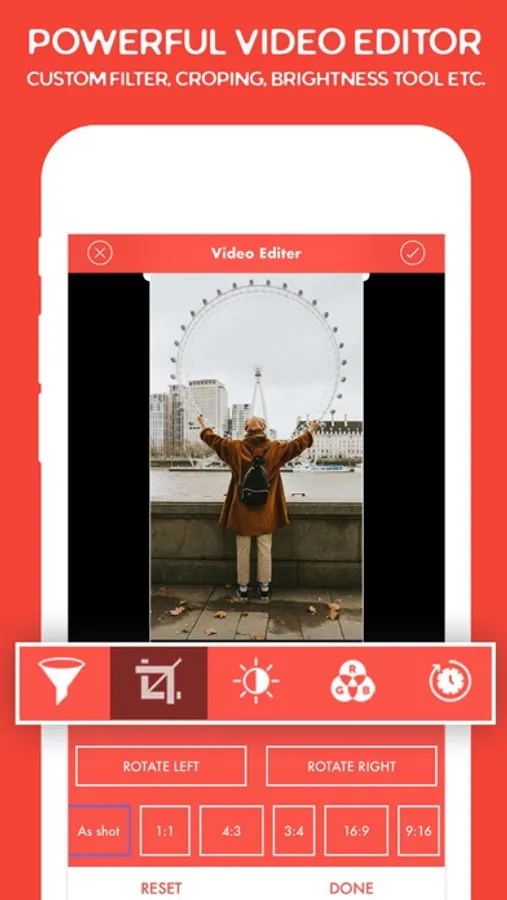
- Video filters & custom filters creation.
- Crop your video.
- Adjustable brightness & contrast & sharp tool etc.
- Change RGB colour with recorded video.
- Rotate
- Stored video editor activity.
STORAGE
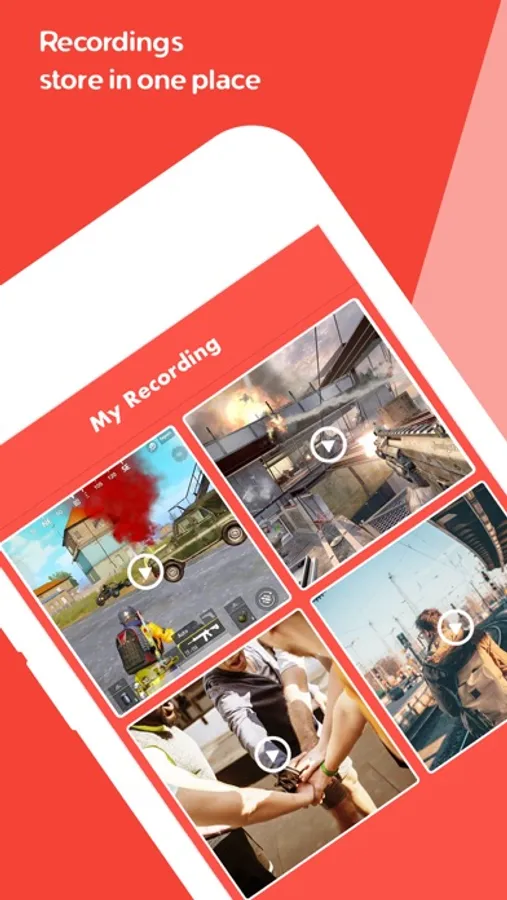
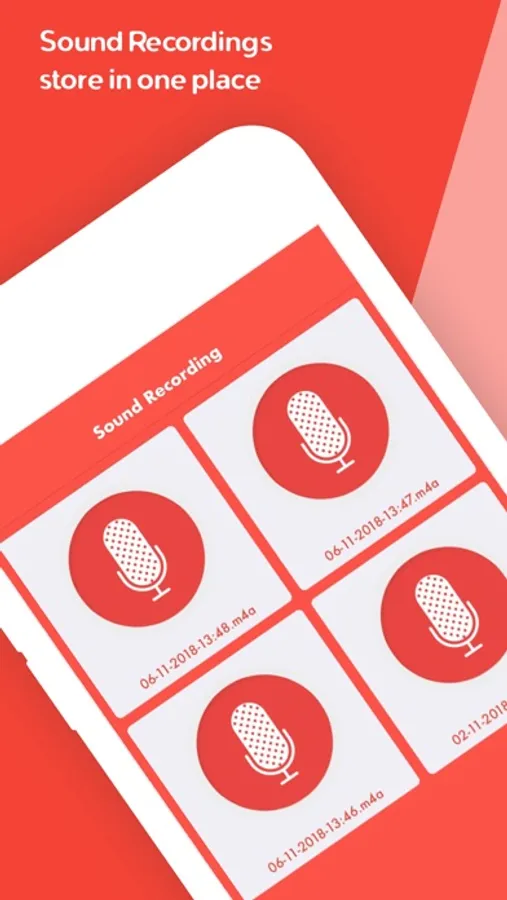
- Stored your recordings in one simple application with easy access.
SHARE
- Save directly to camera roll
- Share and export your recordings to other apps, via email or AirDrop.
- You can also export your recording to your computer via WiFi or any other app for more specialised video editing.
Full Screen Video Recorder Screenshots
Tap to Rate:
Reviews for Full Screen Video Recorder
ñepal
Good but it has so problems.
This screen recorder is pretty good with making videos for social media platforms! But it has its downs, it doesn’t work when I go to my grandmas but when I’m at another location it works, I was really confused on why this would happen. Next, the sound doesn’t go perfectly as it’s supposed to, so I had to edit it to make it go with the sound perfectly. But excluding the cons, it is a good app with potential !
Johana D. Charles
This app is the worst
I finally got a app that could record my screen to make YouTube videos all since I was four years old I used my brothers phone to make videos and I hate that so I looked in the apple store to find a new way to make videos and then I saw this app and then I gave it a shot it was good until I finished it the video was not in my gallery so I looked at the app and I saw it then I said how could l post the video if it was still in the app I was so angry that I could punch my phone and that is why I hate this app and wish it was not a app 👎